Day Trading Tool Tutorials
Practical tutorials and workflow guides for the AI tools, scanners, automation platforms, and trading systems day traders actually use — so you spend less time configuring and more time trading.
AI tools & ChatGPT workflows
Tested guides for using AI in your trading workflow — journal analysis, earnings research, trade review, and building prompts that produce useful output rather than generic answers.
Scanner & automation platforms
Deep dives into how specific tools actually work, what features matter, what they cost at each tier, and when the upgrade is genuinely worth it for your trading style.
Checklists & premarket systems
Premarket routines, custom dashboards, backtesting workflows, and the emergency protocols that keep your process running even when technology fails mid-session.
Featured
Featured Day Trading Tutorials
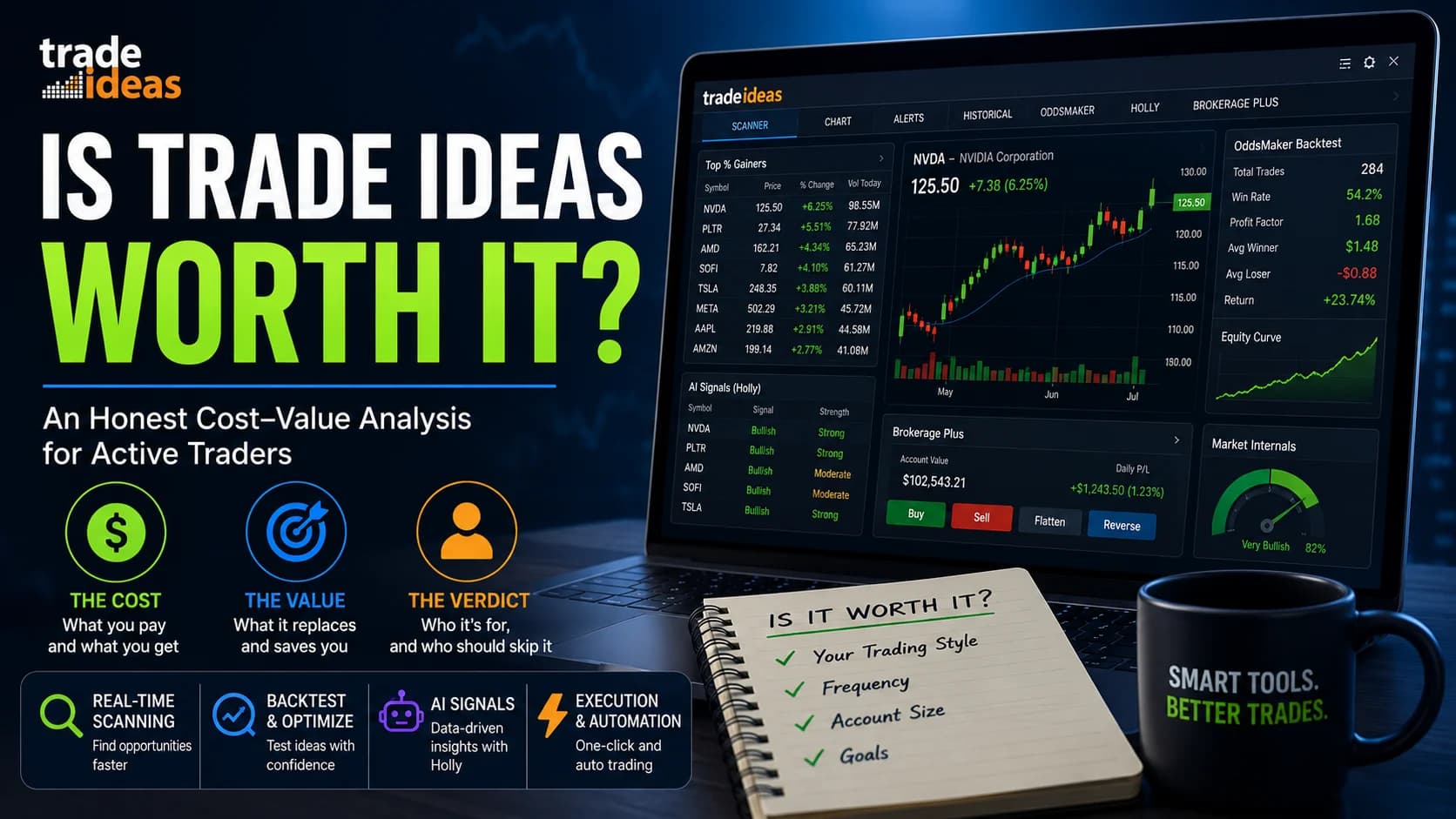
Trade Ideas Promo Code & Discount: How to Save Up to 51%
Learn how to cut Trade Ideas costs by up to 51% with smart billing, promo codes, and timing — save hundreds while keeping full AI trading power.
Free AI Tools for Day Trading: The Complete Guide (2026)
Discover the best free AI tools for day trading in 2026. From ChatGPT to StockAlpha.ai, we reveal what's truly free vs. freemium and build your zero-cost AI stack.
Free newsletter
Get new day trading tool tutorials guides
Join the free list for fresh guides, tool notes, and trading lessons from this hub. Built for practical reading, not hype.
Unsubscribe anytime.
Library
All Day Trading Tool Tutorials

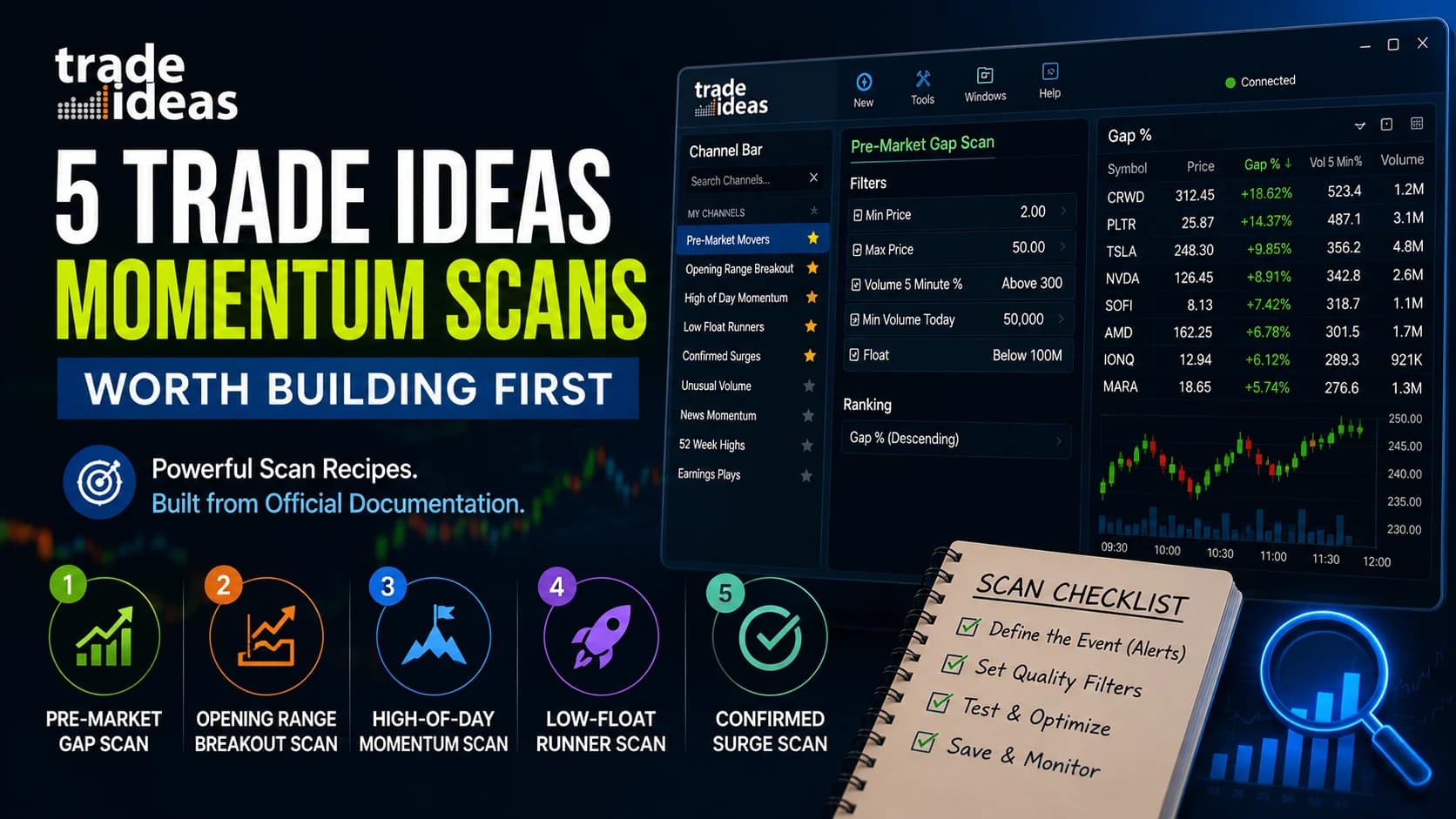
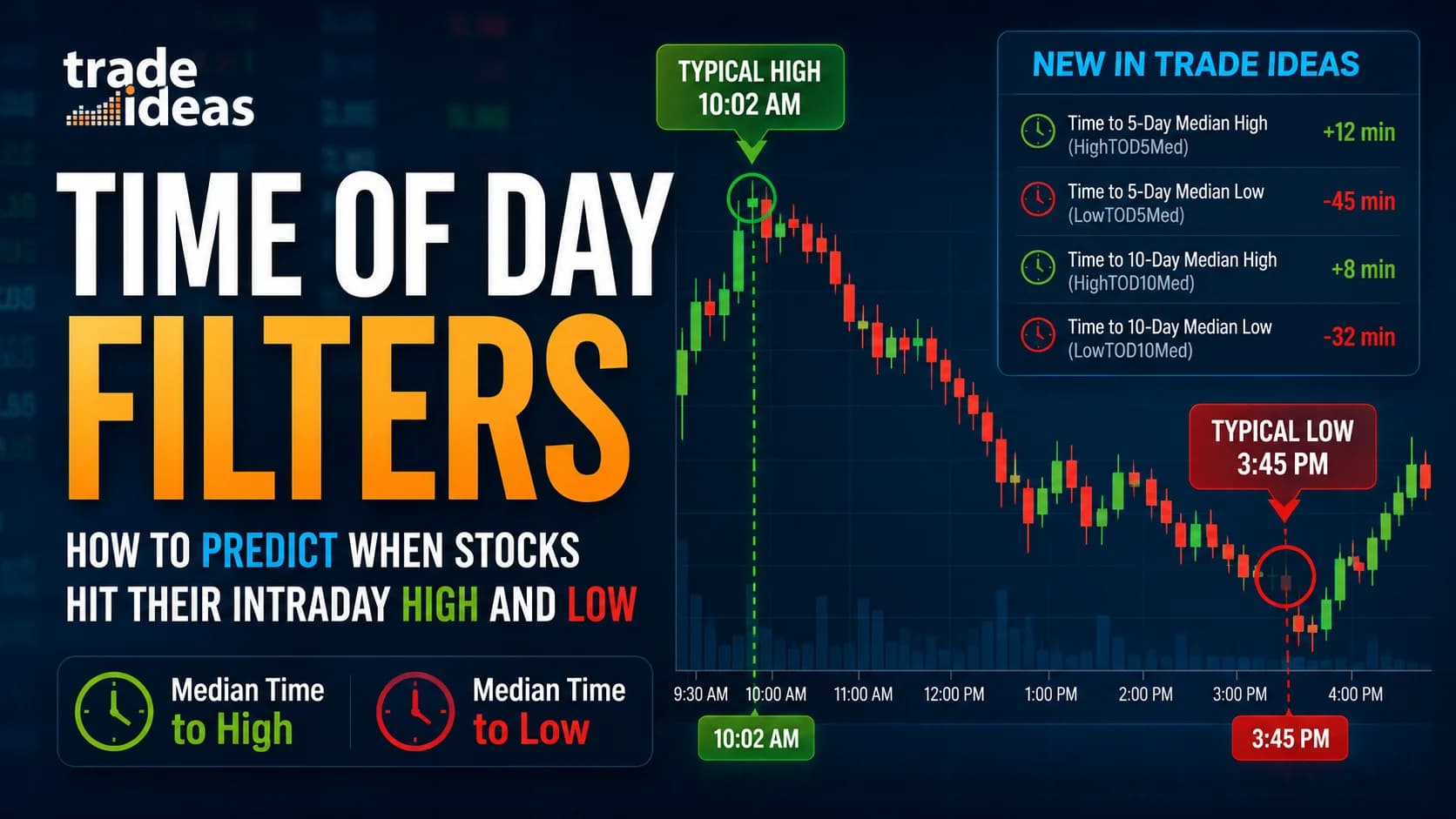
Trade Ideas Time of Day Filters: Predict Daily Highs & Lows
Trade Ideas' Median Time to High/Low filters show when a stock typically hits its daily high or low. Learn how all 4 filters work, how to set them up, and how to use them.

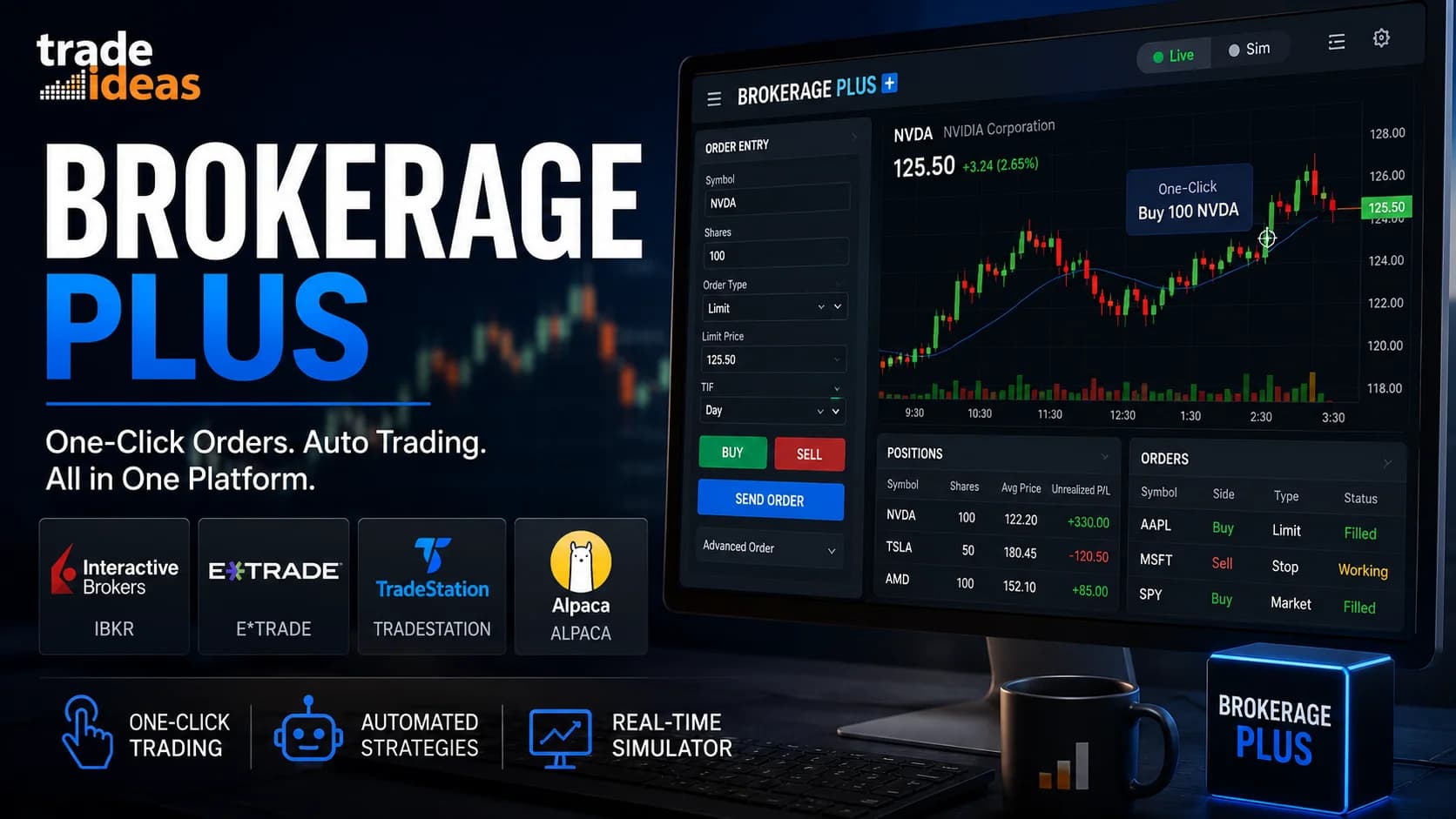
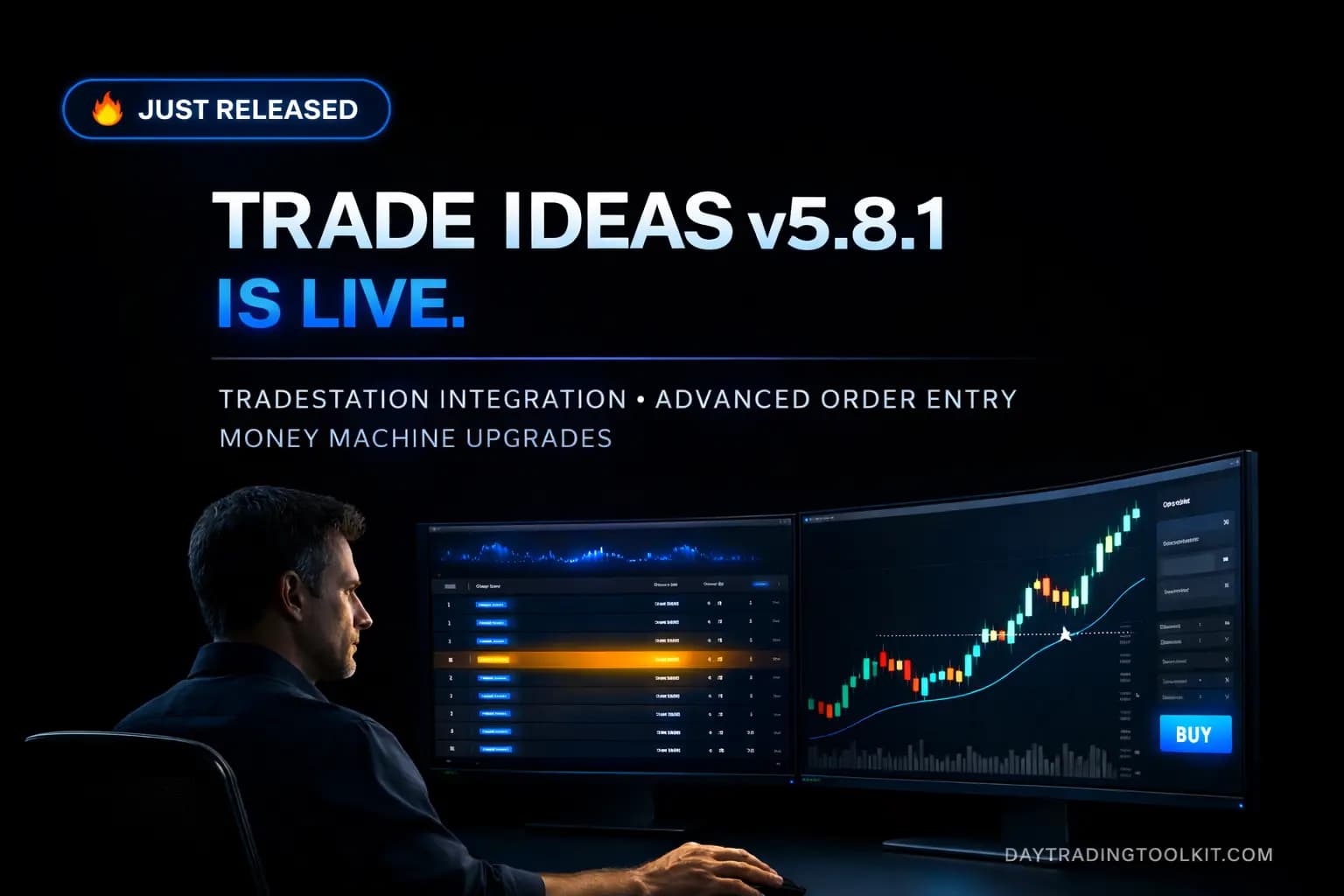
Trade Ideas v5.8.1 Is Live — And the "Just a Scanner" Argument Is Finally Dead
Trade Ideas v5.8.1 adds TradeStation broker integration, a new Advanced Order Entry Panel, and Money Machine upgrades. Full breakdown — plus a sale is coming.

Using AI to Analyze Your Trading Journal: A Practical Guide
Learn to analyze your trading journal with AI using our tested 5-step workflow. Prompts, data formatting, privacy tips, and honest limitations. Start now!

Using ChatGPT to Analyze Earnings Reports: A Day Trader's Workflow
Our 5-phase ChatGPT earnings analysis workflow helps day traders decode 10-Ks, earnings calls, and financial data faster. Tested prompts and verification steps inside.

How to Use ChatGPT for Day Trading: A Practical Guide
ChatGPT is genuinely useful for day trading — if you know what it can and can't do. Here are 7 practical use cases with tested prompts and a mandatory verification protocol.

The Best ChatGPT Prompts for Day Trading (Structured for Trading Research)
Get 25 copy-paste ChatGPT prompts tested by pro traders. Organized by use case with customization tips. Free prompts for research, analysis & journaling.
Trade Ideas Holly AI: How It Really Works (And What Nobody Tells You)
How does Trade Ideas' Holly AI work? An honest breakdown of the nightly simulation, the three Holly systems, signal mechanics, limits, and who it's for.

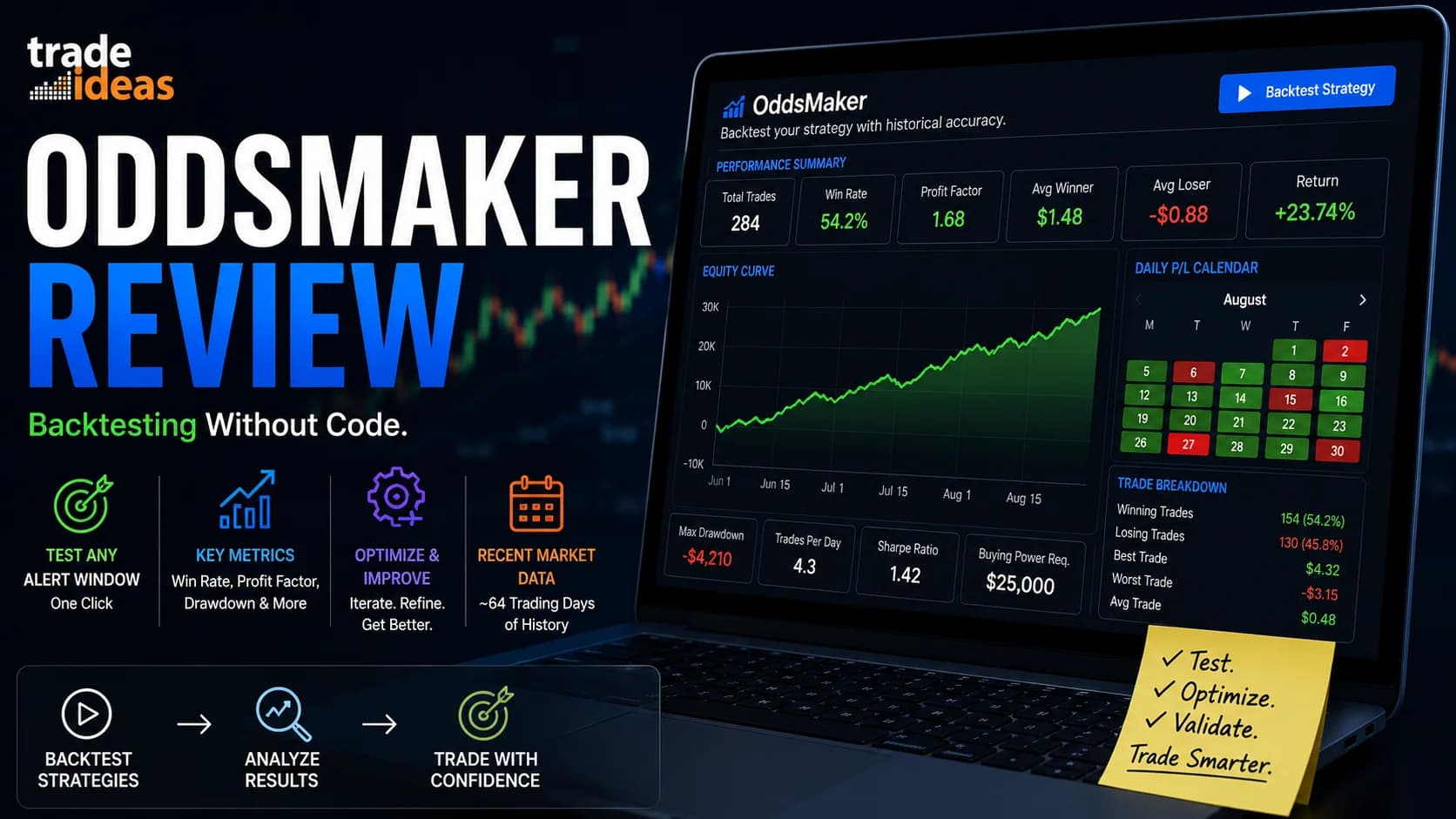
Backtesting Without Coding: Your Complete Guide to Validating Trading Strategies
Learn how to backtest trading strategies without coding using manual methods, spreadsheets, and no-code platforms. Validate your edge before risking real money.

Emergency Protocols: When Technology Fails While Trading
Master trading disaster recovery with backup internet, phone protocols, and emergency position management. Protect your capital when technology fails. Complete guide with checklist.

Day Trading Checklist: Templates and Pre-Market Routines That Actually Work
Master day trading with proven checklists, pre-market routines, and validation criteria. Get 3 free templates plus step-by-step setup guides. Start trading smarter today.

Building a Trading Network: Finding Mentors and Community
Learn proven strategies for building trading networks, finding legitimate mentors, and evaluating communities. Avoid scams with our expert framework and red flags guide.

Trade Ideas Chat Room: Free Live Trading Community & Educational Platform
Discover the #1 free Trade Ideas chat room. Learn live trading from expert Barrie Einarson, access scanner demos & join an active community. No fees ever.

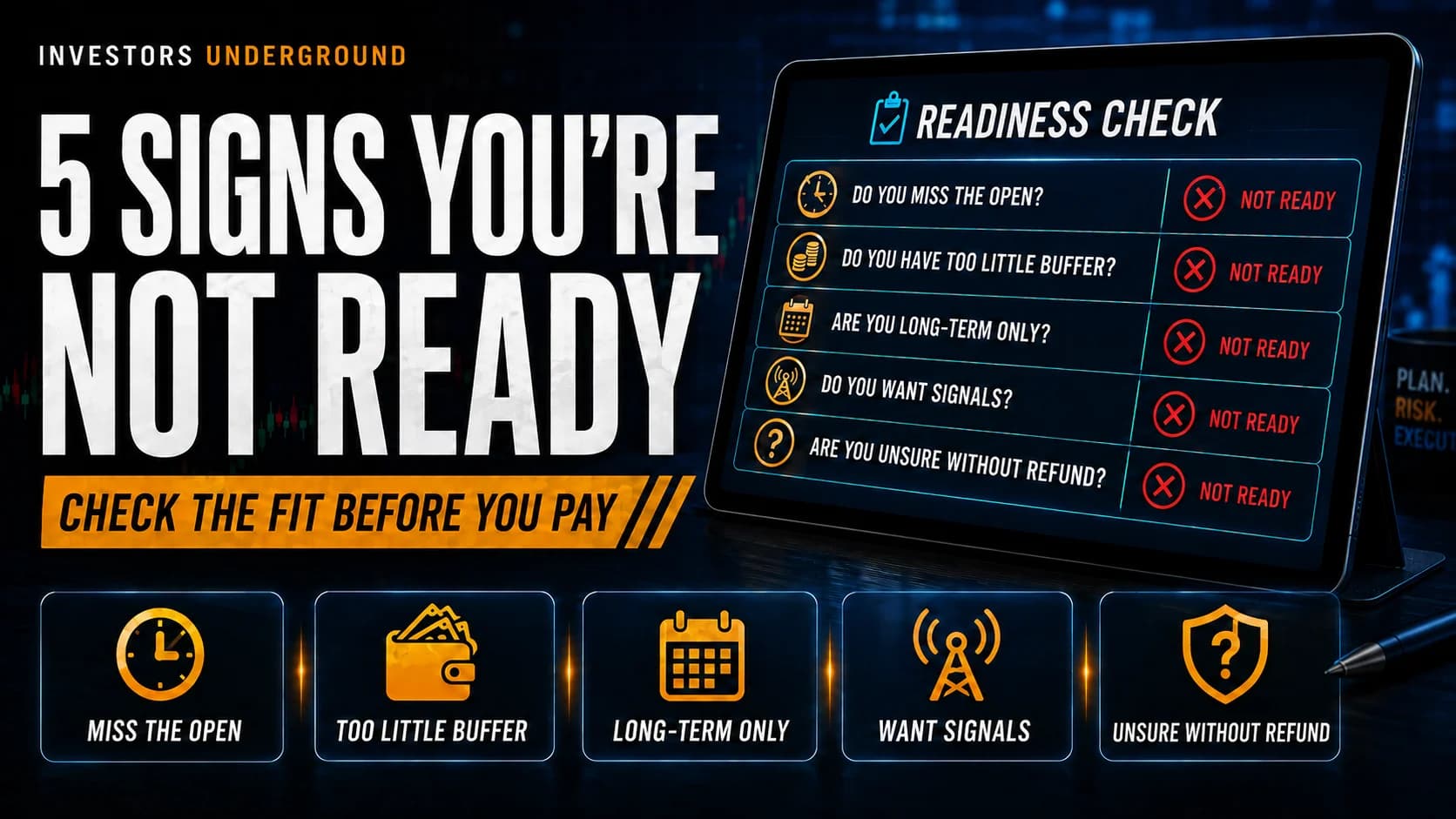
5 Signs You're NOT Ready for Trade Ideas (Save Your Money)
Is Trade Ideas worth it for your account? Learn the 5 critical signs you're not ready yet and save $2,136. Honest advice from traders who care about your success.

Building a Custom Trading Dashboard with Free Tools
Learn to build a professional trading dashboard using Google Sheets, TradingView, and free APIs. Complete guide with step-by-step setup for real-time tracking.

What is Broker API Trading? A Beginner's Guide
What is a broker API? Our simple, non-technical guide explains how trading APIs work, the best security practices, and how to connect your bot to a broker without coding.

How to Build a No-Code Trading Bot: The Ultimate Guide for 2025
Learn how to automate your trading strategy without any programming. Our guide explains how no-code trading bots work and reviews the top platforms for stocks and crypto.

How to Build a Trading Bot: The 7-Step Blueprint for Beginners
Our complete, step-by-step trading bot tutorial for beginners. Learn how to create a trading algorithm, choose your tools, backtest, and deploy your first bot safely.

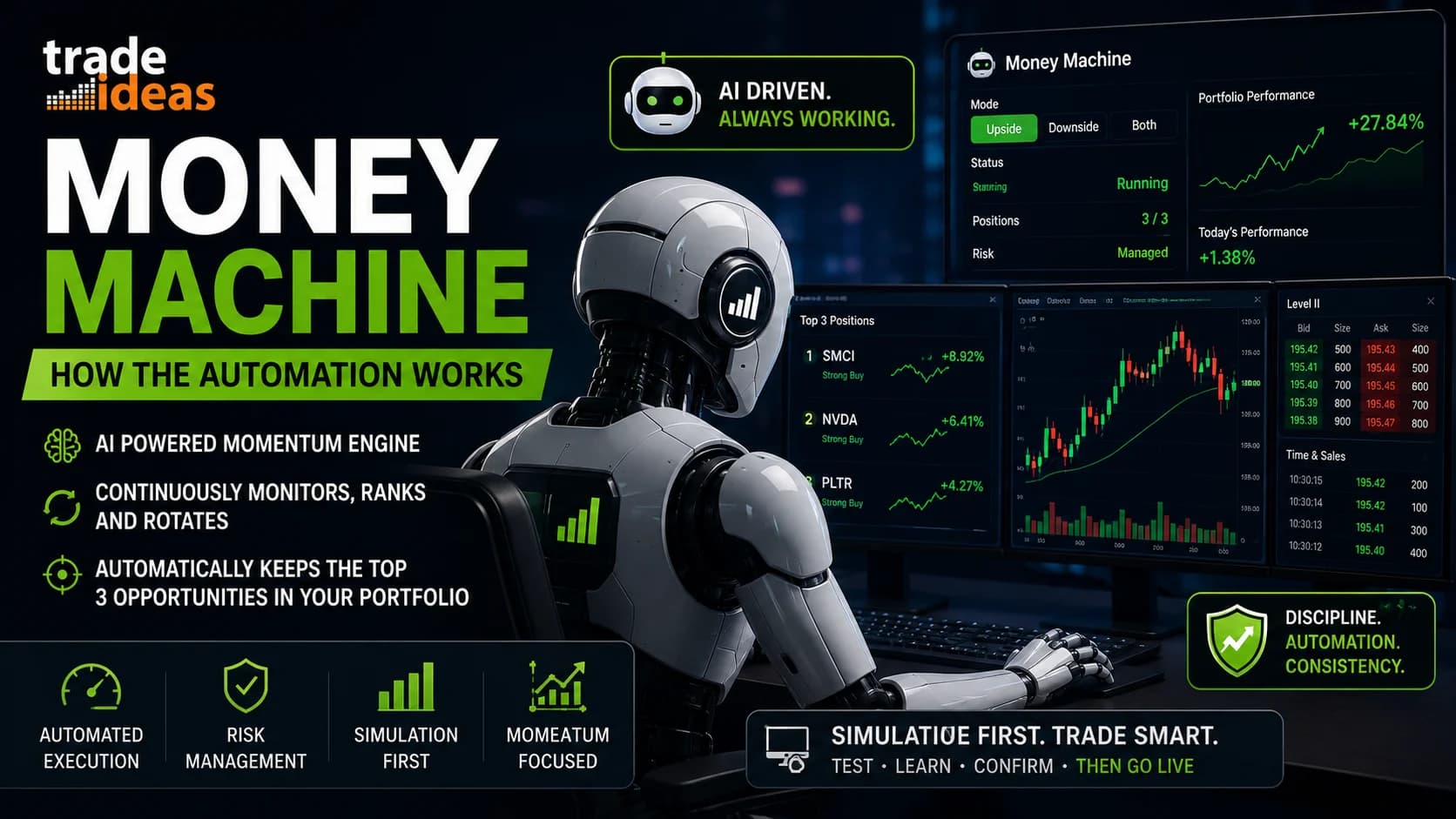
The Trade Ideas Money Machine: An Editorial First Look at "No-Code" Automated Trading
DayTradingToolkit's independent review of the Trade Ideas Money Machine. Discover how no-code automated trading really works. Is it right for you? Find out.

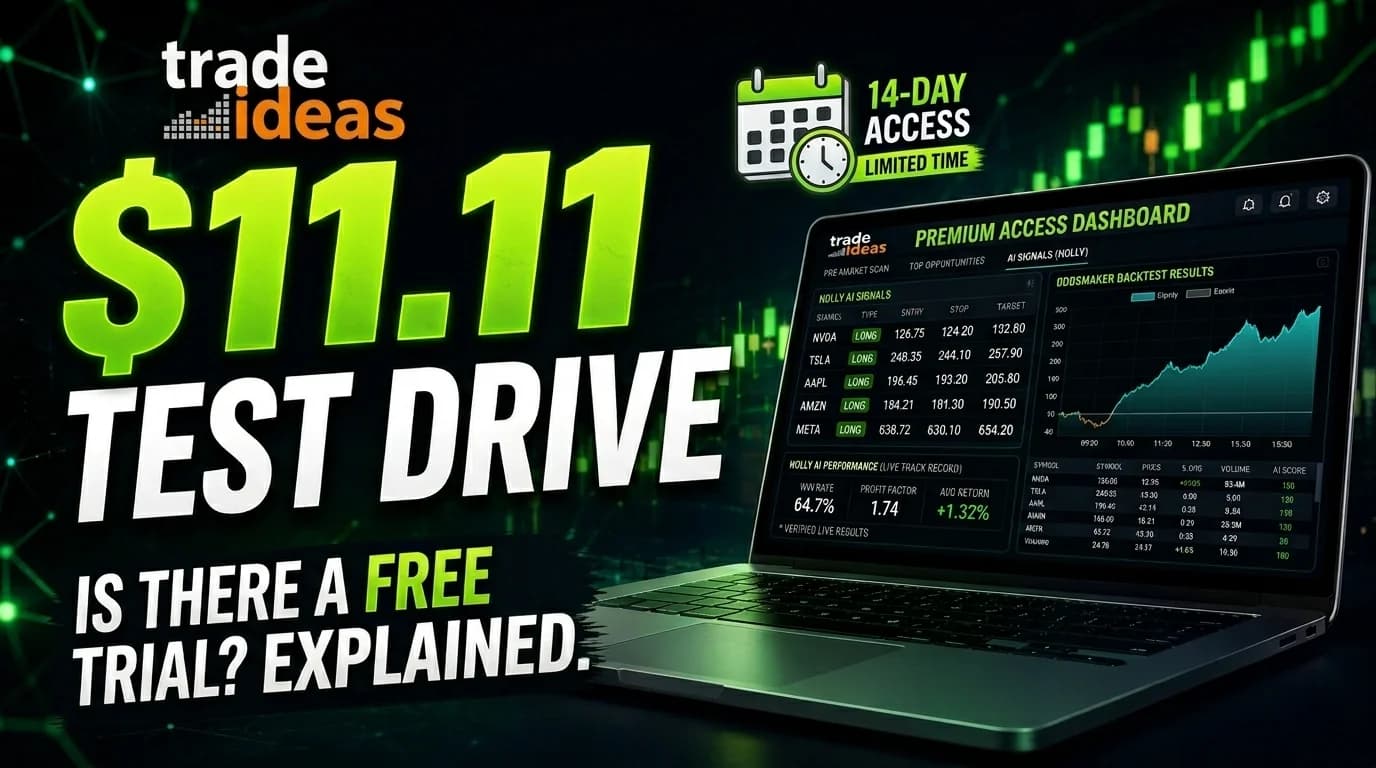
Is There a Trade Ideas Free Trial? The $11 Test Drive, Explained
Looking for a Trade Ideas trial? Bad news: they don't have one. Good news: they have something better. DayTradingToolkit explains the Test Drive and how to maximize it.
Frequently Asked Questions
How do you decide which trading tools are actually worth paying for?
The key question is whether the tool saves time, surfaces opportunities you would otherwise miss, or genuinely improves execution — and whether that benefit exceeds the cost in real money terms. A scanner that costs $100/month needs to produce better trade selection or faster workflow than what you had without it. If you cannot articulate the specific improvement, you are paying for features you do not use.
The most common mistake is buying tools based on marketing or community hype before understanding your actual workflow gaps. New traders often buy premium tools before establishing a baseline process — which means they cannot tell whether results improved because of the tool or despite it. The right order is: build a process with free tools, identify the specific bottleneck, then evaluate whether a paid tool solves that exact problem.
Tutorials in this section evaluate specific tools against real trader workflows — covering what each tier actually unlocks, which features matter for which trading styles, and the honest cases where the free version is sufficient and upgrading adds little.
When does a day trader actually need automation?
Automation makes sense when you have a fully defined, rule-based process that you can execute consistently by hand — and the bottleneck is speed or consistency of execution, not judgment. If your process still requires case-by-case decisions about entries, exits, or sizing, automating it will lock in those inconsistencies rather than fix them. Automation amplifies whatever process you already have.
Most retail day traders are not at the point where automation adds value. The skills required to build, test, and maintain an automated system are significant — and the failure modes of a live automated system (unexpected fills, runaway losses, API outages) are more severe than the same strategy traded manually. Going automated too early is a common and expensive mistake.
The automation and bot guides in this section cover what is realistically achievable for retail traders without institutional infrastructure, how to evaluate no-code automation platforms honestly, and the specific use cases where partial automation — automated alerts, not automated execution — tends to add value without the full risk of a live trading bot.
What should every day trader have in their premarket workflow?
A functional premarket workflow covers three things before the open: market context (what happened overnight, what macro events are scheduled today), stock selection (which names have catalyst, volume, and technical structure that fit your strategy), and level identification (where are the key price levels on your watchlist stocks — premarket high, premarket low, prior close, key resistance).
The common mistake is spending premarket time reading general financial news instead of doing specific preparation. Knowing that the Fed spoke yesterday matters less than knowing exactly which stocks on your watchlist are gapping with catalyst this morning and where the levels are that would trigger your entries. Preparation should be specific and actionable, not informational in a general sense.
The premarket checklist and workflow guides in this section cover how to structure the 60-90 minutes before the open, which tools to run in which order, and how to end premarket prep with a clear plan for the session — including your top two or three trade ideas with levels already mapped — rather than starting the session open-ended.
What happens when trading technology fails mid-session, and how do you prepare?
Technology failures during live sessions — platform outages, data feed freezes, internet drops, broker API errors — are not rare events. They happen to every active trader eventually, and they tend to happen at the worst possible moments: during high-volatility events when order flow is heaviest and your broker's systems are most stressed.
The traders who handle these situations without catastrophic losses are the ones who prepared in advance. That means knowing your broker's phone number for manual order entry, having a backup internet connection (a phone hotspot takes 30 seconds to activate), knowing how to flatten your entire position with a single order type, and having a written rule about what to do when you cannot see your positions clearly.
The emergency protocol guide in this section covers the specific failure scenarios active traders encounter, the preparation steps that eliminate most of the risk, and the post-failure review process that helps you identify which parts of your setup are single points of failure before the next outage.
How do AI tools like ChatGPT actually fit into a day trading workflow?
AI tools are most useful in the before and after of trading — not during live sessions. Pre-session, AI can help analyze earnings reports, summarize news catalysts, review historical price behavior around events, and refine watchlist criteria. Post-session, AI can help review journal entries, identify patterns in your trade log, and draft questions for your own performance review.
During live trading, AI is generally too slow and too unpredictable to be useful for real-time decisions. The market moves faster than a prompt-response cycle, and AI output requires enough interpretation that it adds cognitive load rather than removing it. Traders who try to use AI for live trade calls typically find it introduces noise rather than clarity.
The AI trading workflow guides in this section cover which specific tasks AI handles well, what prompts produce useful output versus generic advice, and how to integrate AI into your pre- and post-session routine without it becoming a distraction from the actual work of trading.
What can day traders accomplish with free tools before committing to paid subscriptions?
Quite a lot. Free tools cover the core workflow for most beginning and intermediate day traders: premarket scanning, charting with standard indicators, basic alerts, broker-native order routing, and trade journaling with a spreadsheet. The free tier of most major platforms is genuinely functional — the paid tier typically adds speed, more simultaneous scans, AI features, and historical data depth.
The real limitation of free tools is not capability but time. A free scanner may update every minute instead of in real time. A free charting platform may not allow more than a few saved chart layouts. These constraints matter less when you are learning and more when you are trading at higher frequency or managing multiple positions simultaneously.
Guides in this section surface the free alternatives for each tool category — including which broker-native tools are surprisingly capable — so you can build a functional trading setup before deciding which paid upgrade, if any, is worth the monthly cost for your specific trading style.
How do you avoid getting overwhelmed by too many trading tools?
Tool overload is one of the most common traps for new traders. Adding a new scanner, a new charting setup, a new alert service, and a new journal creates a workflow where you spend more time managing tools than trading. Each tool demands attention, and attention is finite — especially in fast-moving intraday conditions.
The principle that works is minimum viable toolset: use the fewest tools that cover your actual workflow steps. One scanner, one charting platform, one broker, one journal is a complete setup for most traders. Add a second tool only when you can clearly articulate what the first tool cannot do that you specifically need. If you cannot explain the gap, you do not have one.
Tutorials in this section evaluate tools in the context of a complete workflow — not in isolation — so you can see how adding or replacing a tool changes your overall setup rather than just evaluating each tool on its own features.
How do you evaluate whether backtesting results are reliable?
Backtesting tells you how a strategy would have performed on historical data — which is useful context but not a guarantee of future results. The main reliability threats are overfitting (the strategy was optimized so specifically for past data that it captures noise instead of a real edge), survivorship bias (testing only on stocks that still exist, excluding the delisted ones that went to zero), and look-ahead bias (accidentally using data in the test that would not have been available in real time).
A backtest that produces exceptional results on five years of data but was built by testing dozens of parameter variations until something worked is almost certainly overfit. A robust backtest uses out-of-sample data — a period the strategy developer never touched during optimization — to validate that results hold on genuinely unseen data.
The backtesting guides in this section cover how to structure a test that produces trustworthy results, the most common errors that inflate backtest performance beyond what is achievable in live trading, and how to use backtesting as a research tool rather than a confidence-building exercise.