AI Stock Pickers for Day Trading: Scanner, Signal, or Score?
Most "AI stock picker" roundups are built for 3-month holds, not day trades. Here's which AI tools actually fit an intraday workflow — and which ones don't.
Aug 30, 2026
31 comparisons that put day trading tools against each other on one checklist. Each one covers what both tools actually do, what every plan tier costs, where each one falls short, and the trader each is built for, so you can settle the choice without reading two separate reviews.
31comparisons published
19tools
Inside every comparison
Start here
Start here when you know the job but not the tool. Each roundup ranks the main options for one job, scanning, charting, journaling, chat rooms, courses and AI research, on the same criteria, then names who each pick suits and who should skip it. Newest first.
Most "AI stock picker" roundups are built for 3-month holds, not day trades. Here's which AI tools actually fit an intraday workflow — and which ones don't.
Aug 30, 2026
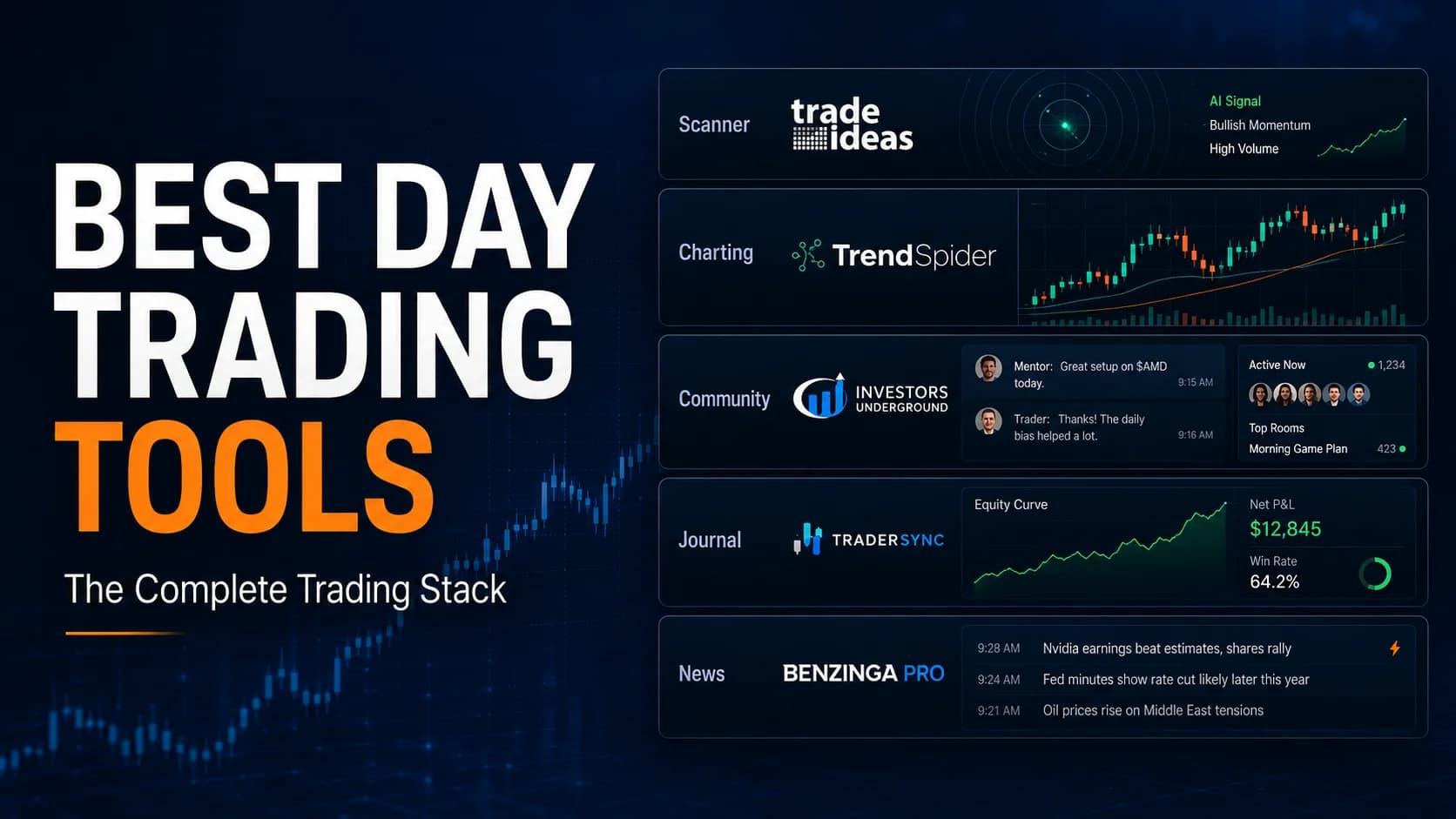
The best day trading tools for 2026, sorted by category — scanners, charting, communities, journals, news, and brokers — with one clear pick for each category.
Jul 24, 2026
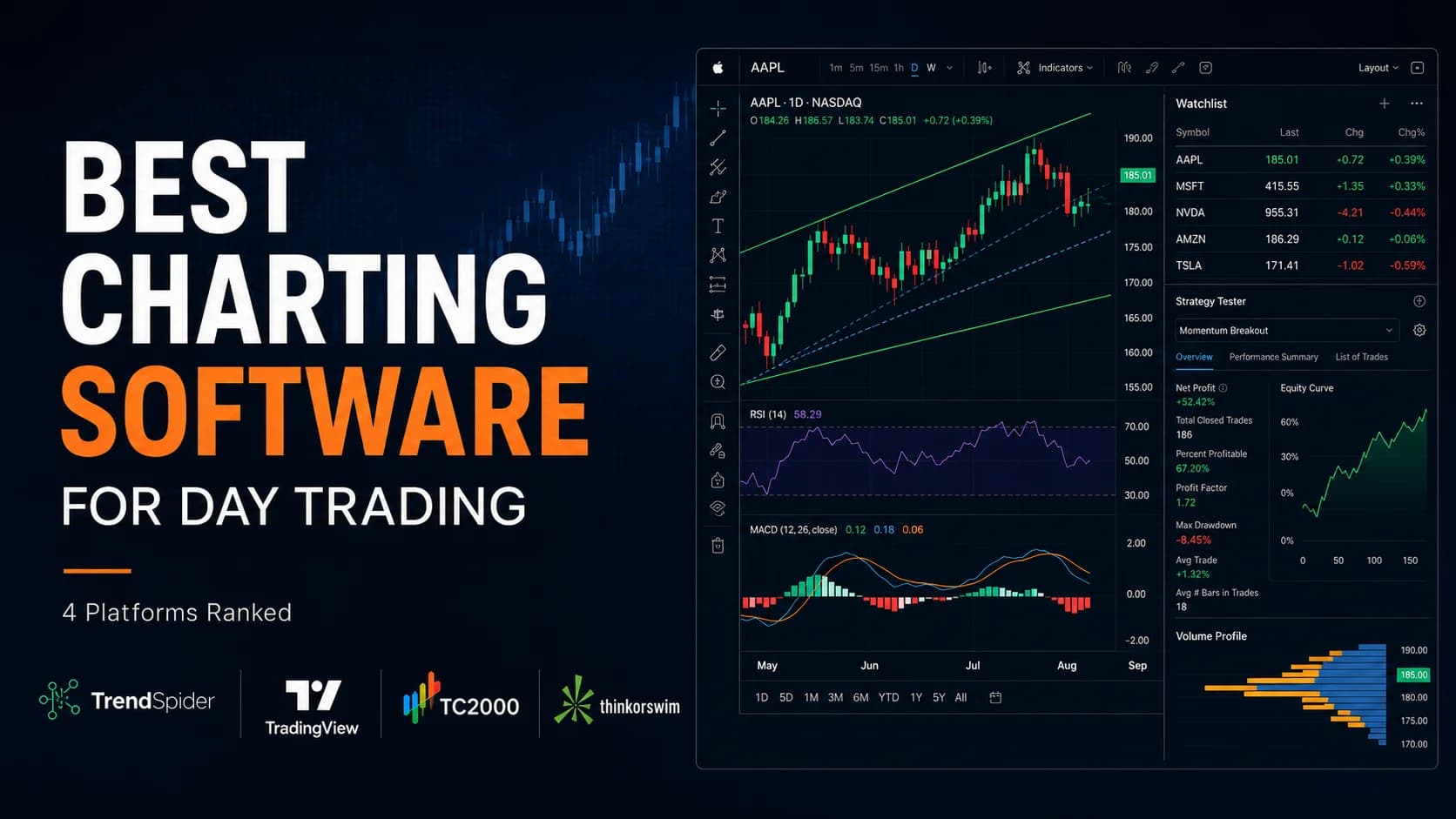
We ranked the best charting software for day trading in 2026 — TrendSpider, TradingView, TC2000, and thinkorswim — by automation, indicators, and price.
Jul 23, 2026
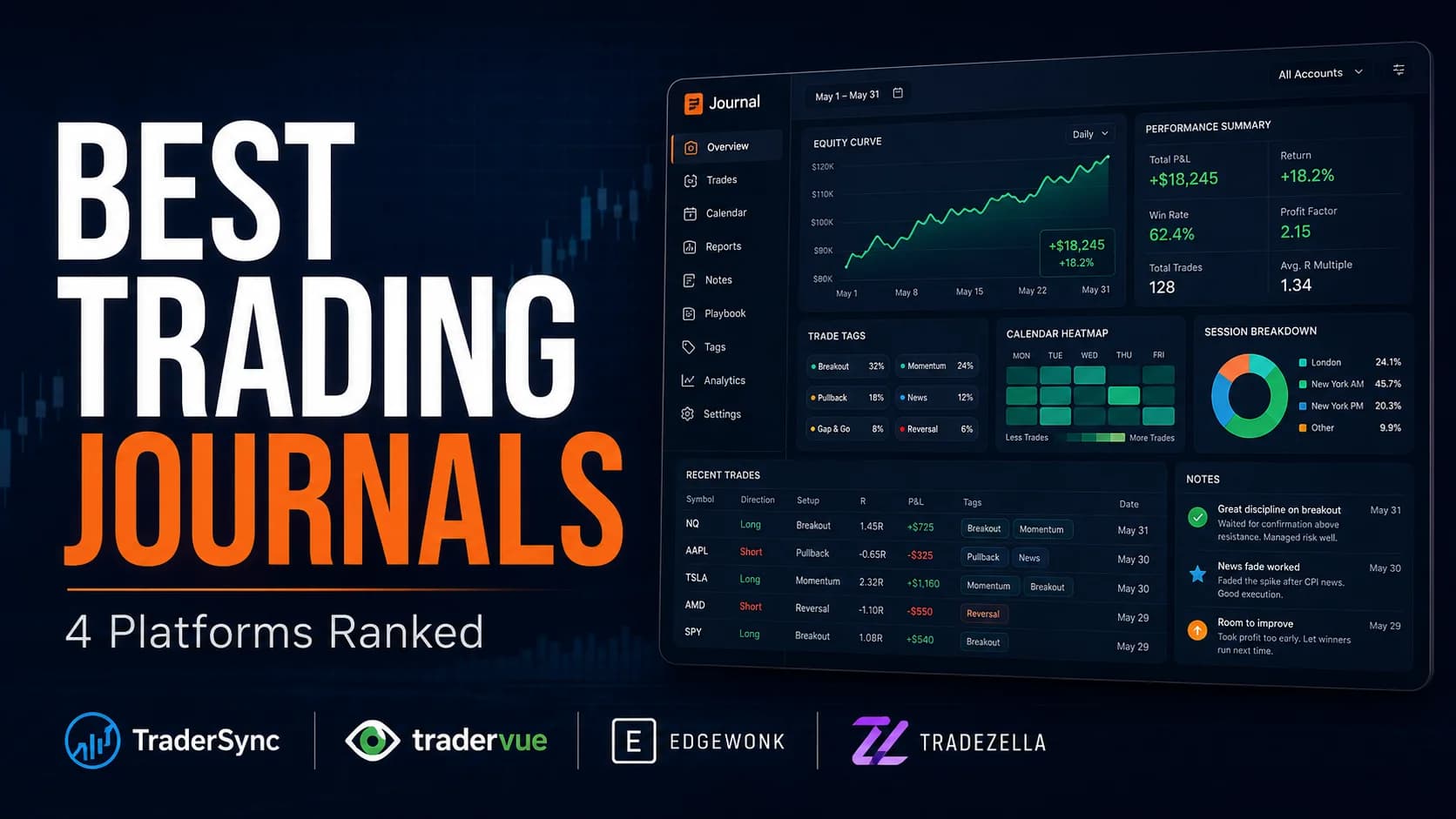
We ranked the best trading journal options for 2026 — TraderSync, Tradervue, Edgewonk, and TradeZella — by analytics, AI features, and price.
Jul 23, 2026
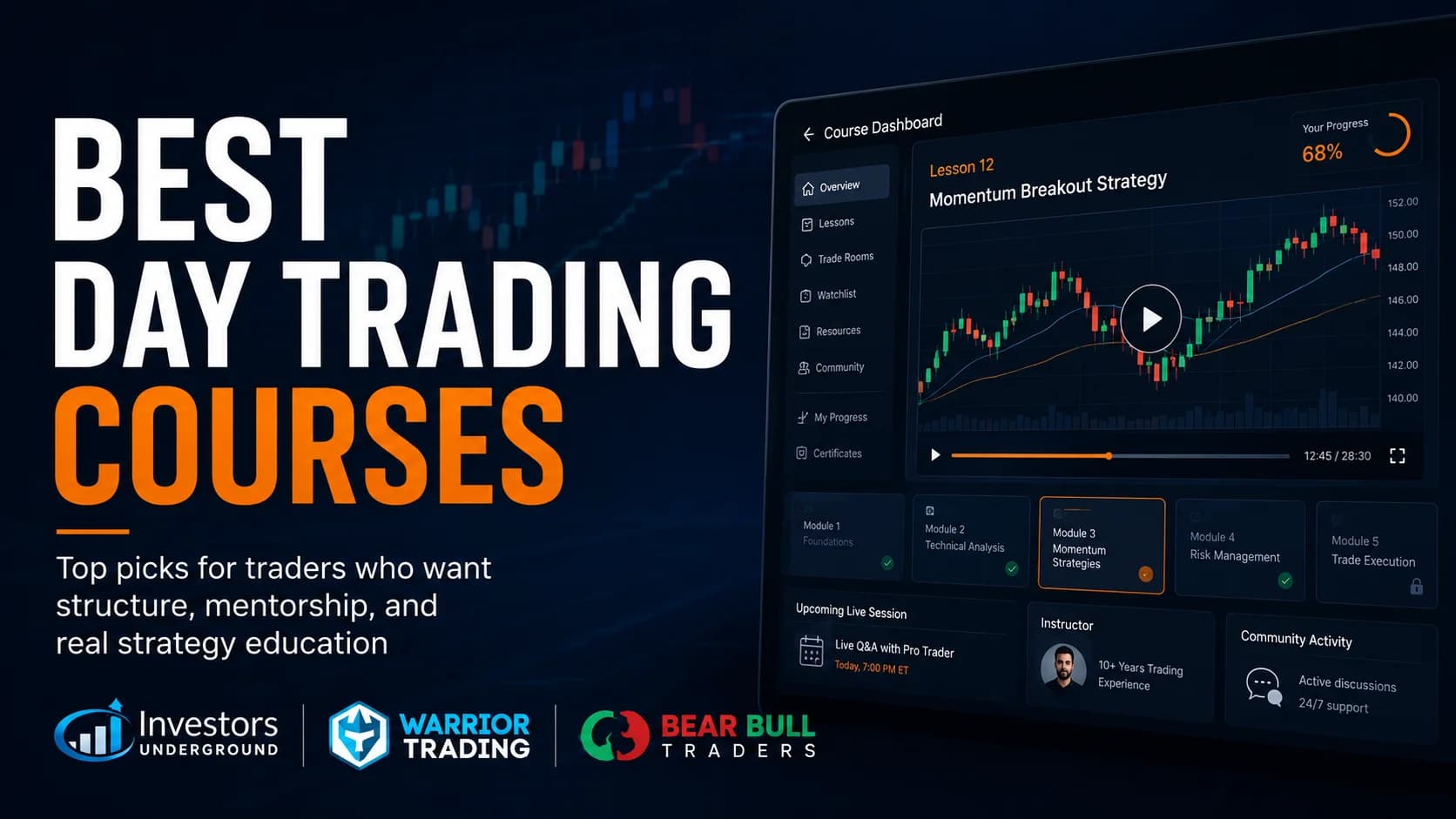
We ranked the best day trading courses for 2026 — Investors Underground, Warrior Trading, and Bear Bull Traders — by curriculum, mentorship, and price.
Jul 23, 2026
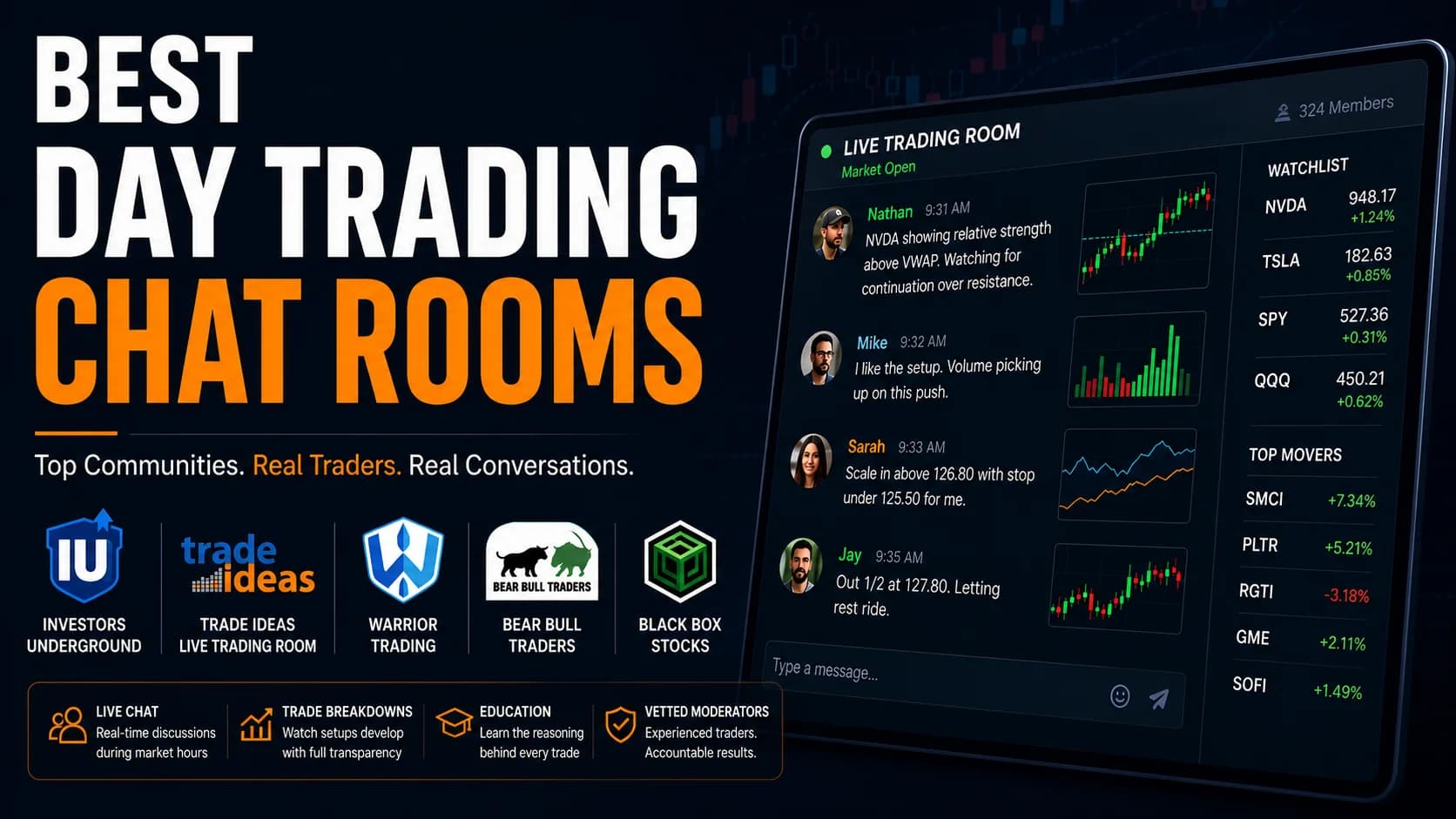
We ranked the best day trading chat rooms for 2026 — Investors Underground, Warrior Trading, Bear Bull Traders, and more — by cost, focus, and who fits.
Jul 23, 2026
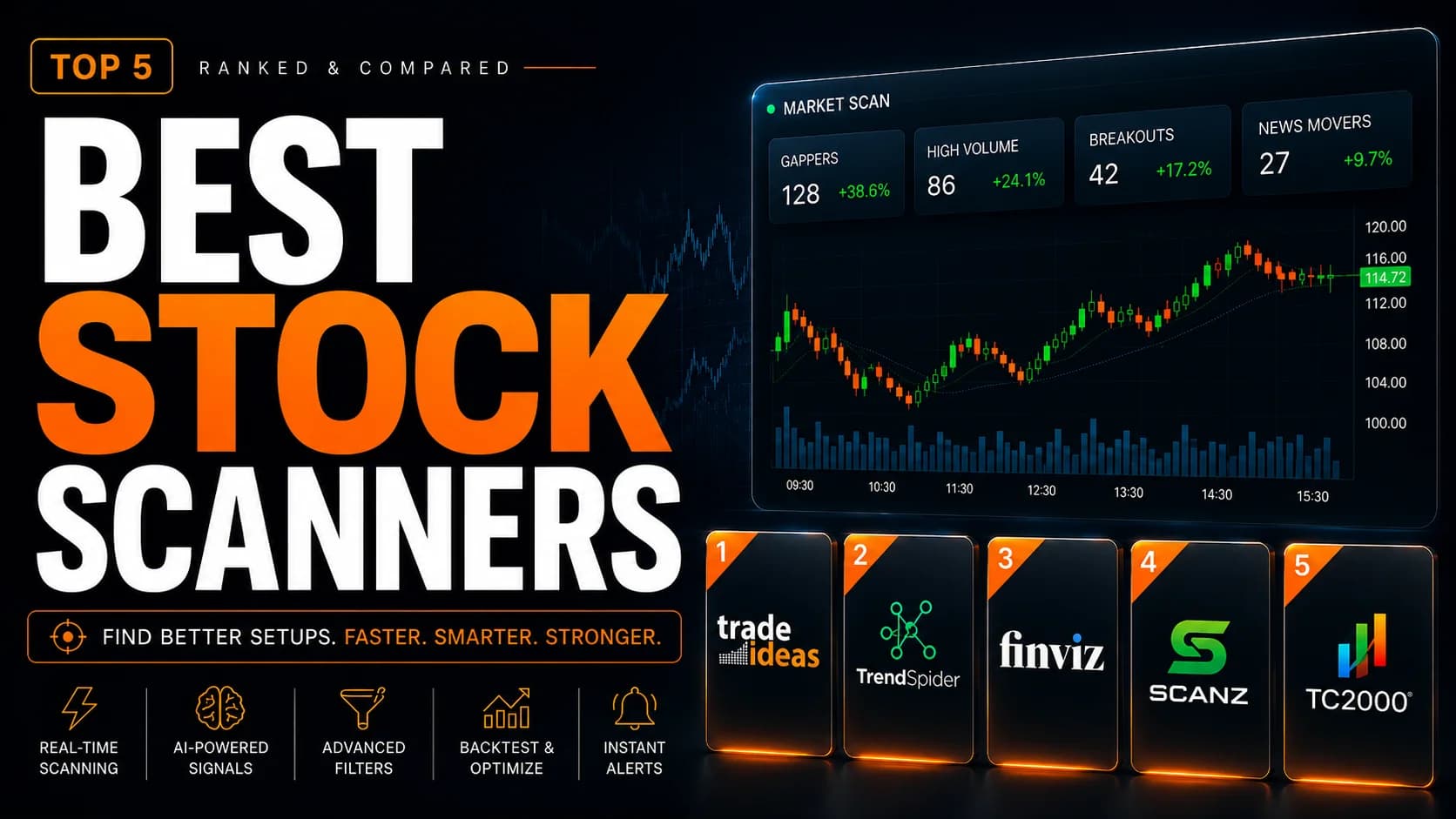
We ranked the best stock scanners for day trading in 2026 — Trade Ideas, TrendSpider, Finviz, Scanz, and TC2000 — by scan speed, AI signals, and price.
Jul 23, 2026
ChatGPTGeminiClaude for Day Trading
GPT-6, Gemini 4 Argon and Claude Opus 5.5 compared for day traders: which AI wins each trading job, what each connects to, and when platform AI beats all three.
Feb 25, 2026
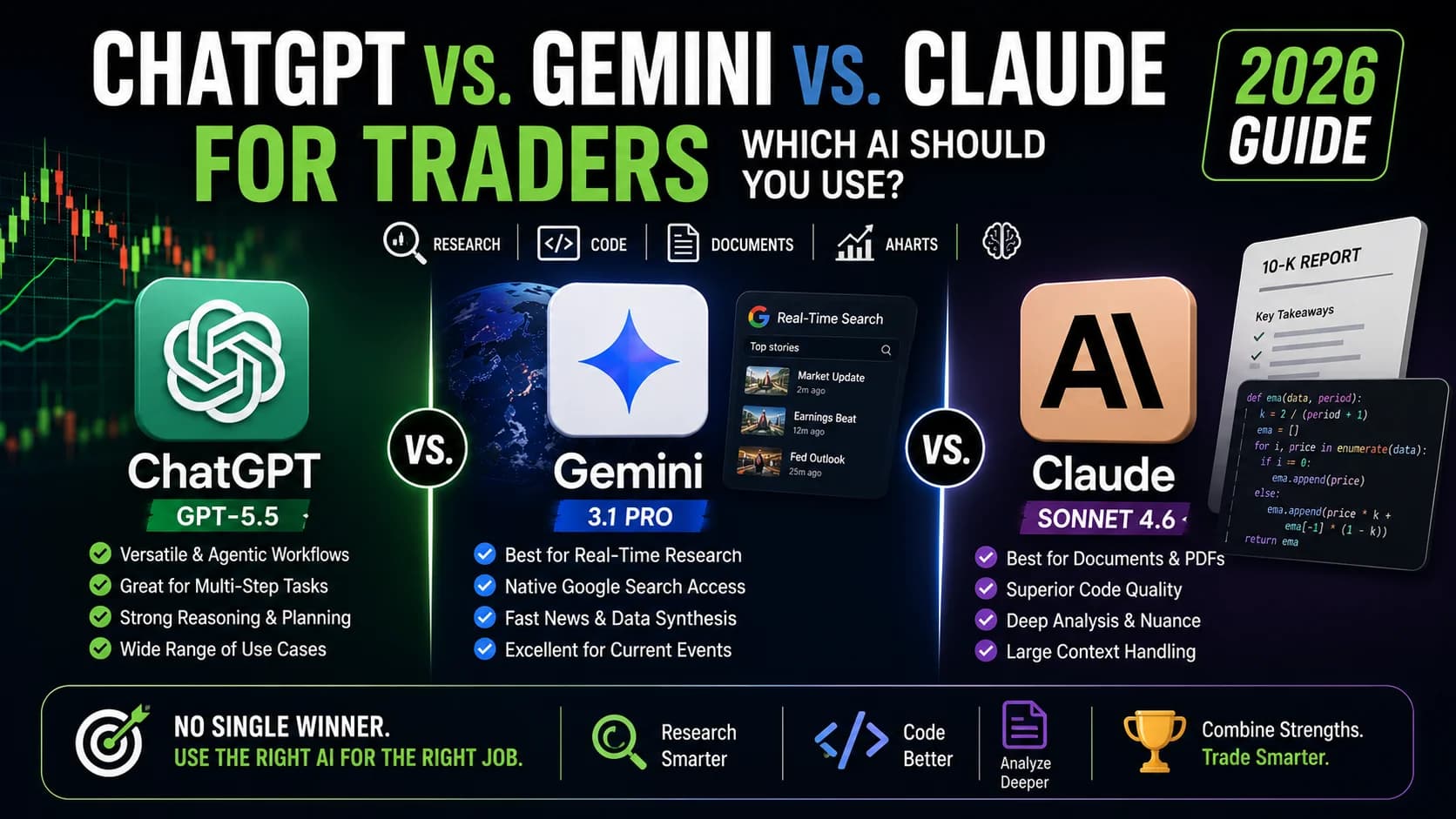
Best AI tools for day traders by job: Trade Ideas for scanning, TrendSpider Sidekick for charts, Gemini, Claude and ChatGPT for research, Cypher for journals.
Feb 25, 2026
Two tools, one decision
Already down to two? These put one tool directly against another and answer the question left over: which one to pay for. Each covers the features that matter for the job, both pricing pages in full, the limits on each side, and the trader profile each tool fits.
RobinhoodPubliceToro
Robinhood, Public and eToro let AI agents place real trades, while Interactive Brokers makes you approve every order. Approvals, assets and accounts compared.
Sep 11, 2026
TraderSyncTradeZella
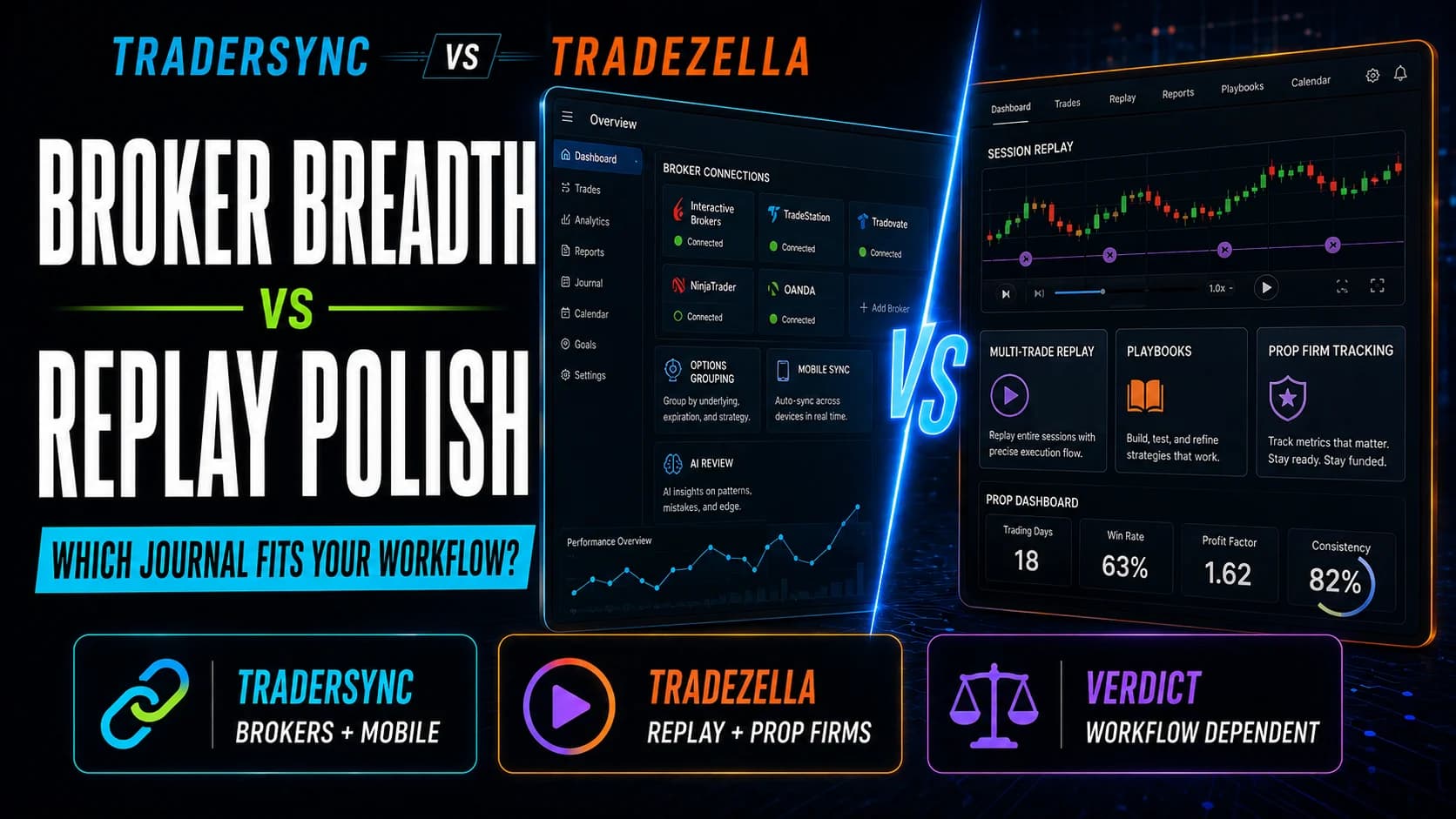
TraderSync vs. TradeZella compared on broker support, Trade Replay, AI coaching, and pricing, with a clear verdict on which journal fits your workflow.
Sep 4, 2026
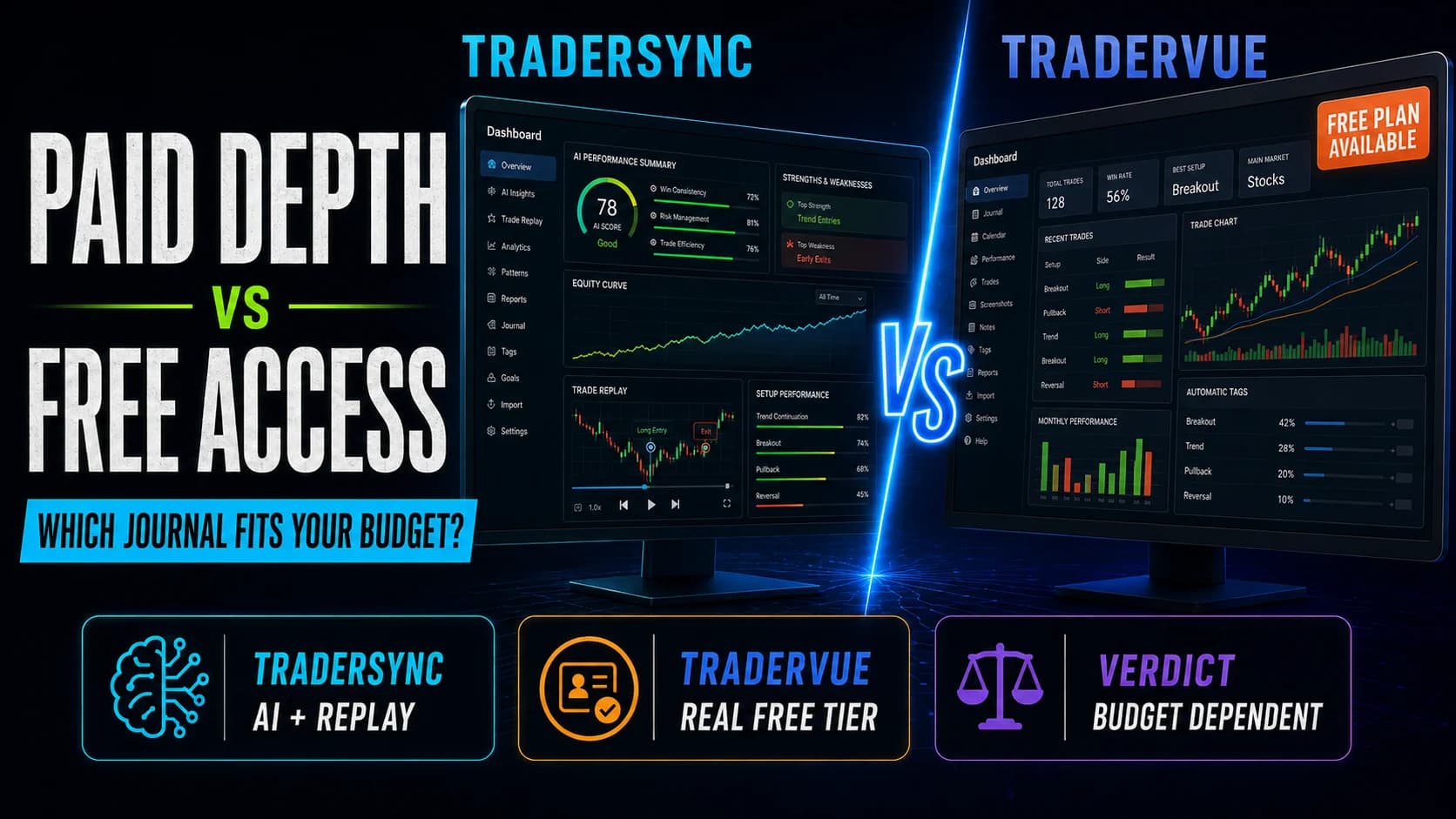
TraderSyncTradervue
TraderSync vs. Tradervue compared on pricing, AI features, trade replay, and broker support, with a clear verdict on which journal fits your budget.
Sep 4, 2026
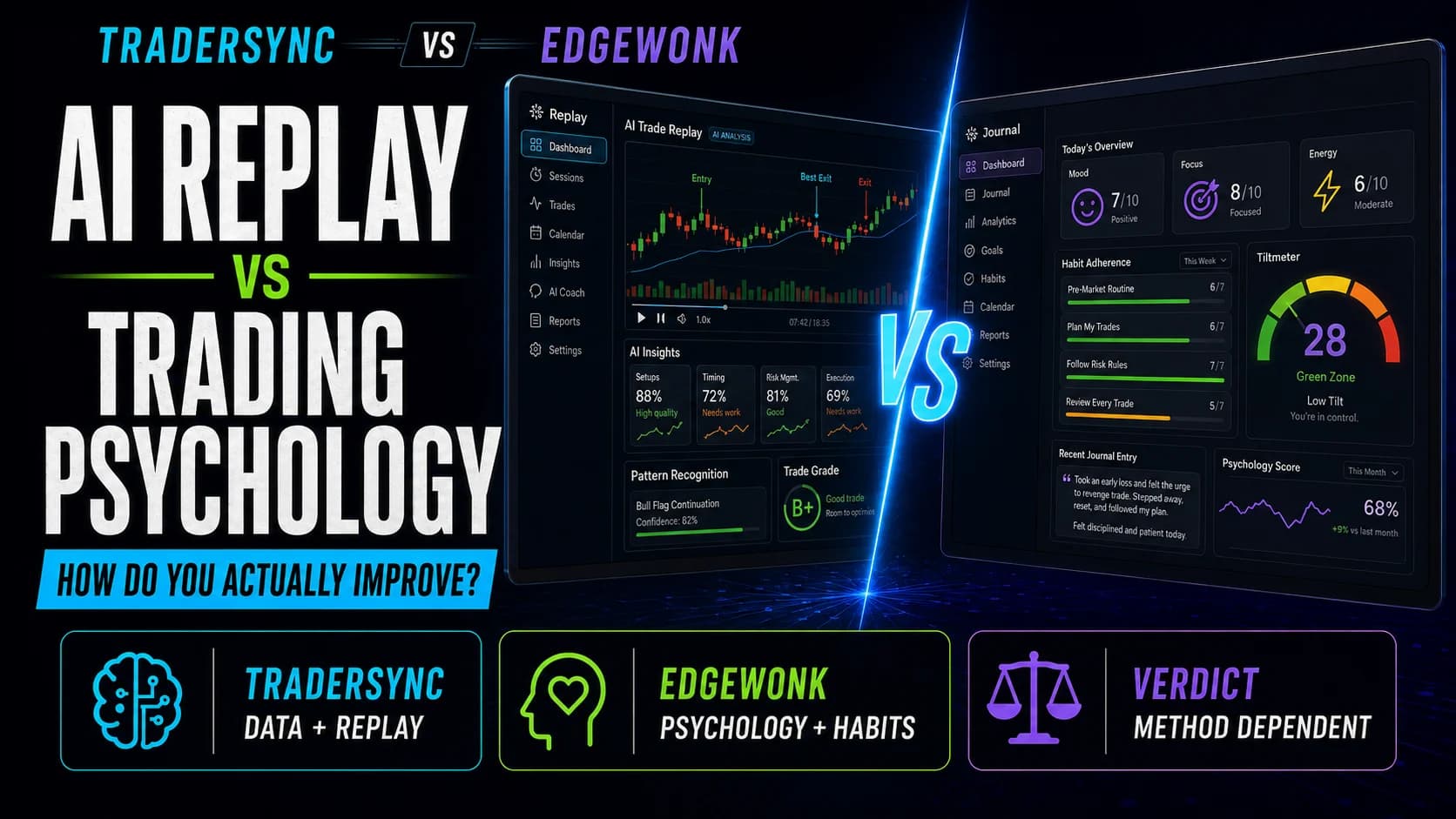
TraderSyncEdgewonk
TraderSync vs. Edgewonk compared on replay, psychology tracking, pricing, and AI features, with a clear verdict on which journal fits how you improve.
Sep 4, 2026
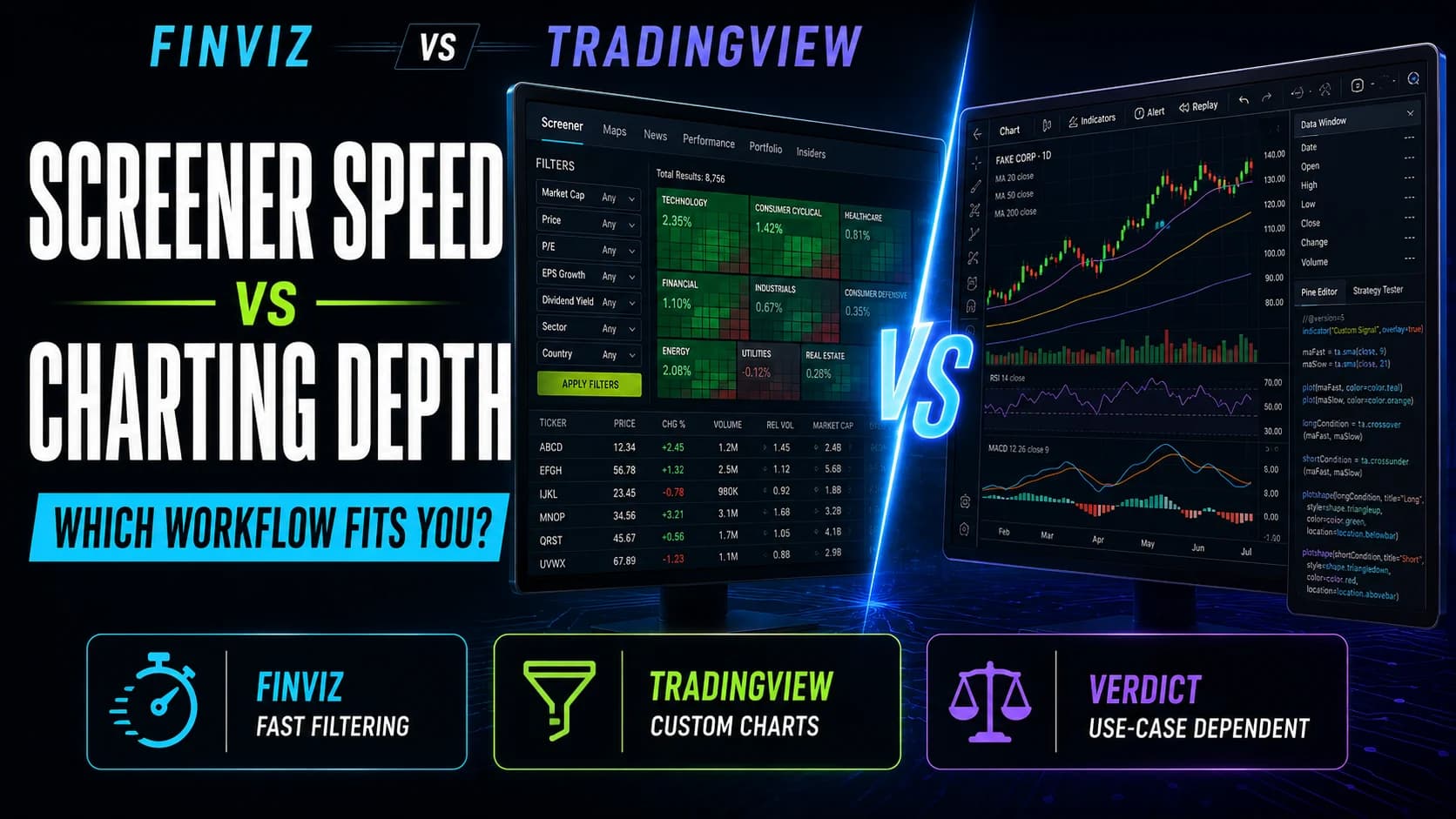
FinvizTradingView
Finviz vs. TradingView compared on screening speed, charting depth, pricing, and execution, with a clear verdict on which fits your workflow.
Sep 4, 2026
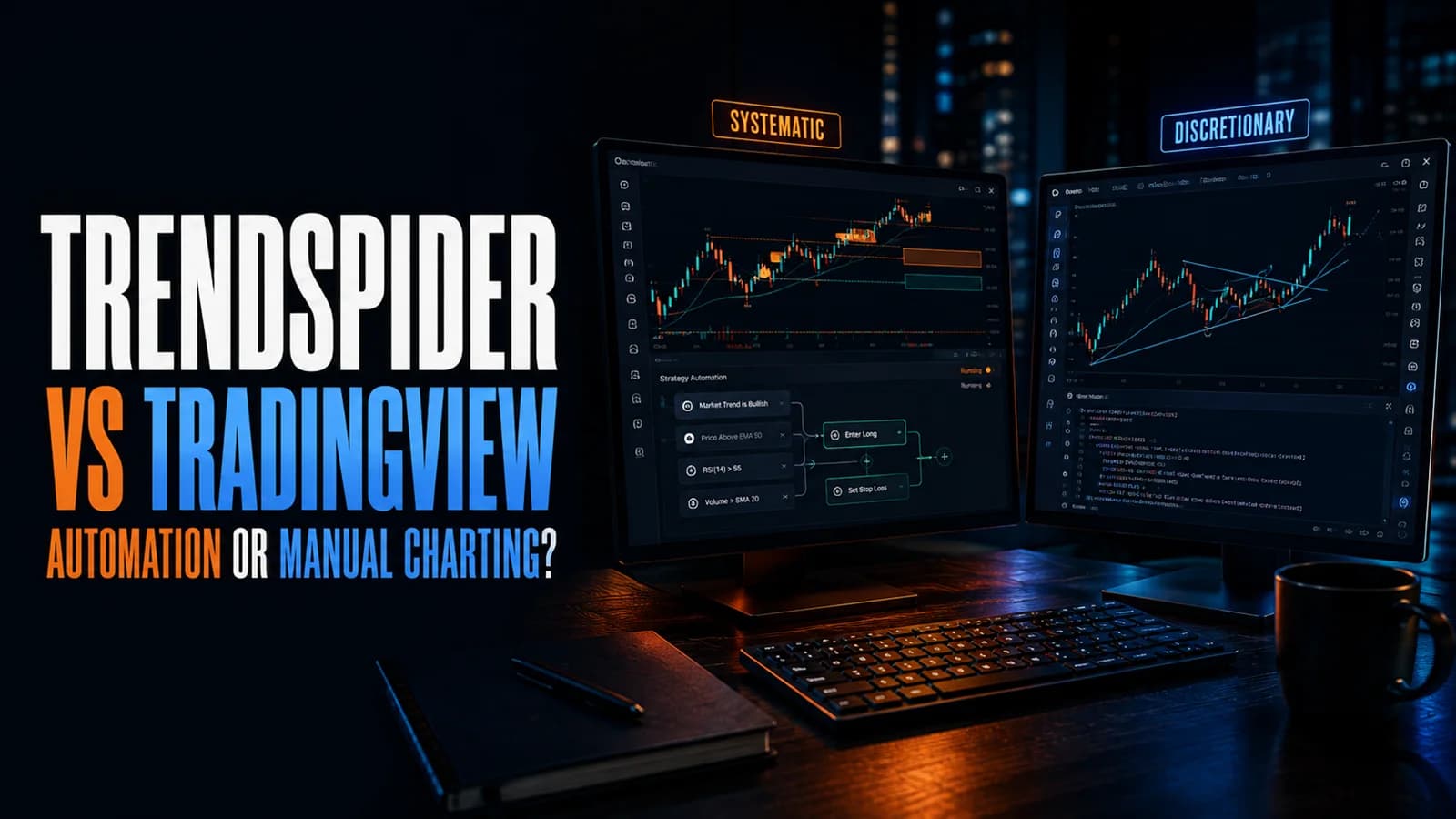
TrendSpiderTradingView
TrendSpider vs. TradingView compared on charting depth, automation, pricing, and data costs, with a clear verdict on which fits your trading style.
Sep 4, 2026
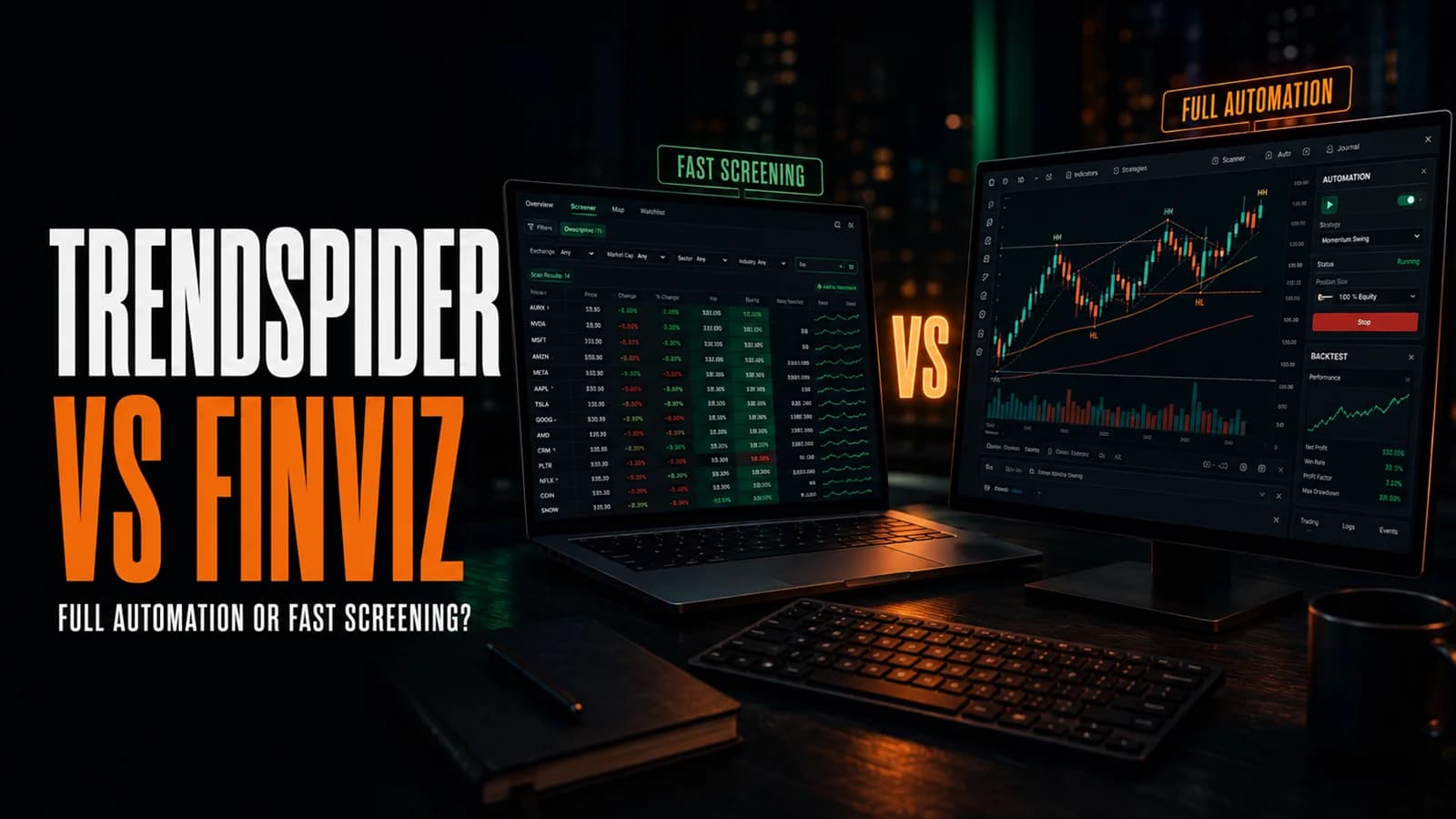
TrendSpiderFinviz
TrendSpider vs. Finviz compared on scanning, charting, pricing, and data speed, with a clear verdict on which fits your research workflow.
Sep 4, 2026
AI Stock ScannersTraditional Scanners
DayTradingToolkit compares AI stock scanners to traditional scanners with a 5-question decision matrix, cost-per-trade analysis, and honest upgrade advice.
Feb 26, 2026
Trade IdeasStockHero
This comparison breaks down Trade Ideas vs StockHero with a worked market example. Discover if you need an idea engine or an execution bot to win
Sep 3, 2025
Trade IdeasTickeron
DayTradingToolkit's deep-dive analysis of Trade Ideas vs Tickeron — comparing the AI, scanners, and pricing to help you pick the right trading platform.
Sep 3, 2025
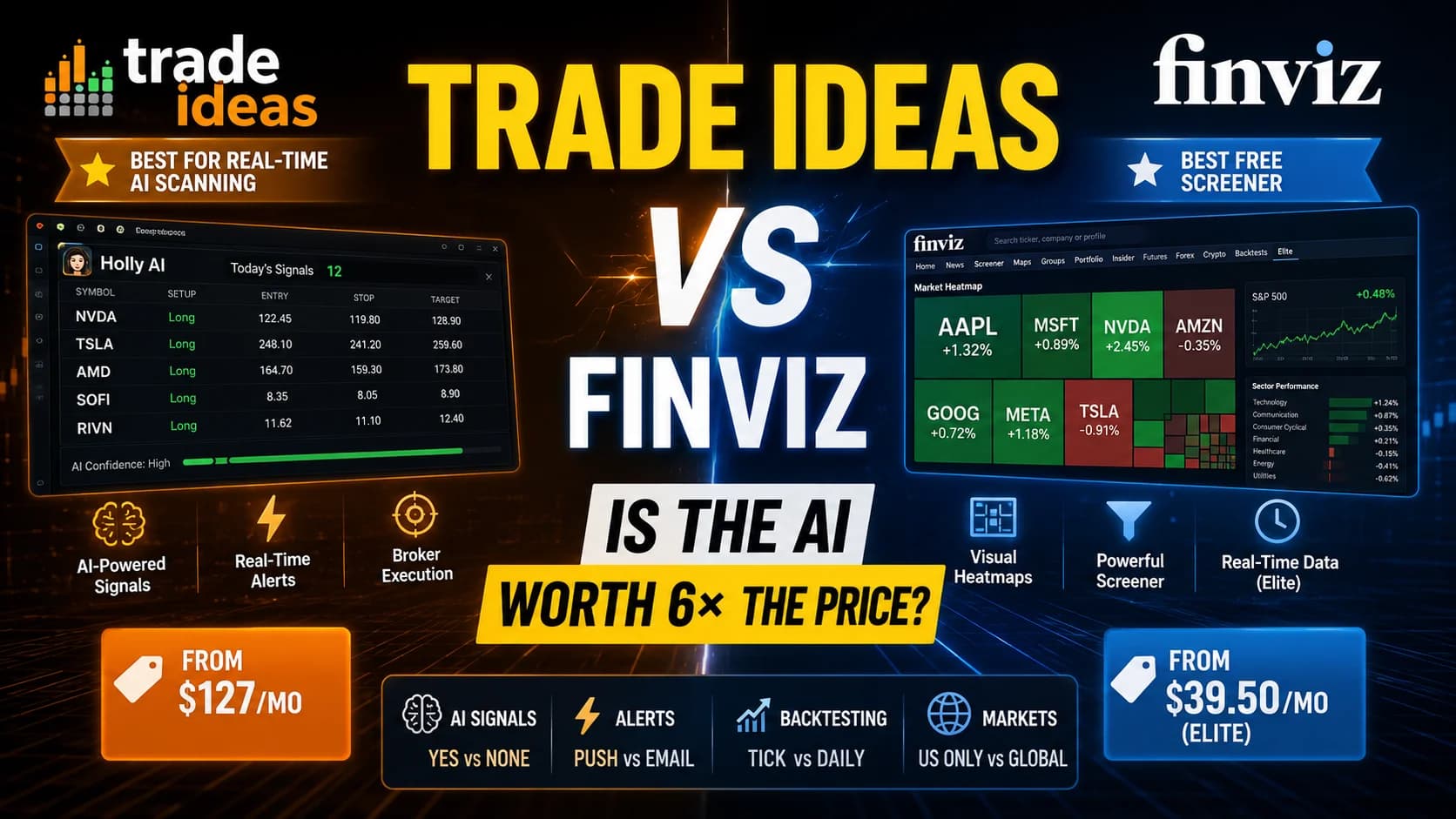
Trade IdeasFinviz
Finviz Elite costs $39.50/month. Trade Ideas starts at $127. Here's what the extra cost actually buys — and exactly when it's worth paying for active traders.
Sep 2, 2025
Trade IdeasTC2000
A pro trader's showdown between Trade Ideas and TC2000. See a real $COIN trade example that reveals which is best for day trading vs. swing trading.
Sep 1, 2025
Trade IdeasStock Rover
Trade Ideas vs Stock Rover: Compare AI trading signals vs deep fundamental research. Which platform fits your trading or investing style in 2025?
Sep 1, 2025
Trade IdeasTrendSpider
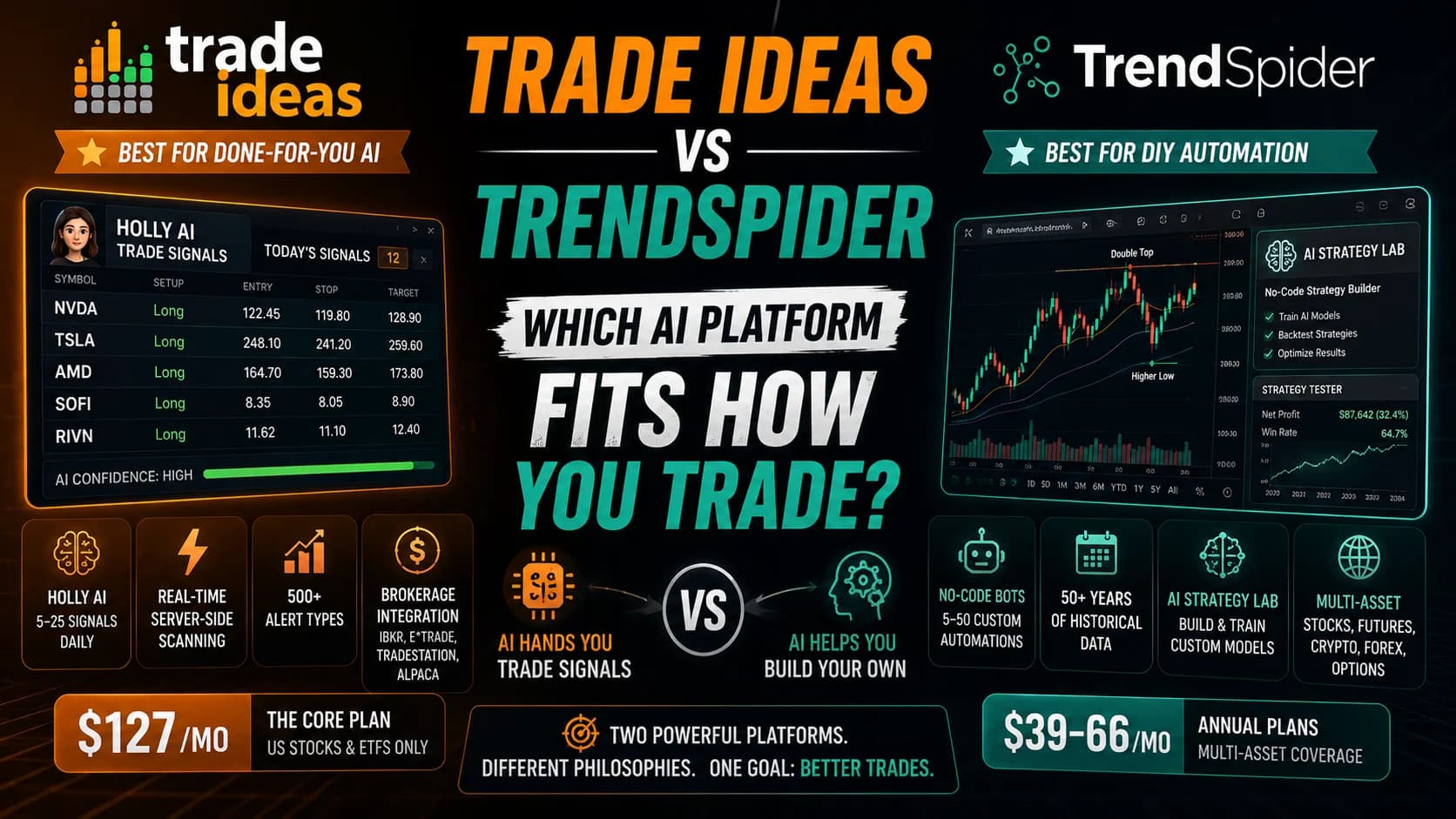
Trade Ideas hands you AI signals; TrendSpider lets you build your own. Here's how the two AI platforms actually differ — and which fits your trading style.
Aug 31, 2025
Trade IdeasScanz
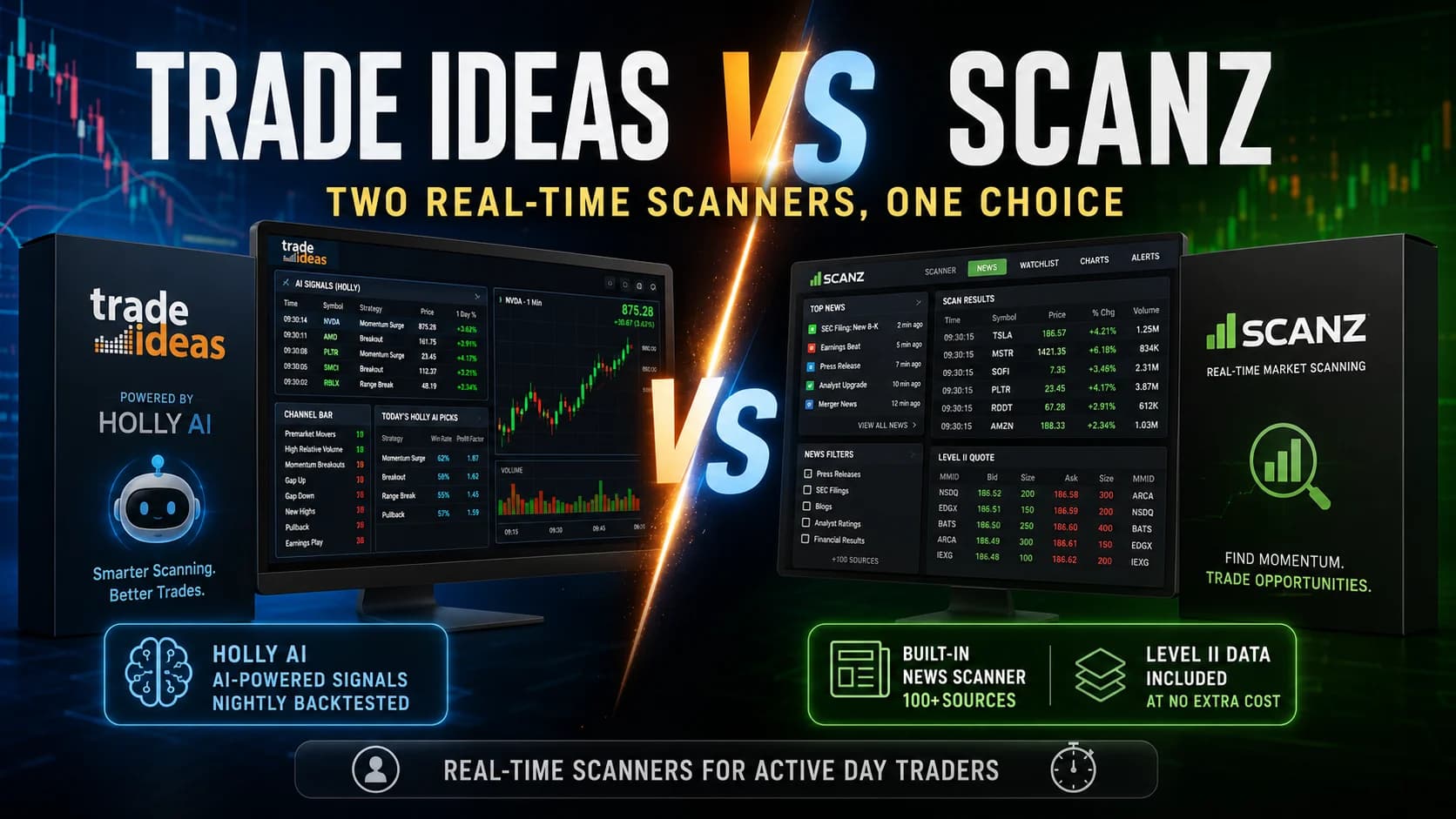
Trade Ideas and Scanz are the two most-cited real-time scanners for day traders. Here's how they actually differ — and which one fits your trading workflow.
Aug 31, 2025
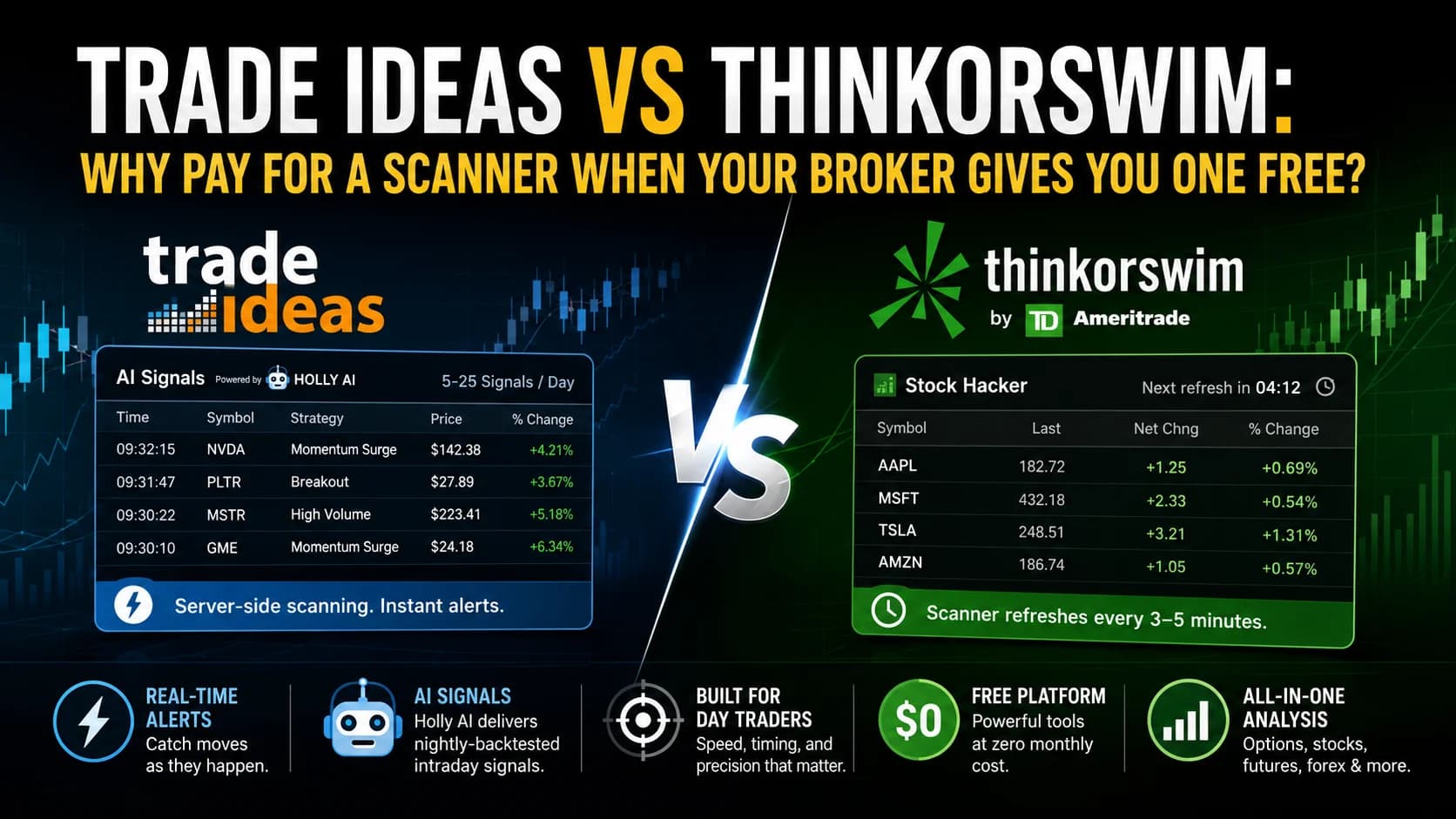
Trade IdeasThinkorswim
Thinkorswim is free with a Schwab account. Trade Ideas starts at $127/month. Here's exactly what the extra cost buys — and when it's actually worth paying.
Aug 31, 2025
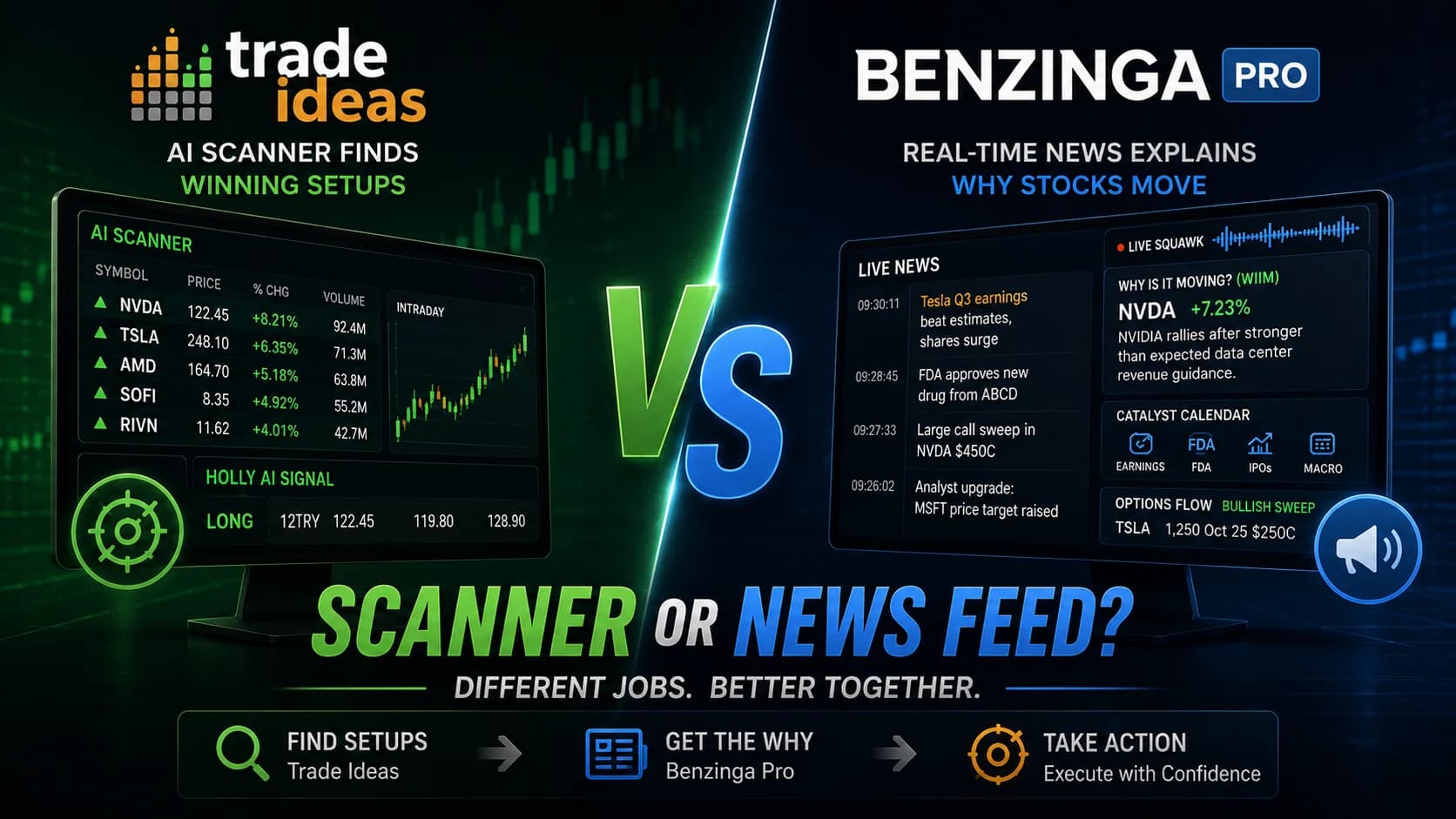
Trade IdeasBenzinga Pro
Trade Ideas scans the market for technical setups. Benzinga Pro explains why stocks are moving. Here's what each does — and why active traders often run both.
Aug 31, 2025
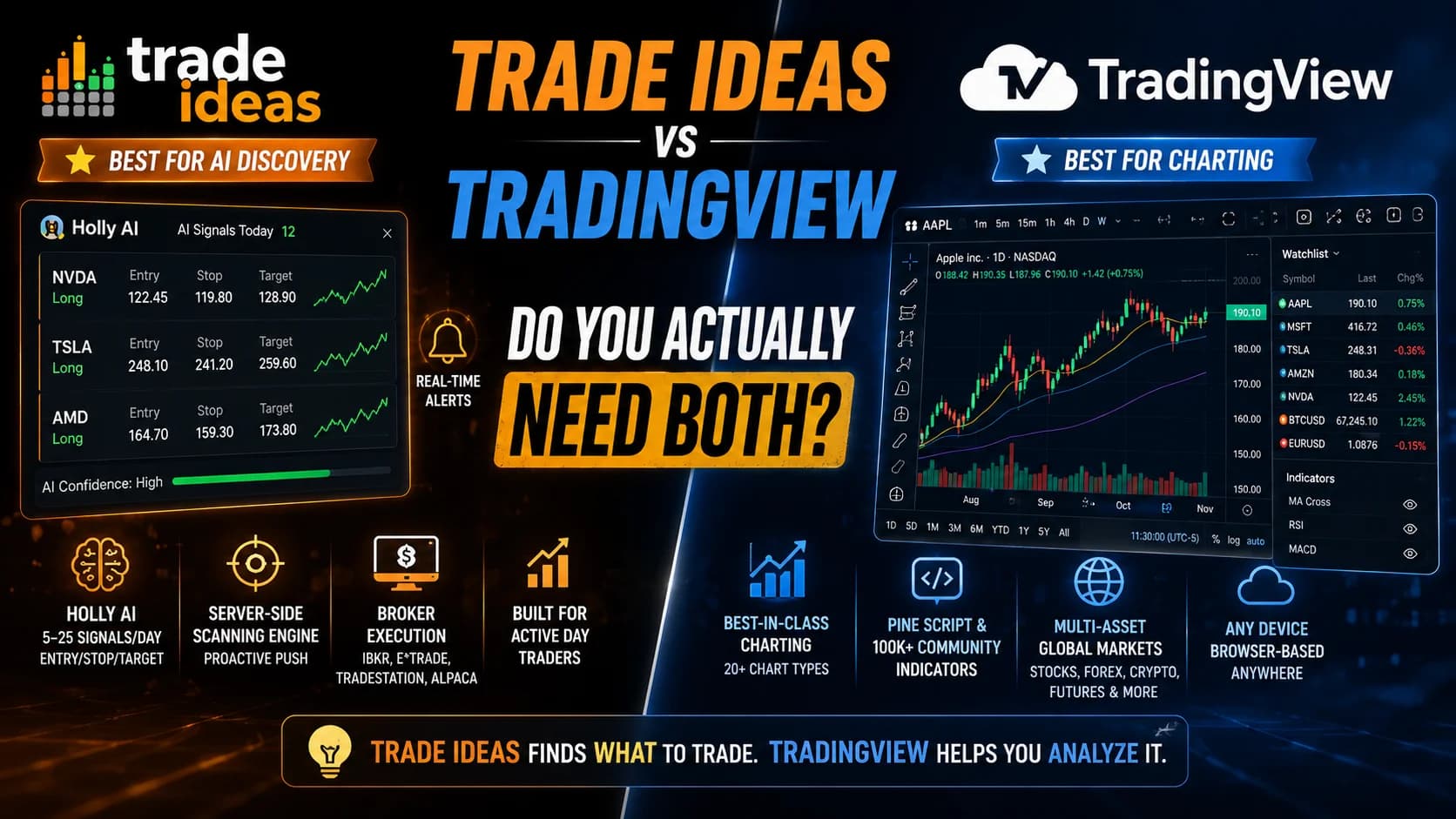
Trade IdeasTradingView
Trade Ideas and TradingView solve different problems. Here's what each does well, where they overlap, and whether active day traders actually need both.
Aug 30, 2025
You know one tool already
For when a tool almost works. Each guide names the specific gaps in a popular platform, the tools that close each gap, and what closing it costs, including the case for staying where you are.
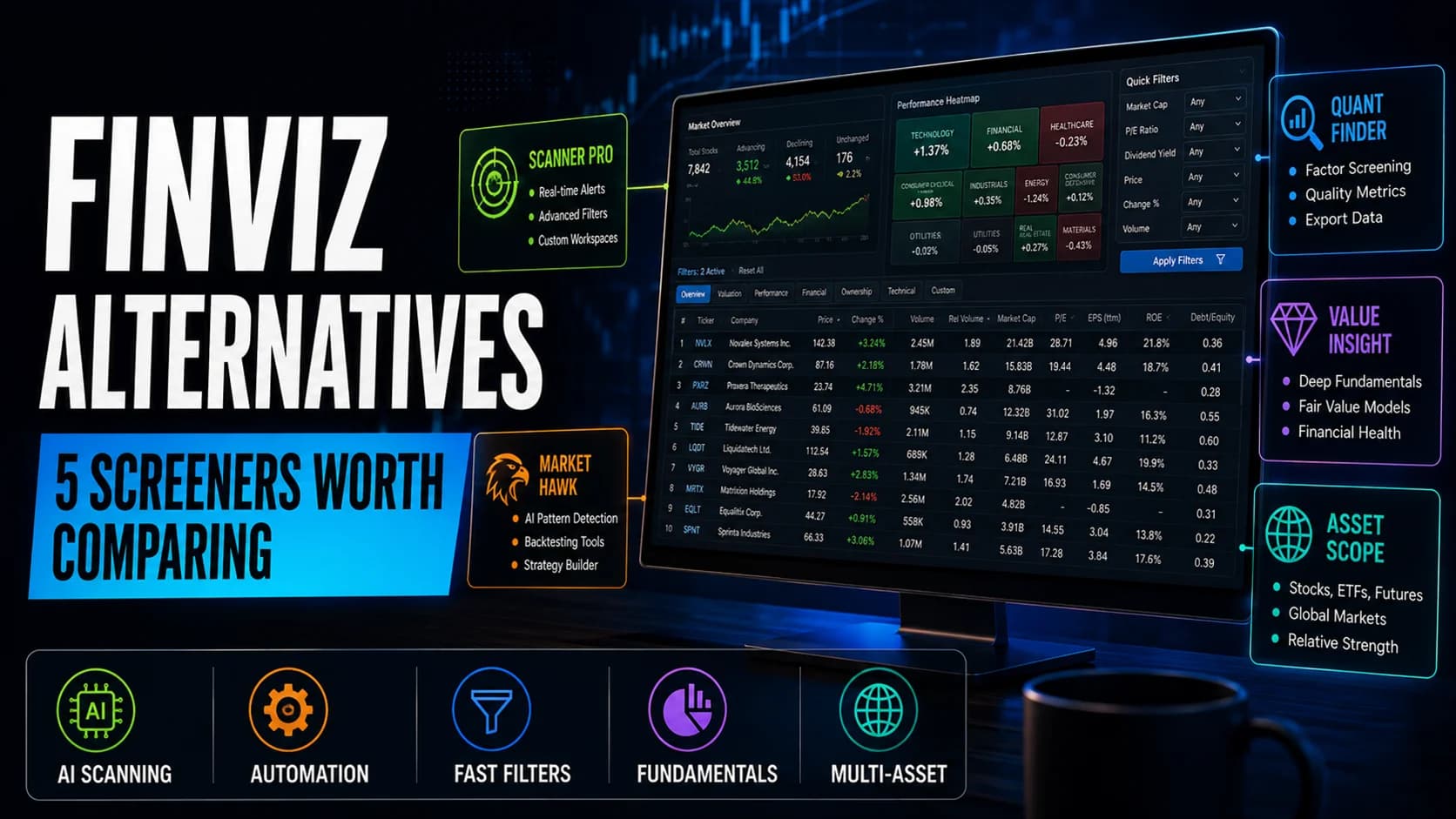
Five real Finviz alternatives compared by the specific gap each one closes, from AI-driven scanning to fundamental research to multi-asset coverage.
Sep 4, 2026
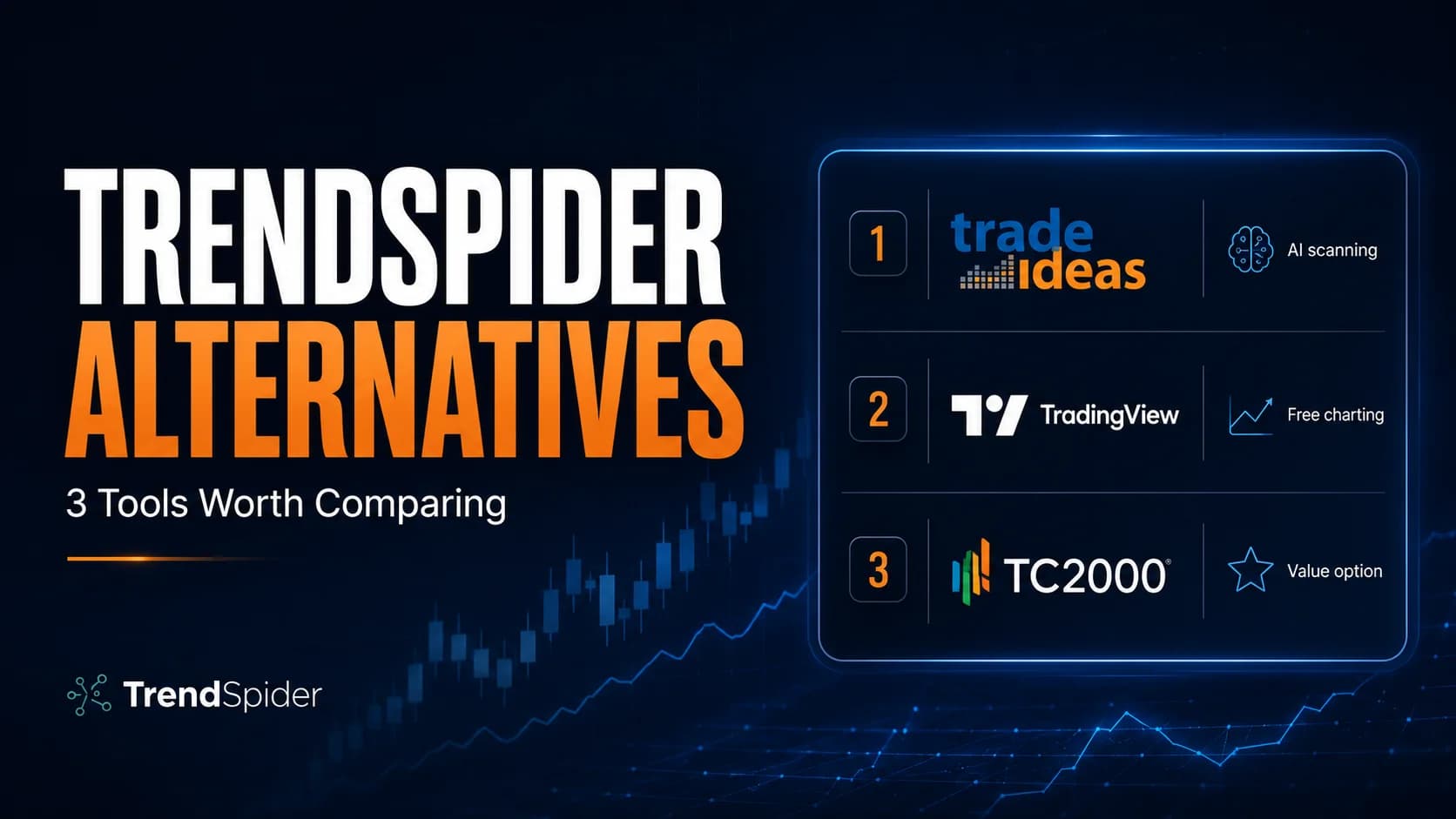
Comparing TrendSpider alternatives for 2026? Here's how Trade Ideas, TradingView, and TC2000 stack up — and when TrendSpider is still the right call.
Jul 23, 2026
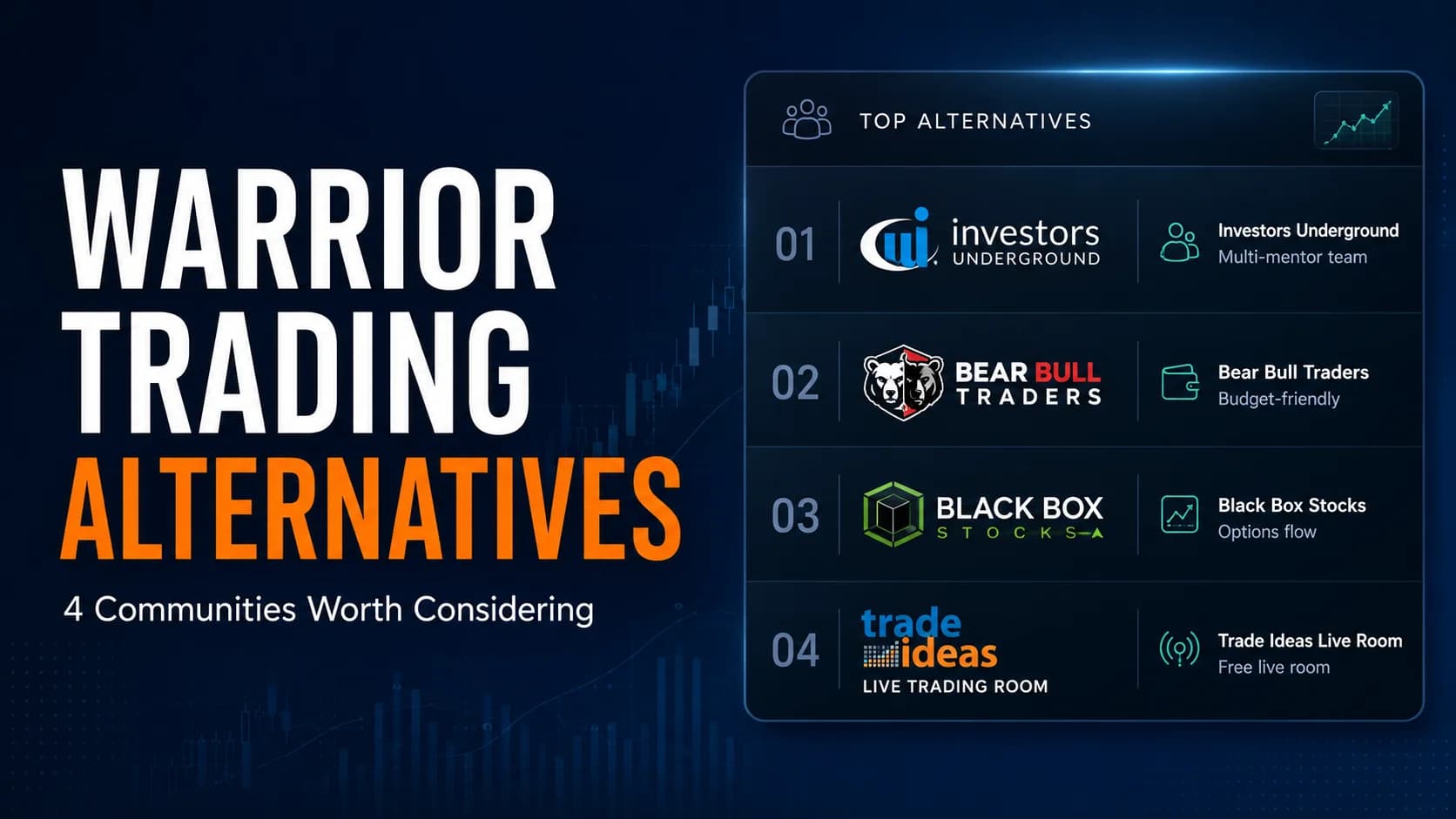
Considering Warrior Trading? Here are the best warrior trading alternatives for 2026 — by price, mentorship style, and strategy fit, with an honest verdict.
Jul 23, 2026
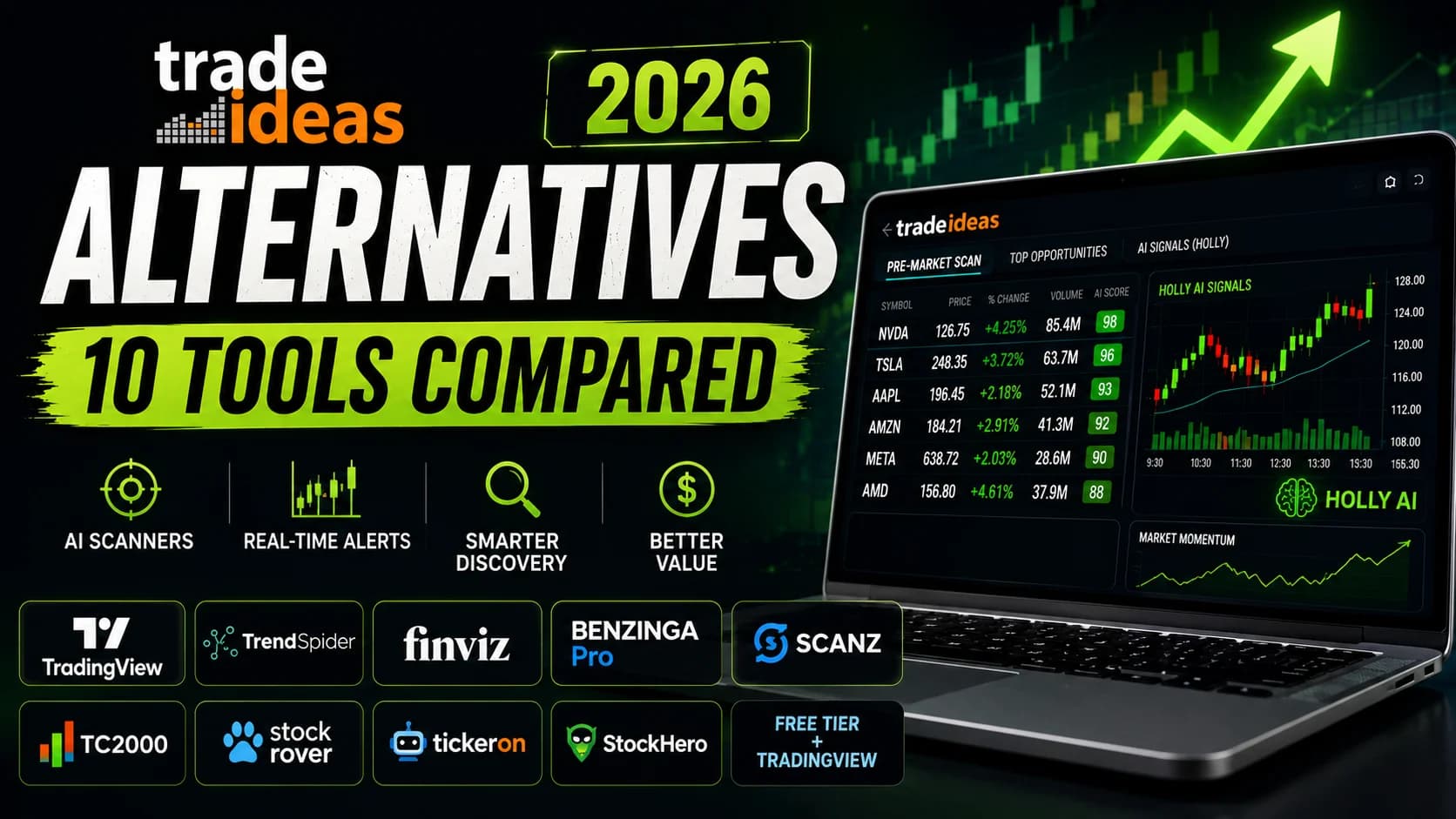
Not every trader needs Trade Ideas. Here are 10 honest alternatives by use case, budget, and style — with a clear verdict for each and a direct comparison.
Oct 4, 2025
Free newsletter
New comparisons and pricing changes as they are published, so you hear about a plan change before it hits your card. No spam, no course to sell.
Unsubscribe anytime.
Still have a question?
Contact usDecide which single job matters most in your day, then pick the tool that does that job better, even if it loses everywhere else. A scanner you check every morning is worth more than a broader platform whose extra features you never open.
Work through it in this order: the one function you use daily, the price of the tier that actually unlocks that function, whether it connects to the broker and charting tools you already run, and how it behaves in the first thirty minutes after the open when load is heaviest. Feature counts are the weakest signal, because most of the list is shared between competing tools.
Every comparison here applies that order to both tools and ends with a verdict by trader profile, so you can match the result to your own account size and schedule rather than to an average user.
Sometimes, and it is worth checking before you pay for a second subscription. Most day trading platforms cover more than one job, so a single product can be a scanner, a charting tool and a chat room at the same time, and the overlap between two subscriptions is often larger than the gap.
The test is depth, not presence. A charting platform with a screener attached is rarely as fast as a dedicated scanner, and a scanner with charts attached is rarely enough to trade from. Stacking tools makes sense when each one is the best at a job you do daily, and stops making sense when you are paying twice for the same feature at a shallower level.
Because tools cross categories like this, the comparisons here are organized by the decision you are making rather than by tool type, and each one names the jobs a platform genuinely covers.
Compare the total yearly cost, not the headline monthly price. The advertised tier is often not the one that includes the feature you came for, and exchange data fees are billed separately by most scanners and charting platforms.
Four things decide the real cost: which tier unlocks the function you need, what real time data adds on top, what the free trial holds back so the trial cannot answer your question, and the cancellation terms. Annual billing discounts are common and lock you in for a year, which only pays off once you are sure the tool fits.
Every comparison on this page lists all plan tiers for both tools, flags the data fees separately, and says what a trial does and does not include, so the numbers you compare are the ones that reach your card.
No. Price tracks brand and market position more closely than it tracks quality, and several lower cost tools beat expensive ones on the criteria active traders actually use.
The useful question is not which tool costs more but which removes the specific bottleneck in your day. If your problem is finding candidates before the open, a cheap scanner with fast alerts is worth more than a premium platform whose strength is charting. Cost also has to be read against your activity: a high monthly fee spread over many trades a day is a different decision from the same fee on a part time schedule.
Comparisons here state plainly whether the price gap between two tools is justified, and for which trader it is not.
Compare three things: how delayed the data is, how many charts, scans or alerts you can run at once, and how precisely you can define what triggers an alert. Those are the limits free tiers hit first.
Free plans are usually enough while you are learning and start to hurt once you need speed and several things on screen at the same time. It is also worth knowing how a plan behaves at its limit, because some degrade quietly, for example by slowing refresh, while others stop and ask you to upgrade mid session.
Where a tool has a free tier, the comparisons here treat it as its own option and say exactly which limit ends it, so you can tell whether paying solves a problem you actually have.
A review judges one tool on its own terms. A comparison puts named options side by side and answers a narrower question: given these, which one do you buy?
Use a review when you are still working out whether a category of tool is worth paying for at all, and a comparison once you have a shortlist. Both use the same criteria and the same verdict format, so a review and a comparison of the same tool will not contradict each other. This hub also carries ranked roundups for when you know the job but not the tool, and alternatives guides for when a tool you already use nearly fits.
Reviews of each tool on its own are in the reviews hub.
Each comparison shows the date it was last updated, and prices and features are checked against the vendor's own pricing and documentation pages when it is written or revised.
Trading software pricing moves, so treat any figure as correct at that date and confirm it on the vendor's page before you pay. Plan names change, tiers get split or merged, and data fees are the item most likely to have moved since publication. Where a comparison depends on a feature that is still being rolled out, it says so rather than reporting it as finished.
Affiliate links are used on this site and are disclosed, and commission rates never decide the order of a roundup or the winner of a comparison.