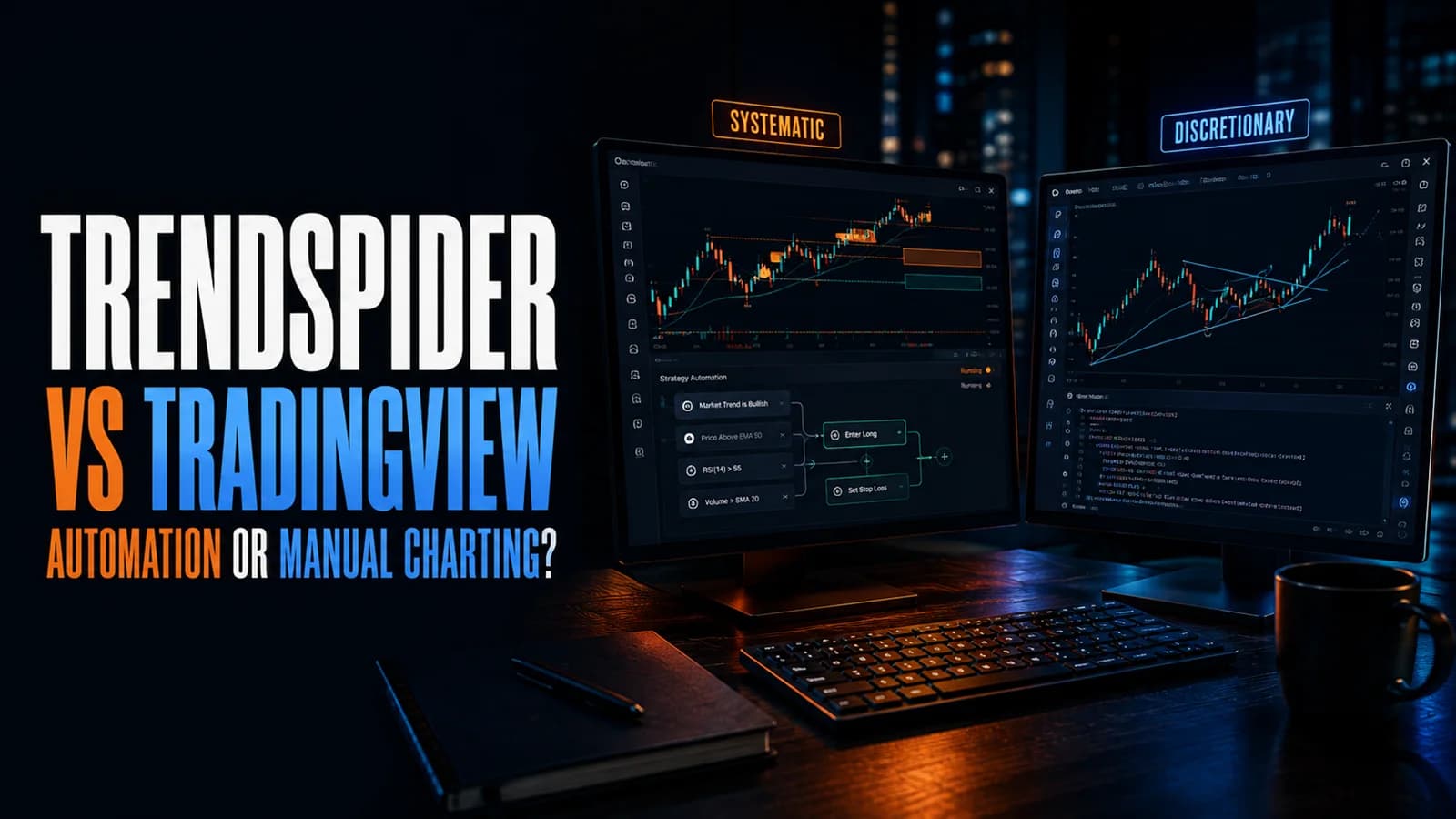
If you're comparing TrendSpider and TradingView, here's the short version: TrendSpider wins if you want technical analysis, BacktestingThe process of running a defined trading strategy against historical price data to evaluate how it would have performed before risking real capital. A well-constructed backtest gives you a statistical baseline — win rate, profit factor, maxRead definition →, and trade execution automated for you, because that automation is the entire point of the platform. TradingView wins if you want the deepest manual charting toolkit available and you'd rather draw your own trendlines and build your own Pine Script tools than hand that work to software. Here's what actually matters for the decision.
Both platforms cover US equities, options, futures, forex, and crypto, and both are genuinely excellent at what they're built for. The difference isn't quality, it's philosophy: TrendSpider tries to do the analysis for you, TradingView gives you the best possible tools to do it yourself.
TrendSpider vs. TradingView
- Starting Price (annual)
- $82/mo
- Automated Trendlines & S/R Zones
- Yes
- No-Code Backtesting
- Yes (Strategy Tester)
- Custom Indicators
- JavaScript + AI-generated
- Built-In AI Assistant
- Yes (Sidekick AI)
- Broker Execution
- Yes (via SignalStack webhooks)
- Manual Bar-by-Bar Replay
- No
- Alerts That Never Expire
- Yes, all tiers
- Real-Time US Equity Data
- Included, all tiers
- Real-Time Futures Data
- $7.50/mo add-on
- Social/Community Ideas Feed
- No
- Starting Price (annual)
- $0 (Free) / $12.95/mo (Essential)
- Automated Trendlines & S/R Zones
- No
- No-Code Backtesting
- Requires Pine Script
- Custom Indicators
- Pine Script + 100,000+ free community scripts
- Built-In AI Assistant
- No
- Broker Execution
- Yes (direct, many brokers)
- Manual Bar-by-Bar Replay
- Yes (Bar Replay)
- Alerts That Never Expire
- Premium tier and above only
- Real-Time US Equity Data
- Included, all tiers
- Real-Time Futures Data
- Separate exchange fees
- Social/Community Ideas Feed
- Yes
| Feature | Best for Automation TrendSpider8.7/10 | Best for Manual Charting TradingView8.6/10 |
|---|---|---|
| Starting Price (annual) | $82/mo | $0 (Free) / $12.95/mo (Essential) |
| Automated Trendlines & S/R Zones | Yes | No |
| No-Code Backtesting | Yes (Strategy Tester) | Requires Pine Script |
| Custom Indicators | JavaScript + AI-generated | Pine Script + 100,000+ free community scripts |
| Built-In AI Assistant | Yes (Sidekick AI) | No |
| Broker Execution | Yes (via SignalStack webhooks) | Yes (direct, many brokers) |
| Manual Bar-by-Bar Replay | No | Yes (Bar Replay) |
| Alerts That Never Expire | Yes, all tiers | Premium tier and above only |
| Real-Time US Equity Data | Included, all tiers | Included, all tiers |
| Real-Time Futures Data | $7.50/mo add-on | Separate exchange fees |
| Social/Community Ideas Feed | No | Yes |
| Get started | Try TrendSpider | Try TradingView Free |
TrendSpider Overview
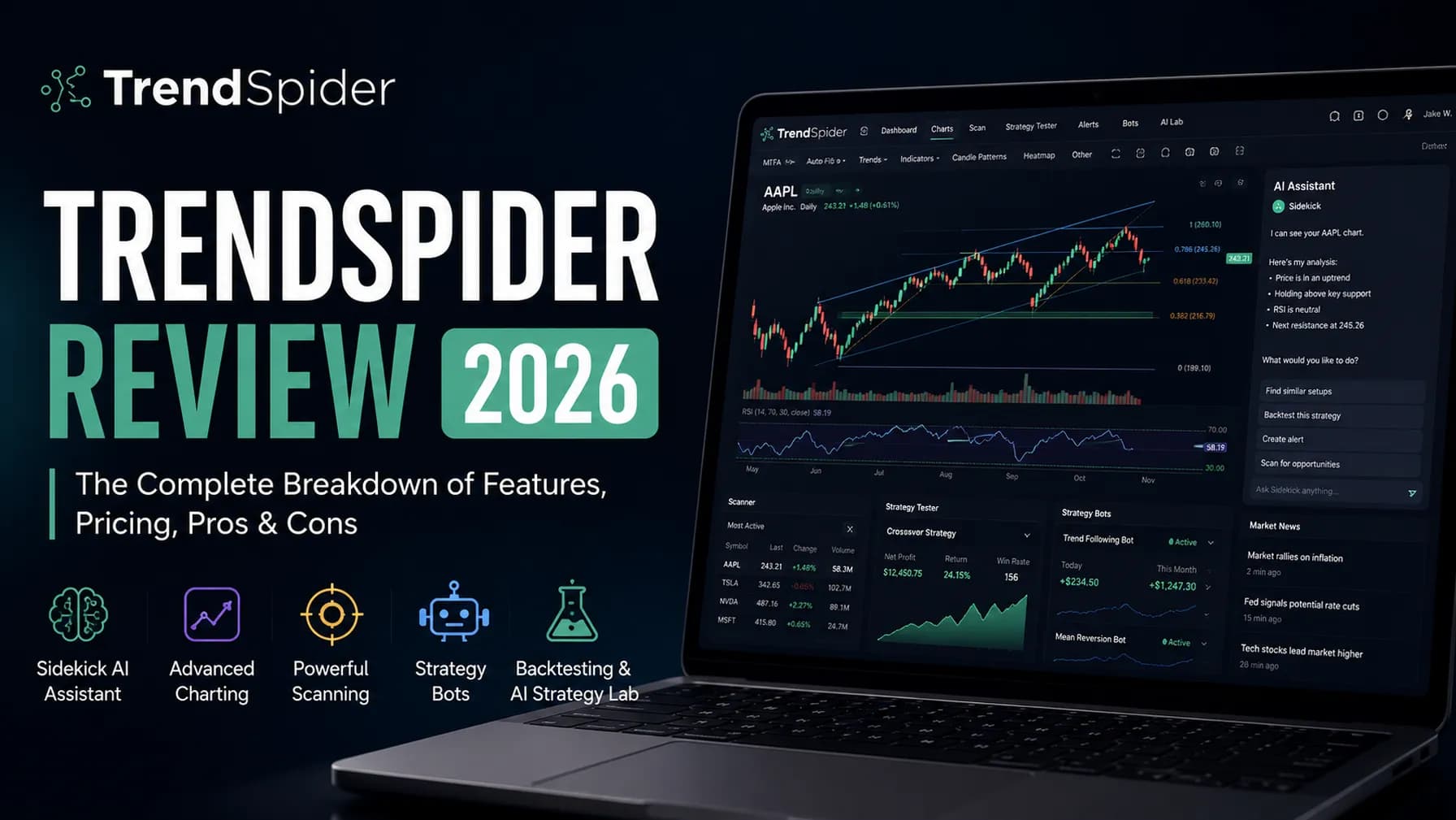
What is TrendSpider? TrendSpider is a cloud-based research and automation platform that draws its own trendlines, Fibonacci levels, and SupportSupport is a price level where buying pressure has historically overcome selling pressure, causing price to stop declining and reverse — it's the floor where demand enters the market, and when it holds, it's a potential long entry; when it Read definition →/ResistanceResistance is a price level where selling pressure has historically overcome buying pressure, causing price to stall, reverse, or consolidate — it's the ceiling where supply enters the market and where breakout traders watch for either a coRead definition → zones, runs no-code backtests through its Strategy Tester, and can route orders to a broker through Strategy Bots. Its AI assistant, Sidekick, can build scans, write custom indicators, and annotate charts from plain-English prompts.
TrendSpider's four paid tiers (Standard through Advanced) all include the same feature set; higher tiers buy more bots, more active alerts, and finer backtest resolution. Read the full breakdown in our TrendSpider review.
TradingView Overview
What is TradingView? TradingView is a browser-based charting and social trading platform built around Pine Script, its own scripting language, and a public library of over 100,000 free community-built indicators and strategies. It connects directly to a long list of brokers for live execution and includes a research-oriented screener.
TradingView runs five tiers, from a genuinely usable free plan up through Ultimate at $239.95/month. Read the full breakdown in our TradingView review.
Feature-by-Feature Breakdown
Charting and analysis. TradingView's manual charting is the deeper toolkit here: more drawing tools, more chart types across more tabs at higher tiers, and a scripting language accessible enough that non-programmers regularly build their own indicators. TrendSpider's charting is built to need less of your input in the first place. Its algorithm draws trendlines and support/resistance zones automatically, and Raindrop Charts add a VolumeVolume is the total number of shares (or contracts) traded during a given time period — it's the primary confirmation tool for all price action, because a price move accompanied by high volume indicates genuine market participation, while tRead definition →-at-price layer most platforms don't offer at all. Neither is a downgrade from the other; they're solving the "how do I read this chart" problem from opposite directions.
Backtesting. This is TrendSpider's clearest structural advantage. The Strategy Tester lets you build and test a rules-based strategy with no code, and the Group Strategy Tester (added August 2026) runs one strategy across an entire watchlist or index at once. TradingView's equivalent requires writing a Pine Script strategy, which is accessible for simple logic but a real technical lift for anything complex. If backtesting without code matters to you, that alone can decide this comparison.
AI assistance. TrendSpider's Sidekick is a genuine agentic assistant built into the workspace, with 25 free messages a month and paid tiers for heavier use. TradingView has no equivalent built-in AI layer; its strength here is the sheer size of its free, human-built Pine Script library, which often gets you most of the way to what Sidekick would generate from scratch, for free.
Broker execution. Both platforms connect to real brokers now, closing what used to be TrendSpider's biggest GapA gap is a price discontinuity on a chart where a stock opens significantly higher or lower than the previous session's close, leaving a visible empty space — gap-ups are driven by overnight buying pressure or positive news; gap-downs by seRead definition →. TradingView's integration is more direct, letting you drag entry, stop, and target levels straight on the chart. TrendSpider's runs through SignalStack webhooks, which is more suited to fully automated, rules-based execution via Strategy Bots than to manual, click-to-trade order placement.
Data costs. Neither platform bundles all its real-time data into the subscription price. TradingView charges separate exchange fees for real-time US equities and futures depending on your broker and tier. TrendSpider includes real-time equities, ETFs, forex, and crypto data free for retail users on every tier, but charges $7.50/month for real-time futures and $9.50/month for real-time OPRA options. Whichever platform you choose, budget the data add-ons before comparing sticker prices.
TrendSpider Pricing
TrendSpider runs four tiers from $82 to $321 a month billed annually, all with identical features and different capacity limits (bots, alerts, backtest resolution). A paid 14-day trial runs $19 to $49 depending on tier. Full tier breakdown and current discounts are in our TrendSpider review and discount guide.
TradingView Pricing
TradingView's free Basic plan is a real starting point, not a stripped demo. Paid tiers run Essential ($14.95/mo), Plus ($34.95/mo), Premium ($69.95/mo), and Ultimate ($239.95/mo), each unlocking more charts per tab, more indicators, and longer-lasting alerts. Annual billing saves roughly 13 to 17%. Full details in our TradingView review.
Who Should Choose TrendSpider
Choose TrendSpider if you're a systematic or rules-based trader who wants backtesting without writing code, if you run (or want to run) automated strategies through bots rather than clicking every trade yourself, or if you'd rather have software draw your trendlines and flag your patterns than do it by eye across dozens of charts a day.
Who Should Choose TradingView
Choose TradingView if you're a discretionary or swing trader who wants the deepest manual charting toolkit available, if you want to build custom tools in Pine Script or borrow from a massive free library instead of paying for AI generation, or if a genuinely usable free tier matters because you're not ready to commit to a paid platform yet.
Our Recommendation
For most systematic and intraday traders who want their analysis automated rather than manual, TrendSpider is the stronger fit despite the higher entry price, because the Strategy Tester and Sidekick AI do work that would otherwise cost real screen time every single day. For discretionary and swing traders who want to stay hands-on with their charts and don't need bot-driven execution, TradingView delivers more charting depth per dollar, especially starting from its free tier.
Neither choice is permanent or exclusive. Some traders genuinely run both: TradingView for research and manual chart review, TrendSpider for the systematic strategies they've already validated and want running on autopilot. If you're still weighing the cost either way, our breakdowns of whether TrendSpider is worth it and whether TradingView is worth it go deeper on the price-to-value case for each.
Different Jobs, Not a Straight Upgrade
TrendSpider wins for automated, rules-based trading and no-code backtesting. TradingView wins for manual charting depth and Pine Script's free indicator library.
TrendSpider for systematic traders automating strategies; TradingView for discretionary traders who want the deepest manual charting toolkit