A hobbyist trader running two swing setups a week and a systematic trader running forty bots across five hundred symbols are both looking at the same TrendSpider pricing page, and they should not be asking the same question. One of them is deciding whether $82 a month is worth it. The other is deciding whether $321 a month is cheap. Both answers can be correct at once, which is exactly why a single verdict on "is TrendSpider worth it" is close to useless.
Is TrendSpider worth it? For most retail traders, yes, on the Premium tier ($137/mo billed annually) or lower, provided you'll actually use the automation instead of letting it sit idle. It stops being worth it fast for anyone who wants a scanner and nothing else, or anyone unwilling to spend the first two weeks learning the platform before it saves any time.
That's the short version. The honest version needs three separate trader profiles, because the platform's four tiers exist precisely because "worth it" scales with how much of TrendSpider's capacity you'll actually consume.
What You're Actually Paying For
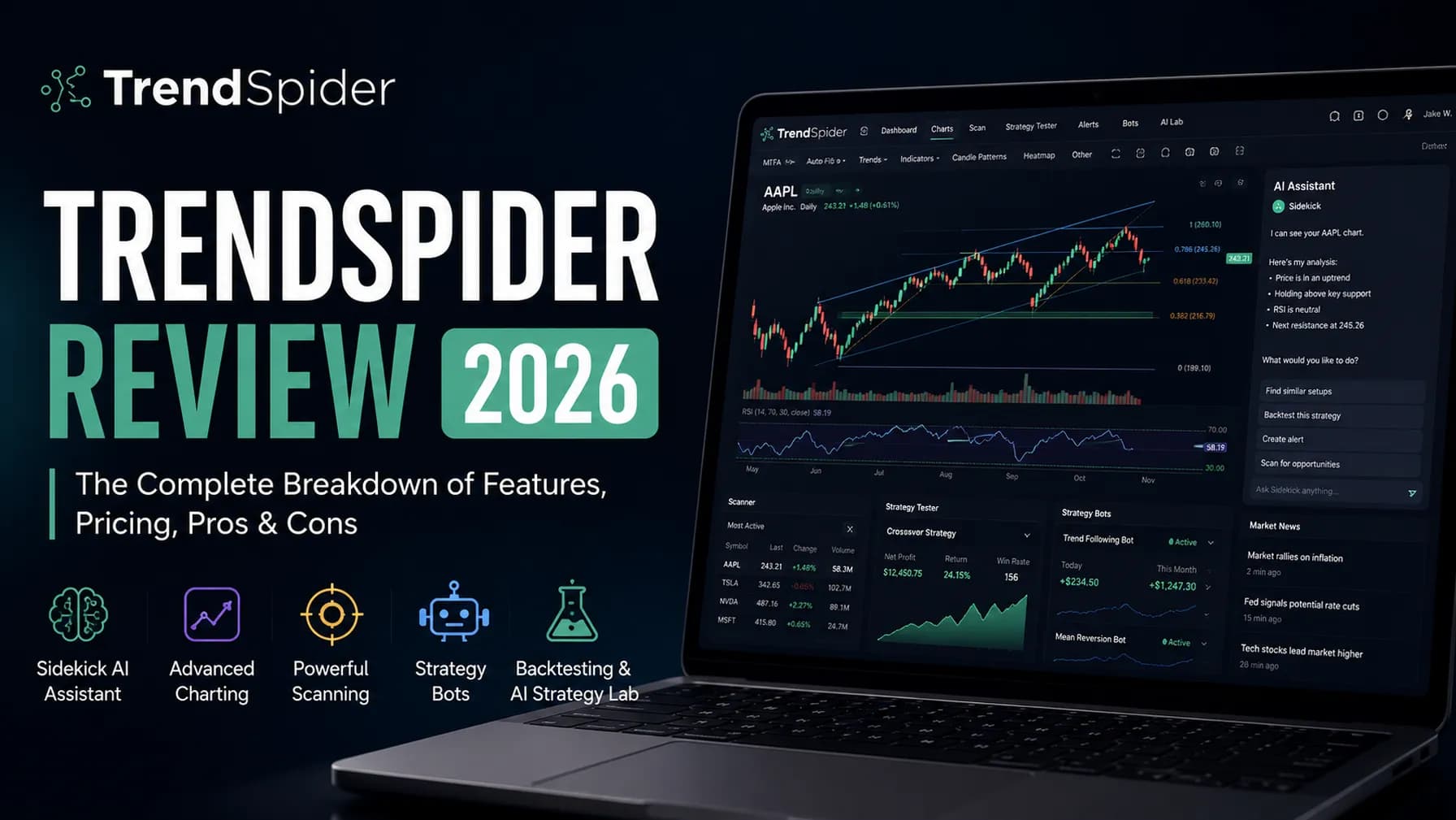
TrendSpider's pricing is unusual in a way that matters for this whole exercise: every tier gets the same features. Sidekick AI, the Strategy Tester, the ML Quant Lab, Raindrop Charts, the full indicator library, Strategy Bots, all of it exists on the $82/month Standard plan exactly as it does on the $321/month Advanced plan. What changes between tiers is pure capacity: how many bots can run at once, how many alerts stay active, and how granular your backtests and scans can go.
That's a genuinely different pricing model from a platform like TradingView, where higher tiers unlock features the lower tiers simply don't have. It also means the "worth it" question isn't really about features at all. It's about whether your trading VolumeVolume is the total number of shares (or contracts) traded during a given time period — it's the primary confirmation tool for all price action, because a price move accompanied by high volume indicates genuine market participation, while tRead definition → and automation appetite match the capacity you're paying for. Buying Advanced to run three bots is exactly as wasteful as buying Standard and trying to run fifty.
- Plan
- Standard
- Price (annual)
- $82/mo
- Bots
- 5
- Active Alerts
- 10 (30-day)
- Lowest Backtest/Scan
- 2-hour
- Plan
- Premium
- Price (annual)
- $137/mo
- Bots
- 10
- Active Alerts
- 50 (90-day)
- Lowest Backtest/Scan
- 5-minute
- Plan
- Enhanced
- Price (annual)
- $183/mo
- Bots
- 50
- Active Alerts
- 100 (180-day)
- Lowest Backtest/Scan
- 1-minute
- Plan
- Advanced
- Price (annual)
- $321/mo
- Bots
- 100
- Active Alerts
- 400 (365-day)
- Lowest Backtest/Scan
- 1-minute
| Plan | Price (annual) | Bots | Active Alerts | Lowest Backtest/Scan |
|---|---|---|---|---|
| Standard | $82/mo | 5 | 10 (30-day) | 2-hour |
| Premium | $137/mo | 10 | 50 (90-day) | 5-minute |
| Enhanced | $183/mo | 50 | 100 (180-day) | 1-minute |
| Advanced | $321/mo | 100 | 400 (365-day) | 1-minute |
For full feature detail and how each tier's data add-ons work, see our full TrendSpider review. Check the current TrendSpider deals or the discount guide before you pay full price, and start the trial directly here once you know which tier to test.
Profile 1: The Part-Time Swing Trader
You trade a handful of setups a week, hold positions for days rather than minutes, and want your scanning and BacktestingThe process of running a defined trading strategy against historical price data to evaluate how it would have performed before risking real capital. A well-constructed backtest gives you a statistical baseline — win rate, profit factor, maxRead definition → to happen without you sitting at a screen all day.
The math: Standard, at $82/month, is genuinely built for this profile. Five bots is enough to automate a handful of standing setups (a Moving AverageA moving average smooths out price data by calculating the average closing price over a set number of periods — it filters out noise and identifies the trend direction, with the stock above the MA interpreted as bullish and below as bearishRead definition → crossover scan, a BreakoutA breakout is when price moves decisively beyond a defined level — a resistance zone, a consolidation boundary, a chart pattern boundary, or a prior high — suggesting that the previous supply at that level has been overcome.Read definition → alert on your core watchlist, a mean-reversion screen), ten active alerts covers a normal watchlist, and a 2-hour minimum scan resolution is irrelevant when you're not trying to catch a five-minute move anyway.
The honest risk: Part-time traders are the group most likely to pay for TrendSpider and then keep using it like a slightly fancier version of a free charting site. If you're not actually building bots, running the Strategy Tester on your ideas before trading them, or letting Sidekick draft a scan for you, you're paying $82 a month for automation you never turn on. Before subscribing, use the paid 14-day trial ($19 on Standard) specifically to build one real automated workflow, not just to look at charts.
Verdict for this profile: Worth it, conditionally. It earns its price the moment you're running at least one or two automated scans or bots you'd otherwise be doing by hand. It's a waste of money if you're using it purely as a nicer chart.
Profile 2: The Full-Time Discretionary Day Trader
You're trading multiple setups daily, need alerts that reset fast and cover a real watchlist, and you're doing enough volume that a few minutes of edge on entry timing has real dollar value.
The math: This profile usually lands on Premium ($137/month) or Enhanced ($183/month). Premium's 50 alerts and 5-minute scan resolution cover most intraday setups; Enhanced's jump to 1-minute resolution and 100 bots matters specifically if you're ScalpingScalping is a trading style that targets very small price moves — often just cents or a few ticks — entering and exiting positions within seconds to minutes, with the goal of accumulating many small wins throughout the day while keeping losRead definition → or running more than ten automated workflows at once. TrendSpider itself points to Premium as its most popular tier, and for a full-time discretionary trader that popularity tracks the actual need: enough capacity to run a real toolkit, not so much you're paying for headroom you'll never use.
The honest risk: Full-time traders are the group most likely to actually justify the cost, but they're also the group most exposed to the learning curve tax. TrendSpider's automated trendlines, Raindrop Charts, and Sidekick AI all take real setup time to configure well. If you're switching from a simpler tool mid-season, budget the first two weeks as a cost, not a bonus.
Verdict for this profile: Worth it. This is the profile TrendSpider is actually built for, and the pricing reflects that: you're not overpaying for capacity you won't touch, and you're not underpowered on a tier that throttles you during your busiest hours.
Profile 3: The Systematic or Quantitative Trader
You're running strategies across dozens or hundreds of symbols simultaneously, backtesting extensively before deploying anything live, and routing at least some orders through Strategy Bots via webhook rather than clicking buttons yourself.
The math: Advanced ($321/month) is priced for exactly this workflow, and it's the one tier where the price tag stops being a real question. A hundred bots, 400 active alerts, and 1-minute backtest resolution across a full year of history is capacity a discretionary trader will never fill. If you're already running this style of trading somewhere else and paying for backtesting infrastructure, data feeds, and alert automation separately, $321 a month consolidated into one platform is frequently cheaper than the sum of its parts.
The honest risk: The Group Strategy Tester (added August 2026, letting you test one strategy across an entire watchlist or index at once) and the ML Quant Lab's machine learning models are the two features that make Advanced worth its price for this profile specifically. If you're not using either, you're likely better served by Enhanced and saving $138 a month.
Verdict for this profile: Worth it, and arguably underpriced relative to running the same capacity across separate backtesting, scanning, and execution tools.
The Free Trial Isn't Actually Free, and That Changes the Math
TrendSpider doesn't run a free trial. The 14-day full-access trial costs $19 to $49 depending on the tier you're testing, it's non-refundable, and if you let it roll into a real subscription, you get a 72-hour window to request a refund before you're locked into the billing cycle. Factor that fee into your decision the same way you'd factor in any other one-time cost: it's small relative to the monthly price, but it means "just trying it" isn't actually free, and it's worth deciding which tier you'd realistically subscribe to before paying for the trial on a tier you won't use long-term.
Where TrendSpider Genuinely Isn't Worth It
Two profiles show up repeatedly where the honest answer is no. Pure discretionary tape readers who work off Level 2 and order flow at the millisecond level get little value from a platform built around automated technical analysis and backtesting; that workflow needs a different kind of tool entirely. And anyone who wants a real-time scanner specifically, and nothing else, is paying for a lot of unused capability. TrendSpider's Market Scanner is genuinely good, but if scanning is the entire use case, it's worth comparing against a dedicated scanner before committing. If either of those describes you, it's worth reading 5 Signs You're Not Ready for TrendSpider before subscribing, or comparing TrendSpider directly against TradingView and Finviz if a narrower, cheaper tool might actually cover your need.
What is TrendSpider's Sidekick AI, and does it change the worth-it math?
Sidekick can annotate your chart, write custom indicators from a plain-English description, and build or run scans through a chat interface, powered by Claude, Gemini, or ChatGPT depending on the tier. For most retail traders, the free 25 messages a month is enough to occasionally offload a task; heavy daily use of Sidekick pushes the real monthly cost up by $49 to $349 depending on which paid Sidekick tier you need.
Key Takeaway: Price out your expected Sidekick usage separately from your plan tier before deciding TrendSpider is or isn't worth the total cost.
Is TrendSpider worth it if I only trade a few hours a week?
TrendSpider's value comes from automation doing work while you're away from the screen. If your trading time is entirely screen time, the return on TrendSpider's price is much lower than for someone letting bots and alerts do the watching. A part-time trader who sets and forgets a handful of scans gets real value; a part-time trader who logs in for an hour and manually reads charts is closer to overpaying for a charting subscription.
Key Takeaway: The question isn't how many hours you trade, it's how many of those hours TrendSpider can replace with automation.
How does TrendSpider's pricing compare to just paying for a charting platform and a scanner separately?
For a casual trader, a free or low-cost charting tool plus a basic scanner will often cost less in total than TrendSpider's Standard tier, but you lose the automation and backtesting layer entirely. The comparison only favors TrendSpider once you're actually using the parts a simpler stack doesn't have.
Key Takeaway: Price TrendSpider against your actual current toolkit's total cost, not against a single competing app.
Does the trial fee count toward my first month's subscription?
The trial fee covers the 14-day access period only. If you don't cancel and the trial converts to a paid subscription, your card is charged the regular monthly or annual rate on top of what you already paid for the trial itself.
Key Takeaway: Budget the trial fee as a separate, non-refundable cost of evaluation, not a credit toward your subscription.
Is Premium really the best value tier, or is that just TrendSpider's marketing?
That said, "most popular" is a description of what other people bought, not a guarantee it fits your specific workflow. A trader running fewer than ten alerts and no bots is better served by Standard regardless of what's popular; a trader scalping intraday setups will hit Premium's limits and need Enhanced.
Key Takeaway: Match the tier to your bot and alert count, not to which plan is most commonly chosen.
Should I upgrade tiers if I outgrow my current plan mid-year?
The more common mistake is the reverse: staying on a higher tier out of inertia after your trading volume drops, rather than downgrading and saving the difference. Revisit your tier choice every few months against your actual bot and alert count rather than assuming your first pick is permanent.
Key Takeaway: Treat your tier as a living decision tied to current usage, not a one-time choice.
Does TrendSpider's pricing include real-time market data?
Real-time futures runs about $7.50 a month, and real-time OPRA options data runs about $9.50 a month for non-professional users, on top of your subscription tier. Professional traders face separate, higher exchange fees. Factor these in if your strategy touches futures or options specifically.
Key Takeaway: Add data fees to your subscription cost before comparing TrendSpider's total price against alternatives.
Is TrendSpider worth it compared to TradingView or Finviz?
TrendSpider's price only makes sense relative to competitors once you weigh in what its automation and AI layers replace. For traders who don't need automated backtesting or bots, TradingView or Finviz alone may deliver more value per dollar. For a full breakdown of how the platforms actually differ, see TrendSpider vs. TradingView and TrendSpider vs. Finviz.
Key Takeaway: "Worth it" only means something relative to what you'd otherwise be paying for the same jobs.
Article Sources
- TrendSpider Official Pricing - current tier structure and trial termstrendspider.com
- Investopedia: What Is Backtesting? - definition and methodology contextinvestopedia.com
- Investopedia: Algorithmic Trading - background on rules-based and bot-driven trading approachesinvestopedia.com
- FINRA: Technology and Your Brokerage Account - general guidance on evaluating trading technology costsfinra.org