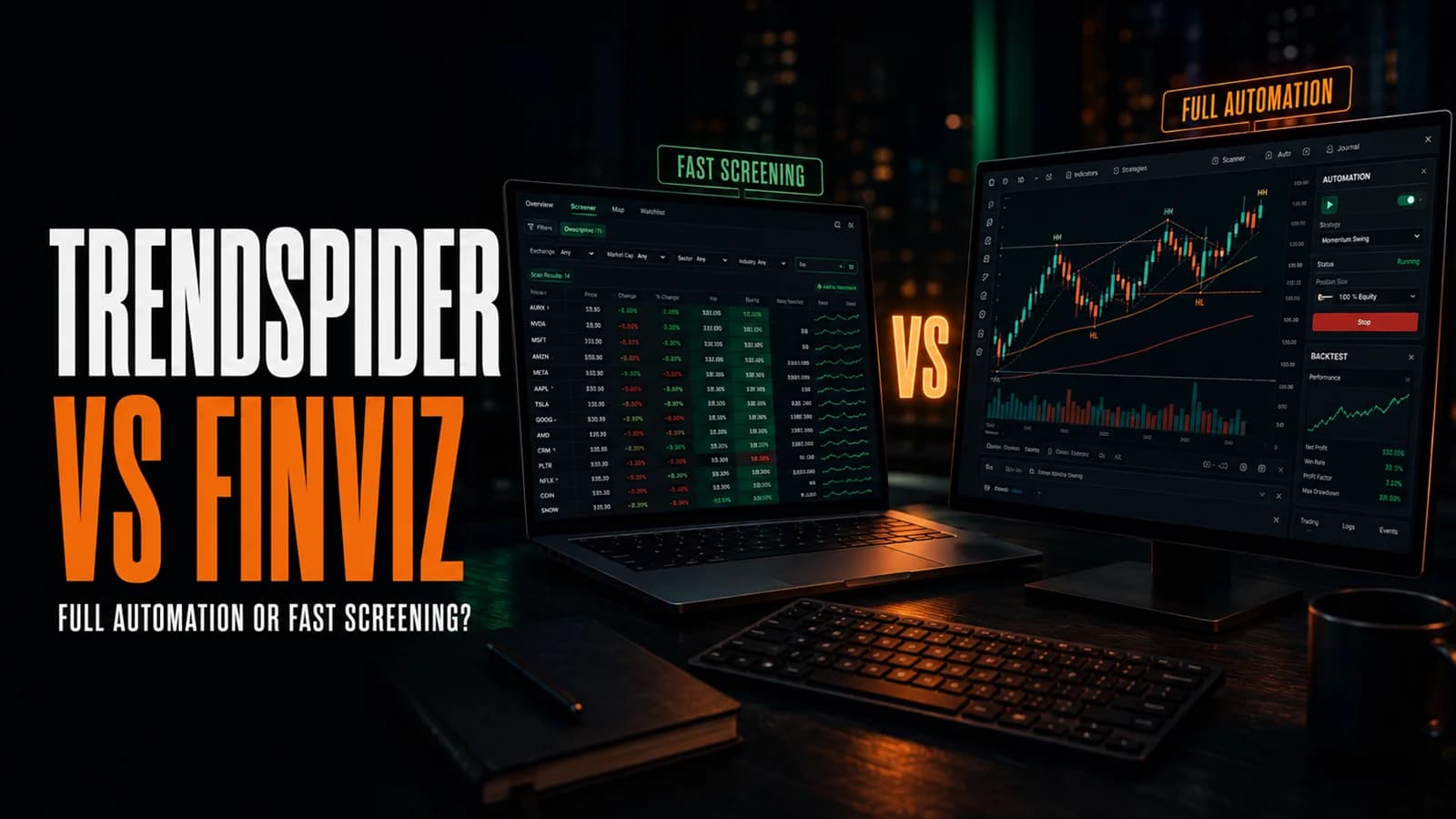
If you're comparing TrendSpider and Finviz, here's the short version: Finviz wins if you want the fastest, cheapest way to screen thousands of stocks down to a specific watchlist. TrendSpider wins if screening is only the first step of your workflow and you also want automated charting, no-code BacktestingThe process of running a defined trading strategy against historical price data to evaluate how it would have performed before risking real capital. A well-constructed backtest gives you a statistical baseline — win rate, profit factor, maxRead definition →, and bot-driven execution in the same platform. These aren't really the same category of tool, which makes this less a head-to-head than a question of how much platform you actually need.
Finviz starts at free and its Elite tier costs $39.50/month ($24.96/month billed annually). TrendSpider starts at $82/month with no free tier at all. That price GapA gap is a price discontinuity on a chart where a stock opens significantly higher or lower than the previous session's close, leaving a visible empty space — gap-ups are driven by overnight buying pressure or positive news; gap-downs by seRead definition → alone should frame most of this decision before you even look at features.
TrendSpider vs. Finviz
- Starting Price
- Free (Elite $24.96/mo annual)
- Screener Filters
- 60+, instant results
- Automated Trendlines & S/R
- No
- No-Code Backtesting
- Screener-based only (Elite)
- Real-Time Data
- Elite only
- Charting Depth
- Basic, quick-look only
- Broker Execution
- No
- Heat Maps
- Yes
- Mobile App
- No
- Free Trial
- 7 days, genuinely free (Elite)
- Starting Price
- $82/mo, no free tier
- Screener Filters
- Prompt-based, plain-English scan builder
- Automated Trendlines & S/R
- Yes
- No-Code Backtesting
- Full Strategy Tester
- Real-Time Data
- Included, all tiers (equities)
- Charting Depth
- Deep, with custom indicators
- Broker Execution
- Yes (via SignalStack webhooks)
- Heat Maps
- No dedicated equivalent
- Mobile App
- Yes
- Free Trial
- 14 days, $19-$49 paid
| Feature | Best for Fast Screening Finviz8.3/10 | Best for Full Automation TrendSpider8.7/10 |
|---|---|---|
| Starting Price | Free (Elite $24.96/mo annual) | $82/mo, no free tier |
| Screener Filters | 60+, instant results | Prompt-based, plain-English scan builder |
| Automated Trendlines & S/R | No | Yes |
| No-Code Backtesting | Screener-based only (Elite) | Full Strategy Tester |
| Real-Time Data | Elite only | Included, all tiers (equities) |
| Charting Depth | Basic, quick-look only | Deep, with custom indicators |
| Broker Execution | No | Yes (via SignalStack webhooks) |
| Heat Maps | Yes | No dedicated equivalent |
| Mobile App | No | Yes |
| Free Trial | 7 days, genuinely free (Elite) | 14 days, $19-$49 paid |
| Get started | Try Finviz Elite Free | Start Your TrendSpider Trial |
Finviz Overview
What is Finviz? Finviz is a browser-based stock screener and market data visualization tool known for filtering thousands of stocks by descriptive, fundamental, and technical criteria in seconds, plus SectorA broad grouping of companies that operate in the same segment of the economy — such as Technology, Healthcare, Energy, or Financials. Stocks within a sector tend to move together in response to shared economic, regulatory, and sentiment faRead definition → heat maps and aggregated insider trading and analyst data. It's free with a 15-minute data delay, or available as Elite with real-time data, Pre-MarketPre-market trading is the session that occurs between 4:00 AM and 9:30 AM Eastern, before the regular market opens — it allows traders to react to overnight news and earnings reports, establishes where stocks will likely open (the gap), andRead definition → and after-hours coverage, and screener-based backtesting. Full breakdown in our Finviz review.
TrendSpider Overview
What is TrendSpider? TrendSpider is a cloud-based research and automation platform combining automated charting, a market scanner, no-code backtesting through its Strategy Tester, an AI assistant called Sidekick, and broker execution via Strategy Bots. Every one of its four paid tiers includes the full feature set; higher tiers buy more capacity. Full breakdown in our TrendSpider review.
Feature-by-Feature Breakdown
Screening and scanning. This is Finviz's entire reason for existing, and it's genuinely excellent at it: 60-plus filters across descriptive, fundamental, and technical categories, returning results almost instantly, for free. TrendSpider's Market Scanner covers similar ground but through a different interface, accepting plain-English prompts through Sidekick rather than a filter form, and it's one feature among many rather than the whole product. If fast, no-frills screening is genuinely all you need, Finviz does that one job as well as anything at any price.
Charting. Finviz's charts are functional for a quick visual check, with basic automated pattern recognition, but they're not built for real technical work: no custom indicators, limited drawing tools, no multi-timeframe analysis. TrendSpider's charting is the far deeper toolkit, with algorithmically drawn trendlines and SupportSupport is a price level where buying pressure has historically overcome selling pressure, causing price to stop declining and reverse — it's the floor where demand enters the market, and when it holds, it's a potential long entry; when it Read definition →/resistance zones, 400-plus indicators, and Raindrop Charts for volume-at-price analysis. Most Finviz users move to a dedicated charting tool once they've found a candidate; TrendSpider is trying to remove that second step entirely.
Backtesting. Finviz Elite includes a screener-based backtester, useful for checking how a specific filter combination would have performed historically, but it's tied to the screener's logic rather than a full strategy simulation. TrendSpider's Strategy Tester is a genuine no-code backtesting engine for rules-based strategies, plus a Group Strategy Tester that runs one strategy across an entire watchlist at once. For anything beyond "how did this filter perform," TrendSpider is the more capable tool by a wide margin.
Automation and execution. Finviz has no automation or broker execution of any kind; it's a research tool you pair with something else for actually placing trades. TrendSpider connects to brokers through Strategy Bots and webhooks, letting rules-based strategies run without manual clicks. If any part of your workflow involves automated order routing, Finviz simply isn't in that conversation.
Speed and cost of entry. Finviz wins decisively here. It's free to start, loads in a browser in seconds with no account required for the basic screener, and Elite's $24.96/month annual price is a fraction of even TrendSpider's cheapest tier. For a trader who just wants to go from a market thesis to a watchlist fast, without paying for automation they won't use, that price gap matters more than any feature comparison.
Finviz Pricing
Finviz Free is a genuinely usable tool on its own, not a crippled demo. Elite runs $39.50/month, or $24.96/month billed annually (about 37% off), with a real 7-day free trial. Full pricing detail and the free-vs-Elite feature breakdown are in our Finviz review.
TrendSpider Pricing
TrendSpider runs four tiers from $82 to $321/month billed annually, with a paid 14-day trial ($19-$49 depending on tier) instead of a free trial. Full tier breakdown and current discounts are in our TrendSpider review and discount guide.
Who Should Choose Finviz
Choose Finviz if screening and quick sector-level visibility genuinely cover your entire research need, if you're not ready to pay for a full platform yet, or if you want a fast, free-to-start way to build a watchlist before doing deeper work elsewhere.
Who Should Choose TrendSpider
Choose TrendSpider if screening is only step one of a workflow that also needs automated charting, no-code backtesting, and the option to route trades through bots, or if you're a systematic trader who wants that entire stack consolidated into a single subscription rather than paying for several tools separately.
Our Recommendation
For traders whose entire workflow is "find candidates, then move elsewhere," Finviz is the better dollar-for-dollar choice, and it's not close: you're getting a genuinely capable screener for a fraction of TrendSpider's cost. For traders who want screening, charting, backtesting, and execution in one place, TrendSpider justifies its higher price by replacing several separate subscriptions and manual steps. This isn't really an either-or for a lot of traders either. Plenty use Finviz's screener or heat map as the fast first filter, then take the resulting watchlist into TrendSpider for deeper technical work and automation. For the full cost case on either side, see Is TrendSpider Worth It? and Is Finviz Elite Worth It?.
A Screener vs. a Full Research Stack
Finviz wins on speed and price for screening alone. TrendSpider wins once your workflow needs automated charting, backtesting, and execution beyond just finding candidates.
Finviz for fast, low-cost screening; TrendSpider for traders who want their full research and automation stack in one platform