
Finviz Review: Is Finviz Elite Worth the Upgrade?

In this article9 sections
Finviz (short for Financial Visualizations) has been a fixture of retail trading research for close to two decades, and it's held that position for a simple reason: it packs an enormous amount of market data into a single, fast, browser-based screen without asking for a login or a subscription first. Most traders who've screened for stocks at some point have used it, whether they realize it or not.
The question that comes up constantly is narrower than "is Finviz good" — it's whether the paid Finviz Elite tier is actually worth upgrading to, or whether the free version already does enough. This review breaks down what Finviz actually offers at each tier, what's genuinely different about Elite, and who should (and shouldn't) pay for it.
Finviz Review
One of the fastest, most filter-rich stock screeners available, held back only by charting that's built for a quick look rather than deep technical analysis.
Pros
Strengths- A stock screener with 60+ filter criteria that returns results almost instantly across thousands of tickers, free and without an account
- Heat maps give an at-a-glance read of which sectors and industries are moving, useful as a first step before drilling into individual names
- Finviz Elite adds real-time quotes, pre-market and after-hours data, and a screener-based backtester for a genuinely low monthly cost relative to comparable tools
- The free tier is a legitimately useful research tool on its own, not a crippled trial designed purely to push an upgrade
- Insider trading, SEC filings, and analyst rating data are aggregated in the same interface as the screener, cutting down on tab-switching
Cons
Trade-offs- Free-tier data runs on a 15-minute delay, which is a genuine limitation for anyone making same-session intraday decisions
- Charting is functional for a quick look but lacks the drawing tools, custom indicators, and depth of a dedicated charting platform
- No broker integration and no mobile app — Finviz is a research tool you pair with execution elsewhere, not a full trading workstation
- Coverage is limited to US equities and ETFs, with limited data for traders working international markets
What Is Finviz?
What is Finviz? Finviz is a web-based stock screener and market data visualization platform that helps traders filter thousands of stocks by descriptive, fundamental, and technical criteria. It's known for its stock screener, sector heat maps, and aggregated data on insider trading, analyst ratings, and financial news — available free with delayed data, or in a paid Elite tier with real-time quotes and additional tools.
The platform's efficiency is part of its appeal: there's no software to install, and the entire interface loads in a browser in seconds, making it one of the fastest ways to go from a market thesis to a specific watchlist.
Key Features
The Stock Screener
This is Finviz's core product, and it remains one of the best in its category for speed and filter depth. Filters are organized into three groups — Descriptive (market cap, sector, industry, average volume), Fundamental (P/E ratio, EPS growth, insider ownership), and Technical (52-week high/low, moving average crossovers, candlestick patterns) — and can be combined freely.
As a practical example: narrowing the market down to semiconductor stocks trading above their 50-day moving average with weekly performance up 5% or more takes a handful of clicks and returns results in seconds, turning a broad sector thesis into a short, specific watchlist worth further research.
Heat Maps
Finviz's heat map visualizes the performance of the S&P 500 (or a chosen index), sizing each block by market cap and coloring it by price performance. It's a fast way to see which sectors are leading or lagging on a given day without opening a single individual chart — useful as a first filter before drilling into specific names within a strong or weak sector.
Charts and Technical Overlays
Finviz's charts are clean and load quickly, with automated support/resistance lines and basic pattern recognition (wedges, triangles) drawn automatically. They're a reasonable tool for a fast visual check or for newer traders learning to recognize patterns.
They are not, however, a substitute for a dedicated charting platform. There are no custom indicators, limited drawing tools, and none of the multi-timeframe analysis features a platform built specifically for charting offers. Most traders use Finviz to find a candidate, then move to a dedicated charting tool for deeper technical work.
Finviz Free vs. Elite: What Actually Changes
- Feature
- Data Speed
- Free
- 15-minute delayed
- Elite
- Real-time, plus pre-market (4:00–9:30 AM ET) and after-hours (4:00–8:00 PM ET)
- Feature
- Screener
- Free
- Full filter set
- Elite
- Same filters, plus export and additional data points
- Feature
- Charts
- Free
- Daily/weekly/monthly, basic
- Elite
- Intraday timeframes down to 1 minute
- Feature
- Backtesting
- Free
- Not available
- Elite
- Screener-based backtesting on historical data
- Feature
- Alerts
- Free
- Not available
- Elite
- Email alerts for price, news, and portfolio events
- Feature
- Ads
- Free
- Present
- Elite
- Ad-free
| Feature | Free | Elite |
|---|---|---|
| Data Speed | 15-minute delayed | Real-time, plus pre-market (4:00–9:30 AM ET) and after-hours (4:00–8:00 PM ET) |
| Screener | Full filter set | Same filters, plus export and additional data points |
| Charts | Daily/weekly/monthly, basic | Intraday timeframes down to 1 minute |
| Backtesting | Not available | Screener-based backtesting on historical data |
| Alerts | Not available | Email alerts for price, news, and portfolio events |
| Ads | Present | Ad-free |
Who should upgrade: For swing traders and longer-horizon investors, the 15-minute delay on the free tier usually isn't a dealbreaker — decisions playing out over days or weeks aren't especially sensitive to a quarter-hour of lag. For anyone making same-session intraday decisions, the delay is a real handicap: acting on 15-minute-old prices during a fast-moving session is a genuine disadvantage, and Elite's real-time data closes that gap directly.
Who Finviz Is Best For
Finviz is a strong fit for:
- Traders building a daily or weekly watchlist who want to move from a broad market thesis to a specific, screened list of candidates quickly
- Anyone who wants a fast, free first stop for market research before committing to a paid research or charting platform
- Swing traders and position traders who don't need real-time intraday data to make decisions
Finviz is a weaker fit for:
- Active intraday traders who need deep technical charting — pairing Finviz's screener with a dedicated charting platform covers this gap
- Traders who want to execute from the same platform they research on — Finviz has no broker integration, so execution happens elsewhere
- International equity traders — coverage is concentrated in US-listed stocks and ETFs
Finviz Pricing
Finviz Elite has one paid tier, billed either monthly or annually:
- Monthly: $39.50/month
- Annual: $299.50/year (roughly $24.96/month — a 37% discount versus monthly billing)
Both billing options include a 7-day free trial with full access to Elite features. For current promotional pricing, check the current Finviz deals, and see our full cost-value breakdown by trader type for whether Elite pays for itself given how you trade. Or start a Finviz Elite trial directly here.
What Works Well
The screener's combination of speed and filter depth is genuinely hard to beat at any price, and the free tier's willingness to include nearly all of it — rather than gating the core feature behind a paywall — is unusual generosity in this category. A lot of competing platforms treat their best feature as the upsell; Finviz treats the screener as the reason to visit at all, free or not.
The heat map is a small feature that punches above its size. Being able to see which sectors are leading or lagging before opening a single chart saves a genuine amount of research time, and it's the kind of tool that becomes part of a daily routine rather than something used occasionally.
The aggregation of insider trading data, analyst ratings, and news headlines alongside the screener cuts down on the tab-switching that a lot of research workflows involve. Having that context available without leaving the platform is a meaningful convenience, even if none of these individual data feeds is unique to Finviz.
Limitations
The 15-minute delay on the free tier is the most consequential limitation for active traders specifically, and it's worth being direct about it: for same-session intraday decisions, 15-minute-old data is a real disadvantage, not a minor inconvenience. Elite removes this entirely, which is the single strongest argument for upgrading if intraday trading is part of your workflow.
Charting depth is the platform's other consistent gap. Finviz's charts are fine for a fast visual check, but traders who rely on custom indicators, multi-timeframe overlays, or advanced drawing tools will need a dedicated charting platform alongside Finviz rather than instead of it.
The lack of broker integration and mobile app are worth naming plainly rather than treating as hidden fine print. Finviz is, and has always positioned itself as, a research and screening tool — not an execution platform. Traders should plan for a separate broker connection and, if mobile access matters, a separate mobile-friendly tool for on-the-go monitoring. If you're evaluating whether a different screener might fit better, 5 Finviz alternatives worth comparing breaks down the specific gap each one closes.
How Finviz Compares
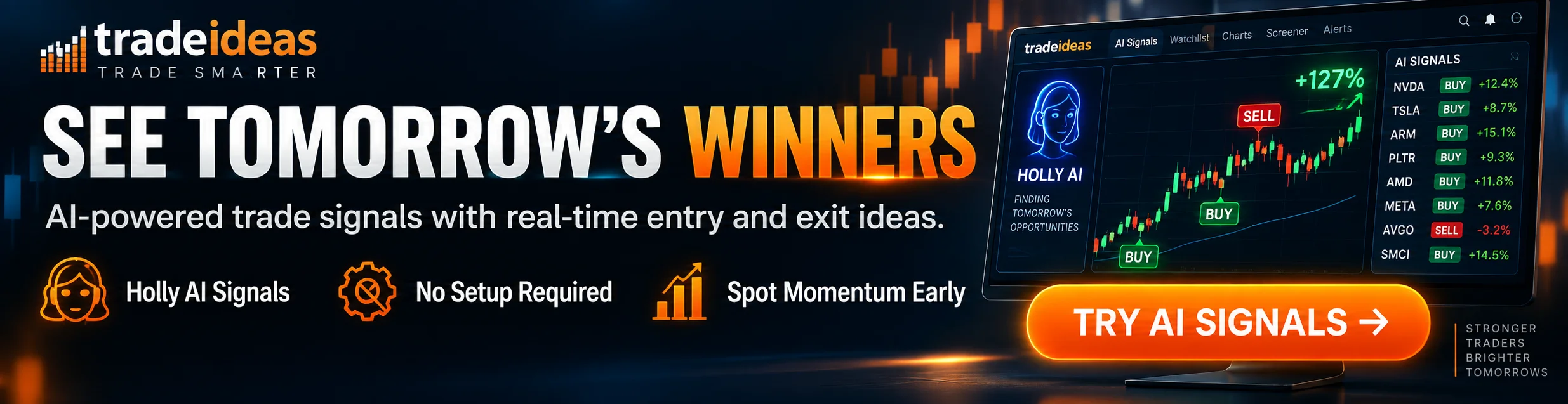
Finviz vs. Trade Ideas. Trade Ideas is built for real-time, AI-driven idea discovery — Holly AI scans the entire market continuously and surfaces high-probability setups intraday, well beyond what a screener refreshed on a schedule can do. Finviz is a research and pre-market tool; Trade Ideas is built for catching a move as it's happening. Many active traders use Finviz for a morning watchlist and a real-time scanner for intraday execution.
Finviz vs. TradingView. TradingView has meaningfully deeper charting — more indicators, custom scripting via Pine Script, and multi-timeframe analysis Finviz doesn't attempt to match. Finviz's screener is faster to use for a quick fundamental-plus-technical filter. A common workflow pairs Finviz for screening with TradingView for the deeper chart work once a candidate is identified. See the full Finviz vs. TradingView comparison for a feature-by-feature breakdown.
An Essential Free Screener — Elite Is Worth It for Active Intraday Traders
Finviz FAQs
Is Finviz Elite worth it?
For casual investors or traders working multi-week or multi-month horizons, the free version's 15-minute delay usually isn't a meaningful handicap. The upgrade case is strongest specifically for traders whose decisions depend on current, not delayed, prices.
Key Takeaway: If you're trading intraday, the real-time data alone justifies Elite's cost; if you're a swing trader, the free tier may be enough.
Is Finviz data real-time?
Elite adds real-time quotes plus pre-market data starting at 4:00 AM ET and after-hours data through 8:00 PM ET. For anyone making decisions during the trading session itself, this is the most consequential difference between the two tiers.
Key Takeaway: Confirm which tier you're using before relying on any price shown in the screener for a same-session decision.
How much does Finviz Elite cost?
Both billing options include a 7-day free trial with full Elite access. There's no long-term contract; the plan can be canceled before the trial ends to avoid being charged, or canceled at any time afterward.
Key Takeaway: Check the Finviz deals page for any current promotional pricing before subscribing at the standard rate.
How do you use the Finviz screener?
For example, a momentum-focused screen might combine average volume above 1 million shares, price above the 200-day moving average, and weekly performance above 10%. A value-focused screen would use entirely different filters — low P/E, low debt-to-equity, and above-average insider ownership. There's no universal "best" setting; the right filters depend on the strategy being screened for.
Key Takeaway: Combine filters across all three tabs to move from a broad thesis to a specific, actionable watchlist.
Can you backtest strategies on Finviz?
This is useful for validating a screening strategy before relying on it — for example, testing how stocks hitting a new 52-week high with a low P/E ratio have performed historically. The free tier doesn't include this feature.
Key Takeaway: Elite's backtester is a legitimate way to sanity-check a screening strategy with historical data rather than relying on assumptions.
Is Finviz good for day trading?
Elite's pre-market screener is commonly used before the open to identify stocks gapping on volume, building a focused list to watch once trading begins. It's not a substitute for a real-time scanning tool like Trade Ideas if the strategy depends on catching intraday moves as they happen, but it's a strong preparation tool.
Key Takeaway: Use Finviz Elite to build your pre-market watchlist, and pair it with a real-time scanner if your strategy depends on intraday signal speed.
Is Finviz good for swing trading?
Swing traders commonly use the screener to find stocks forming multi-day patterns, pulling back to a key moving average, or showing sustained relative strength over several weeks. The 15-minute data delay that matters for intraday traders is largely irrelevant on a multi-day time horizon.
Key Takeaway: Swing traders can generally rely on the free tier without a meaningful disadvantage versus Elite.
Can you trade directly from Finviz?
Finviz is used to identify and research a trading opportunity; the actual trade is placed through a separate brokerage account. This is a deliberate scope limitation, not a missing feature — Finviz has never positioned itself as an execution platform.
Key Takeaway: Plan for a separate broker connection — Finviz handles the research step, not the trade itself.
What's a good alternative to Finviz?
For traders who find Finviz's charting too limited, TradingView offers significantly more depth in indicators and custom scripting. For traders who need real-time, all-day scanning rather than a periodically refreshed screener, Trade Ideas is built specifically for that use case. Finviz remains a strong, low-cost option for screening and research specifically.
Key Takeaway: Finviz's screener is hard to beat for the price — alternatives are worth considering for charting depth or real-time scanning specifically, not as a wholesale replacement.
This review reflects DayTradingToolkit's independent research and evaluation of Finviz's publicly documented features and pricing. It's for educational purposes only and doesn't constitute financial or investment advice. Trading and investing carry real risk of loss, and no screening or research tool — regardless of tier — changes the underlying probability that any individual trade succeeds or fails. DayTradingToolkit maintains an affiliate relationship with Finviz, meaning a purchase made through the links on this page may earn a commission at no extra cost to you; this relationship doesn't affect the independence of this evaluation. Full disclaimer →
Was this helpful?
Be the first to weigh in

Written by
Kazi Mezanur RahmanFounder, independent researcher, and editor of DayTradingToolkit. A one-person publication focused on risk-first trading education and documented tool research. He trades his own capital as a retail trader and combines personal market experience with systematic primary-source research.
Keep Reading
Reviews
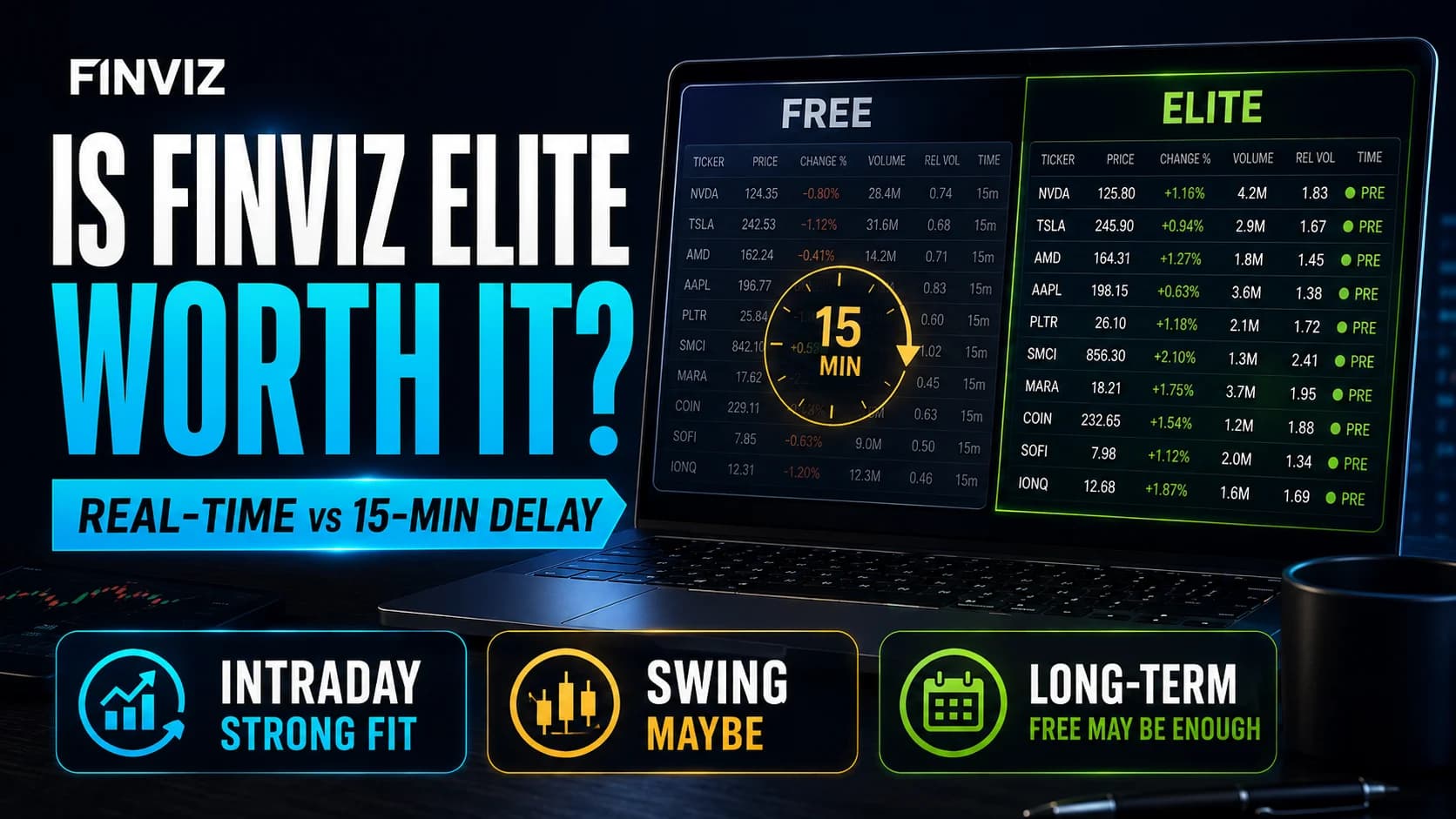
Is Finviz Elite Worth It? A Cost-Value Breakdown by Trader Type
Finviz only has one upgrade decision to make, not five confusing tiers. Here's whether Elite's real-time data is worth $24.96 to $39.50 a month, broken down by how you actually trade.
Reviews
Warrior Trading Review: The Track Record and the FTC Case
Ross Cameron's audited trading results and comprehensive curriculum are genuine strengths — but the steep price and 2022 FTC settlement are real factors to weigh. Here's who Warrior Trading actually fits.
Reviews
Bookmap Review 2026: Worth the Learning Curve?
An independent, research-based look at Bookmap's order flow heatmap, pricing tiers, and learning curve — and who it's actually built for.
Reviews
Unusual Whales Review 2026: Is It Worth It?
An independent research review of Unusual Whales: options flow data, the congressional trading tracker, pricing tiers, and whether the platform earns its cost for active options traders.
Comments
No comments yet. Be the first to share your thoughts.