A trader with one chart open, watching a single swing position, and a trader running eight linked charts with 400 standing alerts across a full watchlist are both TradingView subscribers. One of them is deciding whether $0 is enough. The other is deciding whether $59.95 a month is enough, or whether Ultimate's $199.95 is actually necessary. TradingView's five tiers exist because "worth it" genuinely depends on which of those traders you are.
Is TradingView worth it? Yes, for almost any trader, because the free Basic plan alone is a genuinely usable charting tool with no cost at all. The real question isn't whether to use TradingView, it's which paid tier, if any, is worth upgrading to for your specific trading style.
Here's that breakdown by style rather than by budget, using the same tier numbers covered in our full TradingView review and pricing breakdown.
Style 1: The Casual Chart-Reader and Beginner
You're learning to read price action, checking a handful of names a few times a week, and not yet running a systematic process.
The case for staying free: Basic includes real charts, more than 100 built-in indicators, and access to the full public Pine Script library, with no cost and no forced upgrade just to see a CandlestickA candlestick is a single bar on a price chart showing four pieces of data for a specific time period: the opening price, the high, the low, and the closing price — giving you a complete picture of what buyers and sellers did during that peRead definition →. For someone still learning what a Moving AverageA moving average smooths out price data by calculating the average closing price over a set number of periods — it filters out noise and identifies the trend direction, with the stock above the MA interpreted as bullish and below as bearishRead definition → crossover looks like, a single chart with two indicators is not a meaningful constraint. The free plan is a legitimate long-term home for this trader, not just a trial funnel.
When to reconsider: The moment you want to compare two timeframes side by side, or you're not just reading charts but actively trading and want more than three alerts running.
Verdict: Free is genuinely enough. Don't pay for capacity you're not using yet.
Style 2: The Swing Trader Working Multiple Timeframes
You're holding positions for days to weeks, checking a handful of tickers across daily and weekly charts, and want a few standing alerts on your core watchlist.
The case for Essential or Plus: Essential's jump to 2 charts per tab and 5 indicators is the first real unlock for multi-timeframe analysis, letting you compare a daily and weekly view side by side. Plus goes further with 4 charts and 100 alerts, enough for a genuine watchlist rather than a couple of names. Both tiers' alerts expire after two months, which is a minor inconvenience for swing positions you're actively managing but not something a longer-cycle trader needs to fight.
The honest cost: At $12.95 to $29.95/month billed annually, this is a low-stakes decision. The tier upgrade pays for itself the moment multi-timeframe comparison saves you from missing a setup a single chart view would have hidden.
Verdict: Worth it. This is the cleanest, lowest-risk upgrade path on the entire pricing table.
Style 3: The Active Daily Trader Running a Standing Process
You're checking the market every trading day, running a real watchlist with alerts that need to persist rather than expire, and using more advanced tools like VolumeVolume is the total number of shares (or contracts) traded during a given time period — it's the primary confirmation tool for all price action, because a price move accompanied by high volume indicates genuine market participation, while tRead definition → footprint charts or TPO market profile.
The case for Premium: This is where TradingView stops feeling like a charting app and starts feeling like a full daily workstation. Alerts that don't expire matter enormously here, since recreating fifty conditions every two months is a real tax on an active process. Footprint charts and TPO profile, previously the domain of specialized, expensive platforms, unlock at this tier and genuinely change what kind of order-flow-adjacent analysis is possible without a separate subscription.
The honest cost: At $59.95/month billed annually, Premium is a meaningful jump from Plus, and it should be justified by actually using the persistent alerts and the deeper chart types, not just by wanting "the better plan."
Verdict: Worth it for a trader with a genuine daily process. Overkill for someone checking in a few times a week. Check the current TradingView deals before committing to Premium annually, since the standard price is rarely what most subscribers actually pay.
Style 4: The Professional or High-Volume Multi-Asset Trader
You're running a large number of simultaneous charts and alerts, potentially trading professionally or across many instruments and asset classes, and tick-level precision matters to your analysis.
The case for Ultimate: Sixteen charts per tab, 50 indicators per chart, and 1,000 alerts is capacity a casual or even active retail trader will rarely FillA fill is the execution of an order — when your buy or sell order is matched with a counterparty and the transaction is completed, you've received a fill.Read definition →. Tick-based intervals matter specifically for high-frequency or professional-grade analysis most retail day traders never touch.
The honest cost, and the catch: At $199.95/month billed annually, Ultimate is priced for genuine professional use, and if you're actually classified as a professional trader, TradingView restricts you to this tier regardless of preference, while also charging dramatically higher real-time data fees (CME futures data alone jumps from about $7/month retail to roughly $548/month professional). If professional classification applies to you, price the data fees before the subscription tier, since they're likely to dwarf it.
Verdict: Worth it only if you're genuinely filling the capacity or forced into it by professional classification. For everyone else, Premium covers the realistic ceiling of retail trading needs.
The Style That Doesn't Fit TradingView Well
Pure intraday momentum scanners who need real-time, tick-level alerting across the entire market, not end-of-day or Pre-MarketPre-market trading is the session that occurs between 4:00 AM and 9:30 AM Eastern, before the regular market opens — it allows traders to react to overnight news and earnings reports, establishes where stocks will likely open (the gap), andRead definition → screening on a fixed watchlist, get comparatively little extra value from TradingView's higher tiers. The screener is built for research and swing filtering, not the kind of live, market-wide scanning a dedicated tool like Trade Ideas is purpose-built for. If that describes your process, TradingView is still worth having for charting, but a higher tier specifically for its screener isn't the right upgrade; see TradingView vs. TrendSpider for how a dedicated automation platform compares for that specific need. When you're ready, you can start on TradingView here.
Is TradingView worth it if I already use a broker's native charting platform?
Many traders run both: broker charts for order execution specifics, TradingView for deeper technical analysis and idea development. The two aren't mutually exclusive, and TradingView's free tier costs nothing to layer on top of what you already have.
Key Takeaway: Try TradingView's free tier alongside your existing setup before assuming you need to choose one or the other.
Which tier should a day trader who scans for setups start with?
Pair whichever tier you choose with a dedicated real-time scanner if finding new candidates, not just charting ones you already have, is a core part of your process.
Key Takeaway: TradingView's tier choice should be driven by charting and alert needs; scanning needs are usually better served by a separate tool.
Is it worth paying for Ultimate just for the extra charts, even without professional trading needs?
Before upgrading to Ultimate, honestly count how many charts you actually reference in a typical session. Most traders find Premium's capacity more than sufficient.
Key Takeaway: Count your actual chart usage before paying for Ultimate's much larger capacity.
Does upgrading tiers change my real-time data costs?
See our pricing breakdown for exactly how data fees stack on top of whichever tier you choose.
Key Takeaway: Budget data fees independently of which subscription tier you pick.
Is TradingView worth it for someone who only trades crypto?
A crypto-focused trader can evaluate purely on chart count, indicator limits, and alert capacity without the added layer of exchange data costs.
Key Takeaway: Crypto traders can ignore the data-fee side of this decision entirely.
How do I know if I've outgrown my current TradingView tier?
Revisit your tier choice every few months against actual usage rather than upgrading preemptively for capacity you might need someday.
Key Takeaway: Let actual usage limits, not anticipated future need, drive a tier upgrade.
Is TradingView worth it compared to TrendSpider or Finviz?
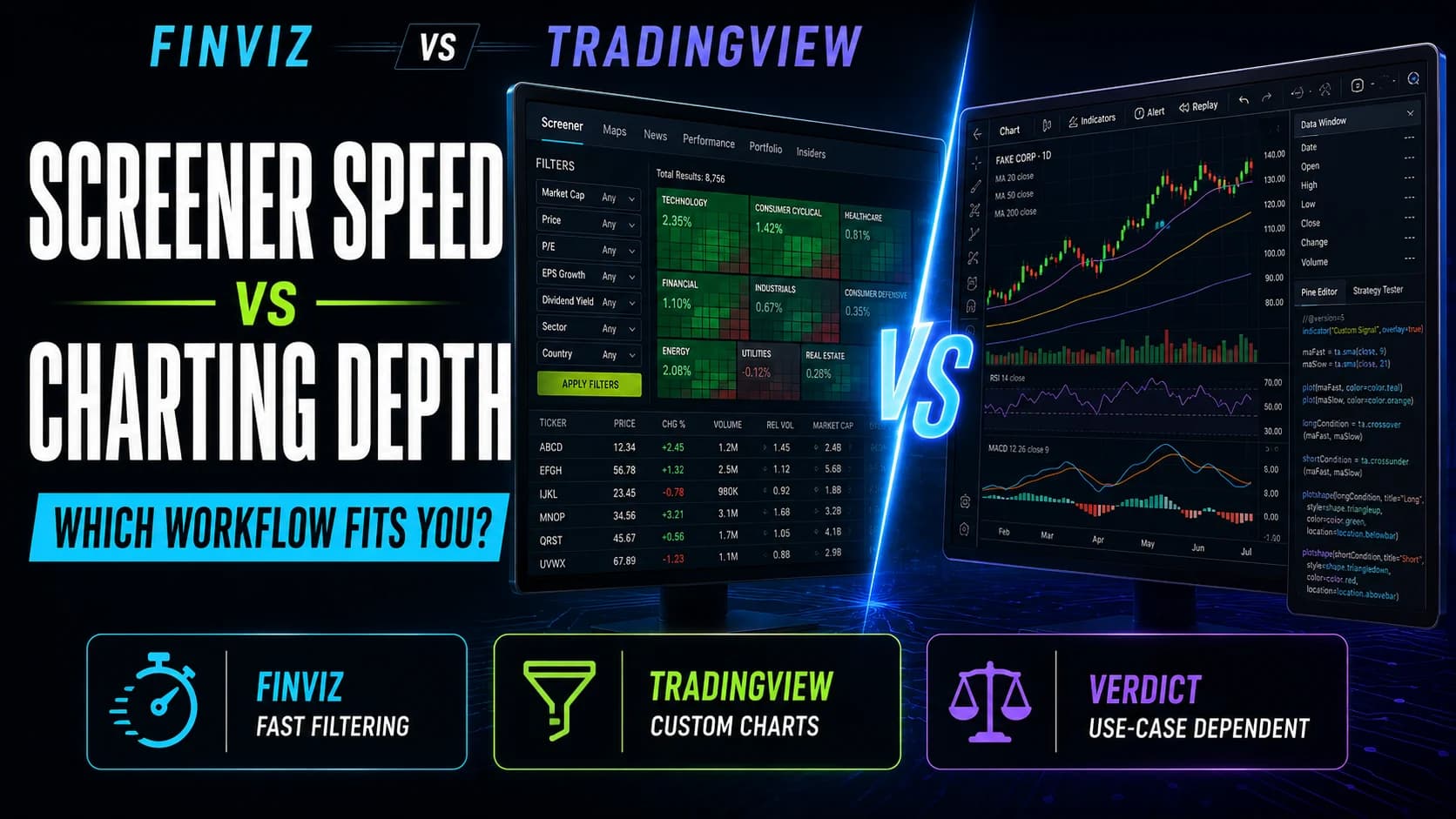
For a full breakdown of how the platforms differ, see TradingView vs. TrendSpider and Finviz vs. TradingView.
Key Takeaway: "Worth it" only means something relative to what specific job you need the platform to do.
Article Sources
- TradingView Official Pricing Page - current tier structure and termstradingview.com
- Investopedia: Technical Analysis - background on chart-based trading approachesinvestopedia.com
- FINRA: Technology and Your Brokerage Account - general guidance on evaluating trading technology costsfinra.org