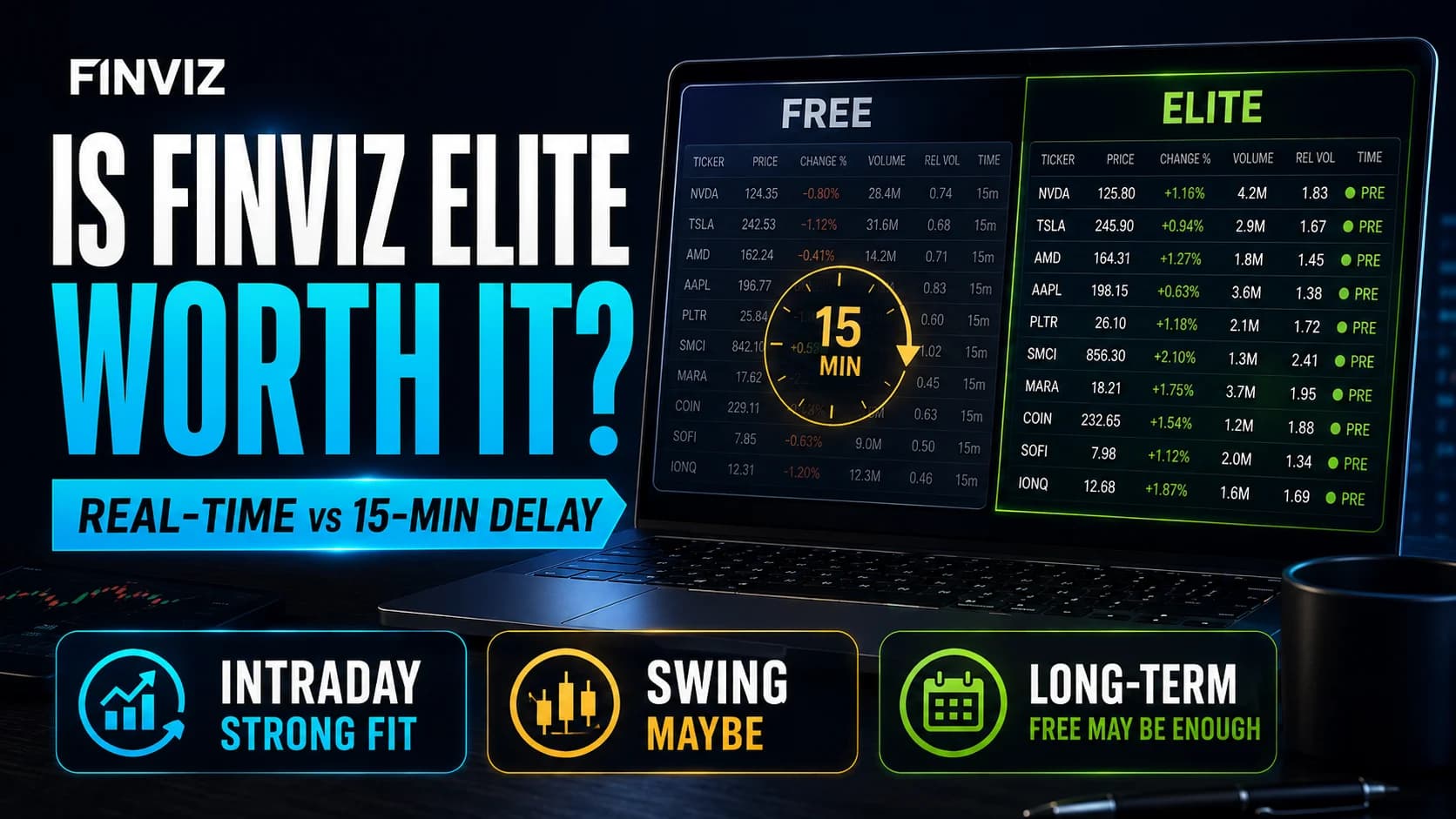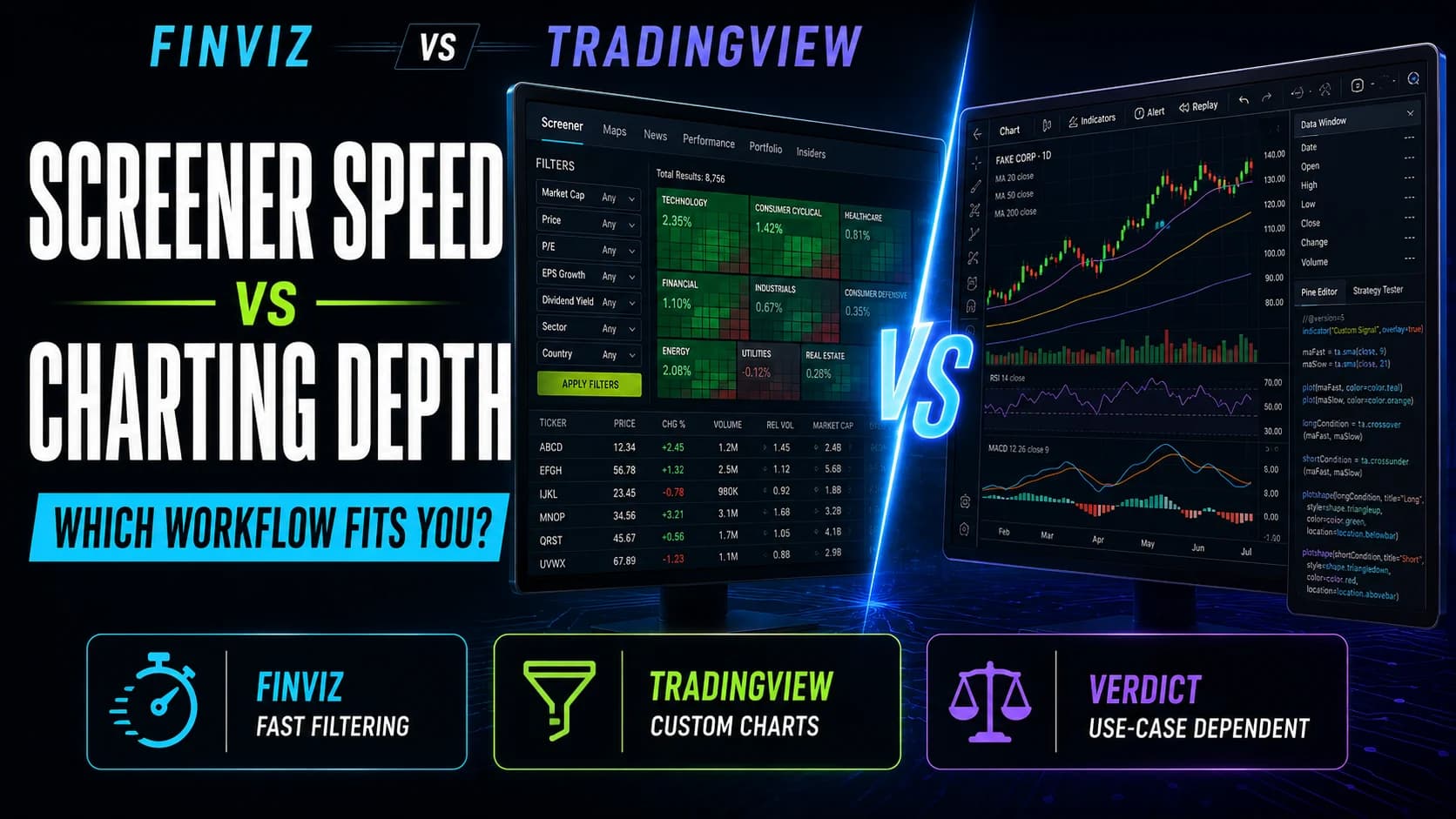
If you're comparing Finviz and TradingView, here's the short version: Finviz wins if speed and simplicity matter more than depth, since it gets you from a market thesis to a specific watchlist in seconds. TradingView wins if you want real charting depth, custom indicators, and a platform you can actually trade from rather than just research on. They overlap less than you'd expect for two tools that both show up on every "best screener" list.
Finviz's Elite tier costs $24.96 to $39.50 a month. TradingView runs a free plan plus four paid tiers up to $239.95 a month. That GapA gap is a price discontinuity on a chart where a stock opens significantly higher or lower than the previous session's close, leaving a visible empty space — gap-ups are driven by overnight buying pressure or positive news; gap-downs by seRead definition → matters, but it's less important than what each platform is actually built to do.
Finviz vs. TradingView
- Starting Price
- Free (Elite $24.96/mo annual)
- Screener Filters
- 60+, instant results
- Charting Depth
- Basic, quick-look only
- Custom Indicators
- No
- Real-Time Data
- Elite only
- Heat Maps
- Yes
- Broker Execution
- No
- Social/Ideas Feed
- No
- Mobile App
- No
- Free Trial
- 7 days, genuinely free (Elite)
- Starting Price
- Free (Essential $12.95/mo annual)
- Screener Filters
- Broad but research-oriented, not real-time scanning
- Charting Depth
- Deep, 100+ indicators, Pine Script
- Custom Indicators
- Yes (Pine Script, 100,000+ free community scripts)
- Real-Time Data
- Separate paid add-on, all tiers
- Heat Maps
- No dedicated equivalent
- Broker Execution
- Yes, direct from chart
- Social/Ideas Feed
- Yes
- Mobile App
- Yes
- Free Trial
- Free tier is permanent, no trial needed
| Feature | Best for Fast Screening Finviz8.3/10 | Best for Charting Depth TradingView8.6/10 |
|---|---|---|
| Starting Price | Free (Elite $24.96/mo annual) | Free (Essential $12.95/mo annual) |
| Screener Filters | 60+, instant results | Broad but research-oriented, not real-time scanning |
| Charting Depth | Basic, quick-look only | Deep, 100+ indicators, Pine Script |
| Custom Indicators | No | Yes (Pine Script, 100,000+ free community scripts) |
| Real-Time Data | Elite only | Separate paid add-on, all tiers |
| Heat Maps | Yes | No dedicated equivalent |
| Broker Execution | No | Yes, direct from chart |
| Social/Ideas Feed | No | Yes |
| Mobile App | No | Yes |
| Free Trial | 7 days, genuinely free (Elite) | Free tier is permanent, no trial needed |
| Get started | Try Finviz Elite Free | Try TradingView Free |
Finviz Overview
What is Finviz? Finviz is a browser-based stock screener and market data visualization tool that filters thousands of stocks by descriptive, fundamental, and technical criteria in seconds, with SectorA broad grouping of companies that operate in the same segment of the economy — such as Technology, Healthcare, Energy, or Financials. Stocks within a sector tend to move together in response to shared economic, regulatory, and sentiment faRead definition → heat maps and aggregated insider trading and analyst data. Free with a 15-minute data delay, or Elite with real-time data and additional tools. Full breakdown in our Finviz review.
TradingView Overview
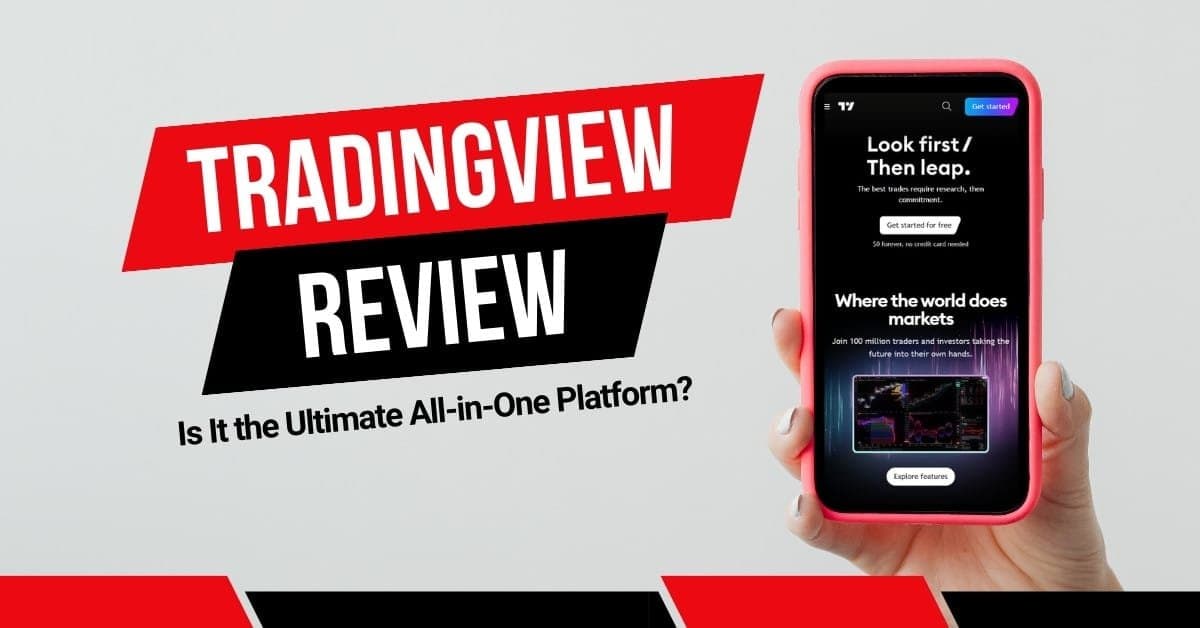
What is TradingView? TradingView is a cloud-based charting and social trading platform built around Pine Script, its own scripting language, with a public library of over 100,000 free community indicators and direct broker execution across many supported brokers. Full breakdown in our TradingView review.
Feature-by-Feature Breakdown
Screening. Finviz's core strength is speed and filter depth for pure screening: 60-plus criteria, results in seconds, for free. TradingView's screener covers similar filtering ground but is built for research and swing-trade filtering rather than the tick-by-tick real-time scanning active intraday traders lean on. If screening speed and simplicity are the entire job, Finviz does it better and for less money.
Charting. This is TradingView's clearest advantage, and it's not close. Fast, fluid charts with more than 100 built-in indicators, the full public Pine Script library, and drawing tools from basic trendlines through Gann and Elliott Wave analysis. Finviz's charts are a reasonable quick visual check with basic pattern recognition, but there's no custom indicator SupportSupport is a price level where buying pressure has historically overcome selling pressure, causing price to stop declining and reverse — it's the floor where demand enters the market, and when it holds, it's a potential long entry; when it Read definition → and limited drawing tools. Most Finviz users move to a dedicated charting tool, often TradingView itself, once they've found a candidate worth deeper analysis.
Custom tools. TradingView's Pine Script lets traders build their own indicators and strategies, or freely borrow from a library of over 100,000 community-submitted scripts. Finviz has no equivalent; its filtering happens through a fixed set of built-in criteria rather than anything user-programmable.
Execution. TradingView connects directly to a long list of brokers, letting you place and manage orders from the chart itself. Finviz has no broker integration at all, at either tier, and no mobile app. It's a research tool you pair with execution elsewhere by design, not a platform you'd ever trade directly from.
Data and cost. Finviz Elite bundles real-time US equity data into its $24.96 to $39.50 monthly price. TradingView charges separate exchange fees for real-time US equity and futures data on every tier, on top of the subscription itself, so its effective cost for an active equity trader is higher than the sticker price suggests. For pure equity screening on a budget, Finviz's all-in pricing is simpler and often cheaper.
Finviz Pricing
Free is genuinely usable on its own. Elite runs $39.50/month, or $24.96/month billed annually, with a real 7-day free trial. Full pricing and the free-vs-Elite breakdown are in our Finviz review.
TradingView Pricing
TradingView's free Basic plan includes real charts and indicators at no cost. Paid tiers run Essential ($14.95/mo), Plus ($34.95/mo), Premium ($69.95/mo), and Ultimate ($239.95/mo), each unlocking more charts, indicators, and longer-lasting alerts. Full details in our TradingView review.
Who Should Choose Finviz
Choose Finviz if screening speed and a fast sector-level overview are your main need, if you want a low-cost, all-in-one price without separate data fees, or if you're pairing it with a different platform for charting and execution anyway.
Who Should Choose TradingView
Choose TradingView if you want the deepest available manual charting toolkit, if building or borrowing custom indicators through Pine Script matters to your process, or if you want to execute trades directly from the same platform you research on.
Our Recommendation
For a trader whose workflow starts and ends with finding candidates fast, Finviz is the better value, and its bundled real-time pricing is simpler to budget than TradingView's separate data fees. For a trader who wants deep charting, custom tools, and broker execution in the same place, TradingView is the stronger platform outright. In practice, a lot of traders run both: Finviz's screener or heat map as the first filter, TradingView for the chart work and execution that follows. For the deeper cost case on either side, see Is Finviz Elite Worth It? and Is TradingView Worth It?.
Fast Filter vs. Full Charting Platform
Finviz wins on screening speed and simplicity at a lower, all-in price. TradingView wins on charting depth, custom tools, and execution.
Finviz for fast, low-cost stock screening; TradingView for traders who want deep charting and direct broker execution