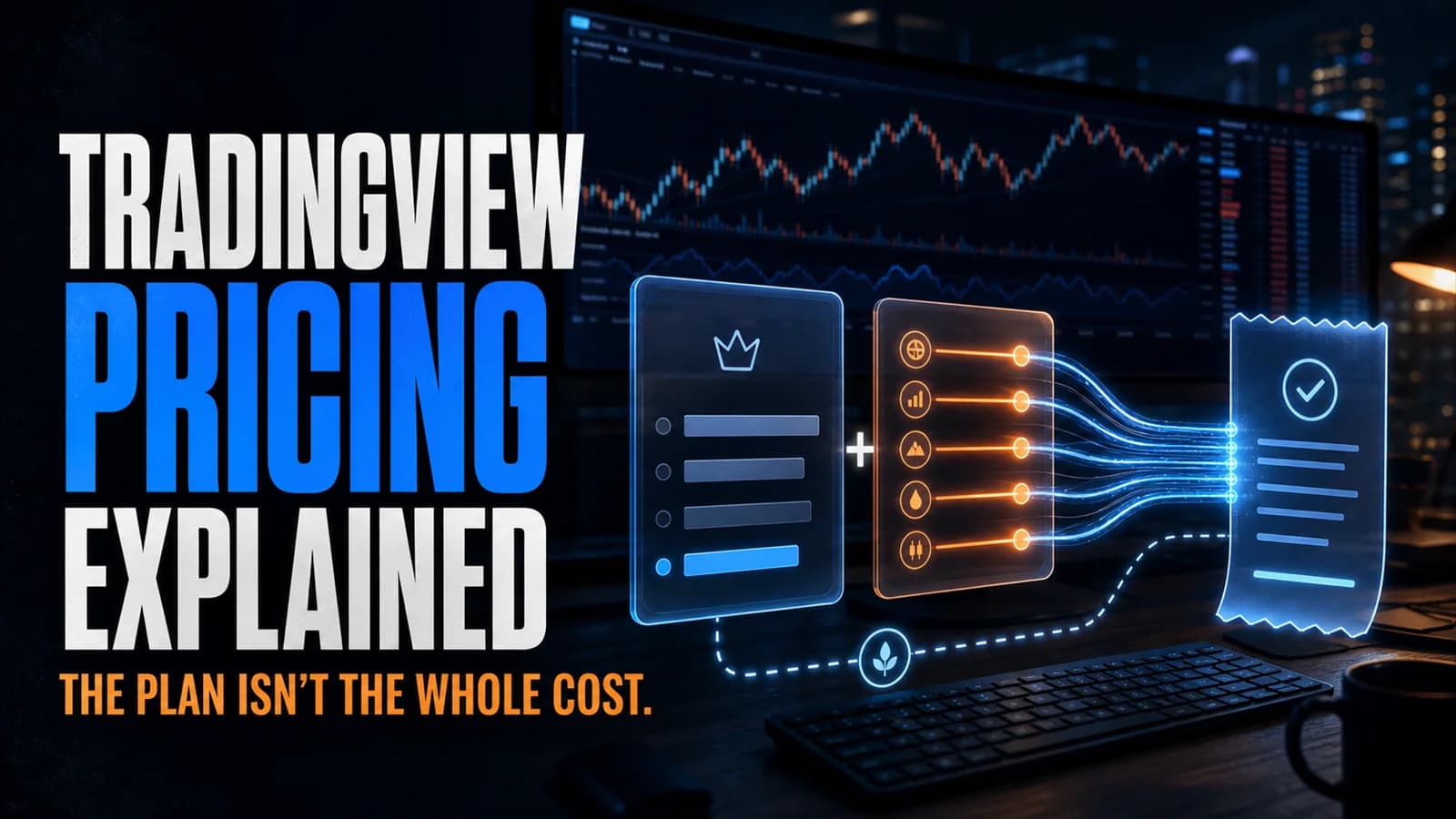
TradingView's pricing page shows five numbers: $0, $14.95, $34.95, $69.95, $239.95. What it doesn't show clearly is that almost none of those numbers is your actual monthly cost if you trade US equities or futures, because real-time data for those markets is billed separately from the subscription. Most pricing breakdowns stop at the tier table. This one doesn't.
What does TradingView cost? The subscription runs $0 to $239.95/month depending on tier, with a 13-40% discount for annual billing depending on the plan and season. On top of that, real-time data for individual stock exchanges and futures runs $2 to $10 a month each, or $9.95/month for a five-exchange US bundle, unless you're happy with the free real-time feed TradingView gives every account by default.
That last sentence surprises most people, so let's start there.
The Part Almost Nobody Realizes: US Stocks Are Already Real-Time, Free
Every TradingView account, including the free Basic plan, streams real-time US stock data from Cboe BZX by default. Cboe handles a meaningful share of US stock trading VolumeVolume is the total number of shares (or contracts) traded during a given time period — it's the primary confirmation tool for all price action, because a price move accompanied by high volume indicates genuine market participation, while tRead definition →, and TradingView doesn't charge a per-user fee for that specific feed. For the vast majority of chart-reading and swing-trading workflows, watching SPY, QQQ, or a large-cap name on the free Cboe feed looks identical to watching it on a paid primary-exchange feed.
The catch is that Cboe's feed isn't identical to the consolidated tape from the primary listing exchanges (NASDAQ, NYSE, NYSE Arca). For execution-sensitive intraday work, especially anything reacting to level 2 detail or exchange-specific order flow, that difference can matter. If your workflow is chart-based analysis and swing timing, it usually doesn't.
The Five Tiers, What Each Actually Buys
- Plan
- Basic (Free)
- Monthly
- $0
- Annual (per mo.)
- $0
- Charts/Tab
- 1
- Indicators/Chart
- 2
- Alerts
- 3
- Plan
- Essential
- Monthly
- $14.95
- Annual (per mo.)
- ~$12.95
- Charts/Tab
- 2
- Indicators/Chart
- 5
- Alerts
- 20
- Plan
- Plus
- Monthly
- $34.95
- Annual (per mo.)
- ~$29.95
- Charts/Tab
- 4
- Indicators/Chart
- 10
- Alerts
- 100
- Plan
- Premium
- Monthly
- $69.95
- Annual (per mo.)
- ~$59.95
- Charts/Tab
- 8
- Indicators/Chart
- 25
- Alerts
- 400
- Plan
- Ultimate
- Monthly
- $239.95
- Annual (per mo.)
- ~$199.95
- Charts/Tab
- 16
- Indicators/Chart
- 50
- Alerts
- 1,000
| Plan | Monthly | Annual (per mo.) | Charts/Tab | Indicators/Chart | Alerts |
|---|---|---|---|---|---|
| Basic (Free) | $0 | $0 | 1 | 2 | 3 |
| Essential | $14.95 | ~$12.95 | 2 | 5 | 20 |
| Plus | $34.95 | ~$29.95 | 4 | 10 | 100 |
| Premium | $69.95 | ~$59.95 | 8 | 25 | 400 |
| Ultimate | $239.95 | ~$199.95 | 16 | 50 | 1,000 |
Every tier gets the same charting engine and access to the public Pine Script library. What changes is capacity, plus two features that only unlock at specific tiers: alerts on Essential and Plus expire after two months and need recreating, while Premium and Ultimate alerts run indefinitely. Volume footprint charts and TPO market profile, tools that used to require specialized, expensive platforms, unlock starting at Premium. Full feature detail is in our TradingView review.
What the Data Add-Ons Actually Cost
This is the part the tier table leaves out, and it's genuinely more consequential than the subscription price for anyone trading beyond the default free feed.
Individual exchange feeds run $2 to $10/month each for non-professional users. If you specifically want data direct from NASDAQ, NYSE, or NYSE Arca rather than the free Cboe feed, you subscribe to each exchange separately, on top of whichever subscription tier you're on.
The US Stock Markets Bundle covers five feeds for $9.95/month. Buying the same five feeds individually would run closer to $17, so the bundle is the rational choice if you want more than one or two direct exchange feeds.
Futures data runs about $7/month per exchange for retail users, with CME Group among the more commonly needed feeds for traders working equity index futures.
Crypto and forex data is free real-time on every tier, including Basic, across dozens of exchanges. If your trading is crypto- or forex-focused, this entire data-cost conversation doesn't apply to you.
Professional classification changes the math dramatically. If you're registered with a financial regulator or trading on behalf of a business, TradingView reclassifies your data fees, and the jump is steep: CME futures data alone goes from roughly $7/month retail to around $548/month professional. Professional users are also generally restricted to the Ultimate plan. If there's any chance your trading activity could be classified as professional, confirm your status and the resulting fees directly with TradingView before assuming retail pricing applies.
A Realistic Total Cost Example
Take an active swing trader on the Plus plan ($29.95/month annual) who wants real-time data direct from NASDAQ and NYSE rather than relying on the free Cboe feed, and occasionally checks E-mini S&P futures. That's $29.95 (subscription) plus $9.95 (five-exchange US bundle, which covers NASDAQ and NYSE together) plus roughly $7 (futures), landing around $47/month all-in, not the $29.95 the pricing page advertises. A trader who's fine with the free Cboe feed and doesn't touch futures pays just the $29.95 subscription and nothing more.
The GapA gap is a price discontinuity on a chart where a stock opens significantly higher or lower than the previous session's close, leaving a visible empty space — gap-ups are driven by overnight buying pressure or positive news; gap-downs by seRead definition → between those two scenarios is the whole point of walking through this separately from the tier table. Model your actual data needs before comparing TradingView's price against a competing platform, since the sticker price alone understates the cost for anyone who wants direct primary-exchange or futures data. Once you've worked out your real monthly number, our cost-value breakdown by trading style helps decide whether that number is worth paying, and the current deals page or discount guide can knock a meaningful chunk off it before you subscribe directly here.
Do I actually need to pay for real-time data on TradingView?
Paid exchange data matters most for execution-sensitive intraday work where the difference between Cboe's feed and a primary exchange's consolidated tape could affect a fast decision. If that's not your workflow, skip the add-ons entirely.
Key Takeaway: Start with the free Cboe feed and only add paid exchange data if you find a specific, workflow-driven reason to need it.
Why is TradingView's real-time data structured this way instead of bundled into the subscription?
This is standard across most charting and brokerage platforms, not something unique to TradingView. The difference is how transparently a platform explains it before you subscribe.
Key Takeaway: Data fees are an industry-standard pass-through cost, not a TradingView-specific markup.
Is the annual billing discount worth committing to?
The discount is smaller on lower tiers and larger on Premium and Ultimate, and TradingView also runs seasonal sales that stack differently by tier. Check our discount guide for the current best way to subscribe before committing to annual billing.
Key Takeaway: Confirm the current seasonal sale terms before assuming the standard annual discount is the best available price.
What happens to my data subscriptions if I downgrade my TradingView plan?
Review your active data subscriptions in account settings before or after changing tiers, since they don't necessarily follow your plan change automatically.
Key Takeaway: Manage plan tier and data add-ons as two separate line items when adjusting your subscription.
Does the free Basic plan include any real-time data at all?
What Basic doesn't include is direct primary-exchange data, which requires a paid add-on regardless of which subscription tier you're on.
Key Takeaway: Real-time data access on the free feed doesn't depend on which paid tier you choose.
Are options data fees structured the same way as stock and futures data?
Confirm current options data pricing directly on TradingView's market data page, since options fee structures can differ by underlying exchange and are less standardized than the stock exchange bundle.
Key Takeaway: Price out options data separately if your strategy involves options, the same way you would for stocks or futures.
Is TradingView's data pricing competitive with other charting platforms?
For a trader who wants direct primary-exchange data across multiple venues, the $9.95 bundle is reasonably priced relative to buying feeds individually, though the total cost still needs to be budgeted against subscription-only competitors.
Key Takeaway: Compare total cost, subscription plus any data add-ons you'll actually use, not the subscription price in isolation.
Article Sources
- TradingView Market Data Coverage - current exchange fee listingstradingview.com
- Investopedia: Real-Time Quotes - how exchange data licensing worksinvestopedia.com
- SEC: Market Data Fees - regulatory background on exchange data fee structuressec.gov