AskThe ask is the lowest price a seller is currently willing to accept. When you buy with a market order, you pay the ask.Read definition → ten day traders what tools they use and you'll get ten different answers — which is exactly the problem with most roundups on this topic. Most "best day trading tools" lists name one platform and move on, as if a scanner, a charting tool, and a trading community all do the same job. They don't, and treating them like they do is how traders end up either paying for five overlapping subscriptions or missing a category entirely.
This guide breaks down the best day trading tools for 2026 by category — not as one all-in-one recommendation, but as a complete stack: what each category actually does, which tool wins it, and which of these you genuinely need on day one versus which can wait.
What is a day trading tool stack? A day trading tool stack is the set of software a trader uses together to find, analyze, execute, and review trades — typically a scanner, a charting platform, a broker, and a way to track performance. No single tool covers every category well, which is why most active traders run several at once rather than looking for one app to do everything.
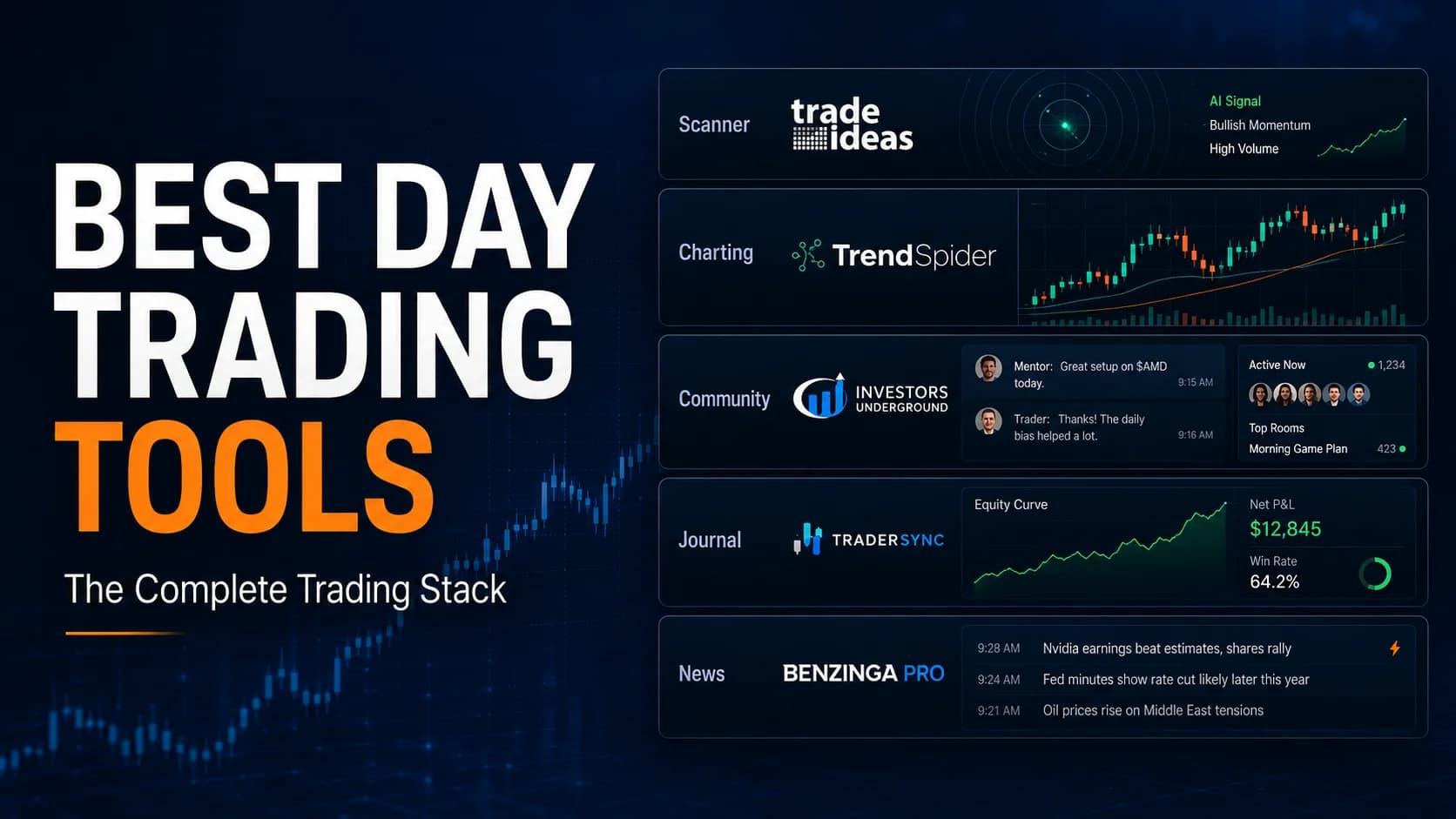
The short version: For a scanner, Trade Ideas wins on real-time AI signals — try Trade Ideas. For charting and automation, TrendSpider wins on no-code BacktestingThe process of running a defined trading strategy against historical price data to evaluate how it would have performed before risking real capital. A well-constructed backtest gives you a statistical baseline — win rate, profit factor, maxRead definition → — see current pricing. For a trading community, Investors Underground wins on multi-mentor breadth — check current pricing. For a trading journal, TraderSync wins on broker-synced analytics — try TraderSync. Keep reading for news, broker, and beginner-specific picks too.
Here's the complete day trading toolkit at a glance:
- Category
- Stock Scanner
- Our Pick
- Trade Ideas
- Best For
- Real-time AI signals & scanning
- Get It
- Try Trade Ideas →
- Category
- Charting & Automation
- Our Pick
- TrendSpider
- Best For
- Automated trendlines & backtesting
- Get It
- See Pricing →
- Category
- Trading Community
- Our Pick
- Investors Underground
- Best For
- Multi-mentor team & bundled tools
- Get It
- Check Pricing →
- Category
- Trading Journal
- Our Pick
- TraderSync
- Best For
- Broker-synced trade analytics
- Get It
- Try TraderSync →
- Category
- News & Catalysts
- Our Pick
- Benzinga Pro
- Best For
- Real-time news & earnings calendar
- Get It
- Read Review →
- Category
- Broker
- Our Pick
- Strategy-dependent
- Best For
- Execution quality & commissions
- Get It
- Broker Checklist →
| Category | Our Pick | Best For | Get It |
|---|---|---|---|
| Stock Scanner | Trade Ideas | Real-time AI signals & scanning | Try Trade Ideas → |
| Charting & Automation | TrendSpider | Automated trendlines & backtesting | See Pricing → |
| Trading Community | Investors Underground | Multi-mentor team & bundled tools | Check Pricing → |
| Trading Journal | TraderSync | Broker-synced trade analytics | Try TraderSync → |
| News & Catalysts | Benzinga Pro | Real-time news & earnings calendar | Read Review → |
| Broker | Strategy-dependent | Execution quality & commissions | Broker Checklist → |
Day Trading Tools Every Trader Needs: The Six Categories
Before picking individual products, it helps to know what you're actually shopping for. Day trading tools every trader needs break down into six functional categories, and confusing them is the single most common way traders overspend or leave a real GapA gap is a price discontinuity on a chart where a stock opens significantly higher or lower than the previous session's close, leaving a visible empty space — gap-ups are driven by overnight buying pressure or positive news; gap-downs by seRead definition → in their setup.
A scanner finds candidates. A charting platform analyzes and backtests them. A community gives you a place to watch other traders think out loud. A journal tells you, with data, what's actually working. News tools explain why a stock is moving. And your broker is simply where the trade gets executed — separate from all of the above, but easy to under-think since it's the one category everyone already has by default.
None of these six replace each other, which is why the best day trading software 2026 has to offer isn't one app — it's a small stack, chosen deliberately rather than accumulated by accident.
Stock Scanners: Finding What to Trade
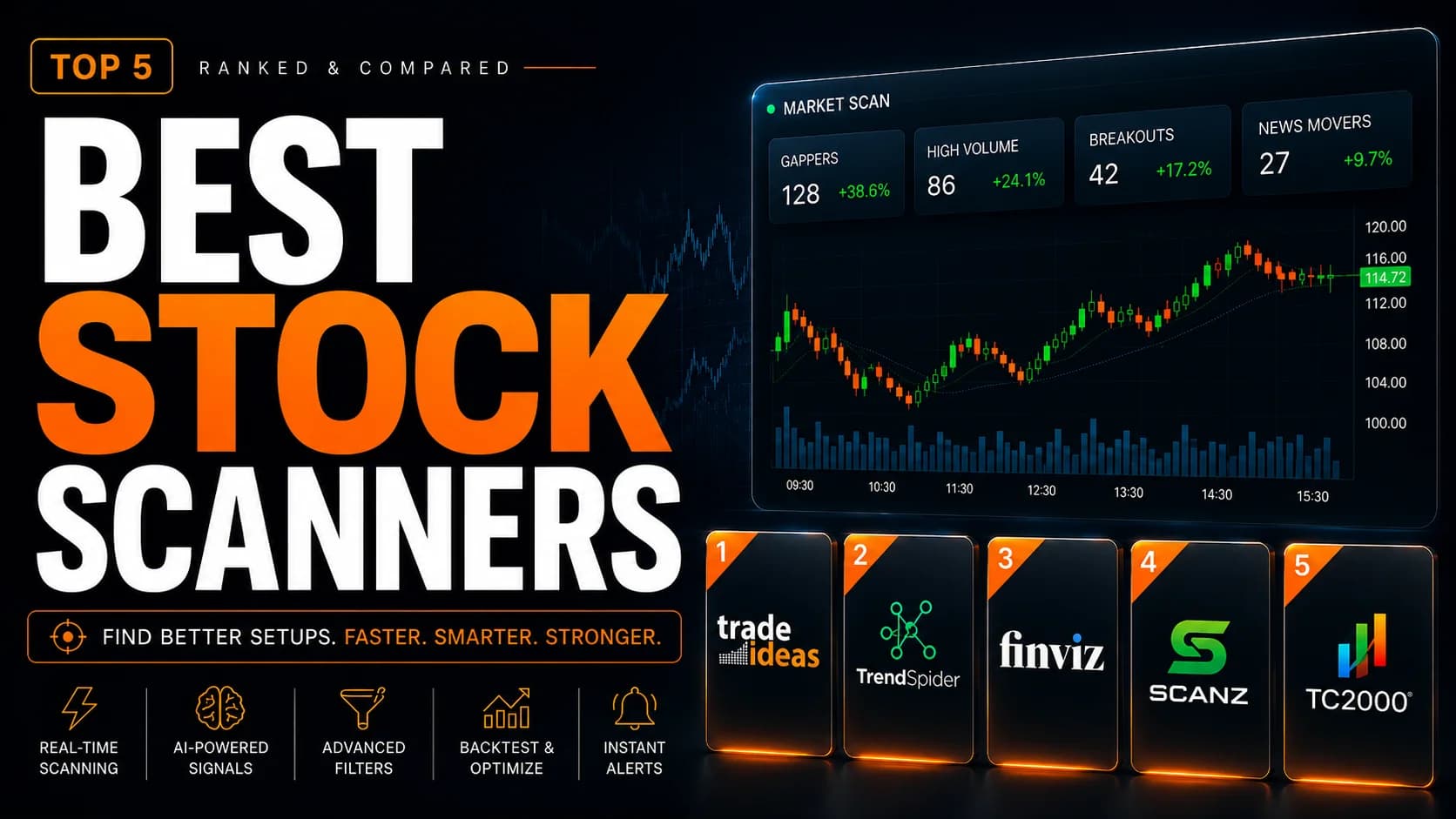
A scanner's job is discovery — watching the market and surfacing candidates that meet your criteria before you've looked at a single chart. Trade Ideas is the strongest pick in this category: real-time, tick-by-tick scanning across 500+ configurable filters, paired with Holly, an AI engine that re-evaluates 60+ strategies nightly and issues 5–25 intraday signals with an entry, stop, and target already attached.
The honest limits: Trade Ideas covers U.S. stocks and ETFs only, and its advanced features live in a Windows-native desktop app. Starting price is $127/month for The Core. If budget is the main constraint, Finviz's free tier is a genuine starting point. Our full stock scanner comparison covers five options in depth, including where TrendSpider and TC2000 fit as scanner-adjacent picks.
Charting & Automation: Analyzing What You Found
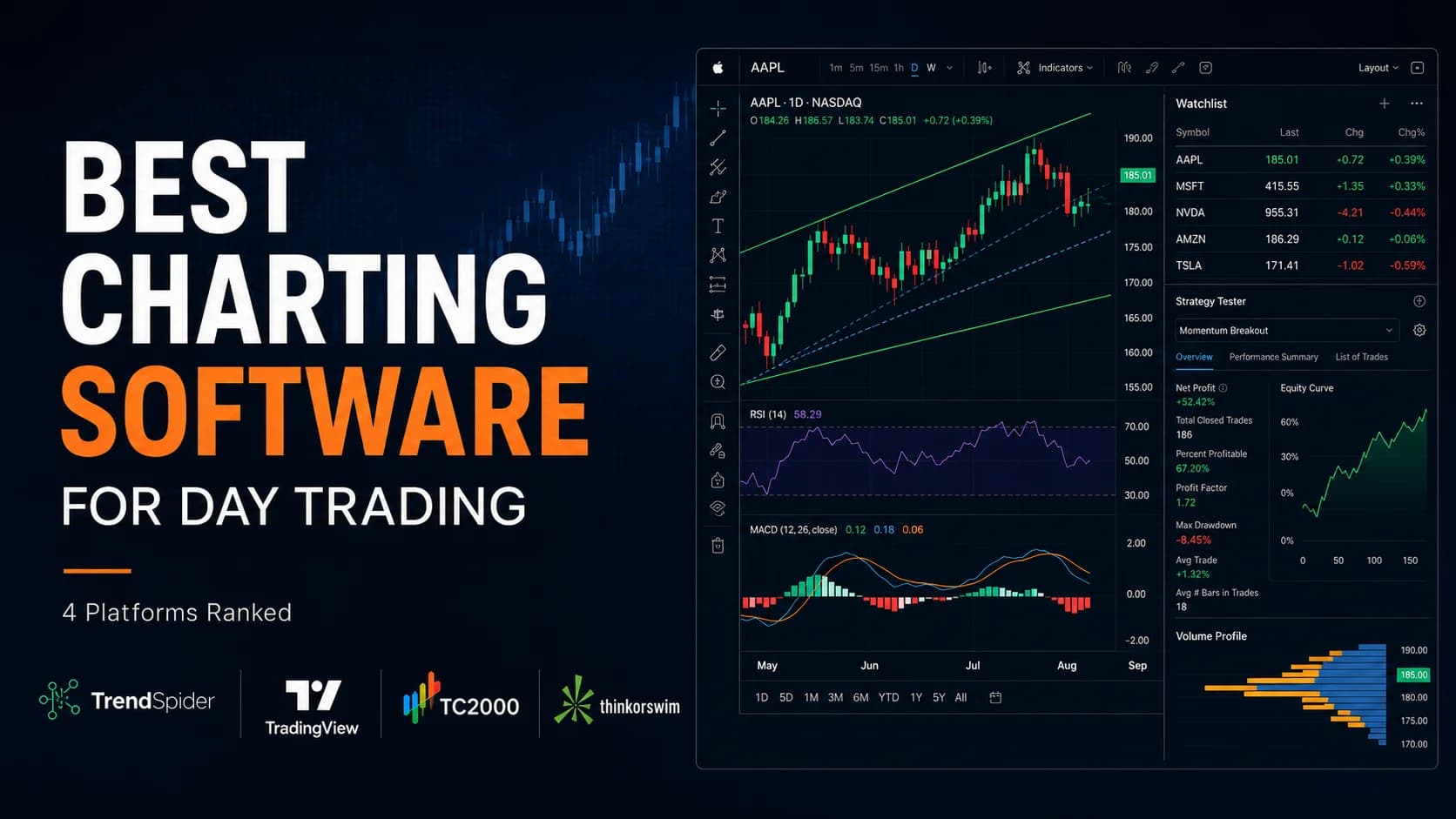
Once a scanner surfaces a candidate, a charting platform is where you decide whether the setup is actually good. TrendSpider wins this category by automating the parts most traders do by hand — trendlines, SupportSupport is a price level where buying pressure has historically overcome selling pressure, causing price to stop declining and reverse — it's the floor where demand enters the market, and when it holds, it's a potential long entry; when it Read definition → and ResistanceResistance is a price level where selling pressure has historically overcome buying pressure, causing price to stall, reverse, or consolidate — it's the ceiling where supply enters the market and where breakout traders watch for either a coRead definition →, and Fibonacci levels all draw themselves, and Sidekick, its AI assistant, builds a chart study or scan from a plain-English description. The Strategy Tester backtests a rule-based idea against years of data with no code required.
Current promotional pricing runs from around $51/month on Standard, billed annually. If you want the largest free charting community instead, TradingView is the stronger starting point; if price is the deciding factor and you're comfortable building your own scans, TC2000 balances charting and scanning at a lower cost. The full charting software comparison covers all three plus thinkorswim in detail.
Trading Communities: Learning From Other Traders
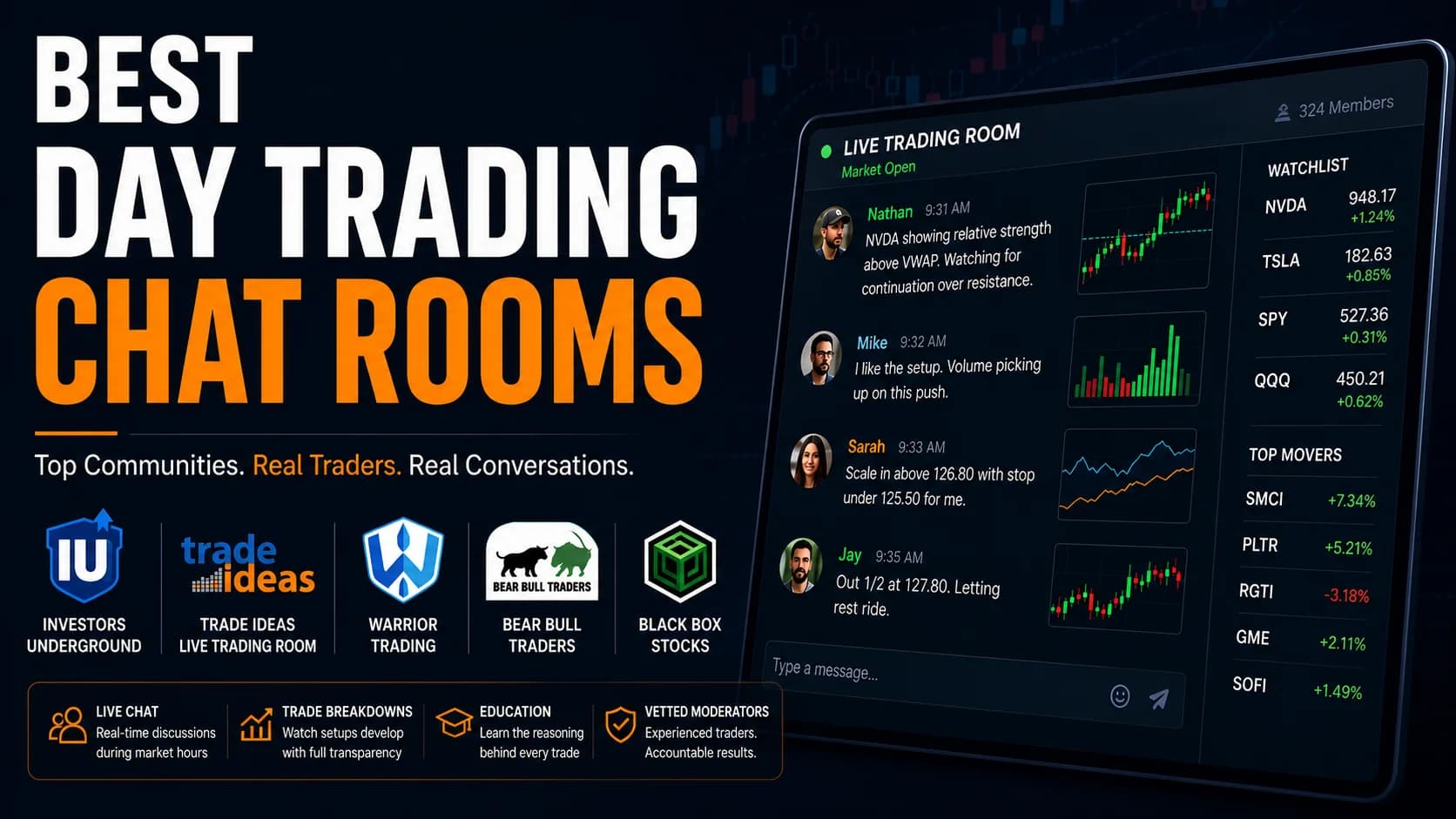
A scanner and a chart tell you what and whether — a trading community is where you learn how other people actually think through a setup in real time. Investors Underground is the strongest pick here: four live rooms (Momentum, Swing, OTC/Crypto, and a casual Traders' Lounge) moderated by a rotating team, rather than a single instructor's personal style, plus a bundled scanner suite that would otherwise cost $100–200/month separately.
Standard pricing runs $297/month, though current promotional pricing often brings that down meaningfully. If you're not ready to spend anything yet, the Trade Ideas Live Trading Room is completely free. The full chat room comparison breaks down five communities, including Warrior Trading and Bear Bull Traders for traders who want a different strategy focus.
Trading Journals: Knowing What Actually Works
This is the category most beginners skip and most experienced traders wish they'd started sooner. A trading journal turns "I feel like I'm doing okay" into an actual answer, backed by data on your win rate, average risk-reward, and which setups genuinely make you money versus which just feel good.
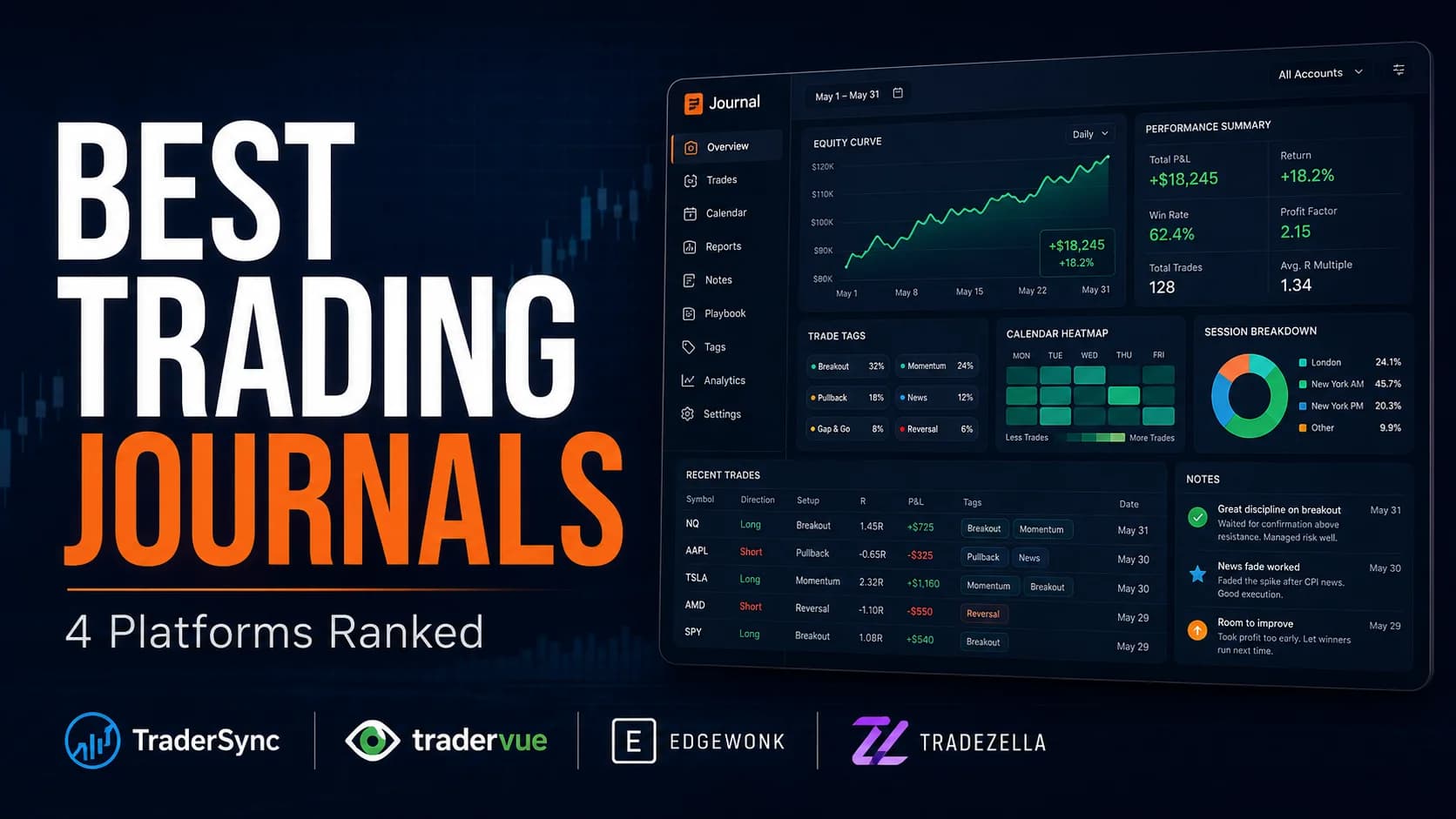
TraderSync is a strong pick here, syncing directly with most major brokers to auto-import trades and build performance analytics without manual data entry — a meaningfully lower-friction start than a spreadsheet. TradeZella, Tradervue, and Edgewonk are worth knowing too, each with a different angle on replay, visualization, or pricing. Our full trading journal comparison covers all four head-to-head — TraderSync, TradeZella, Tradervue, and Edgewonk — including which one wins on price, AI features, and trade replay.
News & Catalysts: Knowing Why a Stock Is Moving
A scanner tells you a stock is moving. It doesn't tell you why — and for traders whose edge depends on catalysts (earnings surprises, FDA decisions, macro data releases), that gap matters. Benzinga Pro is the strongest pick in this category, pairing a real-time news feed with an audio squawk box and earnings calendar that a pure scanner doesn't replicate.
This category isn't essential for every trading style — a pure technical trader working off price action alone can skip it — but for anyone whose setups are driven by news, it closes a real gap that scanning and charting tools leave open.
Brokers: Where the Trade Actually Happens
Every other category on this list is about deciding what to trade. Your broker is about executing that decision — commissions, fill speed, and platform reliability all live here, separate from any scanner or charting tool you pair with it. There's no single "best broker for day trading" the way there's a clear scanner or charting winner, since the right choice depends heavily on your account size, strategy, and whether you need direct market access.
Our beginner's broker checklist walks through the specific questions to ask before opening an account, and thinkorswim (covered in the charting software comparison) is worth knowing as a broker-included option if you're already trading through Schwab.
What About AI Tools Specifically?
AI gets mentioned in nearly every category above — Holly's nightly signal generation, Sidekick's plain-English scan building — but "AI trading tools" as its own category deserves a dedicated answer, since not everything marketed as AI actually uses it. Our best AI tools for day traders guide separates genuine machine learning from rebranded rule-based filters and covers AI-specific platforms this stack guide doesn't, like Tickeron and StockHero.
Best Tools for Day Trading Beginners: What to Actually Start With
Not every category above needs filling on day one, and buying the full stack before you've made a single trade is a common, expensive mistake. The best tools for day trading beginners are a genuinely free scanner (Finviz), your broker's built-in charting (thinkorswim if you're with Schwab, or TradingView's free tier otherwise), and a simple journal — even a spreadsheet counts at first.
Add a paid scanner once manual screening starts costing you real entries. Add a community once you know you'll show up consistently enough to get value from live mentorship. Add a dedicated journal tool once a spreadsheet starts feeling limiting rather than before. The subscription costs compound fast, and matching your stack to your actual trading frequency — not the fear of missing a tool — is what keeps the math sane.
Keep a simple day trading setup tools list as you go: broker, scanner, charting, journal, community, news — check off each category only when a real limitation shows up, not because a list says you should own all six.
Best Subscription Tools for Day Traders: Building the Stack That Fits Your Budget
For traders ready to pay for a real stack, the best subscription tools for day traders by category run: Trade Ideas at $127/month for scanning, TrendSpider from around $51/month for charting and automation, Investors Underground at $297/month (often less with current promotions) for community, and TraderSync starting well under $50/month for journaling. Stacked together, that's real money — which is exactly why matching each subscription to a category you'll actually use, rather than subscribing to everything at once, is the difference between a productive stack and an expensive one.
The Complete Day Trading Tech Stack: Putting It Together
A full day trading tech stack, assembled deliberately rather than accumulated piecemeal, looks like this: a real-time scanner for discovery, a charting platform for analysis and backtesting, a community for ongoing learning, a journal for measuring what's actually working, a news tool if your strategy is catalyst-driven, and a broker chosen for execution quality rather than habit.
Not every trader needs every piece from day one. But knowing what each category is for — and which tool wins it — means every dollar you spend on tools is solving an actual problem, not just following a list.
Trade Ideas, TrendSpider, and Investors Underground Anchor the Stack
For active day traders building a complete toolkit, Trade Ideas anchors the scanning category, TrendSpider anchors charting and automation, and Investors Underground anchors community and mentorship — each the strongest pick in a category no single platform covers well. TraderSync rounds out the stack for traders ready to track performance seriously.
Traders assembling a full day trading tool stack who want one clear pick per category instead of a single all-in-one recommendation.
Frequently Asked Questions
What tools do professional day traders use?
No individual category is optional at a professional level, but the specific products vary by strategy. A small-cap momentum trader's stack looks different from a swing trader's, even though both use the same six categories.
Key Takeaway: Professionals build a stack across categories — see the breakdown above for which tool anchors each one.
Which day trading platform should I use?
Beginners often search for one all-in-one platform, but the honest answer is that scanning, charting, and execution are different jobs. Start with your broker's free charting and a free scanner, then add paid tools by category as specific limits start costing you real trades.
Key Takeaway: Match the platform to the category you're solving for, not the search term "day trading platform" as if one tool covers it all.
What software do I need to start day trading?
Paid scanning, community, and journal tools genuinely help, but none are required to place your first trade. Add them once a specific limitation — missed setups, wanting mentorship, or wanting real performance data — actually shows up in your results.
Key Takeaway: Start with free tools across the essential categories, then upgrade by category as specific bottlenecks appear.
How much does a full day trading tool stack cost?
Few traders need every category paid simultaneously from day one. Building the stack incrementally, category by category, as each one becomes a genuine bottleneck is both cheaper and a better way to confirm you're actually using each tool before paying for it long-term.
Key Takeaway: Check current pricing and promotions before assuming the full stack costs full price across every category.
Do I need every category, or can I skip some?
Strategy matters here too: a pure technical trader can skip news tools entirely, while a catalyst-driven trader may prioritize news over a trading community.
Key Takeaway: Build the stack around your actual strategy and bottlenecks, not a checklist of every category that exists.
What is the difference between a scanner and a charting platform?
Confusing the two is one of the most common tool-buying mistakes — traders sometimes buy an expensive charting platform when what they actually needed was a way to find candidates in the first place, or vice versa.
Key Takeaway: See our full scanner vs. charting platform breakdown if you're not sure which gap you actually have.
Is a trading journal really necessary?
Even a free spreadsheet is a legitimate starting point. Dedicated tools like TraderSync add broker syncing and analytics once manual tracking starts feeling like a chore rather than before.
Key Takeaway: Start journaling in any form immediately — upgrade to a dedicated tool once the manual version becomes the bottleneck.
What's the best all-in-one day trading platform?
Traders who want simplicity over the absolute best tool per category can reasonably start with a bundled option and add specialized tools later as specific limits appear.
Key Takeaway: Bundled platforms trade some best-in-category performance for simplicity — decide which matters more for your stage.