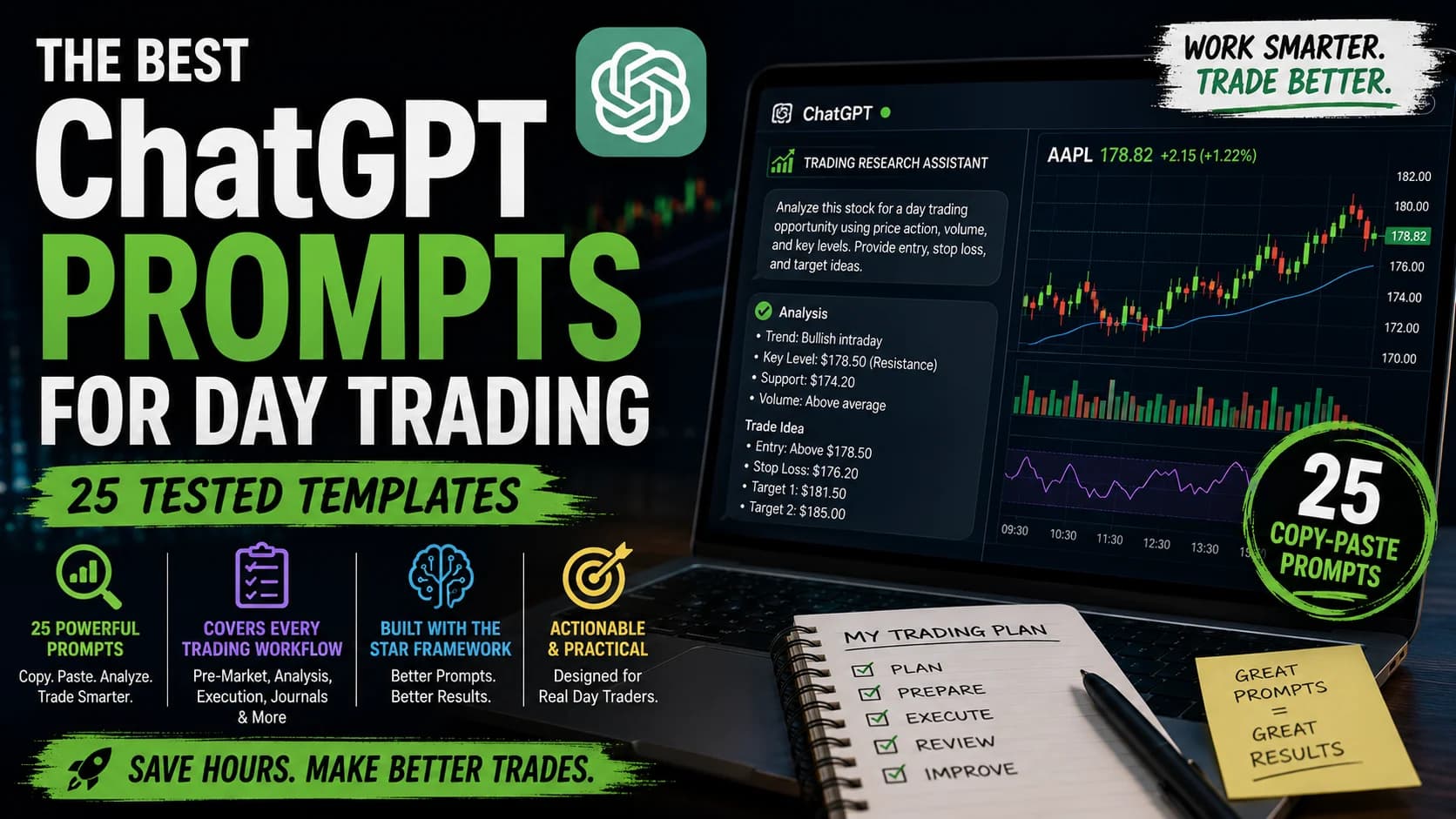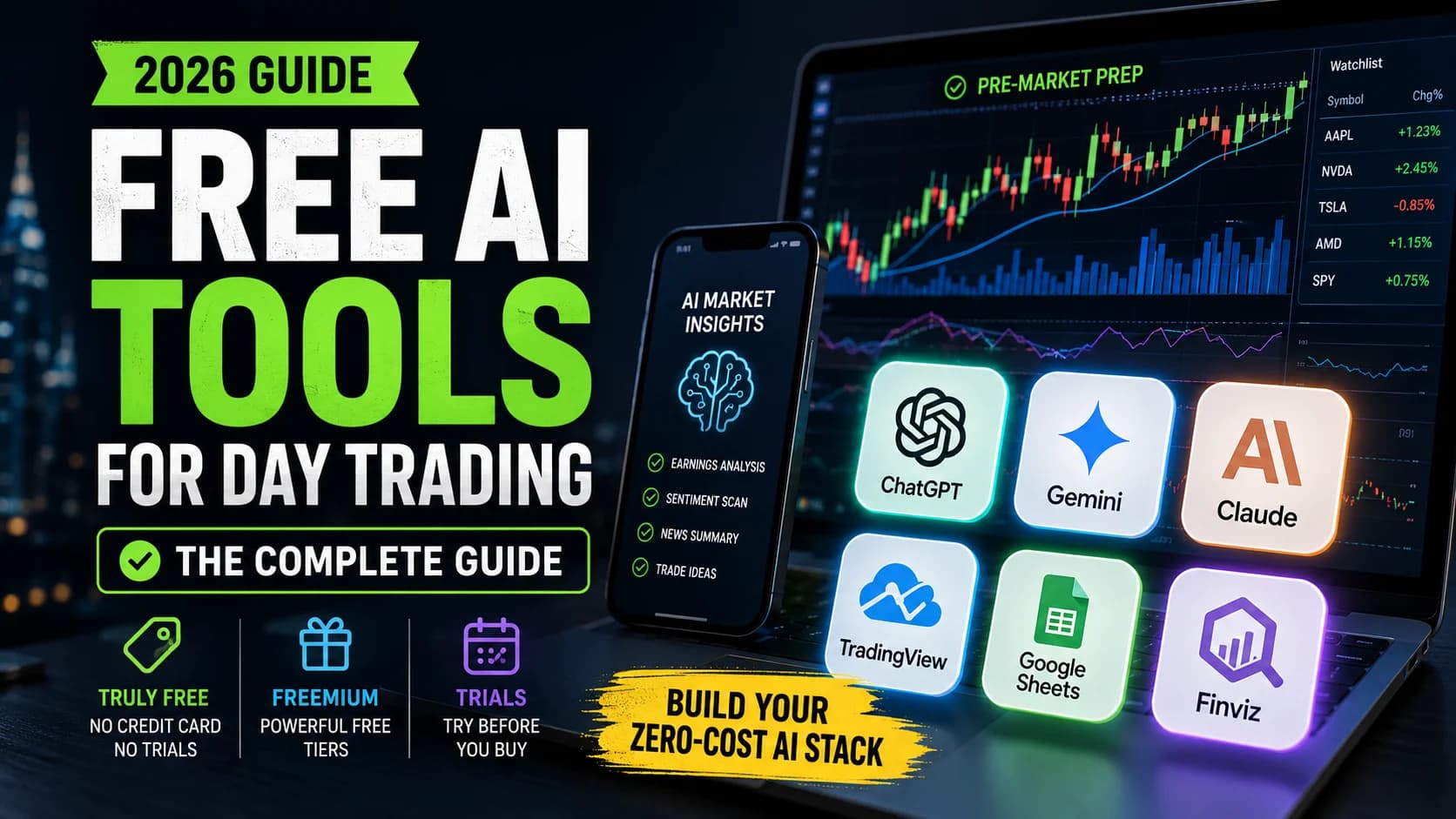

Picture this: it's Sunday evening, you're prepping your watchlist for Monday's open, and you hit a wall trying to understand the implications of Friday's PPI report on the sectors you trade. You could spend an hour digging through analyst notes, or you could AskThe ask is the lowest price a seller is currently willing to accept. When you buy with a market order, you pay the ask.Read definition → ChatGPT to synthesize the key points in two minutes.
That's the promise. Here's the uncomfortable truth that product documentation and independent testing both confirm: ChatGPT is a genuinely useful assistant — when used correctly. It's also perfectly capable of giving you confident, authoritative answers that are completely wrong.
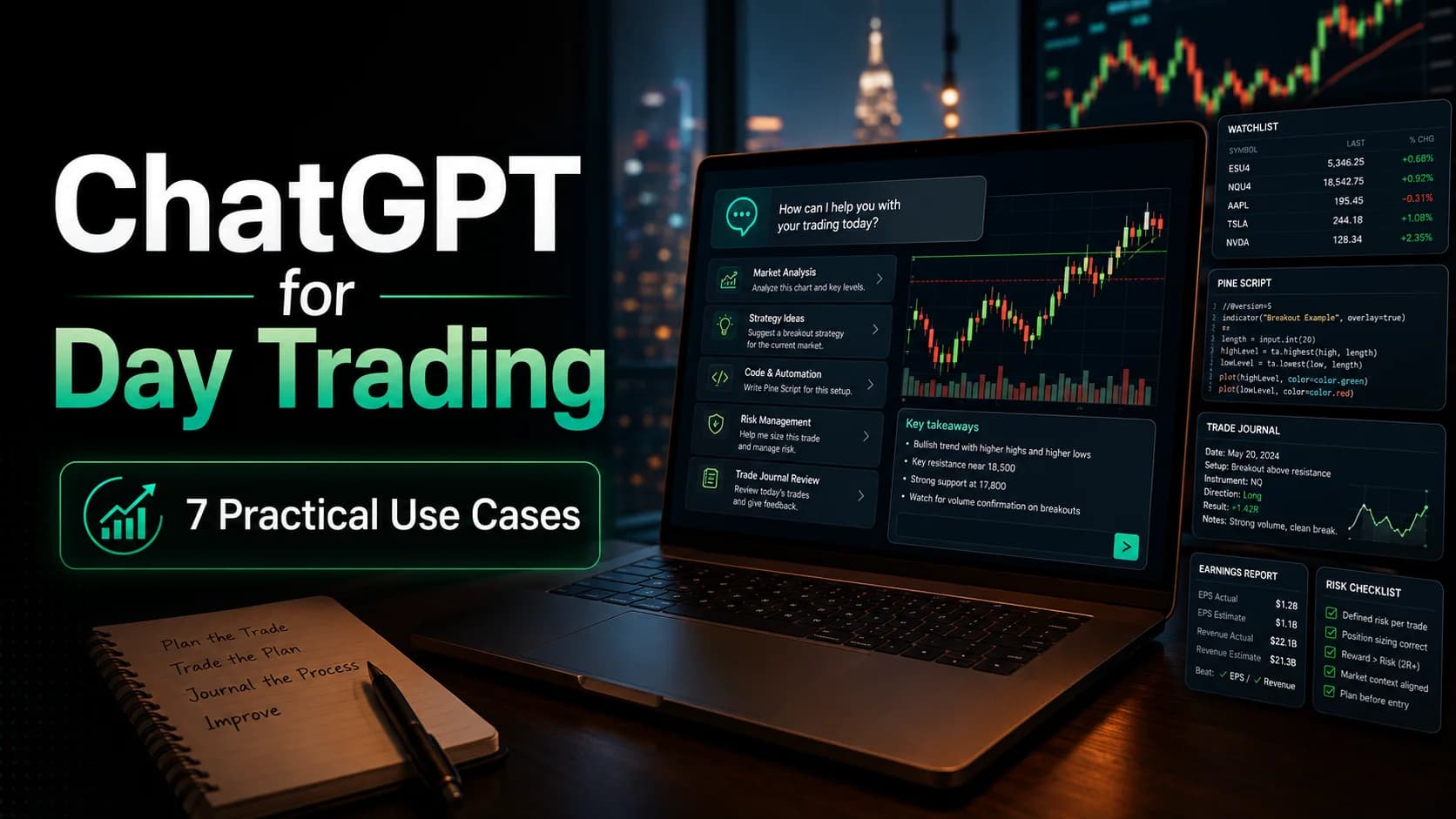
This isn't a hype piece about AI revolutionizing your trading. It's a practical guide to the seven specific ways ChatGPT can help day traders right now, alongside the critical limitations you must understand before trusting it with anything important. Tested prompts are included for each use case, along with a verification protocol and a clear list of what ChatGPT should never be used for.
If you want a broader picture of AI's role in day trading, the AI day trading complete guide covers the full landscape. This article focuses specifically on ChatGPT as a tool.
What is ChatGPT for trading? ChatGPT is a large language model (LLM) developed by OpenAI, useful for day traders as a research assistant, code debugger, and analysis tool. It cannot access real-time market data, execute trades, or backtest strategies — but for preparation, learning, and post-trade review, it compresses hours of work into minutes.
What ChatGPT Actually Is (And What It's Not for Trading)
ChatGPT is a large language model trained on vast amounts of text data. When you ask it a question, it generates responses by predicting the most likely sequence of words based on learned patterns. It doesn't "know" things the way humans do. It has no intuition, no market feel, and no special predictive insight.
What it can do: process information quickly, generate ideas from patterns it has learned, help debug code, parse complex documents, and act as a research assistant. It's a tool — a genuinely powerful one — but still just a tool. The skill is knowing when to use it and when not to.
The 3 Critical Limitations Every Trader Must Know
These aren't minor inconveniences. They are fundamental constraints that can cost money if ignored.
No Real-Time Market Data. ChatGPT has a knowledge cutoff date. Anything after that date is unknown to the base model. This means ChatGPT cannot tell you current stock prices, today's economic data, breaking news, or what is happening in real-time. Ask "What's SPY trading at?" and it will either say it doesn't know — or worse, give you an outdated price and present it as fact. Paid tiers include web browsing that can pull some current information when specifically prompted, but this is not a real-time market data feed. For live trade discovery, you need a dedicated scanner. Trade Ideas is purpose-built for that job — real-time scanning across 500+ filters with Holly AI running nightly machine learning. For pricing, see the deals page.
Hallucinations. ChatGPT sometimes makes things up — and does it with complete confidence. OpenAI's own research acknowledges that hallucinations are inevitable in large language models because they are trained in ways that reward guessing over acknowledging uncertainty. Peer-reviewed studies have found fabrications or errors in a meaningful percentage of LLM-generated citations, depending on topic familiarity. For traders, this is dangerous: ChatGPT might invent a volatility statistic, cite a study that doesn't exist, give you an incorrect technical indicator formula, or state a company's EarningsAn earnings report is the quarterly financial disclosure a public company files with the SEC, revealing revenue, earnings per share (EPS), profit margins, and forward guidance — it's the most significant regular catalyst for individual stocRead definition → number that was never real. Every numerical claim must be verified independently.
No BacktestingThe process of running a defined trading strategy against historical price data to evaluate how it would have performed before risking real capital. A well-constructed backtest gives you a statistical baseline — win rate, profit factor, maxRead definition →. ChatGPT can suggest trading strategies. It cannot test them. A strategy idea that sounds intelligent and well-reasoned might fail completely in real market conditions — the only way to know is to run it against historical data using proper backtesting software. ChatGPT helps you conceptualize and refine ideas; the testing is done elsewhere. The methodology for that process lives in this site's guide to building your own trading edge.
ChatGPT Free vs. Paid: What Traders Actually Need
The free tier gives access to capable model versions with meaningful restrictions on message VolumeVolume is the total number of shares (or contracts) traded during a given time period — it's the primary confirmation tool for all price action, because a price move accompanied by high volume indicates genuine market participation, while tRead definition → — enough for occasional questions and focused, short research sessions, but limiting for intensive daily use. Once the free allocation is exhausted, you're downgraded to a lighter model until it resets. Data analysis features and certain advanced capabilities are restricted to a small number of free uses per day.
A paid subscription removes those constraints significantly: higher message volumes, priority access during peak hours, faster responses, full data analysis features, and early access to new capabilities. Check OpenAI's current pricing for up-to-date plan details, as tiers and limits change frequently.
DayTradingToolkit's assessment: if ChatGPT is used more than a few times per week for trading-related work — debugging code, analyzing journal entries, parsing earnings reports — a paid tier pays for itself in time saved. If you're only asking occasional questions, the free tier is sufficient.
The 7 Best Ways to Use ChatGPT for Day Trading
Here are seven use cases where ChatGPT delivers real value, each with a tested prompt you can adapt today.
1. Strategy Brainstorming and Development
Use case: You need new trading ideas tailored to your style, but you're stuck or experiencing creative block.
ChatGPT excels at generating strategy concepts based on constraints you provide. It won't build a complete trading system, but it can surface possibilities you might not have considered.
Tested prompt:
Act as an experienced day trader. I want to develop a momentum-based strategy for large-cap stocks during the first 30 minutes of market open. My account is $50K, I risk 1% per trade, and I hold positions for 5–30 minutes maximum. Provide 3 different strategy variations I can backtest, each with a distinct edge. For each, include: entry triggers, exit rules (profit target and stop), position sizing approach, and market conditions where this works best.What to do with the output: ChatGPT generates conceptual frameworks. Evaluate which ideas align with your style, define specific testable rules for each, backtest properly — ChatGPT cannot do this step — then paper trade before risking real capital. Strategy development is iterative. Never trade a ChatGPT-suggested strategy without thorough backtesting first.
2. Code Debugging (Pine Script and Python)
Use case: Your Pine Script indicator is throwing compilation errors, or your Python trading script isn't behaving as expected.
This is where ChatGPT consistently delivers. It's fast, usually accurate for syntax issues, and can identify logical errors you've stared at for an hour.
Tested prompt:
I have a Pine Script indicator that should plot when price crosses above the 20 EMA with RSI above 50. It's giving me this error: "Cannot call 'plot' with argument 'series'='const bool'. An argument of 'const bool' type was used but a 'series float' is expected." Here's my code: [paste your code]. Identify the bug and provide corrected code with an explanation of what was wrong.Integration workflow: Use ChatGPT to debug and write the code; use TradingView for charting, backtesting, and running it on live charts. They complement each other cleanly. A note on the multimodal capability: current ChatGPT versions also SupportSupport is a price level where buying pressure has historically overcome selling pressure, causing price to stop declining and reverse — it's the floor where demand enters the market, and when it holds, it's a potential long entry; when it Read definition → image uploads — you can paste a chart screenshot directly and ask for pattern analysis, candidate support/resistance identification, or trend assessment. Treat that as a useful second opinion, not a trade signal.
Verification: Always test corrected code in TradingView's strategy tester with historical data before deploying it. ChatGPT is good at fixing syntax errors but can introduce new bugs or misunderstand intent.
3. Trade Journal Analysis
Use case: You've kept a trading journal but struggle to identify patterns in your wins and losses.
ChatGPT can process journal entries and surface correlations between emotional states, market conditions, setup types, and outcomes.
Tested prompt:
Analyze my last 20 trades. Look for patterns in: time of day (when do I win vs. lose), market conditions (trending vs. choppy), position size relative to outcome, emotional state notes, and setup type. Here's my data: [paste journal entries in consistent format]. What patterns do you see? What's my biggest leak?Integration workflow: Dedicated journaling platforms handle the tracking and organize your data well. Export that data and run it through Claude or ChatGPT periodically for deeper behavioral pattern recognition. The journal provides the structure; the LLM provides pattern analysis across the full dataset. See the dedicated AI journal analysis guide for a step-by-step workflow.
Verification: ChatGPT identifies correlations, not causations. Use its findings as hypotheses to test further, not definitive behavioral conclusions.
4. Concept Explanation and Learning
Use case: Traders keep referencing "contango in oil futures" or "gamma squeeze mechanics," and the articles you find assume prior knowledge you don't have.
ChatGPT is exceptional at adjusting explanation depth to your current understanding.
Tested prompt:
Explain "contango in crude oil futures" as if I'm a stock day trader who understands basic supply and demand but has never traded futures. Include: what contango means in plain English, why it happens in oil specifically, how it affects /CL futures prices, and what a stock trader should know before considering oil futures. Keep it practical, not academic.When this beats articles: Sometimes you need a targeted explanation without wading through a 3,000-word piece. ChatGPT delivers that quickly — assuming you verify afterward.
Verification: Cross-check explanations with authoritative sources: Investopedia, CME Group educational materials, or relevant guides on this site. ChatGPT occasionally oversimplifies or gets technical details wrong.
5. Risk Scenario Analysis
Use case: You want to think through "what if" scenarios before they happen — stress-testing your risk rules, planning for correlated losses, handling a gap-against.
Tested prompt:
I'm a day trader with a $25K account. I risk 1% per trade ($250) with a 2:1 reward/risk ratio. I trade 3–5 stocks per day. Walk me through what happens if: (1) I have 5 consecutive losses in a week, (2) one position gaps 50% against me beyond my stop, (3) VIX spikes and all my positions correlate negatively. What risk management adjustments should I consider for each scenario?What you're getting: ChatGPT calculates the math and suggests conceptual approaches. It's structured brainstorming, not authoritative advice. For the fundamentals of position sizing and the 1% rule, see this site's risk management introduction.
Verification: Run the actual calculations yourself. Double-check the arithmetic — ChatGPT is decent with math but not infallible.
6. Earnings Report Parsing
Use case: A watchlist stock just released earnings. The report is 40 pages long, and the market opens in three hours.
Tested prompt:
I'm attaching [Company]'s Q[X] earnings report. Extract and summarize: revenue (actual vs. expected), EPS (actual vs. expected), forward guidance changes, key management commentary about headwinds and tailwinds, and any surprising or unusual items. Focus on what would move the stock price. Keep the summary under 200 words.What level of detail is useful: You're not asking ChatGPT to make the trading decision. You're asking it to surface the important details fast so you can decide yourself.
Verification: Always read the actual filing before trading on it. ChatGPT might miss nuance, misinterpret guidance wording, or hallucinate specific numbers. Use it to get oriented, not as your primary source.
7. Watchlist Research (Quick Company Overviews)
Use case: A ticker is showing unusual volume and you don't know what the company does. You need a 60-second orientation before deciding whether it fits your criteria.
Tested prompt:
Give me a quick overview of [TICKER]: what does this company do (one sentence), what sector and industry, approximate market cap range, whether it's known as high-beta or low-volatility, and any major events in the past 6 months that caused volatility. Keep it under 100 words — I just need to know if this fits my watchlist criteria.Verification: Confirm facts with company filings on SEC.gov (EDGAR), Yahoo Finance, or the company's investor relations page. ChatGPT may have outdated information about market cap, recent events, or business changes depending on its knowledge cutoff.
How to Ask Better Questions (Prompt Engineering for Traders)
The difference between a useful ChatGPT response and a mediocre one usually comes down to how the question is framed.
The anatomy of a good trading prompt:
Every effective prompt has four components. A role definition tells ChatGPT what perspective to take — "Act as an experienced day trader analyzing a breakout setup" beats "Tell me about breakout trading." Context provides relevant constraints — your account size, timeframe, risk tolerance. A specific ask removes ambiguity — "Give me 3 entry confirmation signals" beats "What should I look for?" And an output format shapes the response — "Provide a numbered list with brief explanations" beats leaving the format undefined.
Bad vs. good example:
Bad prompt: "How do I trade pullbacks?"
Good prompt: "Act as an experienced day trader. I want to trade pullback entries in uptrending large-cap stocks — specifically pullbacks to the 20 EMA on the 5-minute chart during the first hour. Explain: (1) what confirmation signals tell me the pullback is ending, (2) where to place my stop, (3) what target makes sense, (4) when to avoid this setup. Use specific examples of indicators or price action patterns."
Follow-up questions beat single mega-prompts. Treat ChatGPT like a conversation: initial prompt, follow-up for specifics, refinement on a corner case. The iterative approach produces deeper, more useful insights than trying to pack everything into one shot.
The ChatGPT + Professional Tools Workflow
The real power emerges when ChatGPT runs alongside professional platforms. It's not ChatGPT or professional tools — it's ChatGPT and professional tools.
ChatGPT + Trade Ideas:
ChatGPT is useful for strategy concept development, brainstorming scanner filter combinations, and learning how to interpret signals. Trade Ideas handles the real-time work: live scanning with 500+ filters, Holly AI's nightly machine-learning signals, paper trading, and brokerage-integrated execution. A practical workflow: ask ChatGPT what filters might capture a specific setup type, build that scan in Trade Ideas against live data, and use Holly's pattern recognition as a real-time validation layer. The Trade Ideas review covers the full platform, and the deals page has current pricing.
ChatGPT + TradingView:
ChatGPT writes and debugs Pine Script; TradingView runs it on real charts and historical data. A practical workflow: build a custom indicator concept in ChatGPT (describe it in plain English, get code back), paste it into TradingView's editor, test with the strategy tester, iterate. Adding the multimodal step: screenshot a chart from TradingView, upload it to ChatGPT, and ask for a read on structure — what trend, what consolidation, what pattern is forming. It's a useful sanity check, not a trade signal, since the model has no live price context. The TradingView review covers when the free plan works and when paid plans make sense.
The Mandatory Verification Protocol
Non-negotiable: verify everything ChatGPT tells you before it touches any trading decision.
Step 1 — Question all numerical claims. Any statistic, percentage, price level, or calculation gets verified with authoritative sources: historical data from Yahoo Finance or TradingView charts; economic data from FRED or the Bureau of Labor Statistics; company fundamentals from SEC EDGAR or investor relations pages.
Step 2 — Cross-check definitions. For technical terms, verify against Investopedia, CME Group educational materials, or exchange websites. ChatGPT occasionally oversimplifies or conflates related concepts.
Step 3 — Test all code. Any code ChatGPT generates: run it in a sandbox first, test on historical data, deploy with small position sizes initially, and monitor closely for unexpected behavior.
Step 4 — Validate citations. If ChatGPT cites a study or article, search for it directly — Google Scholar, PubMed, official databases. Confirm it exists and that ChatGPT's characterization of it is accurate. Hallucination rates on citations are meaningfully high across LLMs; treat every cited source as unverified until confirmed.
Step 5 — Consult human experts for high-stakes decisions. For anything significantly affecting trading capital, tax treatment, regulatory matters, or account structure — talk to an experienced trader, CPA, or compliance professional. ChatGPT is a research assistant, not a substitute for expertise.
When NOT to Use ChatGPT
ChatGPT is unsuitable for several things a day trader might be tempted to use it for:
Real-time trade decisions. ChatGPT cannot see current prices, volume, or market internals. For finding opportunities as they develop, use a real-time scanner. This site's stock scanners guide covers the options.
Backtesting. ChatGPT can suggest ideas. It cannot test them against real historical data. Use purpose-built backtesting software for that job.
Live market analysis. ChatGPT's knowledge cutoff means it cannot comment on today's CPI print, this morning's Fed speech, or what SPY is doing right now. For current market context, use financial news sources and real-time data feeds.
Legal or tax advice. Never rely on ChatGPT for wash sale treatment, entity structure decisions, or regulatory compliance. Consult a CPA or attorney who specializes in trader taxation.
Frequently Asked Questions
Is ChatGPT good for day trading?
Can ChatGPT predict stock prices?
What is the best way to use ChatGPT for trading?
Does ChatGPT have access to real-time market data?
Should I use the free or paid tier for trading?
Can ChatGPT write Pine Script for TradingView?
How do I stop ChatGPT from making up statistics?
Can ChatGPT analyze my trading journal?
Is ChatGPT worth paying for as a trader?
Disclaimer
Article Sources
- OpenAI — Why Language Models Hallucinate - OpenAI's explanation of why hallucinations are structurally inevitable in LLMs, including the role of training methods in rewarding guessing over uncertainty acknowledgment.openai.com
- PMC — Hallucination Rates and Reference Accuracy of ChatGPT - Peer-reviewed study quantifying ChatGPT hallucination and error rates for systematic review citations across different topic domains.pmc.ncbi.nlm.nih.gov
- OpenAI — ChatGPT Pricing Plans - Official documentation on ChatGPT plan tiers, features, and message limits. Consulted for the Free vs. Paid section; check directly for current rates as these update frequently.chatgpt.com
- OpenAI API Documentation — Prompt Engineering Guide - OpenAI's official guidance on effective prompt construction, used as the foundation for the prompt engineering section.platform.openai.com