Is There a Trade Ideas Free Trial? The $11 Test Drive, Explained

In this article9 sections
If you searched for a "Trade Ideas free trial," here's the honest answer up front: there isn't one — at least not in the way most platforms do trials. Trade Ideas has never offered an always-available, no-cost trial with real-time data, and there's no sign that's changing.
What it offers instead is arguably better for actually evaluating the platform: a paid Test Drive that opens up the full Premium tier for the price of a sandwich. This guide explains exactly what the Test Drive is, what you get, what it costs, when the next one runs, and how to get real value out of it — without the hype you'll find on the affiliate pages racing to sign you up.
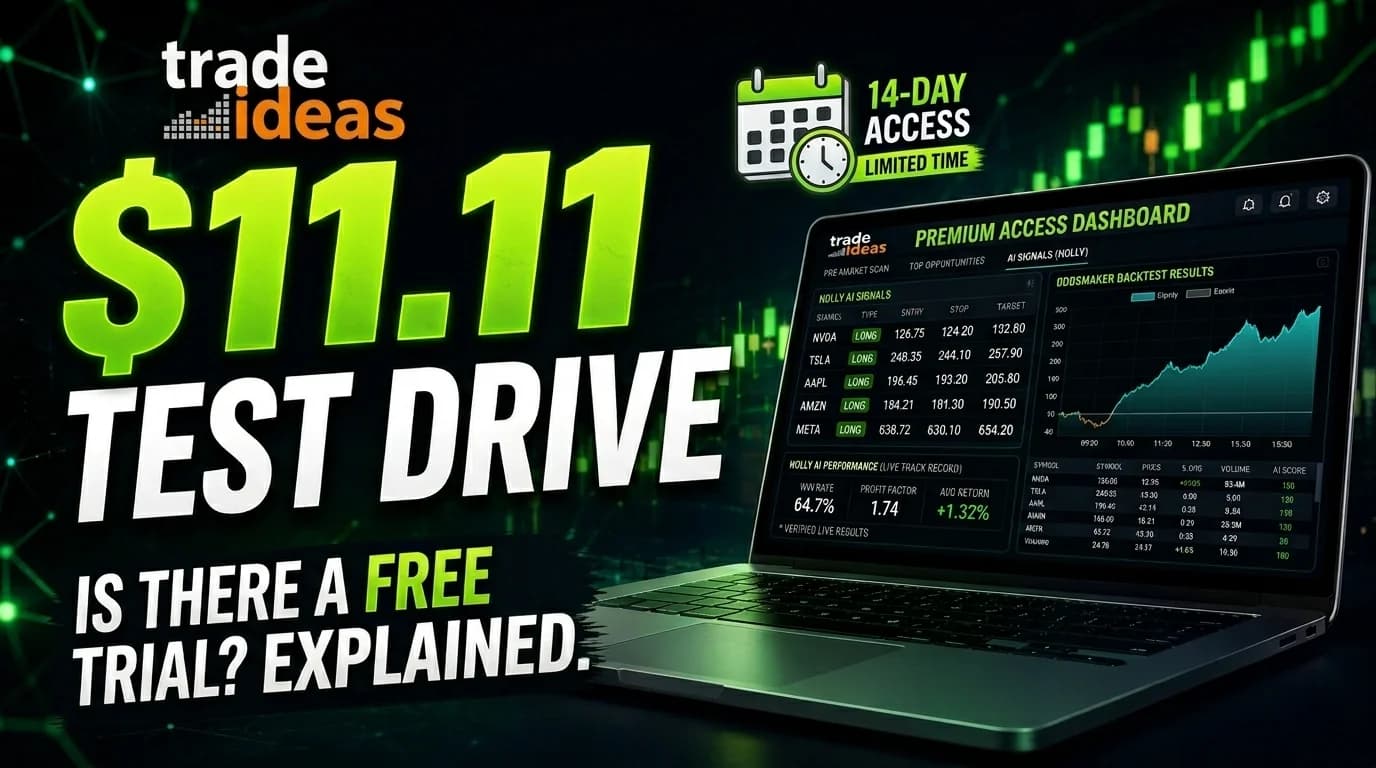
What is the Trade Ideas Test Drive? The Test Drive is Trade Ideas' paid trial: for a one-time fee of about $11.11, you get 14 days (about two weeks) of complete Premium ("The Apex") access — including Holly AI, the 500+ scanners, the OddsMaker backtester, and the live trading room. Trade Ideas runs it around four times a year in place of a traditional free trial.
Quick Answer: The Trial Situation in 30 Seconds
Trade Ideas gives you three ways to access the platform, and only one of them is a true free option:
- The free "Par" plan — permanently free, but runs on delayed data. Good for exploring the interface, not for live trading.
- The $11 Test Drive — about $11.11 for 14 days (two weeks) of full Premium access, offered around four times a year. This is the real evaluation tool.
- A paid subscription — $127/month (Basic, "The Core") or $254/month (Premium, "The Apex"), ongoing.
There's no real-time free trial. The Test Drive is the closest thing, and for under twelve dollars it's the smartest way to judge whether a $254/month platform fits your trading before you commit.
Does Trade Ideas Have a Free Trial?
No — and it's worth understanding why, because the reasoning tells you something about who the platform is built for.
Most trading tools hand out free trials freely. TradingView is free to use indefinitely at its base tier; TrendSpider and others offer time-limited free passes. Trade Ideas deliberately doesn't. So is Trade Ideas free? Only in a narrow sense. The only no-cost access is the Par plan, which is permanently free but limited to delayed market data — useful for clicking around the interface and seeing how the windows fit together, but useless for evaluating real-time scanning or live signals.
For anything resembling a genuine trial, the Test Drive is the path. The small fee isn't an accident — it's a filter, and we'll come back to why that matters.
What the $11 Test Drive Actually Includes
The Test Drive isn't a stripped-down demo. During the event, you get the complete Premium ("The Apex") platform — the same tier that normally costs $254 a month. That includes:
- Holly AI — the signal engine that re-evaluates 60+ algorithms nightly and issues real-time intraday trade ideas, each with an entry, stop, and target. Full breakdown in the Holly AI explainer.
- 500+ scanners and real-time alerts across gaps, volume, breakouts, VWAP, and relative strength.
- The OddsMaker — the no-code backtester that tests a rule set against historical data and returns win rate, average gain, and drawdown.
- Simulated (paper) trading to practice setups without risking capital.
- Multiple charts, workspaces, and the live trading room that streams every market day. (You can sample that room for free anytime — see the free trading room guide.)
One honest caveat that the hard-sell affiliate pages tend to skip: market data is typically delayed during the Test Drive, and live broker auto-execution is disabled. That's not a dealbreaker — it means the Test Drive is built for evaluating the platform's tools, workflow, and feel, not for running live money. For genuine evaluation, that's exactly what you want.
How the Three Access Tiers Compare
- Cost
- Free "Par" Plan
- Free
- $11 Test Drive
- ~$11.11 one-time
- Paid Subscription
- $127–$254/month
- Duration
- Free "Par" Plan
- Permanent
- $11 Test Drive
- ~14 days (2 weeks)
- Paid Subscription
- Ongoing
- Data
- Free "Par" Plan
- Delayed
- $11 Test Drive
- Delayed
- Paid Subscription
- Real-time
- Holly AI
- Free "Par" Plan
- No
- $11 Test Drive
- Yes
- Paid Subscription
- Yes (Premium)
- OddsMaker backtesting
- Free "Par" Plan
- No
- $11 Test Drive
- Yes
- Paid Subscription
- Yes (Premium)
- Live broker auto-trading
- Free "Par" Plan
- No
- $11 Test Drive
- No
- Paid Subscription
- Yes (Premium)
- Best for
- Free "Par" Plan
- Exploring the interface
- $11 Test Drive
- Evaluating the full platform
- Paid Subscription
- Active daily trading
| Free "Par" Plan | $11 Test Drive | Paid Subscription | |
|---|---|---|---|
| Cost | Free | ~$11.11 one-time | $127–$254/month |
| Duration | Permanent | ~14 days (2 weeks) | Ongoing |
| Data | Delayed | Delayed | Real-time |
| Holly AI | No | Yes | Yes (Premium) |
| OddsMaker backtesting | No | Yes | Yes (Premium) |
| Live broker auto-trading | No | No | Yes (Premium) |
| Best for | Exploring the interface | Evaluating the full platform | Active daily trading |
Why a Paid Test Drive Instead of a Free Trial?
It seems backwards to charge for a trial, but there's a defensible logic to it.
Free trials attract a lot of people who never actually use them — the sign-up costs nothing, so it carries no commitment. A small fee changes the dynamic. Paying even $11 creates what behavioral economists call "skin in the game": you paid, so you're more likely to actually log in and put the platform through its paces. The same filter applies to everyone else in the Test Drive, which means the live trading room during these events tends to be populated by serious evaluators rather than drive-by sign-ups.
Whether that's worth it to you is a personal call. But if the goal is to genuinely find out whether Trade Ideas fits your workflow, a paid trial you'll actually use beats a free one you'll forget about.
How to Get Real Value From Your Test Drive
Fourteen days disappears fast if you spend them clicking randomly. A focused plan is the difference between leaving with a clear yes-or-no and leaving confused. Here's a sensible structure.
First few days — orient, don't overwhelm. Resist the urge to open every scanner at once. Load one channel (the Momentum channel is a good start), watch how alerts fire and how the scanners update, and build a simple workspace with two or three linked windows. The goal early on is understanding the rhythm, not trading.
Middle stretch — narrow to one setup. Pick a single setup that matches how you already trade — a breakout scan, a gap scan, a reversal scan — and configure it tightly. Then paper trade every alert it produces with a defined entry, stop, and target, and log the results. While you're at it, use the OddsMaker to backtest those exact scan parameters; if the historical numbers are poor, you'll know to adjust before you waste days on it.
Final days — shadow Holly, then decide. Spend the back end of the window following Holly's signals in the simulator. Take them all rather than cherry-picking, because the only honest read on a signal engine is its full record, not the handful you liked. Holly is a probability engine, not a money printer — a signal means a setup resembles ones that have behaved a certain way before, not that the trade will work. Then make the call on real evidence: did the platform surface setups you'd have missed, and did it fit how you actually work?
One setting genuinely worth enabling on day one: symbol linking. Match the colored chain icons across your windows so clicking a ticker in the scanner instantly loads it in your chart, Level 2, and news. It's a small thing that makes the whole platform flow.
What Happens When the Test Drive Ends
This is the question that makes people nervous, and Trade Ideas handles it cleanly: when the Test Drive ends, access simply stops. There's no automatic conversion to a paid plan and no surprise charge months later. The card you used isn't billed again unless you actively choose to subscribe. You'll get follow-up emails with offers, but nothing happens to your payment method on its own.
Two things worth knowing for afterward. First, Trade Ideas operates an all-sales-final policy — it offers store credit or exchanges rather than refunds, which is precisely why using the cheap Test Drive to evaluate before you buy is the smart sequence. Second, if you do decide to subscribe, don't pay sticker price: annual billing runs roughly 30% below monthly, and a promo code stacks on top. The evergreen code gets you 15% on any plan, and a deeper limited-time code can apply to Premium annual. The full math is in the maximum discount guide, and the current verified code lives on the deals page.
When Is the Next Trade Ideas Test Drive?
Trade Ideas runs the Test Drive roughly four times a year, and it doesn't publish the calendar far ahead — events are typically announced a week or two before they start, and there are no extensions. Sign up on the first day and you get the full window; sign up late and you only get the days that remain.
Because the dates move, the reliable approach is to be ready rather than to guess. The surest way not to miss one is to get on the official Test Drive notification list so you're alerted the moment the next event opens. DayTradingToolkit also posts active Test Drive windows on the deals page as soon as they're announced, so that's the place to check when you're deciding whether to wait for the next one or move now.
Is the $11 Test Drive Worth It?
For the cost — about eleven dollars to put a $254/month platform through real evaluation — the downside is tiny. The honest framing is this: the Test Drive is either the best small amount you'll spend confirming Trade Ideas is right for you, or it's the eleven dollars that saves you from a $2,136 annual mistake. Both outcomes are wins.
It's most worth it if you already trade actively and have a defined strategy, since the platform helps you find and act on setups faster — it doesn't teach you what a setup is. If you're still building fundamentals, start with the free Par plan and the trading room first. And if you want the long-term verdict before you even Test Drive, the full Trade Ideas review and the honest 5 signs you're not ready for Trade Ideas are the places to go. If you ultimately decide it's not your fit, the Trade Ideas alternatives guide and the broader best AI tools for day traders roundup cover where else to look.
Frequently Asked Questions
Is there a Trade Ideas free trial?
The free Par plan lets you explore the interface but runs on delayed data, so it can't show you live scanning or real-time signals. The closest thing to a real trial is the $11 Test Drive, which opens the full Premium platform for about two weeks, a few times a year. Between Test Drives, your only real-time option is a paid subscription.
Key Takeaway: There's no real-time free trial — the $11 Test Drive is the way to evaluate the full platform, tracked on the deals page.
How much does the Trade Ideas Test Drive cost?
That fee gets you full Premium ("The Apex") access for around 14 days — a tier that normally costs $254 per month. There are no hidden charges and no automatic renewal; the fee is one-time and what you see is what you pay. It's among the lowest-cost ways to evaluate a professional-grade trading platform.
Key Takeaway: Budget around $11–12 and treat it as a low-risk evaluation of a $254/month platform.
How long does the Test Drive last?
The window has fixed start and end dates. Sign up on the first day and you get the whole thing; sign up partway through and you only get the days that remain. There are no extensions for late starts, so the practical move is to enroll as soon as an event opens and block out time to actually use it.
Key Takeaway: Enroll early in the window — every day you wait is a day of access you lose.
Will the Test Drive automatically charge me afterward?
When the window closes, access simply stops. Your payment method isn't billed again unless you actively choose to subscribe. Trade Ideas will email you with offers, but nothing happens to your card on its own — you have to opt in to continue.
Key Takeaway: The Test Drive is genuinely one-and-done; continuing requires you to deliberately subscribe.
What's the difference between the free Par plan and the Test Drive?
The Par plan is for exploring the interface — it won't show real-time scanning or the AI tools. The Test Drive unlocks the complete Premium tier (Holly, the OddsMaker, all scanners) for a small fee over a fixed window. One is for a quick look; the other is for a real evaluation.
Key Takeaway: Use the free Par plan for a first look, then catch a Test Drive to evaluate the full platform.
Is the data real-time during the Test Drive?
This means the Test Drive is built for evaluating the platform's tools, workflow, and signal logic rather than for executing live trades. Paper (simulated) trading works fully, which is what you should be doing during an evaluation anyway. Real-time data and live execution come with a paid subscription.
Key Takeaway: Treat the Test Drive as a feature-and-workflow evaluation, not a live-trading test.
Can I do the Test Drive more than once?
Some traders deliberately re-enroll periodically to check what's new in the platform. You can't run them back-to-back or chain them into continuous access, and each event is a fresh small payment. It's a legitimate way to revisit the platform as your trading evolves.
Key Takeaway: Repeat Test Drives are fine and fairly priced — space them out across the year.
How do I get the most out of a Test Drive?
The biggest waste is treating the window as a feature tour. Instead, pick one setup that matches your style, configure it tightly, log every paper trade, and use the OddsMaker to validate your scan parameters. Enable symbol linking on day one so the platform flows. Then make a yes-or-no call based on the data you collected.
Key Takeaway: A focused evaluation plan turns 10 days into a clear decision instead of a blur of clicking.
Do I need a special computer to run Trade Ideas?
The full desktop platform is Windows-native, where Holly and the OddsMaker live. A web version works across devices for scanning and monitoring, but the advanced tools require the desktop. Multiple monitors help but aren't required.
Key Takeaway: A recent Windows PC and stable internet are all you need; Mac users should plan for the web version or a virtual machine.
Should I subscribe right after the Test Drive?
Base the decision on what you actually observed: did the platform surface setups you'd have missed, and did it fit your workflow? If yes, annual billing saves roughly 30%, and a code stacks on top — 15% on any plan with the evergreen code, more on Premium annual with a limited-time code.
Key Takeaway: Decide on evidence, not FOMO — and if it's a yes, check the discount guide and deals page before subscribing.
Article Sources
- Trade Ideas — official Test Drive information - primary source for Test Drive pricing and access terms.
- Trade-Ideas Help — Trials and Test Drives - official documentation on how the Test Drive works.
- U.S. SEC — Investor.gov: Day Trading - official investor-protection context on day-trading risk.
Disclaimer
Was this helpful?
Be the first to weigh in

Written by
Kazi Mezanur RahmanFounder, independent researcher, and editor of DayTradingToolkit. A one-person publication focused on risk-first trading education and documented tool research. He trades his own capital as a retail trader and combines personal market experience with systematic primary-source research.
Keep Reading

Tools & Tutorials
Trade Ideas Promo Code & Discount: How to Save Up to 51%
Learn how to cut Trade Ideas costs by up to 51% with smart billing, promo codes, and timing — save hundreds while keeping full AI trading power.

Tools & Tutorials
5 Signs You're NOT Ready for Trade Ideas (Save Your Money)
Is Trade Ideas worth it for your account? Learn the 5 critical signs you're not ready yet and save $2,136. Honest advice from traders who care about your success.

Reviews
Trade Ideas Review 2026: Real AI, or Just Hype?
An independent, research-based look at Trade Ideas and its Holly AI: what the scanner does, how the AI really works, current pricing, and who should actually buy it.
Tools & Tutorials
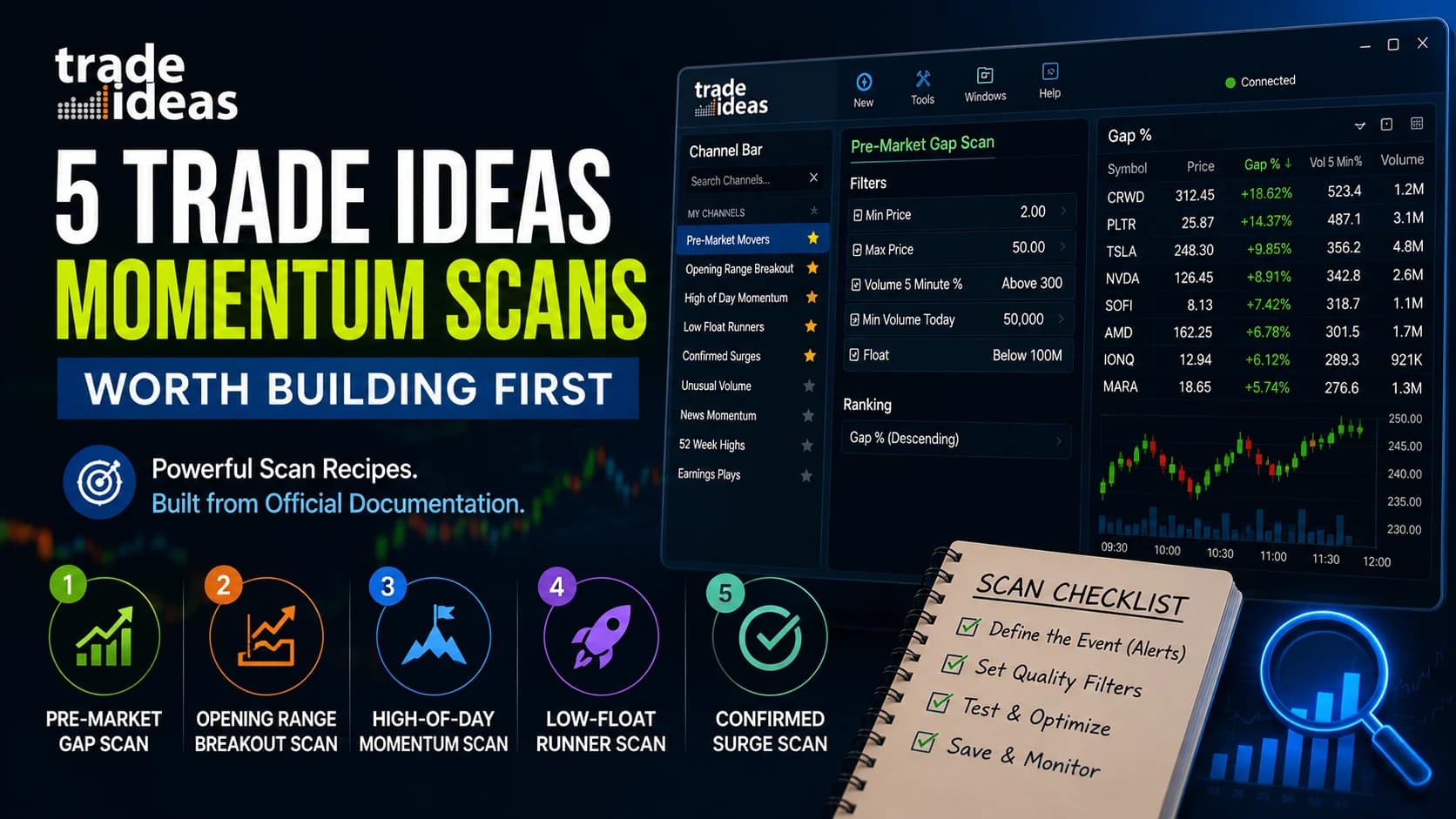
Best Trade Ideas Scans for Momentum Traders: 5 Recipes Worth Building First
Five complete momentum scan recipes for Trade Ideas — exact alerts, filters, and starting values built from the official documentation, plus the OR/AND logic that breaks most beginner scans, the Multi-Strategy consolidation setup, and how to validate any scan before trading it.
Comments
No comments yet. Be the first to share your thoughts.