You finish the month in profit. Good. But did your whole trading day earn that money, or did your morning trades spend the afternoon paying for your mistakes?
That's the question Dojiwise is built to answer. It takes your trading history, breaks it down by setup, session, time of day and more, then uses AI to explain the patterns in plain language. The part that makes it stand out: every AI observation comes with the numbers behind it, so you can check the claim instead of taking it on faith. This Dojiwise review covers how it works, what it costs and who it suits.
What is Dojiwise? Dojiwise is a browser-based trading journal for crypto, forex and index traders. It supports a read-only Bybit connection, MetaTrader 4 and 5 report imports, CSV imports and manual entry. Alongside performance charts, it lets you record setups, emotions, tags, notes and screenshot links, and it runs on a computer or phone in English and Portuguese. It is currently in a free public beta.
Review at a glance
In 30 seconds
- Dojiwise is a browser-based trading journal that breaks your results down by setup, time, session, duration and emotion, then adds an AI report that shows the supporting figures under each observation.
- Bybit connects directly with a read-only key. MetaTrader users import reports, and other platforms can use a CSV with a column-mapping preview.
- Everything is free and unlocked during the beta. Planned plans are Free, Starter at €9.99 a month and Pro at €29.99 a month, with Starter and Pro marked "Coming soon".
- The trade-offs: beta maturity, only one direct broker connection, and session analysis, multiple accounts and automatic Bybit imports planned for the Pro tier.
How easy is it to get your trades into Dojiwise?
Dojiwise's CSV importer lets you check your file before anything reaches your dashboard. You choose the file, match its columns to Dojiwise's fields, set the file's timezone and look at a preview of the first few rows. Only then do you commit the import.
That preview earns its keep when your broker names columns differently from the journal. You can confirm the symbol landed under Asset and that entry and exit times aren't swapped before a single number lands on a chart. Standard column headings such as symbol, direction, quantity, entry and exit prices, timestamps, fees, P&L, setup and notes are recognized automatically, and re-importing the same file never creates duplicates. Not sure how to format your export? The import screen has a Download a sample CSV link that shows the expected layout, and you can import that file to try the app before using your own trades.
Two settings deserve a second look:
- P&L. The importer can use the net P&L column from your file or calculate a result from prices and quantity. If your export already includes net results, map that field so fees aren't lost. Your first check after any import should be whether the total matches your broker statement.
- Timezone. Set the file's timezone correctly, and check the display timezone in your account. A trade entered at 14:00 UTC shows up as 10 AM for a New York account. Get this wrong and every hour-of-day finding shifts with it.
Beyond CSV, MetaTrader 4 and 5 users can import their account reports directly, and Bybit users can connect a read-only API key for automatic imports. The generic CSV route opens the door to other platforms, though it isn't the same as a native connection: your export still needs fields the journal understands.
What does the Dojiwise dashboard show?
The Performance screen puts the essentials in one place: total P&L, Win RateWin rate is the percentage of your trades that result in a profit — calculated as (number of winning trades ÷ total trades) × 100 — and while commonly cited as a measure of trading success, it means very little without also knowing the averRead definition →, Profit FactorProfit factor is the ratio of total gross profit to total gross loss across a set of trades — a profit factor above 1.0 means you're profitable overall, and a ratio of 2.0 means for every $1 lost, you've made $2, giving you a clear, single-Read definition →, ExpectancyExpectancy is the average amount your strategy makes or loses per dollar risked — it's the single best number for evaluating whether your trading approach has a real mathematical edge.Read definition →, maximum DrawdownA drawdown is the peak-to-trough decline in account equity — it measures how far you've fallen from your high-water mark, either from a single losing trade or a series of losing trades.Read definition →, trade count, Average WinnerAverage winner is the mean profit across all your winning trades — the number you compare against average loser to know whether your strategy actually has an edge.Read definition → and average loser. An equity curve sits underneath, and you can filter everything by period, asset, setup and direction.
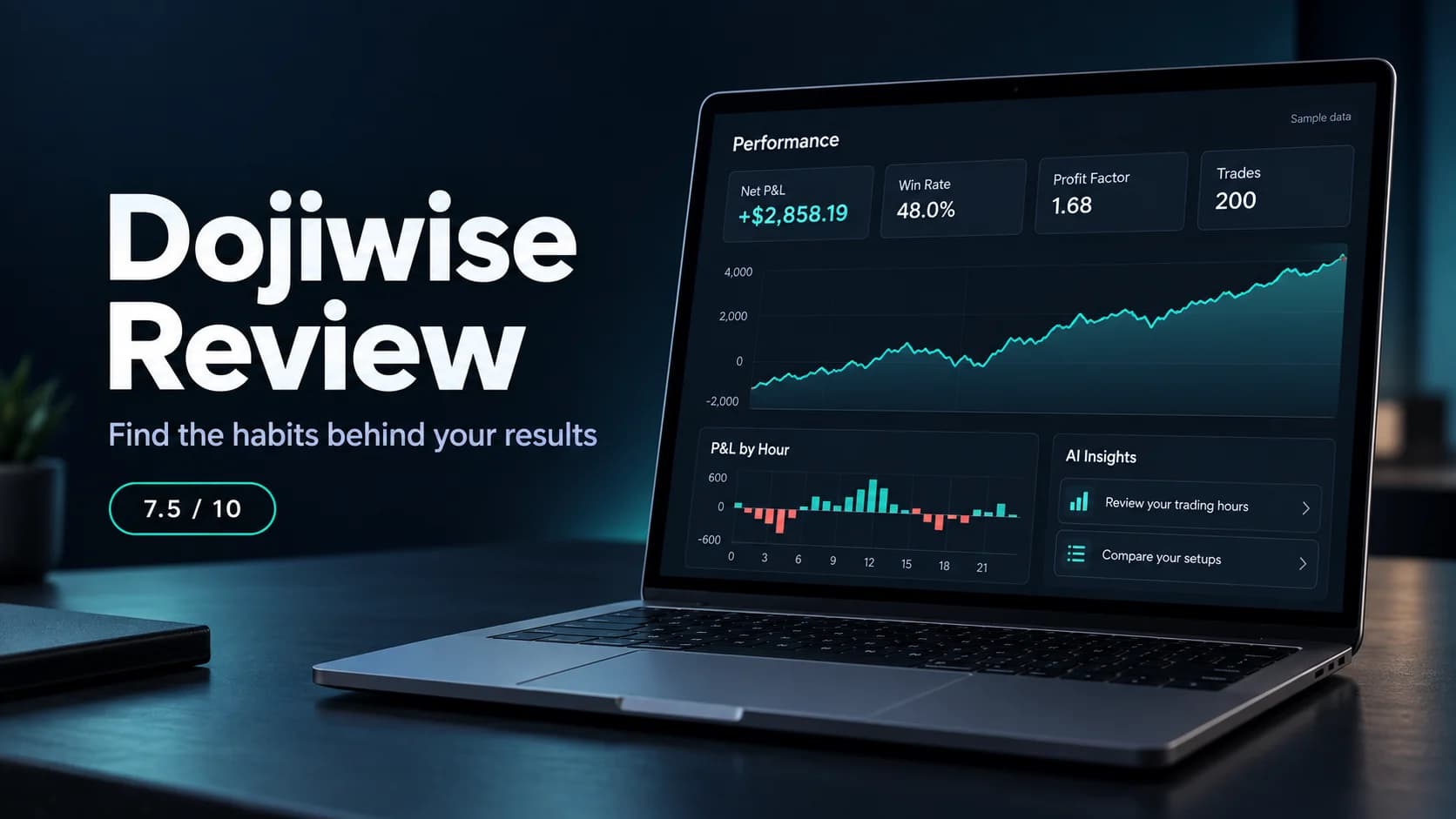
Dojiwise includes a 200-trade sample you can load after signing up, which is a handy way to explore the app before importing your own history. Here's what the dashboard shows for it. These are made-up crypto trades, so treat them as an illustration of the tool, not anyone's trading record.
- Measure
- Trades
- Sample result
- 200
- Measure
- Net P&L
- Sample result
- +$2,858.19
- Measure
- Winners / losers
- Sample result
- 96 / 104
- Measure
- Win rate
- Sample result
- 48.0%
- Measure
- Profit factor
- Sample result
- 1.68
- Measure
- Average winner
- Sample result
- +$73.30
- Measure
- Average loser
- Sample result
- -$40.18
- Measure
- Expectancy per trade
- Sample result
- +$14.29
- Measure
- Maximum drawdown
- Sample result
- -$351.83
| Measure | Sample result |
|---|---|
| Trades | 200 |
| Net P&L | +$2,858.19 |
| Winners / losers | 96 / 104 |
| Win rate | 48.0% |
| Profit factor | 1.68 |
| Average winner | +$73.30 |
| Average loser | -$40.18 |
| Expectancy per trade | +$14.29 |
| Maximum drawdown | -$351.83 |
Dojiwise's built-in 200-trade sample. Hypothetical data for illustration only.
The relationship between those numbers matters more than any single card. This history lost more trades than it won, yet finished well ahead because the average winner was nearly twice the size of the average loser. If you tend to judge a week by how often you were right, seeing those figures side by side is a useful correction.
Expectancy turns the whole history into a per-trade figure, here $14.29. That doesn't mean your next trade is worth $14.29. It gives you a fairer way to compare setups than win rate alone. And remember the equity curve stacks up closed trade results. It doesn't show every swing your account went through while positions were open.
Where does Dojiwise really earn its place?
The Analysis screen is where a profitable headline starts to come apart, and it's the best part of the product.
You can break results down by hour, weekday, asset, market, long versus short, setup, session, duration, emotion and outcome. Each breakdown pairs a chart with a table showing trade count, win rate, P&L, average P&L and profit factor, so you read the actual size of a difference instead of guessing from bar heights.
The sample shows why this matters. Overall, it's up $2,858.19. But trades entered between 14:00 and 16:00 UTC lost $1,526.60 combined: 53 trades, only five winners, a 9.4% win rate. Looking at the total alone would hide a very expensive part of the day.
Setup analysis tells the other half of the story. The 84 trades tagged Order Block produced $2,333.75 of the profit at a 59.5% win rate. Every other trade combined made $524.44. That hands you a sharp question for your next review: what's different about those entries, and are you following the same rules every time?
The sample's patterns were built in on purpose, so finding them doesn't prove Dojiwise uncovers winning strategies. What it shows is that the reports make a lopsided history easy to investigate. With your own trades, the next step is to look at the entries, market conditions and sizing behind a pattern before you change a rule.
Is the AI analysis useful, or does it just narrate the charts?
The AI earns its place by pointing you to the right group of trades fast. There's some overlap with the tables, since you could find a weak time window yourself in the Hour breakdown. The AI adds a short written reading of your history, including combinations that take more digging to spot.
Run an analysis on the sample and you get five observations: the losing two-hour window, the stronger Order Block results, a profitable ETHUSDT and Europe-session combination, weaker US-session results and weaker Fridays. Each observation has its supporting figures right underneath. The time-window warning shows that 48 of the sample's 104 losing trades fell in those two hours. The ETHUSDT note points to 26 Europe-session trades with a 76.9% win rate and $1,289.86 in P&L.
That presentation is the real strength. You don't get a vague "improve your discipline" with no idea which trades prompted it. You get a specific group of trades to go back and study.
Dojiwise calculates the statistics first, then gives the AI those totals to explain. It also requires at least 10 trades for an analysis and leaves out groups smaller than five, sensible guardrails against a confident paragraph built on two trades.
Still read the wording critically. The AI calls Order Block the strongest "edge", but a better result in one history doesn't prove a lasting edge. It also labels the US session as weak even though that session was still profitable in the sample. Read that as "weaker than the other sessions", not a reason to stop trading it. Use the AI to choose what to investigate next, then let the underlying trades explain the result. Our guide to using AI on your trading journal covers how to get the most from this kind of report.
Can Dojiwise help with mistakes that don't show up in an export?
A broker can tell you where you entered. It can't tell you that you entered because the last loss annoyed you.
Dojiwise's Journal fills in that missing context. Open any trade and add its setup, an emotion, tags, notes and a screenshot link. Emotion choices include calm, confident, patient, FOMO, anxious, impatient and revenge. You can search the journal and filter trades by asset, setup or outcome, and the whole routine takes seconds per trade, which matters if you plan to do it after every session.
Emotion analysis is only as good as what you record. Imported trades have no emotion attached until you add one, and the Emotion breakdown shows them as not logged. The journal won't know you were chasing unless you tell it.
Consistency is what makes this pay off. Tag every rushed entry for a few weeks and you can compare that group with the rest of your trading. Tag only the rushed entries that lost and you'll get a flattering, useless answer. Our beginner trading journal lesson shows how to build the habit without turning every entry into an essay, and our guide to revenge trading explains why that particular tag is worth tracking.
A few other details:
- Screenshots are links. The screenshot field takes an image URL, so you host charts elsewhere. That's an extra step if you usually save screenshots to your computer.
- Manual entry is available with asset, direction, timestamps, prices, quantity, fees, P&L, setup and notes.
- Separate accounts and currencies let you keep different histories apart.
- A weekly AI email is planned for Pro: a Monday summary, sent only when you traded that week.
How much does Dojiwise cost?
Dojiwise is free with everything unlocked during its beta, with no payment card required. Beta accounts get unlimited imports and 30 AI analyses a month.
The Plans screen also shows the planned paid structure. Starter and Pro are marked "Coming soon", so treat these as the announced direction rather than a subscription you can buy today.
- Planned plan
- Free
- Monthly price
- €0
- Imports
- 50 trades/month
- AI analyses
- 1/month, two visible insights
- History
- Last 30 days
- Planned plan
- Starter
- Monthly price
- €9.99
- Imports
- 250 trades/month
- AI analyses
- 4/month, all insights
- History
- Last 12 months
- Planned plan
- Pro
- Monthly price
- €29.99
- Imports
- Unlimited
- AI analyses
- 30/month, all insights
- History
- Full history
| Planned plan | Monthly price | Imports | AI analyses | History |
|---|---|---|---|---|
| Free | €0 | 50 trades/month | 1/month, two visible insights | Last 30 days |
| Starter | €9.99 | 250 trades/month | 4/month, all insights | Last 12 months |
| Pro | €29.99 | Unlimited | 30/month, all insights | Full history |
Planned pricing as shown in the Dojiwise app in October 2026. Check dojiwise.app for current terms.
The differences go beyond trade counts. The planned Free tier leaves out journal notes, setups, tags and screenshots. Starter adds those plus analysis by setup and emotion. Pro adds analysis by session and duration, automatic Bybit imports, weekly email reports and multiple accounts.
So Starter suits a lighter schedule with roughly weekly AI reviews. Count your own trades first, because 250 a month is about 12 a day over 20 trading days. More active traders, or anyone who wants automatic Bybit imports and session comparisons, will be looking at Pro. The planned Free tier works as an introduction, but a 30-day history with no notes or tags is restrictive once you journal seriously.
Dojiwise's terms promise at least 30 days' notice before payments begin, and no charge unless you explicitly accept a paid plan. Enjoy the beta, but judge the long-term value against the tier you'd actually need.
What happens to your trade data?
Dojiwise's privacy policy describes a Portugal-based operator with EU hosting, and states that your data isn't sold, used for advertising or used to train AI models.
For AI reports, the policy says only aggregate statistics go to Anthropic's Claude. Your email, name, journal notes and individual trade list don't. A rules-based fallback takes over if the AI service is unavailable. That separation matters if your journal notes hold more personal detail than your trade totals.
The Bybit connection is read-only: credentials are encrypted, and keys with trading or withdrawal permissions are rejected. Disconnecting removes the stored key and leaves your imported trades in place. Account settings also include a JSON data export and account deletion. Screenshot images live with whichever service hosts them, so that provider remains part of your setup.
These are the company's stated practices rather than an independent security audit, so read the policy and check API key permissions carefully before connecting an account.
Where does Dojiwise fall short?
- It's in beta. The paid plans aren't live yet, and the product is still young, with no long record on reliability or support.
- One direct broker connection. Automatic imports center on Bybit. Everyone else exports and uploads.
- The planned Free tier is thin. It drops the notes, setups and tags that make a journal useful over time.
- Key analysis is planned for Pro. Session analysis, multiple accounts and automatic Bybit imports sit in the €29.99 tier.
- Screenshots need outside hosting. You paste an image link rather than uploading a file.
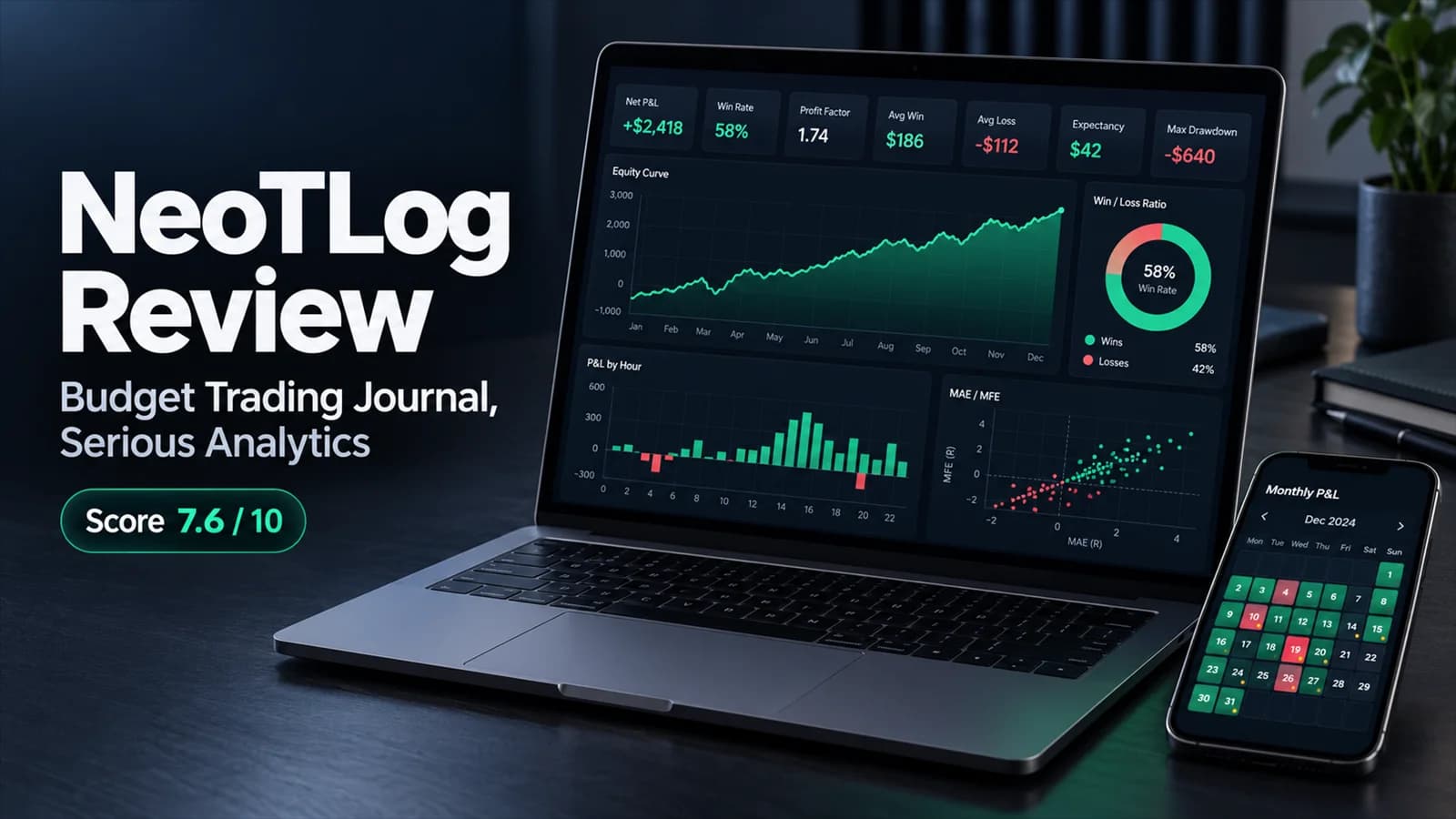
- No futures-specific tools. Traders working from Tradovate or NinjaTrader exports, or who want MAE/MFE analysis, should compare our NeoTLog review.
Who should put Dojiwise on their shortlist?
If you trade on Bybit and want your history pulled in automatically, or you use MetaTrader and don't mind exporting a report, Dojiwise's workflow is easy to follow. Import your trades, record the context your broker doesn't have, then let the breakdowns and AI report tell you where to look.
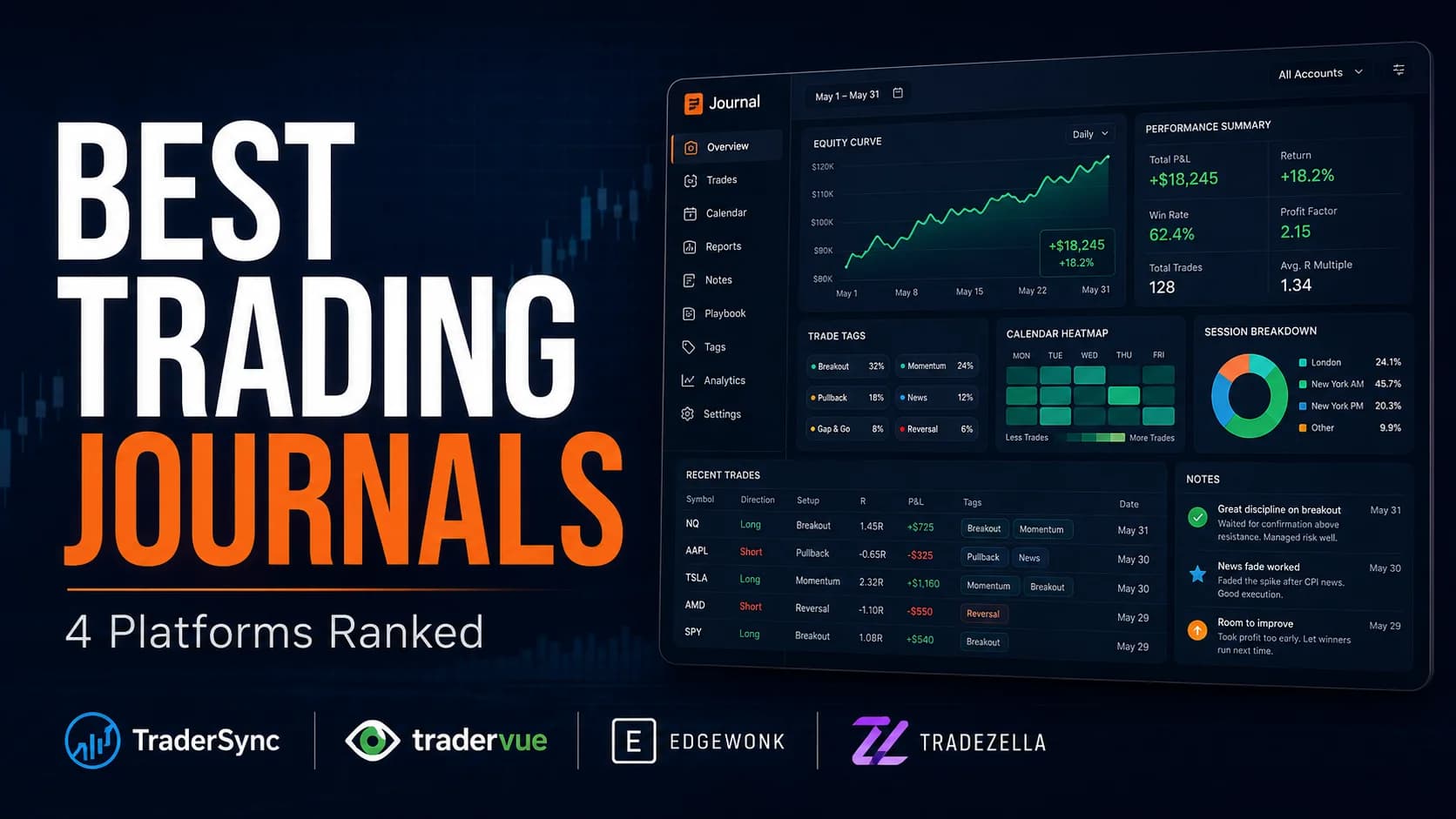
It also suits traders who find big analytics suites more exhausting than helpful. The main screens each have a clear job, and the AI observations are short enough to read alongside the numbers. For a wider view of the market, see our best trading journals ranking.
What's good
- Dashboard figures are accurate, with the core stats you need on one screen.
- AI observations show the supporting statistics directly underneath, so every claim can be checked.
- CSV column mapping and a preview let you inspect an import before committing it.
- Useful breakdowns by setup, time, session, duration and emotion.
- Read-only Bybit imports alongside MetaTrader reports, CSV and manual entry.
- Full beta access is free with no payment card required.
Trade-offs
- Still in beta, with the paid plans marked as coming soon.
- Direct automatic imports currently cover Bybit only.
- The planned Free tier excludes the notes, setups and tags that make a journal useful over time.
- Session analysis, multiple accounts and automatic Bybit imports are planned for the €29.99 Pro tier.
- Screenshots rely on externally hosted image links.
Clear Performance Analysis, With the Subscription Decision Still Ahead
Dojiwise's strength is the distance between seeing a total and finding a question worth asking. A few screens reveal where a profitable account is quietly leaking money, and the AI report backs each observation with the numbers behind it. The free beta is a great chance to see whether that review routine fits you. Its long-term value depends on your import route and whether the planned Starter or Pro tier covers what you need.
Bybit and MetaTrader traders who want straightforward performance breakdowns, journal annotations and concise AI reports.
You need a native automatic connection to a different broker, futures-specific analytics, or a permanent free journal with full history and annotations.
How do you get started with Dojiwise?
Your first session with Dojiwise
Frequently asked questions
Is Dojiwise free?
Which platforms does Dojiwise support?
Does Dojiwise place trades or send trading signals?
Can I try Dojiwise without uploading my real trades?
Can Dojiwise track emotions and setups?
Does Dojiwise send my journal notes to the AI?
Disclaimer
Article Sources
- Dojiwise - Product overview, supported platforms and beta access.dojiwise.app
- Dojiwise Terms - Beta terms, including the notice period before payments begin.dojiwise.app
- Dojiwise Privacy Policy - Data hosting, AI data handling and the read-only Bybit connection.dojiwise.app