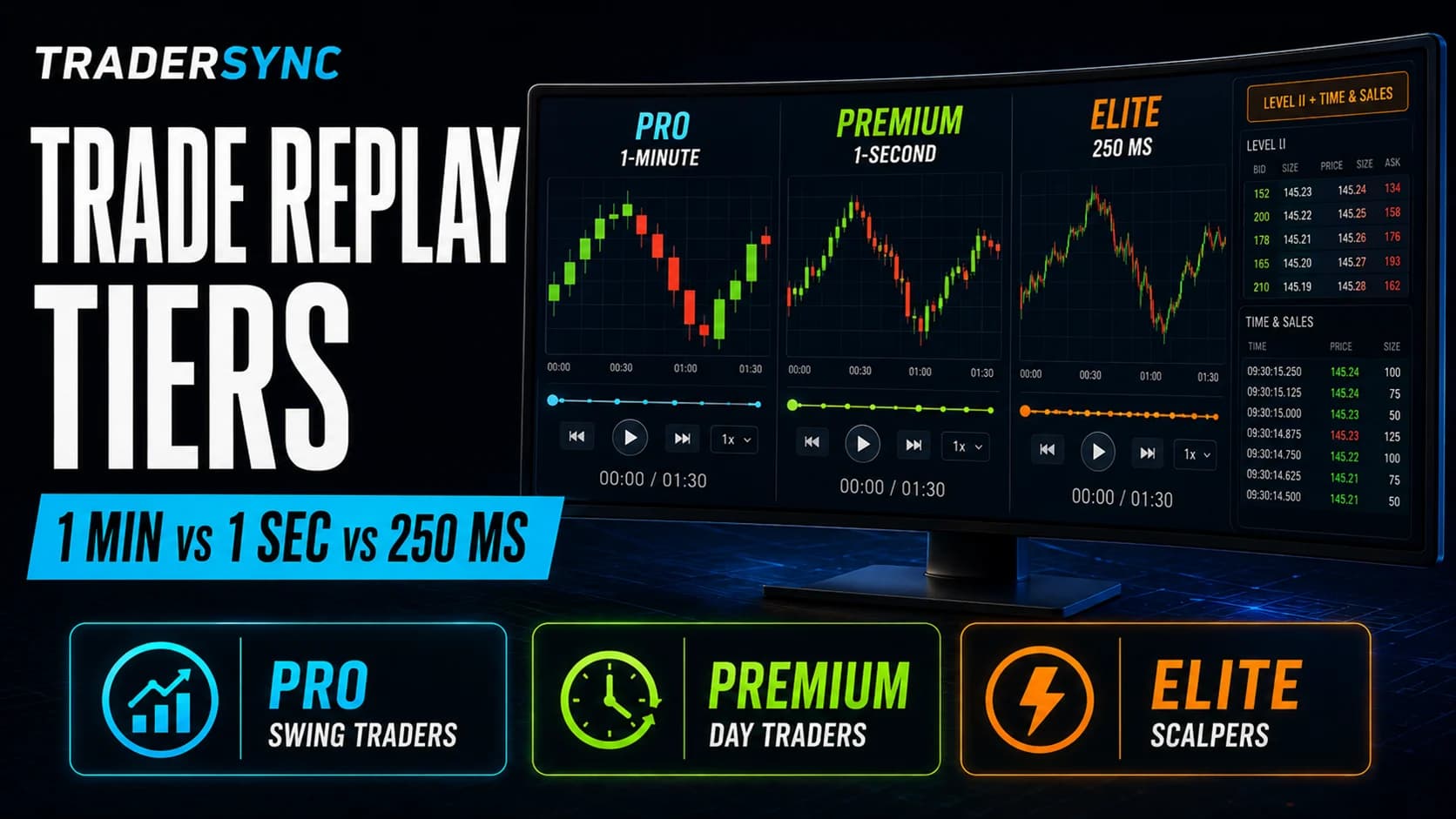
A 1-minute candle and a 250-millisecond replay of the exact same 90 seconds of trading show you two almost unrelated things. The 1-minute view shows a single bar: open, high, low, close, done. The 250ms view shows every meaningful print in between, the moment price stalled, the moment it accelerated, the exact tick where you actually pulled the trigger relative to everything else happening at that instant. TraderSync gates this precision by tier, and understanding what each level actually reveals matters more than the price difference between them.
What "Replay Resolution" Actually Means
TraderSync's Trade Replay uses genuine historical market data, not a reconstructed line drawn between your logged entry and exit points. Resolution refers to how granular that historical data is when you play it back: a 1-minute candle compresses everything that happened in that minute into a single bar with four data points (open, high, low, close). A 1-second or 250-millisecond replay preserves far more of what actually happened inside that same window.
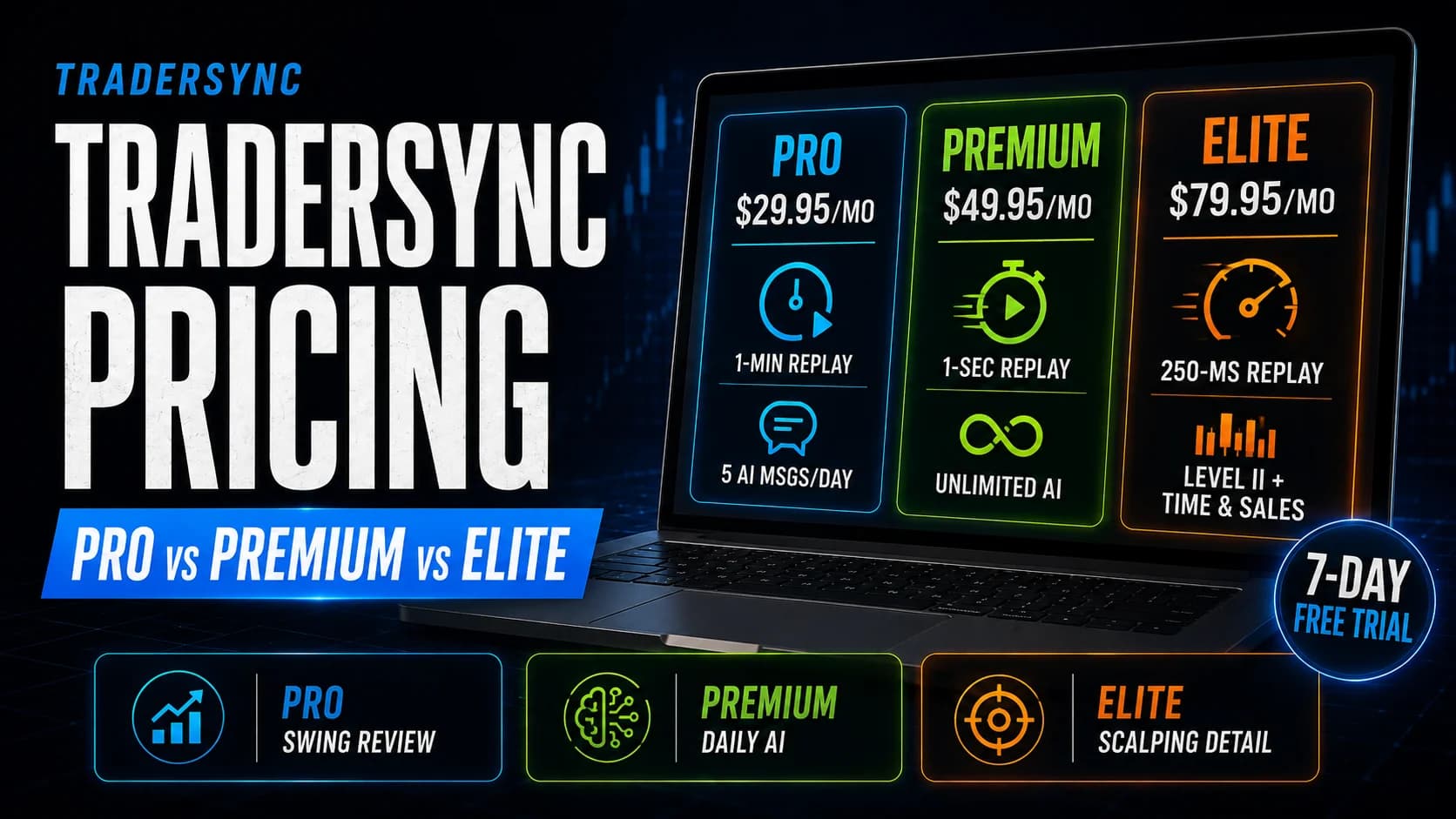
Pro: 1-Minute Candles
At this resolution, replaying a trade shows you the same kind of chart you'd see live on a standard 1-minute timeframe. For a swing trade held over days, this is genuinely sufficient, since the relevant decision points (where you entered relative to a multi-day pattern, where you exited relative to a broader move) are visible at this zoom level without needing finer detail.
What it hides: Any price action that happened and resolved within a single minute. If a stock spiked and reversed in 40 seconds, that entire round trip shows up as one candle with a wick, telling you a move happened but nothing about its internal structure, how fast it happened, whether it was one clean push or several failed attempts.
This is a substantial jump in what becomes visible. Instead of one bar per minute, you're seeing roughly 60 data points across that same window, enough to actually watch a fast move develop rather than just see its aggregate outcome.
What it reveals that 1-minute doesn't: The order in which things happened within a volatile minute. Did price spike immediately and fade, or grind up steadily before a late reversal? For an intraday trader reviewing a specific entry or exit decision, this level of detail starts to actually answer "what was I looking at right before I acted," rather than just confirming that something happened.
Elite: 250 Milliseconds, Plus Level II and Time & Sales
This is a different category of replay entirely, not just a further zoom. At 250ms resolution, you're seeing roughly four data points per second, dense enough to reconstruct the actual tick-by-tick sequence of a fast move. Combined with Level II order book data and Time & Sales during replay, this is the only tier where you can watch not just price movement but the underlying order flow that drove it: whether size came in on the BidThe bid is the highest price a buyer is currently willing to pay. When you sell with a market order, you receive the bid price.Read definition → or the offer, whether a level held because of visible resting size or broke because it was thin.
What it reveals that nothing below it does: The texture of execution itself. For a scalper, the difference between a setup working and failing often comes down to details invisible above the 1-second level, a moment of hesitation in the tape, a print that should have triggered a stop but didn't clear until the price had moved further than expected. Elite's replay is the only tier that can show you that level of detail after the fact. Full pricing for all three tiers is in our TraderSync pricing breakdown, and our cost-value breakdown walks through which resolution fits which trading style before you start a 7-day trial to test it yourself.
Matching Resolution to What You Actually Trade
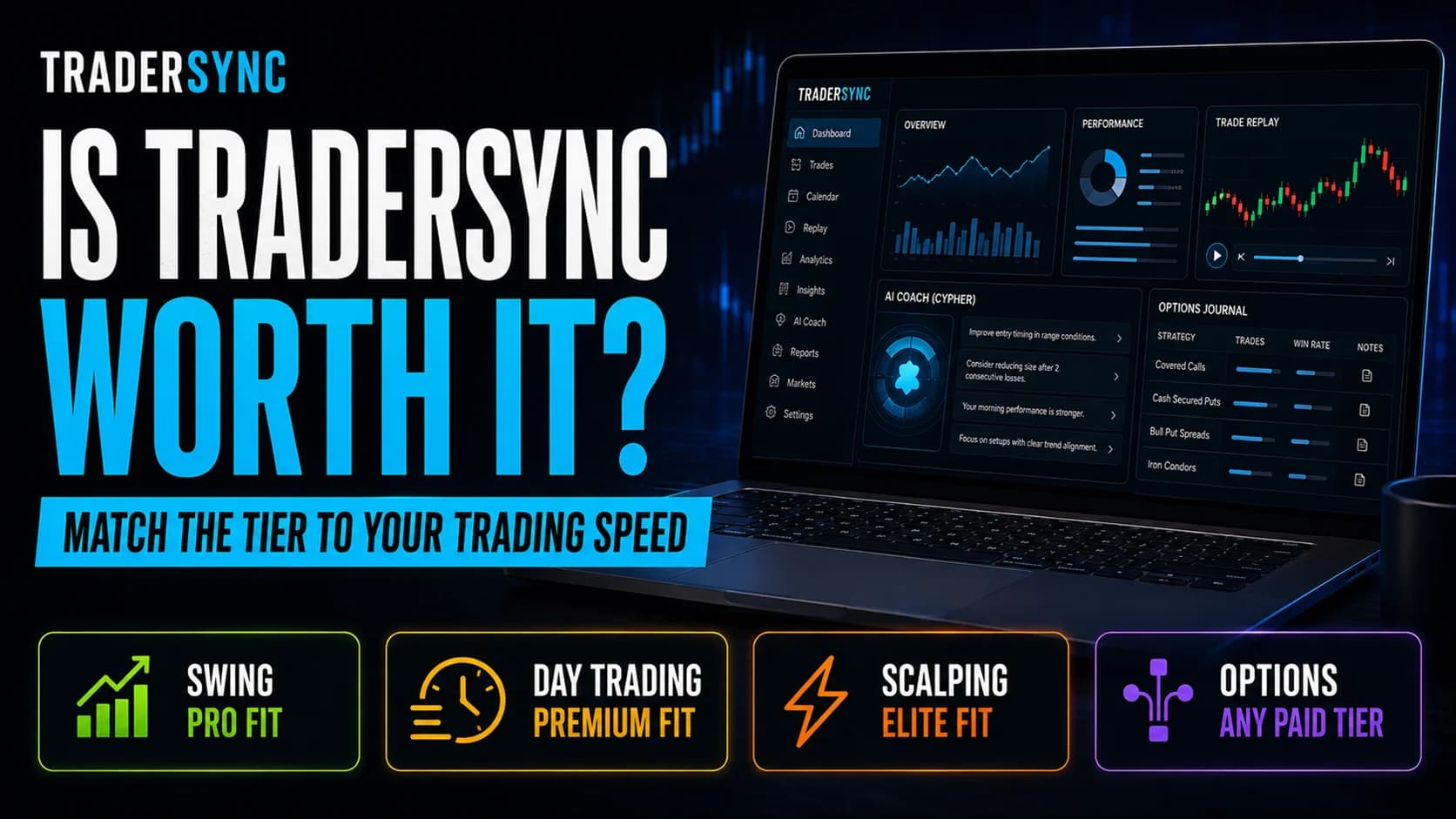
The honest test isn't "which resolution sounds most thorough," it's "which resolution would have shown me something I couldn't already see live." A swing trader watching a position over three days already sees everything relevant on a daily or hourly chart; 250ms replay of that same trade adds detail about moments that had zero bearing on the actual decision. A scalper whose edge depends on reading order flow in real time is, by contrast, trying to review decisions that happened faster than conscious perception can fully process live, which is exactly the GapA gap is a price discontinuity on a chart where a stock opens significantly higher or lower than the previous session's close, leaving a visible empty space — gap-ups are driven by overnight buying pressure or positive news; gap-downs by seRead definition → higher-resolution replay is built to close after the fact.
Does higher replay resolution improve my actual trading, or just make review more interesting?
For slower strategies, more detail in replay is informative but rarely changes what you'd conclude from a coarser view, since the relevant decision points were already visible.
Key Takeaway: Higher resolution earns its cost only when your trading speed actually outpaces what a coarser replay can show.
Can I upgrade just to test a higher replay resolution temporarily?
Use the trial specifically to replay a few of your own fast trades and judge whether the available resolution actually changes what you notice, rather than judging on the interface alone.
Key Takeaway: Test replay resolution against your own real trades during the trial, not a demo account's generic examples.
Is Level II data during replay the same as live Level II data from my broker?
This lets you study order flow context around a past trade after the fact, which is a different use case than monitoring live order flow during active trading.
Key Takeaway: Replay's Level II data is for post-trade study, not a live trading tool.
Does replay resolution affect anything besides how a trade looks visually?
Your Win RateWin rate is the percentage of your trades that result in a profit — calculated as (number of winning trades ÷ total trades) × 100 — and while commonly cited as a measure of trading success, it means very little without also knowing the averRead definition →, ExpectancyExpectancy is the average amount your strategy makes or loses per dollar risked — it's the single best number for evaluating whether your trading approach has a real mathematical edge.Read definition →, and other statistical reports are identical regardless of which replay resolution your tier includes.
Key Takeaway: Replay resolution is a review tool, separate from TraderSync's core analytics engine.
Is 1-second resolution ever the wrong middle ground?
A scalper specifically reading tape and Level II in real time is likely to find Premium's resolution still insufficient compared to Elite's 250ms plus order book replay.
Key Takeaway: Match your tier to your actual trading speed, not to a middle-ground assumption that Premium splits the difference well for everyone.
Do other trading journals offer comparable replay resolution?
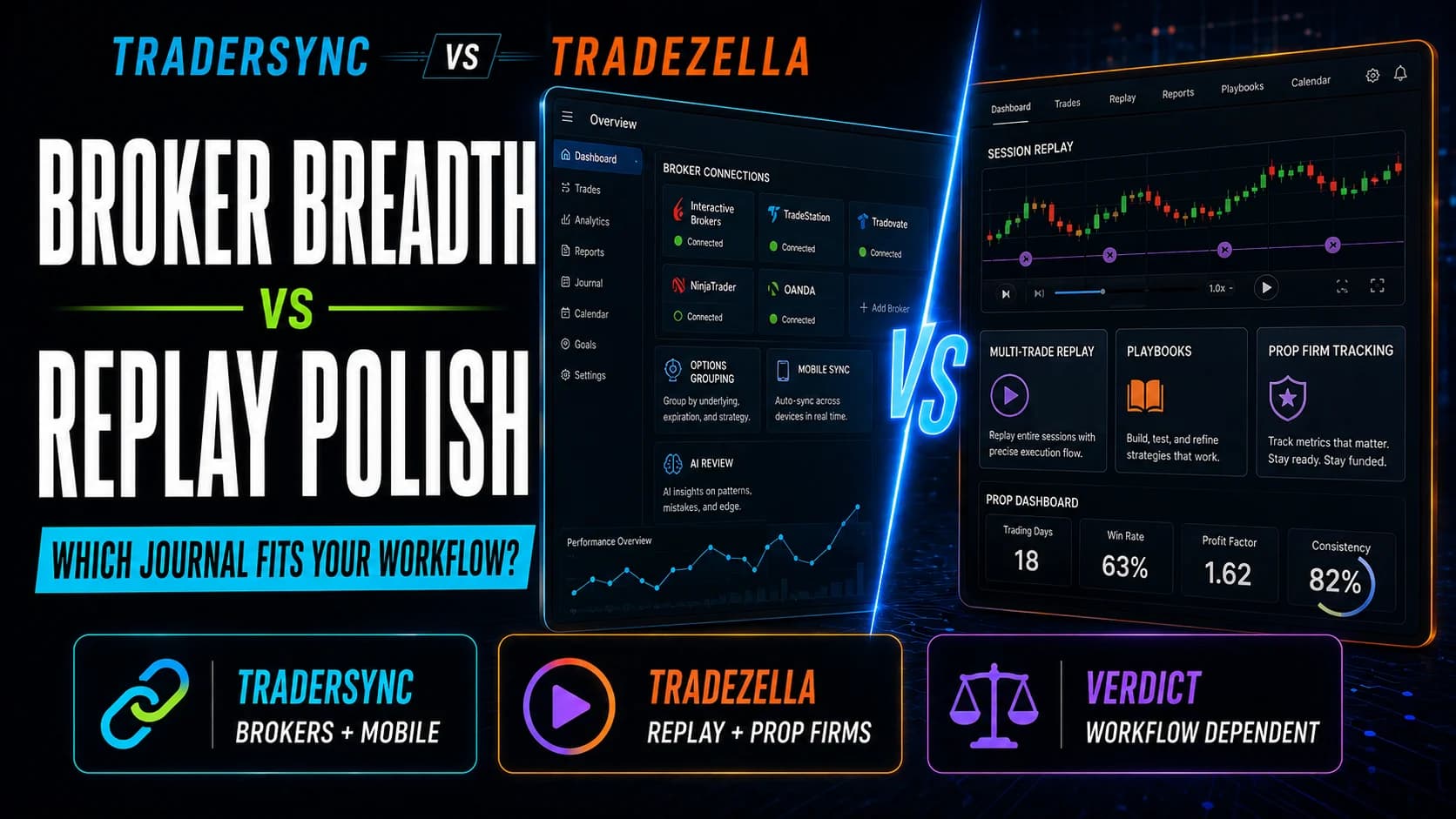
See our TraderSync vs. TradeZella comparison for how the two platforms' replay features actually differ in practice.
Key Takeaway: Replay depth varies significantly across the trading journal category; it's not a standard feature everywhere.
Article Sources
- TraderSync Official Site - Trade Replay feature documentationtradersync.com
- Investopedia: Level II Quotes - background on order book datainvestopedia.com
- Investopedia: Time and Sales - background on tape reading fundamentalsinvestopedia.com