
StockCharts has been around for 25 years, which in the world of trading software is roughly forever. Most platforms that old are either bloated relics or quietly excellent. StockCharts is the second kind — but with a catch that matters enormously depending on what you're trying to do with it.
Here's the short version before we go deep: StockCharts is one of the most respected names in technical charting, with an education library (ChartSchool) that traders have learned from for two decades. But its charts auto-refresh every 15 seconds on most plans, and its scans run on daily, weekly, and monthly bars — not intraday. For a swing trader or position trader, that's a non-issue. For someone trying to scalp a low-FloatFloat is the number of shares of a company that are actually available for public trading — it excludes shares held by insiders, major institutions with lock-ups, and the company itself.Read definition → runner at 9:42 AM, it's a dealbreaker. This review is about figuring out which one you are.
This guide evaluates StockCharts alongside the major charting platforms for years, mostly for end-of-day analysis, relative strength work, and SectorA broad grouping of companies that operate in the same segment of the economy — such as Technology, Healthcare, Energy, or Financials. Stocks within a sector tend to move together in response to shared economic, regulatory, and sentiment faRead definition → rotation studies. We came into this review with a clear question in mind: in 2026, with so many strong charting options, where does StockCharts still earn its place — and where does it quietly fail the active day trader?
What's good
- ChartSchool is one of the best free technical analysis education libraries on the open web
- Clean, fast, genuinely beginner-friendly interface that doesn't overwhelm you
- Unique chart types most platforms don't offer — Point & Figure, Seasonality, Relative Rotation Graphs, PerfCharts
- Strong end-of-day scanning for relative strength, sector rotation, and swing setups
- Charting history goes back to 1900 on the PRO plan — exceptional for long-term context
Trade-offs
- Charts auto-refresh every 15 seconds (5 on PRO) — built for analysis, not live intraday execution
- Scans run only on daily, weekly, or monthly bars, so there's no true intraday stock screening
- Official real-time data costs an extra $9.95/month per exchange on top of your plan
- No native real-time alerting fast enough for momentum day trading
What Is StockCharts?
StockCharts is a web-based technical charting, scanning, and alerting platform built primarily for swing traders, position traders, and active investors. It offers CandlestickA candlestick is a single bar on a price chart showing four pieces of data for a specific time period: the opening price, the high, the low, and the closing price — giving you a complete picture of what buyers and sellers did during that peRead definition → and specialized charts, hundreds of indicators, end-of-day scans, and a well-known education library, with Free, Basic, Extra, and PRO service levels.
StockCharts launched in 2000 and built its reputation on one thing: clean, reliable technical charts that load in a browser without forcing you to install software. That browser-first approach was ahead of its time, and it's still part of the appeal. You log in, you get charts, you get analysis tools, and you don't fight with a clunky desktop application.
The platform is the home of some genuinely respected names in technical analysis — John Murphy, Martin Pring, and Arthur Hill have all published work through it over the years. That heritage shows up everywhere, especially in the education content. StockCharts isn't trying to be your scanner-charting-execution all-in-one cockpit. It's trying to be the best place to study a chart. Understanding that distinction is the whole key to this review.
Key Features
StockCharts gives you a deep charting toolkit wrapped in an interface that beginners can actually navigate. Here's what you're actually getting.
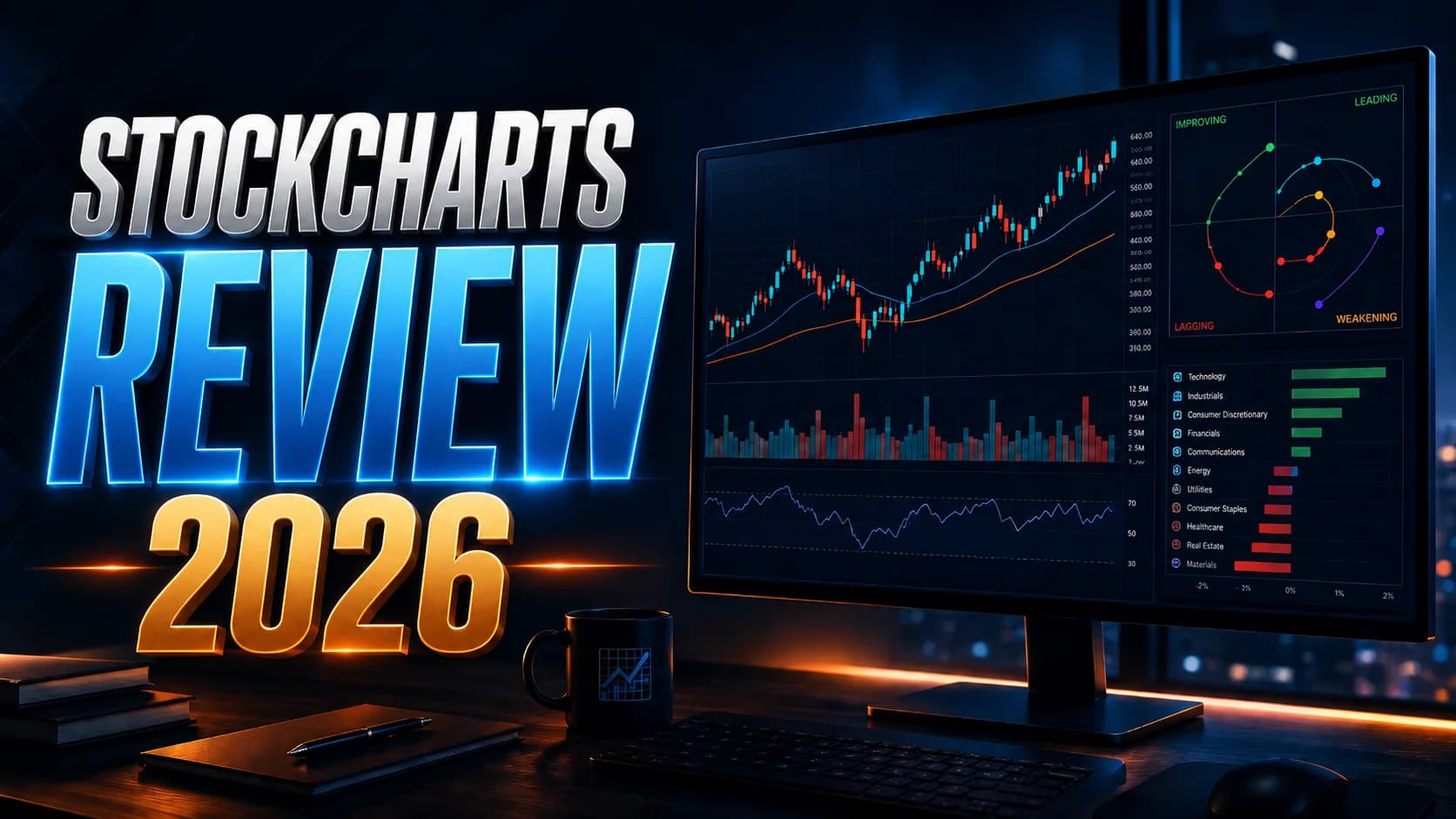
SharpCharts and ACP. SharpCharts is the classic charting engine — candlesticks, overlays, indicators, annotations. ACP (the Advanced Charting Platform) is the newer, more interactive workspace with multi-chart layouts and plug-ins. Both are clean and responsive. You can stack up to 25 technical indicators and 25 overlays per chart on any paid plan, which is far more than most traders should ever use at once.
Specialized chart types. This is where StockCharts genuinely stands apart. Beyond standard candlesticks, you get Point & Figure charts (which strip out time and noise to show pure price movement), Seasonality charts (showing how a stock historically performs by month), Relative Rotation Graphs or RRGs (a visual way to track which sectors are leading or lagging), and PerfCharts (for comparing relative performance across symbols). If you do top-down, sector-first analysis, the RRG alone is worth a look. Most charting platforms simply don't have these.
Scanning and alerts. You can build custom technical scans — for example, "show me every stock that just had a MACDMACD (Moving Average Convergence Divergence) is a momentum and trend-following indicator that measures the relationship between two exponential moving averages — typically the 12 and 26 EMA — and plots the difference (MACD line) alongside aRead definition → bullish crossover with rising VolumeVolume is the total number of shares (or contracts) traded during a given time period — it's the primary confirmation tool for all price action, because a price move accompanied by high volume indicates genuine market participation, while tRead definition →." Paid plans give you up to 200 custom scans (Extra) or 500 (PRO), plus scheduled scans and technical alerts. The catch, and it's a big one for day traders, is that these scans run on daily, weekly, or monthly bars. There's no intraday scanning. We'll come back to why that matters.
Education — ChartSchool and StockCharts TV. ChartSchool is a free, encyclopedic reference on indicators, chart patterns, and technical concepts. It's one of the resources we'd point any newer trader toward when they're trying to understand what an indicator actually does. StockCharts TV adds free video commentary from working technicians. For learning the craft of reading charts, this ecosystem is hard to beat.
Integrated trading. You can place stock and options trades directly from the ACP charts through a Tradier brokerage connection, and there's an OptionsPlay add-on for options strategy ideas. It's a nice touch, though most active traders will still execute through their primary broker's platform for speed.
Who StockCharts Is Best For
Let's be direct about fit, because this is the entire decision.
StockCharts is an excellent choice if you're a swing trader or position trader who holds for days to weeks. The 15-second refresh doesn't hurt you when your entries and exits are measured in hours or days. You get world-class charting, deep history, and analysis tools built for exactly your timeframe.
It's also strong for the technical analysis learner. If you're still building your foundation — figuring out how RSI behaves, what a real breakout looks like, how moving averages stack in a trend — the ChartSchool library plus clean charts make this one of the better places to learn. (If you're at that stage, our guides on reading candlestick charts and how RSI, MACD and Bollinger Bands actually work pair well with it.)
And it suits the sector-rotation and relative-strength analyst beautifully. The RRG and PerfChart tools are purpose-built for figuring out which corners of the market are leading. If your morning routine includes a top-down market read, this is genuinely useful work that most platforms can't do as cleanly.
Where it gets harder to recommend is for the pure intraday momentum day trader — the person scanning for pre-market gappers, watching a stock break the high of day in real time, and needing to know right now what's moving. That's not what StockCharts was built to do, and no amount of feature-stacking changes that. More on this in the limitations.
StockCharts Pricing
StockCharts keeps pricing refreshingly simple. There are four service levels, and the paid tiers are billed monthly or annually.
- Service Level
- Free
- Monthly Price
- $0
- Best For
- Previewing the platform; basic delayed charts
- Service Level
- Basic
- Monthly Price
- $19.95/mo
- Best For
- Casual investors; saved charts and one scan
- Service Level
- Extra
- Monthly Price
- $29.95/mo
- Best For
- The sweet spot — full scanning, alerts, layouts
- Service Level
- PRO
- Monthly Price
- $49.95/mo
- Best For
- Heavy users wanting 5-sec refresh and deep history
| Service Level | Monthly Price | Best For |
|---|---|---|
| Free | $0 | Previewing the platform; basic delayed charts |
| Basic | $19.95/mo | Casual investors; saved charts and one scan |
| Extra | $29.95/mo | The sweet spot — full scanning, alerts, layouts |
| PRO | $49.95/mo | Heavy users wanting 5-sec refresh and deep history |
A few things worth knowing. The annual plan gives you the 13th month free — so if you commit for a year, your effective monthly cost drops. There's a free 1-month trial (it starts you at the Extra level and requires a credit card). And here's the part people miss: official real-time data costs an extra $9.95/month per exchange (US, Canada, or UK) on top of your service level. Your plan comes with free BATS-based real-time US data and 15-minute delayed data elsewhere, but the official exchange feeds are a separate line item.
For most swing traders, the Extra plan with the free data is the practical pick — it has the scanning, alerting, and layout features that make the platform worth paying for, without the PRO premium you'd only need for deep historical work or the faster refresh. For the latest on pricing and any current discounts across charting tools, check our deals page.
What Works Well
After putting StockCharts through real use, a few things consistently stand out.
The charts are clean. There's no other word for it. In a market full of platforms that bury you in panels and toolbars, StockCharts loads a chart that's instantly readable. For a beginner that's a real gift — you're not spending your first week just learning where the buttons are.
ChartSchool deserves its own paragraph. When we want to point someone to a plain, accurate explanation of how an indicator is calculated and what it's actually telling you, ChartSchool is often the first place we send them. It's free, it's thorough, and it doesn't try to sell you a course at the end of every article. That's rare.
The specialized charts are a genuine edge for the right trader. Relative Rotation Graphs in particular give you a read on sector leadership that's hard to get anywhere else without piecing it together manually. If you trade with market context in mind — and you should — that's valuable. (Our guide on why you should know what the SPY is doing explains why this kind of top-down read matters before you ever take a trade.)
And the history is deep. PRO members can pull charting data back to 1900. You will almost never need that as a day trader, but for understanding how a sector behaves across full market cycles, it's an unusual and useful capability.
Limitations
Now the honest part. Every tool has weaknesses, and StockCharts has two that matter enormously — but only for a specific kind of trader.
The refresh interval is built for analysis, not execution. StockCharts charts auto-refresh every 15 seconds on Basic and Extra, and every 5 seconds on PRO. They don't stream tick-by-tick the way a dedicated day trading platform does. If you're holding a swing position, 15 seconds is invisible — it doesn't matter at all. But if you're trying to enter a fast-moving small-cap as it breaks a level, a lot can happen in 15 seconds. This isn't a flaw so much as a design decision: StockCharts was built for traders whose timeframe is measured in days, not seconds. It does that job well. It just isn't pretending to be a scalping terminal.
Scans run on daily, weekly, and monthly bars — not intraday. This is the bigger one for our audience. You can't build a scan using intraday minute bars. The scanning engine uses daily, weekly, and monthly bars; its current daily data point can update during the session, so a scan can reflect recent activity without being a minute-bar scan. That's perfect for building a swing watchlist after the close. It's the wrong tool for finding the stock that's gapping and running at the open. If real-time intraday scanning is the core of your workflow, you'll need a different tool for that job. (If you're newer to scanning generally, our introduction to stock scanners explains what intraday scanning is and why momentum traders depend on it.)
The other minor friction points: the official real-time data add-on is an extra monthly cost, and the alerting, while solid, isn't fast enough to anchor a momentum day trading process. None of these are problems for the swing trader. All of them are problems for the intraday momentum trader. That's the whole story.
How It Fits a Day Trader's Workflow
Here's the practical way to think about StockCharts in an active trading setup.
For most serious day traders, StockCharts isn't your only tool — it's the analysis half of a two-part workflow. Where it shines is the work you do away from the heat of the open: end-of-day review, building swing watchlists, studying sector rotation, and learning the craft through ChartSchool. It's a fantastic study and planning environment.
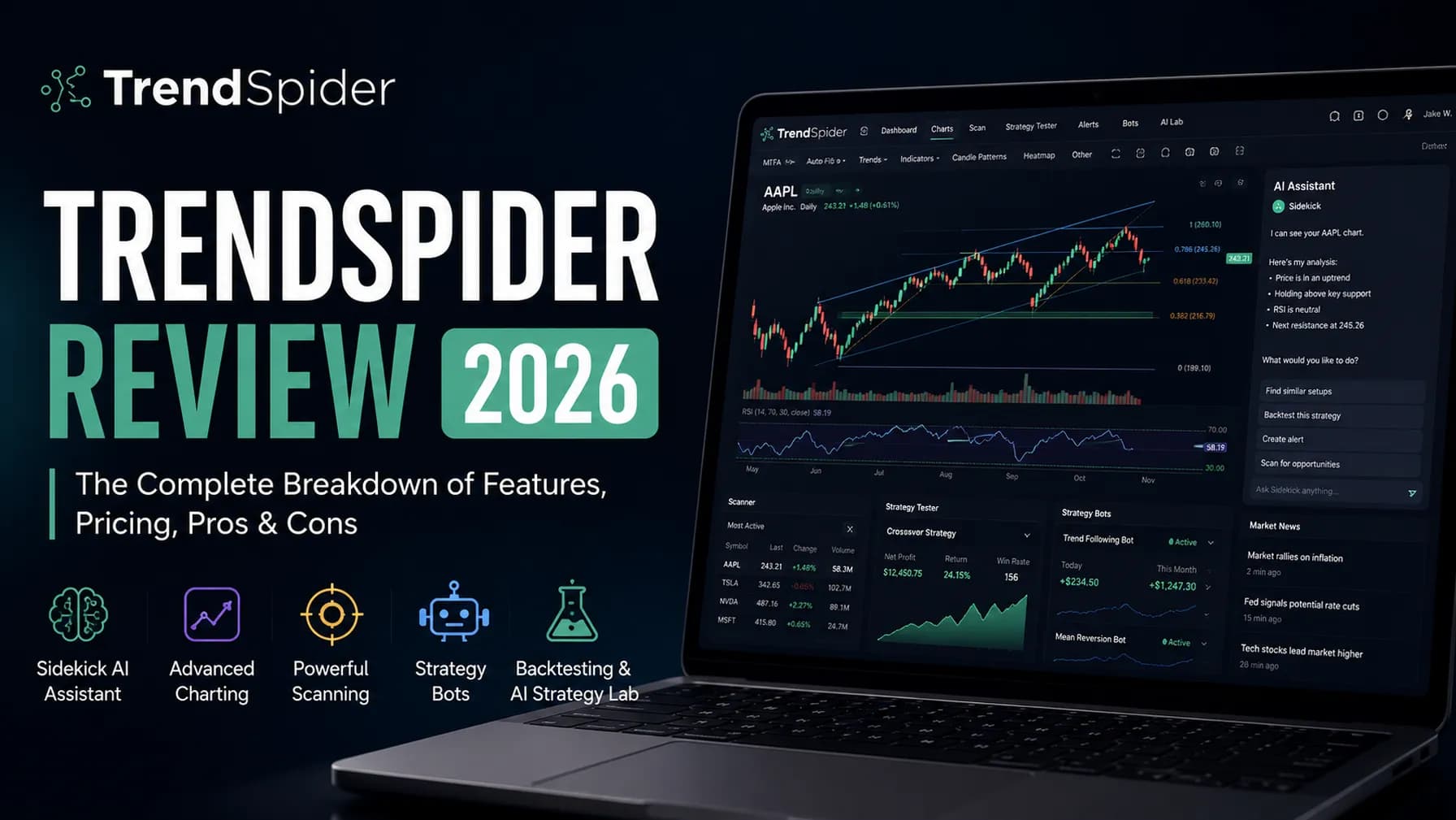
Where it leaves a gap is the live, intraday side — the automated scanning, backtesting, and real-time chart automation that an active trader leans on during the session. StockCharts is deliberately a manual, analysis-first platform; it doesn't try to automate your charting or backtest strategies on intraday data. If that automated side is what you're missing, a platform built around chart automation and backtesting — like TrendSpider — is the natural thing to compare it against. You can see our full breakdown in our TrendSpider review to decide whether that automation layer is worth adding to your stack.
The point isn't that one replaces the other. It's that they solve different problems. StockCharts answers "what does this chart and this sector tell me?" An automation platform answers "scan, test, and alert me automatically while I'm focused elsewhere." Knowing which question you're actually trying to answer tells you which tool you need.
How StockCharts Compares
A quick, fair read on where StockCharts sits next to the platforms traders most often weigh it against.
Against TradingView, the comparison is closest. TradingView has a larger community, a deeper indicator marketplace, slicker mobile apps, and more flexible real-time charting — it's the platform most other tools choose to integrate with. StockCharts counters with cleaner default charts, its specialized chart types (Point & Figure, RRG, Seasonality), and a more focused education library. For pure intraday charting and social features, many traders lean TradingView; for disciplined end-of-day technical study and sector work, StockCharts holds its own. Our TradingView review covers that side in depth.
Against a charting-plus-scanning tool like TC2000, StockCharts is the more analysis-and-education-focused choice, while TC2000 leans harder into fast scanning and an integrated brokerage. And against an automation platform like TrendSpider, StockCharts is the manual, study-first counterpart — TrendSpider automates the work StockCharts asks you to do by hand.
The honest summary: StockCharts isn't competing to be the fastest intraday tool, and it shouldn't be judged as if it were. It's competing to be the cleanest, most educational technical analysis environment — and on that ground, it's still one of the better options out there.
Excellent for Swing Traders, Wrong Tool for Scalpers
StockCharts is a genuinely strong charting and end-of-day analysis platform with a best-in-class education library and unique chart types you won't find elsewhere. It's the right choice for swing traders, position traders, and technical analysis learners who work on daily-or-slower timeframes. It's the wrong choice as a primary tool for intraday momentum day traders, because its 15-second refresh and end-of-day-only scanning aren't built for live execution.
Swing traders, position traders, and technical analysis learners who value clean charts, deep history, and strong education over real-time intraday speed.
StockCharts is right for you if:
- You swing trade or position trade on daily, 4-hour, or slower timeframes
- You're learning technical analysis and want a clean platform plus a deep free education library
- You do top-down, sector-rotation analysis and want RRGs and PerfCharts
- You value chart clarity and reliability over flashy features
StockCharts is probably not right for you if:
- Your core workflow is real-time intraday scanning for momentum and gappers
- You scalp or trade fast small-cap moves where seconds matter
- You need a single all-in-one cockpit for scanning, charting, and fast execution