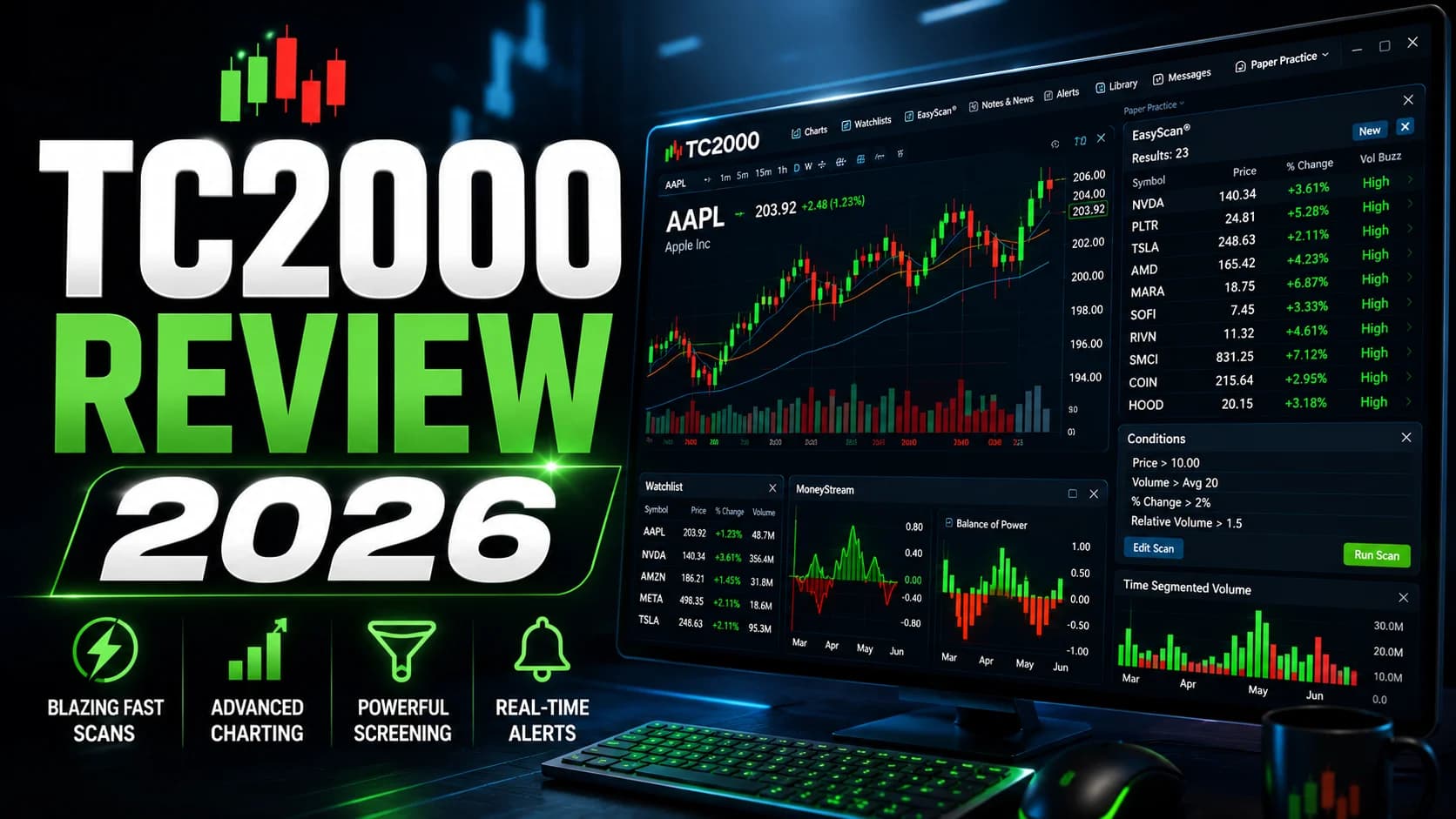
Here's a name that doesn't come up enough in day trading discussions: TC2000. It has been earning the top spot in Stocks & Commodities Magazine's annual software rankings for 25 consecutive years. That isn't a marketing claim — it's a documented voting record from a publication that's been benchmarking trading software since before most current day traders were born.
This review evaluates TC2000 against platforms with bigger marketing budgets and newer interfaces. What we found is a platform with genuine, specific advantages that a certain type of trader will absolutely love — and real limitations that will frustrate everyone else. This review tells you which side you land on before you open your wallet.
What's good
- EasyScan processes over 1,000 stocks in approximately 2 seconds via server-side scanning — one of the fastest in its class
- Desktop charting engine redraws charts and syncs monitors in milliseconds, with spacebar flipping through 1,000 tickers in under 30 minutes
- PCF (Personal Criteria Formula) language lets you encode virtually any technical condition as a custom scan or alert
- 240+ technical indicators plus 129+ fundamental variables overlayable directly on charts — blending both analysis types without switching tools
- Proprietary indicators (MoneyStream, Balance of Power, Time Segmented VolumeVolume is the total number of shares (or contracts) traded during a given time period — it's the primary confirmation tool for all price action, because a price move accompanied by high volume indicates genuine market participation, while tRead definition →) offer genuine analytical differentiation unavailable elsewhere
Trade-offs
- US equities and options only — no futures, forex, crypto, or international markets
- Real-time data requires paid add-ons on top of the base subscription, pushing effective monthly cost meaningfully higher
- PCF formula language is proprietary and has a real learning curve — not as approachable as drag-and-drop screeners
- No AI signal generation or automated BacktestingThe process of running a defined trading strategy against historical price data to evaluate how it would have performed before risking real capital. A well-constructed backtest gives you a statistical baseline — win rate, profit factor, maxRead definition →; historical condition testing is not a full strategy simulator
- Mac users need emulation software for the full desktop version
What Is TC2000?
What is TC2000? TC2000 is a professional-grade charting, scanning, and trading platform built exclusively for US equities and options traders. Developed by Worden Brothers since 1988 and continuously updated, it combines a server-side real-time scan engine (EasyScan), a deep technical charting environment, a proprietary formula language for custom screening, and an optional integrated brokerage — all within a single, fast desktop application.
The platform has a lineage worth knowing. Worden Brothers has been building trading software for over 35 years, long before cloud platforms and browser-based charting existed. What that means practically: TC2000's architecture is built for speed first, visual polish second. The desktop app is written as a native application, not a web interface — which is why charts redraw in milliseconds and scans run server-side rather than in your browser.
The company also operates TC2000 Brokerage as a separate FINRA/SIPC-registered entity with tight integration to the software platform. It's not the same as a broker that happens to offer charting — it's a platform that built a broker specifically to close the loop from scan to execution.
TC2000 Key Features
EasyScan is the feature that serious users cite first, and it earns that position. Unlike browser-based screening tools that run scans client-side, EasyScan operates on TC2000's own servers. The practical difference: when you run a real-time scan across the entire US equity universe during the Pre-MarketPre-market trading is the session that occurs between 4:00 AM and 9:30 AM Eastern, before the regular market opens — it allows traders to react to overnight news and earnings reports, establishes where stocks will likely open (the gap), andRead definition → rush at 9:25 AM, results return in roughly two seconds. The S&P 500 alone scans in under 160 milliseconds. If you've ever watched a browser-based screener grind through a scan while the market is moving, that speed differential is immediately apparent.
Pre-built easy-scan templates cover the most common setups — VWAPVWAP (Volume Weighted Average Price) is the average price a security has traded at throughout the session, weighted by volume — it's the most important intraday indicator for day traders, serving as a real-time measure of fair value and theRead definition → reclaims, volume surges, BreakoutA breakout is when price moves decisively beyond a defined level — a resistance zone, a consolidation boundary, a chart pattern boundary, or a prior high — suggesting that the previous supply at that level has been overcome.Read definition → candidates, moving average crosses — so you don't need to build from scratch on day one. The scan results link directly into your charting workspace, so clicking a hit redraws your charts immediately.
PCF (Personal Criteria Formula) is TC2000's deeper power layer and the feature that separates it from simpler screeners. Think of PCF as a mini programming language that speaks the same dialect as technical analysis. You can build conditions like "20-day high with RSI below 70 and 5-bar average volume 2x the 20-bar average" and turn that into a real-time scan, a custom indicator overlaid on a chart, or an alert that fires when conditions are met. The formula library covers every standard technical condition, and traders who take the time to learn PCF syntax can scan for setups that generic screeners simply can't express.
The honest caveat: PCF is proprietary syntax, not Pine Script or Python. There's a learning curve, and it's not small. The first time you stare at a formula like C1 > C2 AND V1 > AVGV20 * 2 it's intuitive enough. The more complex conditions take time to build fluency with. TC2000 provides a help library and formula examples, but newer traders should set realistic expectations for how long the initial ramp takes.
Charting Engine is where TC2000's desktop-native architecture pays off most visibly. Charts redraw at speeds that make browser-based platforms feel sluggish by comparison — the platform synchronizes multiple monitors in about 10 milliseconds, meaning when you change a ticker in one panel, every linked panel updates instantly. This matters enormously for traders who flip through watchlists during the session: checking 200 stocks on TC2000 feels genuinely different than checking 200 stocks on a web-based platform.
The indicator library runs to 240+ technical indicators with 129+ fundamental variables that can be overlaid directly on price charts. That fundamental overlay capability is a real differentiator — most platforms require you to switch between a price chart and a fundamentals view. TC2000 lets you plot revenue growth, earnings surprise history, or float rotation directly on the same chart as your moving averages and VWAP.
The proprietary indicators are also worth flagging. MoneyStream tracks money flow with a methodology specific to TC2000. Balance of Power measures institutional buying and selling pressure across the session. Time Segmented Volume breaks volume into distribution bands over defined periods. These aren't dressed-up versions of standard indicators — they're distinct calculations with distinct information content. Whether they're useful depends on whether you incorporate them into a coherent system, but the point is they're unavailable anywhere else.
Options Workflow is more capable than most platform reviews give it credit for. TC2000 surfaces an integrated options chain with full Greeks display, supports multi-leg strategy construction, and allows direct options execution through the integrated brokerage. The EasyScan engine extends to options screening — you can scan for unusual volume, specific delta ranges, or custom PCF conditions built around options data. It's not a substitute for a platform purpose-built for options flow and strategy modeling, but for a technical trader who also trades options without making options their entire focus, it's genuinely functional.
Integrated Brokerage is TC2000 Brokerage, a FINRA/SIPC-registered entity that lives inside the same interface as the charting and scanning tools. You can scan, identify a setup, pull up the chart, and execute the order without switching windows. The workflow is tight: conditional orders, direct-from-chart entries, and paper trading all live in the same environment.
The honest note here: TC2000 Brokerage charges $4.95 per stock trade, which is non-competitive against zero-commission brokers. Most active TC2000 users keep the platform for charting and scanning and execute through Schwab, Fidelity, or a direct access broker instead. The integration is a convenience feature for traders who want one window — it's not a reason to pay commissions if cost matters.
Paper Trading is available across all plans and runs on a workflow that mirrors the live trading environment exactly. The setup matters because it means your practice sessions look like real sessions — same scan engine, same chart interface, same order entry flow. This is a meaningful difference from paper trading environments that are clearly separated from the live product.
[AFFILIATE CARD BLOCK] Product Name: Trade Ideas Short Description: Where TC2000's scanner leaves off, Trade Ideas picks up — real-time scanning with 500+ filters, Holly AI signals, and live order execution built for momentum day traders. Button Text: Try Trade Ideas Badge: Editor's Pick [/AFFILIATE CARD BLOCK]
Who TC2000 Is Best For
TC2000 is a well-defined platform for a well-defined trader. The more clearly you fit this profile, the more you'll love it. Stray outside it, and you'll hit limitations fast.
You'll get maximum value from TC2000 if you trade US equities and options exclusively. No futures. No forex. No crypto. No international markets. The platform is built for NYSE, NASDAQ, and AMEX stocks plus US options — period. If that's your entire universe, this constraint is invisible. If you're a multi-market trader, it's a dealbreaker.
You'll thrive on TC2000 if scanning speed is a workflow priority. Server-side scanning means you're scanning with TC2000's compute power, not your laptop's. For traders who scan hundreds of names in the pre-market, run real-time scans during the session, and want sub-2-second results, the EasyScan engine has a genuine technical edge over browser-based alternatives. Our guide to reading stock screener filters covers why scanning speed matters more as your watchlist grows.
TC2000 rewards traders willing to invest in PCF formulas. The traders who get the most out of TC2000 are the ones who built fluency with PCF over time and now run scans that no generic screener can replicate. If you're the kind of trader who wants to define your exact edge in code — not check boxes someone else designed — TC2000 gives you the language to do that. If you prefer a clean drag-and-drop screener with pre-built scan templates and minimal setup time, there are faster on-ramps elsewhere.
Options traders with a technical focus. If you approach options from a technical analysis angle — scanning for unusual volume on technical breakout candidates, executing trades directly from your charting workspace — TC2000's options integration works well. If you're a dedicated options strategist who needs advanced P&L diagrams, interactive risk profiles, and visual strategy modeling, specialized options platforms go deeper.
TC2000 is not the right fit for traders who want AI-generated signals. TC2000 doesn't generate trading signals, surface momentum alerts via machine learning, or automate any part of the trade identification process. It gives you faster tools to find your own setups. If you want a platform that surfaces what to look at — not just tools for looking — that's a different category of product.
TC2000 Pricing
TC2000's pricing has several layers, which creates some initial confusion for new users. The base subscription plans range from a free tier through premium tiers reaching approximately $49.99/month for the full-featured plan. A higher Premium+ tier adds real-time Market-Pulse gauges and expanded alert capacity.
But the base price isn't the full price for active day traders. Real-time U.S. equity data is an add-on at roughly $14.99/month, and real-time U.S. options data runs an additional $9.99/month if you trade options. Other optional data feeds (index data, consolidated tape, Dow Jones news) are available at additional monthly costs. For a trader running real-time scans on both equities and options at the full-featured tier, the effective monthly cost reaches the $70–$100+ range — still competitive relative to many all-in-one platforms, but higher than the base price suggests.
One notable piece: TC2000 offers a 25% discount on annual and 2-year subscription commitments, which meaningfully reduces the per-month cost for traders who plan to use it long-term. A 30-day money-back guarantee applies to paid plans.
For current pricing across all tiers and any available discounts, check our deals page.
What Works Well
The desktop speed is genuinely different. This sounds like it should be a minor point, and it isn't. Traders who have spent years on browser-based platforms and switch to TC2000 consistently report that the speed difference is immediately noticeable — not marginally faster, but a different category of responsiveness. Charts that sync across monitors in 10 milliseconds vs. platforms with perceivable refresh lag: over a six-hour session, that compounds into hundreds of micro-interactions. For high-frequency chart review, it changes the workflow.
Server-side scanning is a real competitive advantage. When you run an EasyScan at 9:25 AM in a volatile market, you're running TC2000's servers, not your hardware. Client-side scanning platforms can slow during high-load pre-market periods when every trader is running scans simultaneously. TC2000's architecture isolates your scan performance from that congestion.
The proprietary indicators provide something genuinely unavailable elsewhere. MoneyStream's methodology for tracking institutional money flow differs from the standard OBV or Chaikin Money Flow formulas available everywhere else. Traders who incorporate these into systematic frameworks get a data input that isn't already in every other trader's indicator panel. The value depends on how you use it, but the uniqueness is real.
Integrated fundamental overlays on price charts. Being able to plot a company's revenue growth trend, float changes, or earnings history directly on a price chart without switching views is a workflow improvement that most platforms haven't matched. For traders who want a technical entry point within a fundamental context, this is a genuine structural advantage.
Limitations
The effective cost is higher than the base price implies. The entry-tier base price is attractive. Active day traders who add real-time equity data, options data, and potentially a higher subscription tier will find their actual monthly cost meaningfully above the advertised base. This isn't a hidden fee situation — the add-ons are clearly disclosed — but newer users evaluating TC2000 against competitors should compare total cost, not just subscription tiers.
No AI signals, no automated momentum alerts. TC2000 is a tools platform. It gives you a faster, deeper set of scanning and charting tools. It does not surface what to look at. If you scan pre-market and find 15 interesting setups, that discovery is your work, not the platform's. Platforms that incorporate machine-learning signal generation — surfacing stocks that match criteria the system has learned over time — operate differently and deliver something TC2000 doesn't offer.
Historical condition testing is not full backtesting. TC2000's Platinum tier includes the ability to review when historical scans would have triggered on past data — useful for eyeballing whether a setup has precedent. It doesn't run a simulated strategy through realistic execution conditions, track equity curves, calculate drawdowns, or provide walk-forward validation. For traders who want to genuinely validate their edge with strategy-level backtesting, the gap between TC2000's historical review and a real backtest engine is significant. Our guide to backtesting trading strategies covers what a rigorous backtest actually requires.
Mac support requires emulation. The full desktop application is Windows-native. Mac users need Parallels or a similar emulation layer to run the desktop version, which adds friction and cost. A browser-based version is available, but it runs slower than the desktop app — which undermines one of TC2000's core advantages for Mac-primary traders.
The PCF learning curve isn't trivial. The power is real. So is the ramp time. Traders who want results in week one will find TC2000 more demanding than platforms with visual scan builders and ready-made templates. The formula language rewards investment, but it requires investment.
How It Fits a Day Trader's Workflow
TC2000's sweet spot in a trading workflow is the pre-session build and the real-time scan cycle during market hours. Most active TC2000 users describe a similar pattern: end-of-day scans the night before to identify technical setups forming on daily charts, pre-market scans at 6–9 AM to catch overnight gaps and news movers, and live EasyScan monitoring during the session for intraday momentum triggers. The brokerage integration lets the execution happen in the same window.
What the workflow doesn't include natively is AI-surfaced signal generation. TC2000 finds what fits your criteria — you define the criteria. If you also want a layer of the platform telling you "here are 15 setups that historically show this momentum pattern, sorted by probability" — that's a different function that TC2000 doesn't perform.
Traders who want both scan-speed depth and AI momentum detection typically pair TC2000 with a dedicated AI scanning platform. Our comparison of the two most common pairings covers the overlap and gap in full: Trade Ideas vs. TC2000.
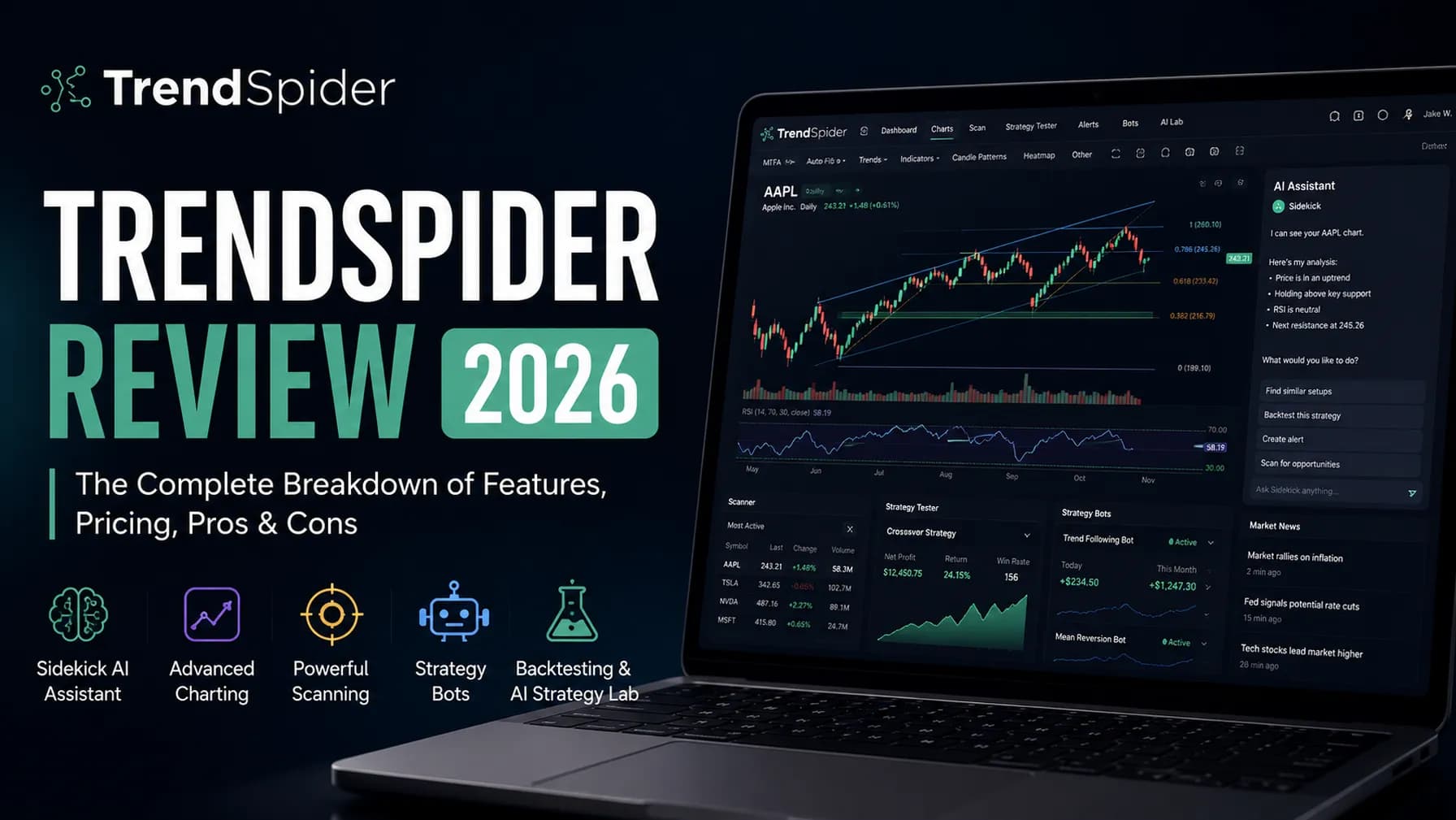
For traders specifically interested in automated technical analysis — drawing trendlines across historical data automatically, running strategy bot logic, or getting AI pattern recognition on chart formations — TC2000's automation capabilities are limited. TrendSpider addresses that gap directly and is worth comparing if automated chart analysis is part of your workflow.
Best-in-Class Scanner for Serious US Equity
TC2000 earns its 25-year track record. The EasyScan engine is genuinely fast, the PCF formula language is genuinely powerful, and the charting depth puts it among the best technical analysis platforms available to retail traders. It's best suited for experienced traders who trade US equities and options, prioritize scanning speed and customization, and are willing to invest time in learning PCF. If you need AI signals, backtesting, or multi-market coverage, it's not the right tool — but for its actual target user, it's hard to beat at the price.
Active US equities and options traders who prioritize server-side scan speed, deep chart customization via PCF formulas, and want charting and scanning tightly integrated with a single workflow platform.