
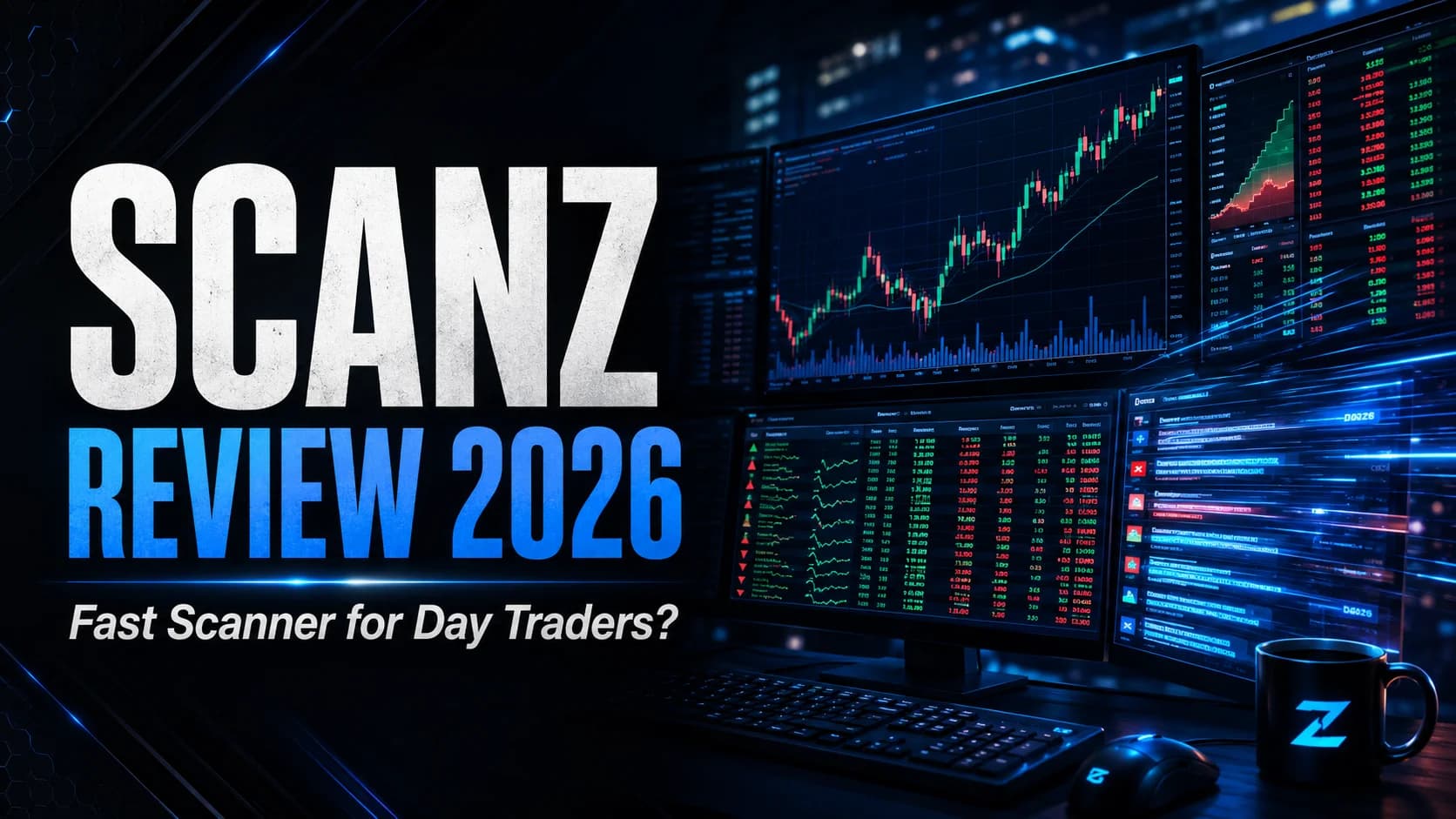
Speed is the entire pitch with Scanz. Not charting, not AI, not a trading room — raw, real-time speed at finding what's moving and why. The platform monitors more than 50,000 stocks at once and pairs a real-time scanner with one of the fastest news feeds in the business. For a certain kind of trader, that combination is exactly the job.
The question isn't whether Scanz is fast. It is. The question is whether you need that speed enough to pay for it — and whether the recently restructured pricing still makes sense for your account size and trading style. Scanz used to be a single all-in-one subscription. It isn't anymore, and a lot of the reviews you'll find online are quoting prices and a plan structure that no longer exist.
DayTradingToolkit has tracked Scanz (and its predecessor, EquityFeed) for years as part of the broader scanner landscape. This review covers what it actually does in 2026, the new tiered pricing, the genuine strengths, the real limitations for day traders, and the honest verdict on who should subscribe.
What's good
- Genuinely fast real-time scanning across 50,000+ stocks with 65+ documented filters
- One of the fastest news scanners available, aggregating 100+ sources including live SEC filings
- Level 2 order book data and unique dollar-VolumeVolume is the total number of shares (or contracts) traded during a given time period — it's the primary confirmation tool for all price action, because a price move accompanied by high volume indicates genuine market participation, while tRead definition → data bundled in, not sold as add-ons
- Full Pre-MarketPre-market trading is the session that occurs between 4:00 AM and 9:30 AM Eastern, before the regular market opens — it allows traders to react to overnight news and earnings reports, establishes where stocks will likely open (the gap), andRead definition → and after-hours scanning across the whole feature set
- New Starter tier at $89/mo makes the platform far more accessible than the old single plan
Trade-offs
- No AI signal layer — you build every scan yourself, unlike platforms that surface setups automatically
- No backtesting engine, so you can't test a scan's historical edge inside the platform
- US equities only (NYSE, NASDAQ, AMEX, OTC) — no futures, forex, or crypto
- The Pro plan at $199/mo needs genuine trading frequency to be worth it
What Is Scanz?
What is Scanz? Scanz is a real-time stock scanning and news platform built for active U.S. day traders. Formerly known as EquityFeed, it monitors over 50,000 stocks using 65+ documented filters, bundles Level 2 DataLevel 2 data shows the full order book — all the bids and asks queued at multiple price levels beyond the inside bid and ask — giving traders visibility into where supply and demand are stacking up before price gets there.Read definition → and a fast multi-source news feed, and covers pre-market through after-hours sessions.
Scanz has deep roots. It evolved from EquityFeed, a platform whose origins trace back to the late 1990s and early 2000s, when its founders were among the people building modern stock-screening technology in the first place. That heritage matters — this isn't a startup that bolted a scanner onto a charting app last year. It's a purpose-built scanning tool that's been refined over two decades, now running as a web-based platform (with a desktop app on higher tiers) under the Scanz name.
The identity is narrow and deliberate: Scanz wants to be the fastest real-time window into the U.S. market. It doesn't try to be your charting suite, your backtester, or your education platform. It scans, it streams news, and it shows you Level 2 — and it does those things quickly. Understanding that focus is the key to deciding whether it fits your workflow.
Key Features
Scanz packs a lot into a focused toolset. Here's what you're actually getting.
The Pro Scanner. This is the engine. You build custom real-time scans using 65+ documented filters spanning price action, volume, technical indicators, and fundamental data. Want every stock under $20 with Relative VolumeRelative volume (RVOL) compares a stock's current trading volume to its average volume for the same time of day, expressed as a multiple — a stock with 5x RVOL is trading five times more actively than normal, signaling unusual interest and Read definition → above 5x that just crossed its VWAP? You can build that and watch it populate in real time. There are also 70-plus pre-built scans crafted by experienced traders, so you're not starting from a blank screen on day one. (If scanning is newer to you, our introduction to stock scanners explains how this kind of real-time filtering works and why momentum traders depend on it.)
The News Scanner. This is arguably Scanz's standout feature. It aggregates real-time feeds from 100-plus sources — press releases, financial media, and live SEC filings — and it's widely regarded as one of the fastest news feeds in the retail space. You can filter by keyword (think "merger," "FDA," "earnings"), by ticker, or by custom rules. For news-driven traders, having the catalyst and the price move in the same window is a real workflow advantage. (Our guide on stock catalysts and what makes stocks move explains why catalyst speed matters so much intraday.)
Level 2 and dollar-volume data. Scanz bundles Level 2 order book data — the full depth of bids and asks — at no extra charge on its real-time plans. It also surfaces dollar-volume data, which is a genuinely uncommon feature: instead of just share volume, you see the actual dollars flowing through a stock, which helps separate a real institutional move from a thin penny-stock spike. (New to the order book? Start with our explainer on reading Level 2 quotes and Time & Sales.)
Breakouts, Montage, and watchlists. The Breakouts module delivers real-time signals for gaps, volume spikes, and breakout patterns. The Montage view packs scanner results, news, and Level 2 into one window. And dynamic watchlists let qualifying stocks come to you instead of you hunting for them all session.
Session coverage. Scanz scans from the pre-market through after-hours — the full extended-hours window — so gappers and late movers don't slip past you. For traders whose edge lives in the first and last hour, that coverage is essential.
Who Scanz Is Best For
Let's be direct about fit.
Scanz is a strong choice for the active intraday momentum trader — the person scanning for gappers, runners, and breaking-news plays in real time. Speed is the product, and this is the trader who actually cashes in on it. If you're trading multiple setups a day off real-time catalysts, Scanz was built for you.
It's also excellent for the news-driven trader. If your edge is reacting fast and intelligently to SEC filings, halts-and-resumes, and breaking headlines, the news scanner alone may justify the platform. Few retail tools stream news this quickly with this much filtering control.
And the new Starter tier opens it up to the developing trader who wants real-time scanning without the full $199 commitment. You give up simultaneous scans and saved-scan storage, but you get the real-time engine to learn on.
Where it's a weaker fit: the trader who wants the work done for them. Scanz has no AI layer that surfaces setups automatically — you build every scan yourself. If you'd rather have a system suggest historically-backed setups each morning, that's a different kind of tool. We'll come back to this in the workflow section. It's also not for the multi-asset trader — there's no futures, forex, or crypto here. US equities only.
Scanz Pricing
Here's where you need current information, because Scanz restructured its pricing and most reviews online are out of date. As of 2026, there are three month-to-month tiers, and every plan includes 100% real-time data and news.
- Plan
- Starter
- Monthly Price
- $89/mo
- Best For
- Learning the platform; one scan at a time, web + mobile
- Plan
- Pro
- Monthly Price
- $199/mo
- Best For
- The serious day trader — unlimited scans, desktop app, alerts
- Plan
- Ultra
- Monthly Price
- $999/mo
- Best For
- Power users wanting concierge scans, API access, automated hooks
| Plan | Monthly Price | Best For |
|---|---|---|
| Starter | $89/mo | Learning the platform; one scan at a time, web + mobile |
| Pro | $199/mo | The serious day trader — unlimited scans, desktop app, alerts |
| Ultra | $999/mo | Power users wanting concierge scans, API access, automated hooks |
A few things worth knowing. Starter ($89) is genuinely usable but limited — you run one scan at a time, save one of each scan type, and get a single 20-symbol watchlist. Pro ($199) is the plan most active day traders will actually want: unlimited simultaneous scans, unlimited saved scans and alerts, unlimited watchlists, custom data columns, the desktop app, custom layouts, and multi-monitor support. Ultra ($999) is a specialist tier — concierge scan development (they build your scans for you), API access, and automated trading hooks.
There's a 7-day free trial on Starter and Pro (a credit card is required, and it auto-converts to paid unless you cancel). All plans are month-to-month with no contract. Note that the platform's broker trading integrations are listed as coming soon rather than live, so don't subscribe expecting one-click execution today — confirm the current status before you rely on it.
The honest read on value: at $199/mo, Pro costs roughly $2,400 a year. That's a real number. It's justifiable if you trade actively enough that faster scanning and news genuinely change your decisions — but if you're trading twice a week or still building consistency, that's a lot of fixed cost. For current pricing and any discounts across the scanner tools we cover, check our deals page.
What Works Well
After putting Scanz through real use, a few things stand out.
The speed is real, not marketing. Scans populate fast, and the news feed is genuinely quick — when a filing hits, you tend to see it on Scanz before slower aggregators catch up. For a trader whose entire edge depends on reacting early, that responsiveness is the whole point.
The news-plus-price integration is a workflow win. Most traders bounce between a scanner and a separate news source, losing seconds and attention in the gap. Scanz puts the catalyst and the move in the same field of view. The keyword filtering on the news scanner is more flexible than most competitors offer.
Dollar-volume data deserves a mention. It's a small thing that quietly matters. Seeing actual dollars traded — not just share count — helps you tell a meaningful institutional move from a cheap, thin spike that'll reverse on you. Not many platforms surface it.
And the new Starter tier is a genuine improvement. The old single-plan structure priced out a lot of developing traders. Being able to get on the real-time engine for $89 lowers that barrier considerably.
Limitations
Now the honest part. Scanz is very good at what it does, but what it doesn't do matters for some traders.
There's no AI signal layer. Scanz gives you a powerful manual scanner — but it's manual. You build the scans, you watch them, you make every call. There's no system surfacing historically-backed setups for you automatically. For a disciplined trader who knows exactly what they're hunting, that's fine, even preferable. For a trader who wants the platform to do more of the heavy lifting, it's a real gap. This isn't a flaw so much as a design philosophy — Scanz is a precision instrument, not an autopilot.
There's no backtesting engine. You can build a brilliant scan, but you can't test inside Scanz how that scan's setups would have performed historically. You're validating your edge somewhere else, or live. For a tool this focused on finding setups, the inability to test them is a notable omission. (If you want to understand why testing a setup before trading it matters, see our guide on how to backtest a strategy without code.)
It's US equities only. No futures, no forex, no crypto. If you trade multiple asset classes, Scanz covers one of them. That's a deliberate focus, but it's a hard boundary.
The other consideration is simply the Pro price against your trading frequency — not a product flaw, but a fit question. None of these limitations make Scanz a bad tool. They define who it's right for: the active, news-aware equities day trader who wants speed and builds their own scans. For that trader, the limitations barely register.
How It Fits a Day Trader's Workflow
Here's the practical way to think about Scanz in a real trading setup.
Scanz solves one half of the puzzle exceptionally well: finding what's moving, right now, with the news that's driving it. Where it deliberately stops is the layer above raw scanning — the AI-assisted idea generation, the backtesting, the all-in-one charting-and-execution cockpit that some active traders prefer to anchor their day around.
If that's the gap you feel — if you'd rather have a platform that not only scans in real time but also surfaces historically-backed setups, backtests them, charts them, and routes to execution in one place — then a comprehensive trading platform like Trade Ideas is the natural thing to weigh against it. Trade Ideas is more than a scanner: it pairs real-time scanning across 500+ filters with Holly, an AI engine that generates signals based on nightly backtesting, plus built-in charting, paper trading, OddsMaker backtesting, and Brokerage Plus for live execution through brokers like Interactive Brokers and E*TRADE. The two tools represent two philosophies — Scanz is the fast, manual precision scanner; Trade Ideas is the broader AI-assisted platform that does more of the work for you.
Neither is universally "better." Scanz is the stronger choice if raw scanning and news speed are your core need and you prefer building your own scans. Trade Ideas is the stronger choice if you want AI-generated setups, integrated backtesting, and an all-in-one workflow. We break the two down side by side in our Trade Ideas vs. Scanz comparison, and you can read the full platform breakdown in our Trade Ideas review.
How Scanz Compares
A quick, fair read on where Scanz sits next to the tools traders most often weigh against it.
Against Finviz, the difference is speed and depth versus breadth and price. Finviz Elite is far cheaper and excellent for visual screening and end-of-day work, but it isn't built for the same real-time intraday speed Scanz delivers. For a news-driven momentum trader, Scanz is the faster tool; for a budget-conscious swing trader, Finviz often makes more sense. See our Finviz review for that side.
Against Benzinga Pro, the overlap is the news feed. Both are fast news platforms, but Benzinga Pro leans harder into news and squawk while Scanz pairs its news with a deeper real-time scanning engine. If news speed is your single priority, both are worth comparing; if you want news plus heavy scanning in one tool, Scanz has the edge. Our Benzinga Pro review covers the news-first angle.
And against an AI-assisted platform like Trade Ideas, it comes back to philosophy: Scanz is the manual precision scanner, Trade Ideas the broader platform that automates more of the idea generation. The honest summary: Scanz isn't trying to be the most feature-complete platform on the market. It's trying to be the fastest, most focused real-time scanner — and on that specific ground, it's among the strongest options available.
A Fast, Focused Scanner for Active News Traders
Scanz is a genuinely fast real-time scanner with one of the best news feeds in the retail space, and the new tiered pricing makes it more accessible than ever. It's the right choice for active intraday and news-driven equities traders who want speed and prefer building their own scans. It's a weaker fit for traders who want AI-generated setups, backtesting, or multi-asset coverage — and the $199/mo Pro plan needs real trading frequency to justify its cost.
Active U.S. equities day traders who trade off real-time momentum and breaking news, and who want a fast, focused scanner rather than an all-in-one platform.
Scanz is right for you if:
- You trade U.S. equities intraday off real-time momentum and breaking news
- You want one of the fastest news scanners available, with deep keyword filtering
- You prefer building your own custom scans over having a system suggest them
- You trade frequently enough that faster scanning genuinely changes your decisions
Scanz is probably not right for you if:
- You want AI-generated setups and integrated backtesting in your scanner
- You trade futures, forex, or crypto and need multi-asset coverage
- You're still building consistency and can't yet justify a $199/mo fixed cost
- You want a single all-in-one charting, scanning, and execution cockpit