
Most traders who lose money in their first year have at least one thing in common: they couldn't tell you, with any precision, why they lost. They know the account went down. They remember a few bad days. But the systematic pattern — the specific setup with negative ExpectancyExpectancy is the average amount your strategy makes or loses per dollar risked — it's the single best number for evaluating whether your trading approach has a real mathematical edge.Read definition →, the time of day they consistently overtraded, the rule they broke most often — remains invisible because they never wrote it down.
That's the case for trading journals in general. TraderSync is one of the most established names in this space, and this review examines what the platform actually delivers: the analytics, the AI coaching layer, the 700+ broker integrations, the pricing across three paid tiers, and where the platform has genuine gaps worth knowing before you commit to a subscription.
What's good
- 700+ broker and platform integrations — the broadest compatibility of any trading journal, covering niche platforms that competitors don't SupportSupport is a price level where buying pressure has historically overcome selling pressure, causing price to stop declining and reverse — it's the floor where demand enters the market, and when it holds, it's a potential long entry; when it Read definition →
- 7-day free trial on all paid plans with no credit card required, letting you test the platform with real data before spending anything
- Options spread detection is automatic — multi-leg structures like verticals, iron condors, and straddles are classified without manual input
- Trade Replay uses genuine real historical market data, not reconstructed price lines, which makes it useful for actually studying missed signals rather than just reviewing outcomes
- Native iOS and Android apps with full feature access, not stripped-down mobile versions
Trade-offs
- Subscription-only pricing with no lifetime license option — at the Elite tier, you're looking at $834/year, which is a meaningful ongoing commitment
- The Cypher AI message limit of 5 per day on the Pro plan is restrictive enough to undercut the feature's value at that tier
- Interactive trade chart visualization is limited to U.S. equities — forex, futures, and crypto traders get full analytics but lose the visual chart overlay for their instruments
- The free Basic tier requires posting trades to Twitter/X as an ad exchange — not a useful option for traders who prefer to keep their trade data private
What Is TraderSync?
What is TraderSync? TraderSync is a cloud-based trading journal and analytics platform that lets traders import trades from 700+ brokers, tag setups and mistakes, review performance through charts and statistical reports, replay historical trades at tick-level precision, and interact with an AI performance coach called Cypher. It supports stocks, options, futures, forex, crypto, CFDs, and indices across all paid tiers. ---
The company launched in 2014 — which makes it one of the older players in a space that has seen significant new competition in recent years. The longevity is relevant: years of user feedback have shaped a feature set that covers the full journaling workflow, from basic trade import through to AI-driven pattern analysis. As of early 2026, it holds a 4.7 out of 5 rating on Trustpilot across more than 300 reviews, which is among the stronger trust signals in the trading journal category.
The core premise is simple even if the platform isn't small: get your trades into one place, tag them with context, let the analytics surface patterns your memory would miss, and review systematically instead of relying on gut feel. The sophistication of what TraderSync built on top of that premise is where the platform earns or loses its case depending on your needs.
Key Features
The Trading Journal. The foundation is trade import — either via direct broker autosync (API connection) or CSV file upload. TraderSync supports 700+ brokers and platforms in some form, though it's worth distinguishing: autosync is available for a subset of those connections; the rest are CSV-only. For traders using Interactive Brokers, TD Ameritrade, TradeStation, Webull, NinjaTrader, or most major platforms, autosync works cleanly. For traders on less common platforms, CSV import is still a viable path.
Once trades are in, the journaling layer is solid and flexible. Each trade accepts notes, screenshots, custom tags for setup type and mistake category, stop loss and Profit TargetA profit target is a predetermined exit price where you plan to close a winning trade and lock in gains — defined before you enter the position based on the risk-reward ratio you require and the next significant resistance or support level,Read definition → data, and commission tracking. The Playbook feature lets you define your setups formally — naming them, describing entry criteria, expected behavior — then score individual trades against how well they matched the playbook. Over time this creates a structured record of which setups you're actually following versus which ones you're improvising.
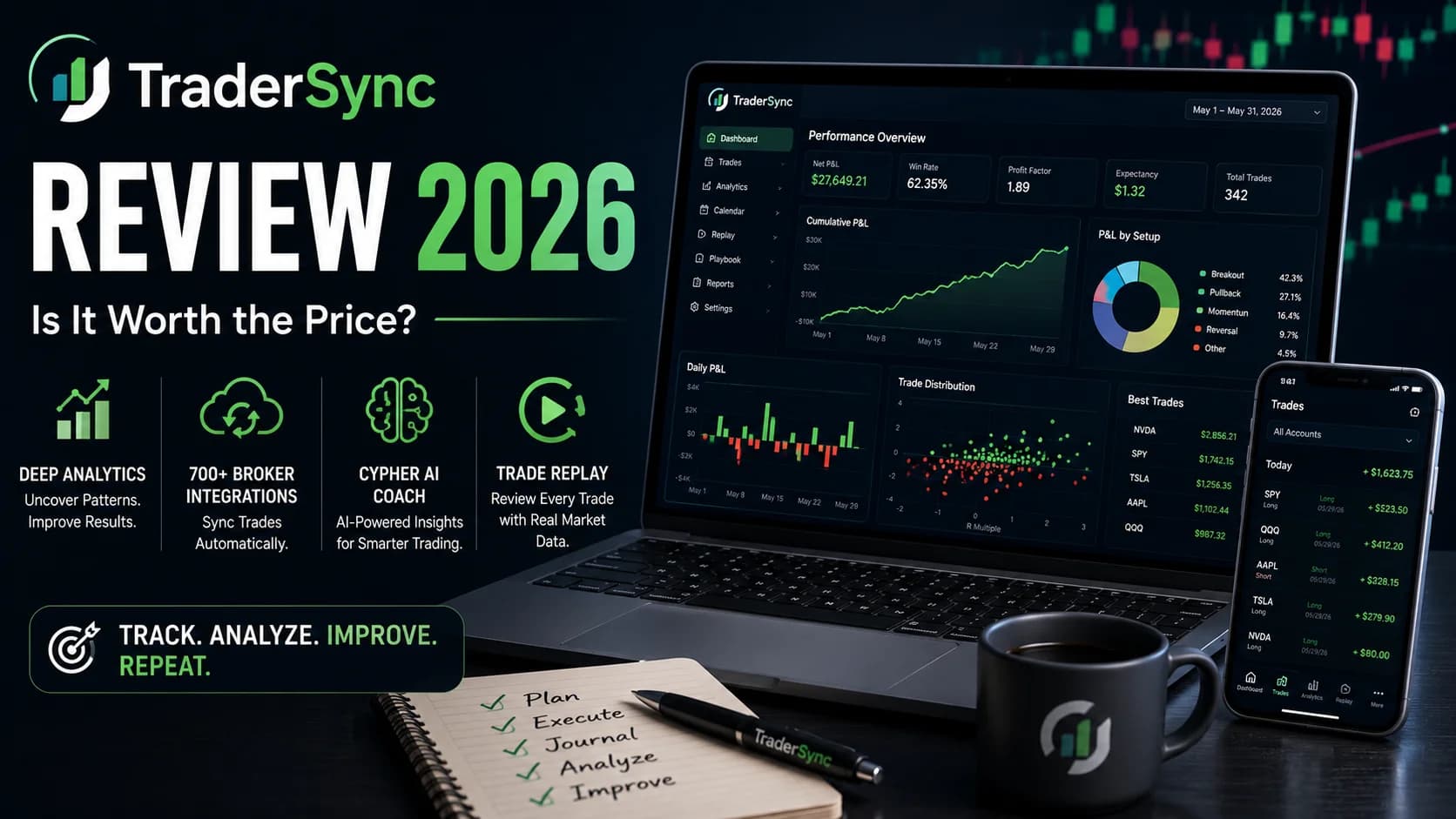
Performance Analytics. The analytics suite covers the metrics that actually matter for identifying edge: Win RateWin rate is the percentage of your trades that result in a profit — calculated as (number of winning trades ÷ total trades) × 100 — and while commonly cited as a measure of trading success, it means very little without also knowing the averRead definition → by setup, expectancy, Profit FactorProfit factor is the ratio of total gross profit to total gross loss across a set of trades — a profit factor above 1.0 means you're profitable overall, and a ratio of 2.0 means for every $1 lost, you've made $2, giving you a clear, single-Read definition →, average R-multiple, time-of-day performance, day-of-week patterns, volume and holding time breakdowns, and best and worst performing symbols. Weekly and monthly summaries are formatted clearly and worth reviewing as a structured practice.
This is where TraderSync tends to separate itself from a simple spreadsheet. The granularity of the filtering — slicing performance by both setup type and time of day simultaneously, for instance — is the kind of analysis that reveals patterns invisible in aggregate numbers. If your momentum breakouts perform well at the open but go negative by 11 AM, the analytics will show it.
Strategy Checker. This is a discipline tool, not a strategy development tool — and the distinction matters. You define a set of trading rules: maximum position size, daily loss limit, profit target, permitted trading hours, setup types you're allowed to take. TraderSync then monitors compliance across every trade you import going forward. Over time you get a compliance percentage, a clear breakdown of which rules you break most often, and an overlay showing how rule-following correlates with profitability. For traders whose primary problem is execution — knowing the rules but not following them — this is one of the more practically useful features in any journal. Our article on why traders keep breaking their own rules explores the psychology behind this pattern in depth.
Trade Replay. This feature is where tier selection matters significantly. TraderSync's replay uses real historical market data — not a reconstructed price line derived from your logged entry and exit points. The difference is meaningful: reconstructed data gives you a rough visual of what happened; real historical data lets you actually watch the session unfold and study the market behavior around your trade, including the signals you missed.
The catch: the precision varies by plan. Pro tier gets 1-minute candles, which is adequate for swing traders but essentially useless for scalpers — price action between one-minute bars is where fast intraday trading actually happens. The Premium tier upgrades to 1-second resolution. Elite gets 250 milliseconds, which is the only tier where replay genuinely simulates the conditions fast intraday traders operate in. Level II data and Time & Sales during replay are Elite-only. For scalpers and tape readers evaluating TraderSync, the plan that actually serves the use case is Elite — and that affects the value-for-money calculation significantly. See our full breakdown of how the 1-minute, 1-second, and 250ms replay tiers actually differ before picking a plan.
Cypher AI. Cypher is TraderSync's conversational AI performance coach, available on Premium and Elite plans. You can ask it natural language questions about your trading data — "what's my win rate on VWAP bounce setups in the first hour?" — and it responds with data-driven answers. It also surfaces proactive coaching suggestions based on patterns it detects in your journal. The AI can identify that you consistently overhold losing trades on Fridays, or that your largest losses cluster in a specific time window, and flag those patterns for review.
Two genuine caveats. First, Cypher is available on Pro but capped at 5 messages per day — restrictive enough that you can't use it as a natural part of a daily review workflow at that tier. Premium and Elite lift that cap. Second, and more broadly, Cypher's analysis is statistical: it flags patterns in your numbers and notes. It doesn't read the emotional texture of your writing, detect when you're describing anxiety-driven decisions, or synthesize behavioral insights across journal entries the way a human coach would. It's a useful performance assistant, not a psychology tool. Traders who want that deeper behavioral layer are working with a gap the platform doesn't fill. The psychology and risk hub covers the mental side of trading that no analytics platform replaces. Our full breakdown of what Cypher AI can and can't tell you covers this distinction in more depth.
Mobile App. Native iOS and Android apps with full feature access — not a stripped-down version of the desktop platform. For traders who want to log notes and review performance on a phone between sessions, this is a genuine advantage over journal platforms that treat mobile as an afterthought.
Who TraderSync Is Best For
The platform earns its strongest case for traders who have reached the stage where systematic review is genuinely part of their process — not aspiring to journal, but actually doing it.
TraderSync is a strong fit if you:
- Use a broker or platform that other journals don't support — the 700+ integration list is the widest available, and it's a meaningful differentiator for traders on less common platforms
- Trade options with multi-leg strategies and want spread detection to happen automatically rather than requiring manual input and categorization
- Want replay built into the same platform as your analytics rather than using a separate replay tool
- Are mobile-first about your review workflow — morning reviews on a phone before the open, logging notes immediately after a trade on the app
- Are a day trader or swing trader who wants analytics and AI coaching in one platform and is comfortable paying a monthly subscription
TraderSync is a less compelling fit if you:
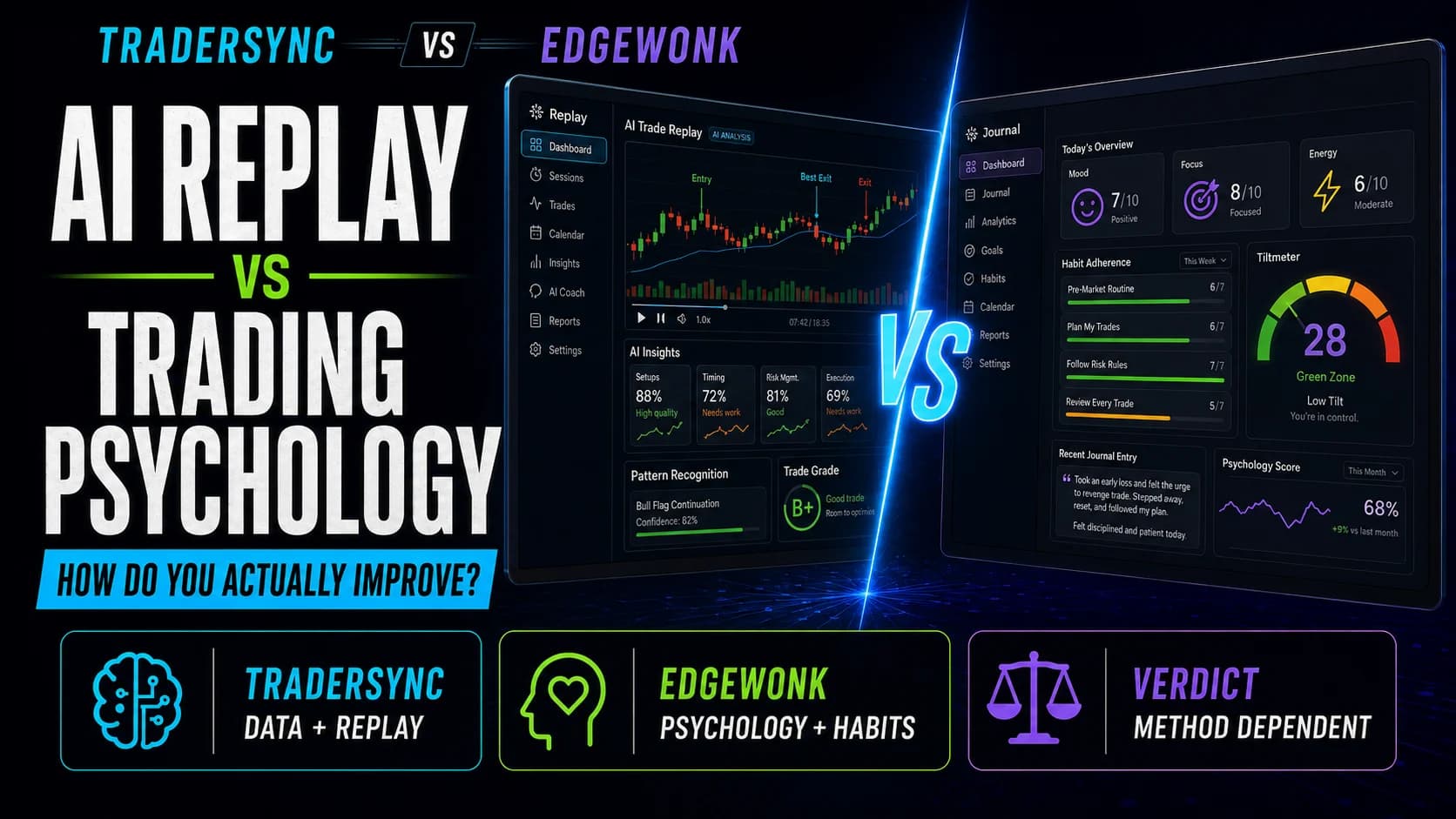
- Want the lowest possible long-term cost — Edgewonk runs a single $197/year with no tiers and covers much of the same analytics depth without AI or replay (see our full TraderSync vs. Edgewonk comparison)
- Are primarily a scalper who needs 250ms replay precision and Level II during replay, making the Elite tier mandatory — at $834/year, that's a meaningful cost for a journaling tool alone
- Want the AI to engage with the behavioral and emotional side of your trading, not just the statistical patterns
- Trade primarily forex, futures, or crypto and want interactive chart visualization — the chart overlay feature is limited to U.S. equities
The process goals versus outcome goals framing is relevant here. TraderSync is an exceptional tool for traders who already have clear process goals and want systematic data to evaluate how well they're following them. It's a weaker fit for traders still trying to figure out what their process should be.
Pricing: What You Actually Pay
TraderSync runs three paid tiers, each with a 7-day free trial (no credit card required) and annual billing that reduces the effective monthly cost meaningfully.
Pro runs $29.95 per month, or $312 annually (~$26/month). This covers the core journaling and analytics suite — auto-import, performance breakdowns by setup and time, the Strategy Checker, basic trade chart visualization, and Cypher AI limited to 5 messages per day. For most stock and options traders building a journaling habit, Pro covers what they actually need day to day. The 1-minute replay resolution and 5-message AI cap are the two limits worth knowing before selecting this tier.
Premium runs $49.95 per month, or $521 annually (~$43/month). The meaningful upgrades over Pro are the Evaluator (deeper quantitative modeling of how changes to behavior affect P&L), 1-second replay resolution, unlimited broker accounts, and expanded Cypher AI access. Premium is the right tier for traders who find the Cypher AI genuinely useful and want to use it without message rationing, and for swing-to-intraday traders who want better replay resolution.
Elite runs $79.95 per month, or $834 annually (~$70/month). This tier is primarily for scalpers, tape readers, and order flow traders who need the 250ms replay precision, Level II and Time & Sales during replay, automated backtesting, and the full Market Replay Simulator for practicing new strategies on historical data. Most traders below that use case are paying for features that don't fit their workflow.
There is also a free Basic plan. It exists and requires manually entering trades, shows limited analytics, and requires posting trades to Twitter/X as the ad exchange — an unusual arrangement that most traders will decline. For practical purposes, the 7-day free trial on Pro is the relevant starting point — start your free 7-day TraderSync trial here, no credit card required.
For the current cheapest way to subscribe, check the TraderSync deals page or our discount guide, and see our full pricing breakdown and cost-value breakdown by trading style for help picking a tier.
What Works Well
The broker integration breadth is TraderSync's most defensible competitive advantage. Journals like Tradervue and Edgewonk cover the most popular platforms well. TraderSync extends far past them — traders using MetaTrader 4/5, NinjaTrader, TradeStation, Webull, Tastytrade, Robinhood, Interactive Brokers, and hundreds of less common platforms can import without converting data manually. For traders who've switched brokers recently or run multiple accounts across different platforms, having everything flow into a single analytics view is genuinely useful.
The auto-detection of options spreads deserves specific recognition. Multi-leg options strategies are the part of trade import that breaks down most often in competitors — legs come in separately, P&L calculation is wrong, you spend time fixing what should be automatic. TraderSync handles this without manual input, which matters for anyone actively trading verticals, condors, or similar structures.
The 7-day free trial without a credit card is the right user experience for a journaling platform. Evaluating whether a journal works for you requires importing real trades, running real analytics, and seeing whether the report format matches how you think about your performance. A 7-day trial without card commitment removes the barrier to actually doing that evaluation.
The replay using genuine historical data — not reconstructed price lines — is worth calling out again. It sounds like a technical detail but it's the difference between replay that's useful for learning and replay that's mainly decorative. The ability to watch actual price action from a session you traded, study the behavior around your entry and exit, and identify what you saw versus what you missed is a substantively different experience from viewing a smoothed-out reconstruction.
Where TraderSync Falls Short
The subscription model is the most consistent friction point, and it's a legitimate one. At $834/year for the Elite tier — which is the tier scalpers actually need — a trader is paying more for their journal than for some of the data platforms reviewed on this site. Edgewonk charges a single $197 a year for comparable analytics depth without AI or replay, and several newer journals charge similarly on a flat annual basis rather than tiered monthly pricing. The subscription model makes sense if you're actively using the AI and replay features. For traders who just want rigorous analytics, the cost-to-value calculation tightens.
The Cypher AI message cap on Pro is genuinely limiting. Five AI conversations per day is not enough to build a natural daily review habit with the tool. If you're evaluating TraderSync partly on the Cypher AI, the Pro tier isn't where that feature actually lives — Premium is. That affects the real cost of the platform if AI coaching is part of what you're paying for.
Interactive trade chart visualization covering U.S. equities only is a notable gap for traders who split their activity across asset classes. A futures trader gets full P&L analytics, time-of-day breakdowns, and setup tagging — but no interactive chart overlay showing entries and exits plotted on actual price action. Forex and crypto traders are in the same position. The analytics still work; the visual layer that many traders find most intuitively useful for reviewing specific trades does not.
The behavioral gap in Cypher AI is worth naming clearly, not as a criticism of what TraderSync built but as an accurate description of what AI journaling analysis can and can't do yet. Cypher finds statistical patterns. It can tell you that your losing trades average 40 minutes in holding time while your winners average 12. It cannot read the trade note where you wrote "held because I couldn't accept the loss" and synthesize that into a behavioral observation about loss aversion under pressure. Traders who want that layer are looking at human coaching, not software.
How TraderSync Fits a Day Trader's Workflow
The honest workflow for most active traders is: execute during market hours, log notes and tags immediately after each trade on the mobile app, then run a structured review session at end of day or end of week on the desktop platform. That rhythm is what TraderSync is built for, and the combination of mobile logging with desktop analytics serves it well.
The Strategy Checker and Playbook features work best when you already have defined rules — which is itself a prerequisite many traders haven't fully done. Writing out your setups formally enough that TraderSync can check compliance against them has value independent of the software: the exercise of defining rules clearly enough to be testable often reveals vagueness traders hadn't noticed. Traders working on this foundation might start with the strategy and goal-setting frameworks in the psychology and risk hub before adding a compliance-tracking tool.
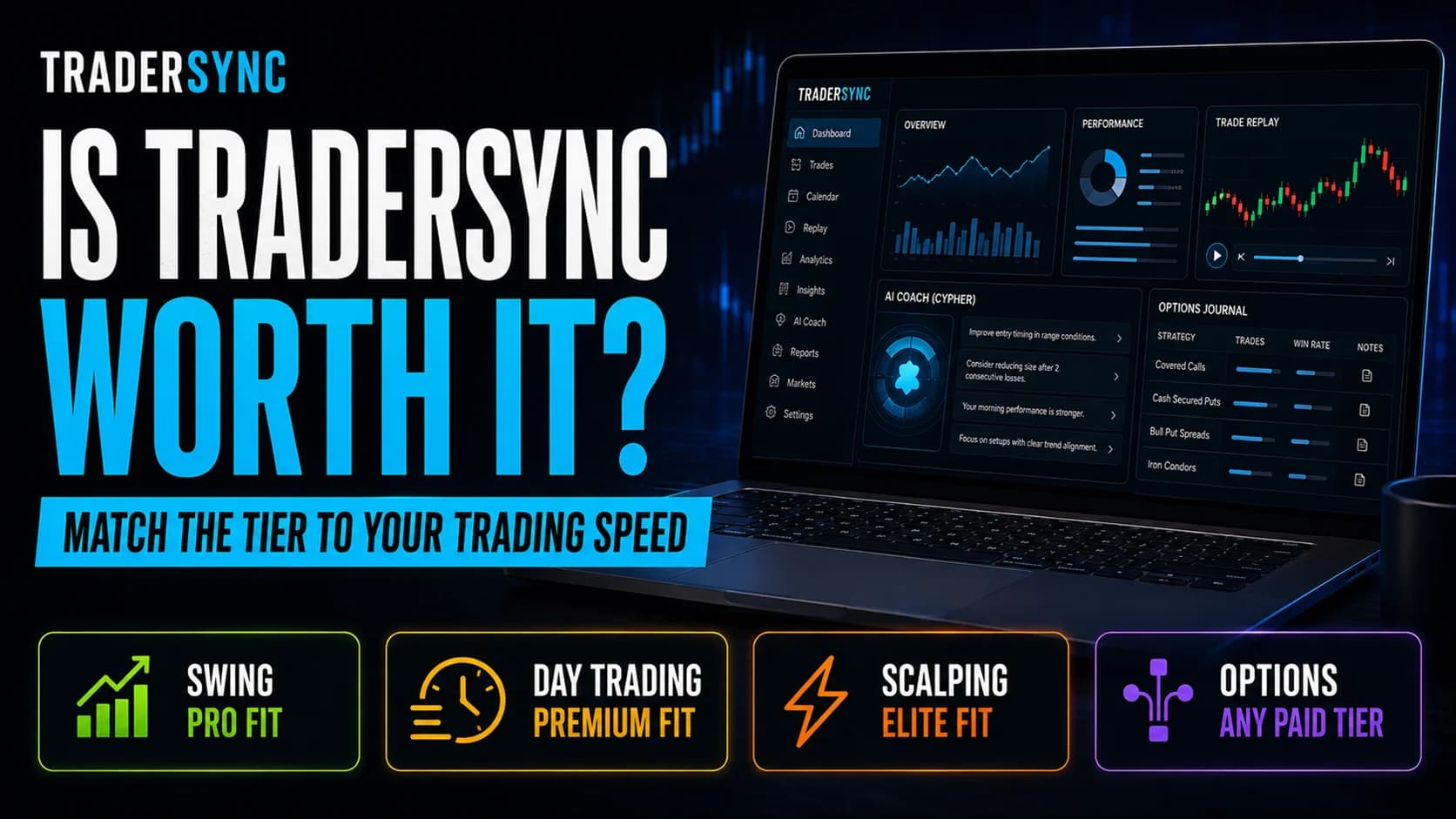
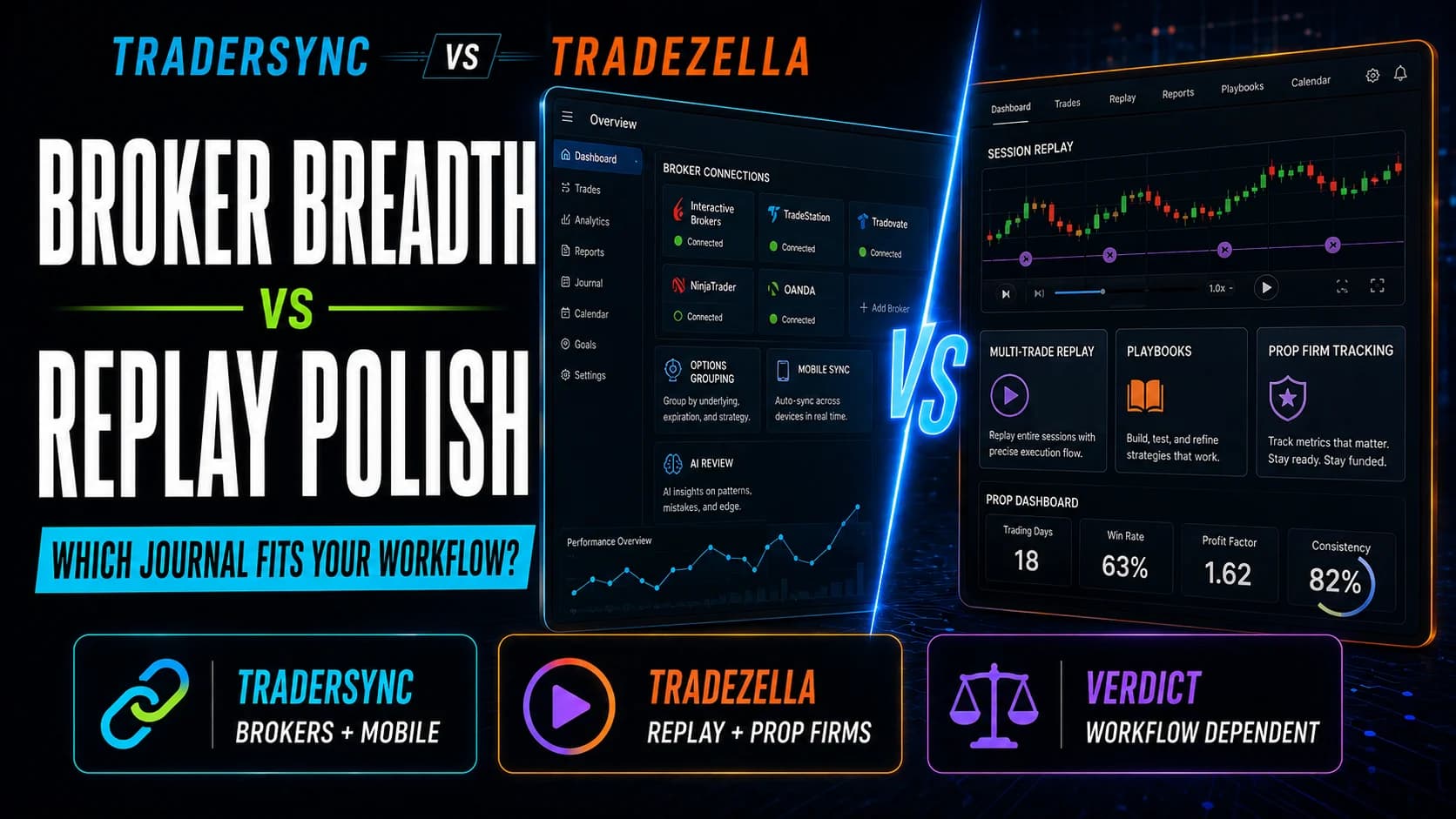
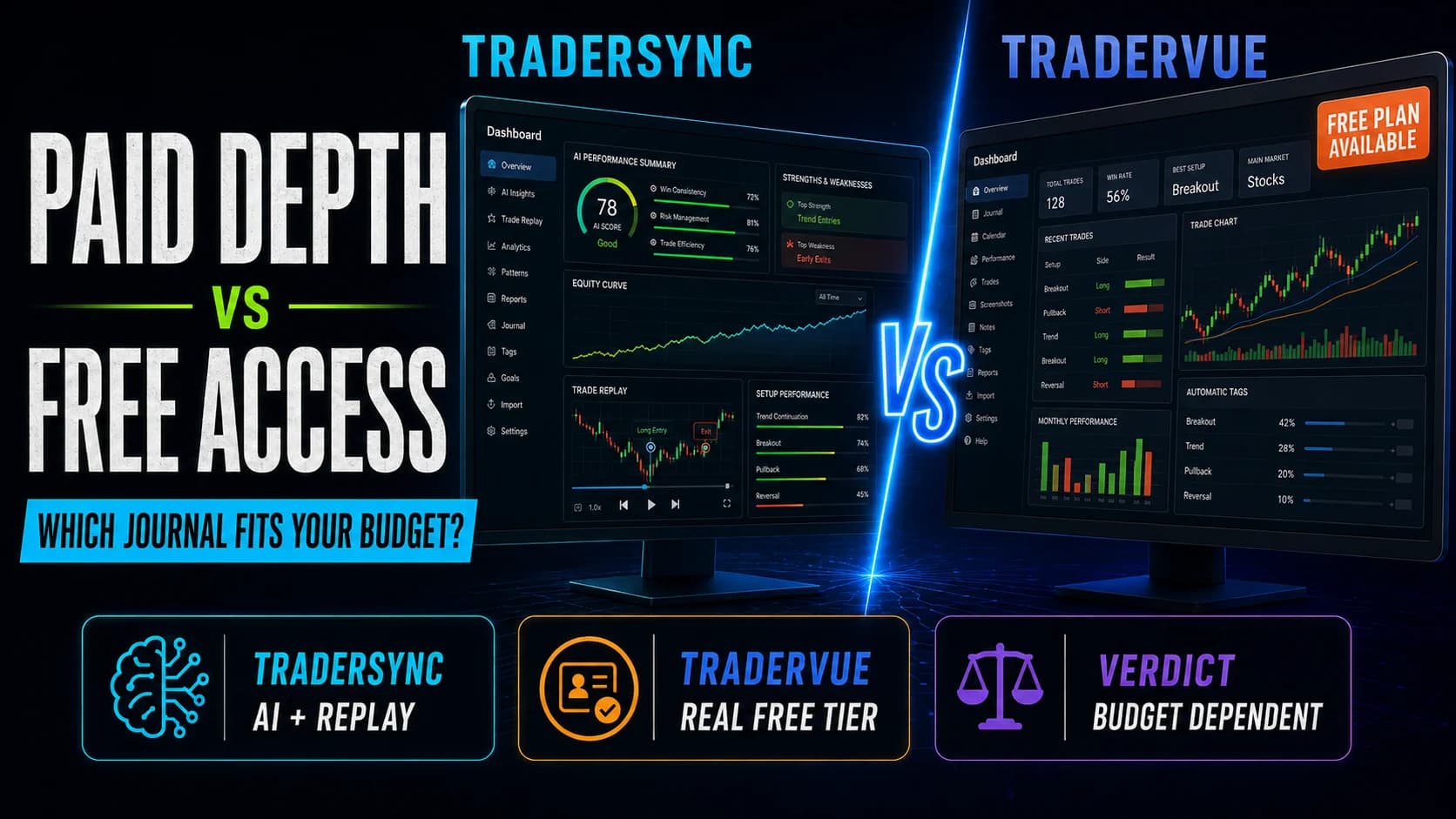
For traders evaluating journal alternatives, see our head-to-head breakdowns of TraderSync vs. TradeZella, TraderSync vs. Tradervue, and TraderSync vs. Edgewonk. TraderSync sits at or near the top of most rankings for all-around capability, with TradeZella and Edgewonk being the most commonly evaluated alternatives depending on whether replay depth or lower long-term cost is the priority.
Best-in-Class Broker Support, Strong Analytics — Price Scales Steeply
TraderSync is the strongest all-around trading journal for active equity traders who need broad broker compatibility, automatic options spread detection, and replay built into the same platform as their analytics. The Pro tier at $29.95/month is genuinely good value for most stock and options day traders. The upgrade path to Elite for scalpers and tape readers is logical but expensive at $834/year, and the subscription model means you're paying every year for features that one-time-payment alternatives cover at lower long-term cost.
Active day traders and swing traders using mainstream or niche brokers who want analytics, AI coaching, and trade replay in a single platform — and who trade primarily U.S. equities where the full feature set applies.
TraderSync FAQs
Is TraderSync worth it for active day traders?
The Pro tier at $29.95/month covers the analytics depth most day traders actually use day to day: setup performance breakdowns, time-of-day analysis, expectancy, and the Strategy Checker for rule compliance. The 7-day free trial without a credit card makes it easy to evaluate whether the platform fits your workflow before committing. The case weakens for scalpers who need Elite-tier replay resolution, where the annual cost climbs to $834.
Key Takeaway: TraderSync is well worth trialing on Pro — evaluate the analytics fit in the first week before deciding whether to upgrade.
What are TraderSync's pricing plans in 2026?
Annual billing reduces effective costs to roughly $26/month for Pro, $43/month for Premium, and $70/month for Elite. There's also a free Basic plan that requires posting trades to Twitter/X as an ad exchange — not a useful option for most traders. The 7-day free trial on each paid plan requires no credit card, which is the practical way to evaluate the platform before committing.
Key Takeaway: Most traders will find Pro sufficient for core journaling needs; upgrade to Premium if Cypher AI and 1-second replay are priorities, Elite if you're a scalper who needs 250ms precision.
Does TraderSync work with my broker?
Autosync (direct API connection) is available for most major platforms: Interactive Brokers, TradeStation, TD Ameritrade, NinjaTrader, Webull, Tastytrade, Robinhood, and others. For platforms not supporting autosync, CSV file upload is available. If you use an unusual platform that other journals don't support, TraderSync is the most likely journal to have a solution.
Key Takeaway: With 700+ supported integrations, broker compatibility is TraderSync's single strongest differentiator — check the full compatibility list on their site before assuming your platform isn't covered.
What is Cypher AI and what can it actually do?
You can ask it data-specific questions — win rate by setup, average holding time on losing trades, best and worst days of the week — and receive data-driven answers. It also proactively flags patterns it detects: recurring losses at a specific time of day, setups with negative expectancy you might not have noticed. What Cypher can't do is read the emotional content of your trade notes or synthesize behavioral insights from your writing — its analysis is statistical, not psychological.
Key Takeaway: Cypher is a genuinely useful analytics assistant on Premium and Elite; the 5-message daily cap on Pro is too restrictive for regular use at that tier.
How does TraderSync's Trade Replay work?
The precision varies by plan: 1-minute candles on Pro, 1-second on Premium, 250 milliseconds on Elite. Level II and Time & Sales data during replay are Elite-only. For scalpers and tape readers, the Elite tier is the only one where replay resolution is fine-grained enough to be genuinely useful for studying intraday execution. For swing and daily traders, the Pro tier's 1-minute resolution is adequate.
Key Takeaway: Trade Replay is most useful for scalpers and intraday traders — and those traders need the Elite tier for the resolution and Level II data that makes replay meaningful.
What's the difference between TraderSync and Edgewonk?
Both platforms provide solid setup performance analytics, expectancy tracking, and rule compliance tools. The key trade-offs: Edgewonk costs less over a 2-3 year horizon if you don't need AI or replay features; TraderSync wins on broker integrations, mobile experience, and the Cypher AI for traders who use it regularly. The right choice depends on whether AI coaching and replay are features you'll actually use versus ones that sound appealing in a feature list.
Key Takeaway: Traders who want the lowest long-term cost for solid analytics should evaluate Edgewonk; traders who want AI coaching and replay integrated should evaluate TraderSync.
Does TraderSync support options trading?
Verticals, iron condors, straddles, strangles, and other multi-leg structures are identified and classified automatically from the broker import. P&L is calculated correctly at the strategy level rather than per leg. All plans support options; the main options-specific upgrade in higher tiers is the replay resolution and Cypher AI access for more detailed analysis of options trade performance.
Key Takeaway: Automatic multi-leg options detection is a genuine differentiator — options traders who've dealt with P&L calculation errors in other journals will notice the difference immediately.
Can I try TraderSync before paying?
The trial gives you access to the full features of whichever plan you select for 7 days, which is enough time to import a meaningful trade history and evaluate whether the analytics format works for your review process. No credit card is required to start, which removes the friction of having to cancel to avoid a charge.
Key Takeaway: Start the trial on Pro — it covers the core features most traders evaluate — and upgrade if you find yourself needing Cypher AI or higher replay resolution before the trial ends.
Is TraderSync good for beginners?
The platform is well-designed and the onboarding process is clear. Demo portfolio data lets new users experiment with the interface before importing a live trade history. But a trader who doesn't yet have a defined setup isn't going to get much from the Strategy Checker or the Playbook feature — those tools exist to improve execution of a defined process, not to help develop one from scratch.
Key Takeaway: Beginners can use TraderSync effectively once they have 2-3 defined setups and rules to track — start journaling early, but expect the analytics to become more meaningful as your trade history grows.
Does TraderSync work for futures and forex traders?
Futures and forex traders get the full performance analytics, setup tagging, Strategy Checker, and Cypher AI. What they don't get is the visual chart overlay showing their trades plotted on actual price charts — that feature is equities-only. For traders who rely heavily on chart review as part of their post-trade analysis, this is a meaningful gap. For traders who are more numbers-focused in their review process, the analytics available are comprehensive.
Key Takeaway: Futures and forex traders get strong analytics but lose the chart visualization layer — evaluate whether that trade-off fits your review style before committing.